How to plan a monthly AI photoshoot series without repeating yourself
Build a practical monthly portrait plan around finished projects, varied pose choices, reusable notes, and a realistic review process for each new series.
Written by
AI Pose Refs Team
Practical guides to choosing pose references, planning portrait series, and using references in your own AI image workflow.
A useful monthly photoshoot plan starts with what you intend to finish. Decide whether the outcome is a portfolio set, a short tutorial, or a sequence of character portraits. Then choose a theme and enough references to complete that outcome.
You do not need a new library of poses every month. You need a record of what you have already used, an idea worth exploring next, and time to review the images. A calendar built around those three things is easier to maintain than a long list of seasonal themes.
Define the finished object
Write one sentence before collecting inspiration. For example: “Finish six portraits of one original adult character in a quiet studio setting, with a contact sheet and brief process notes.” This is a proposed project scope, not a requirement that every series contain six images.
The sentence tells you what to stop adding. A second character, another location, and several wardrobe changes may each be appealing, but they also create more continuity decisions. Put them in a later-project list unless they help the current outcome.
Use the six-shot series workflow when you want a defined sequence. If you prefer a smaller project, keep its method and reduce the number of shots. Finishing three distinct compositions can teach you more than leaving a much larger set unresolved.
Record the intended presentation too. Portrait images for a carousel need a different sequence from individual study images in a notebook. That decision affects the crop, the opening image, and the amount of explanatory text you will need.
Give each month one visual question
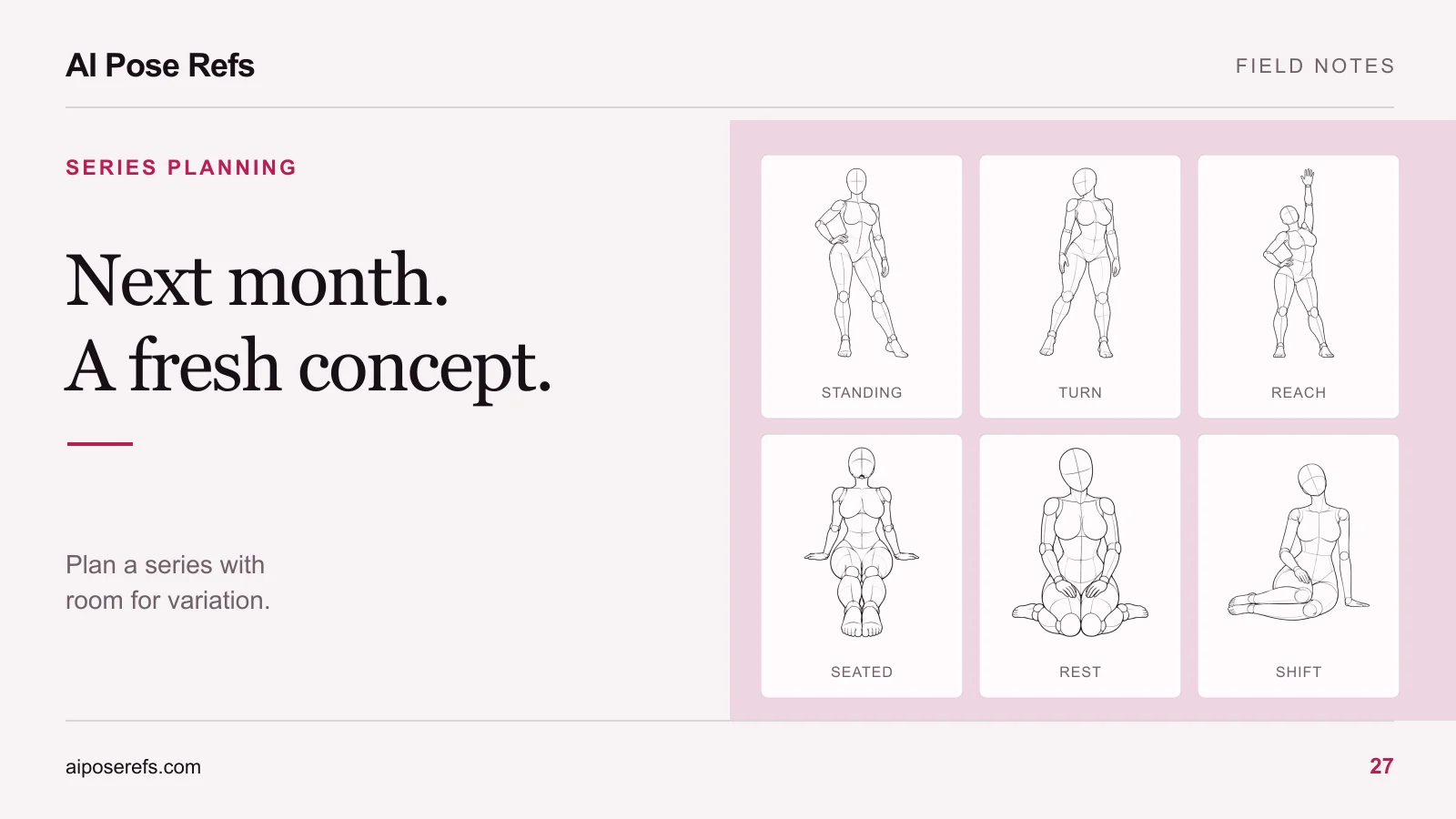
A theme supplies context; a visual question gives you something to investigate. “Winter portraits” is broad. “Can I make a coherent set with one seated pose family and two camera distances?” suggests a manageable experiment.
This example calendar is a planning template, not a promise about the time a project will take:
| Project | Visual question | Shared brief | Finished output |
|---|---|---|---|
| Month 1 | How much variety can a standing silhouette provide? | One character, tailored editorial brief, plain studio | Small portrait set and pose notes |
| Month 2 | How does a lower seated composition change the mood? | Same character, different opaque outfit, window light | Seated set with an angle comparison |
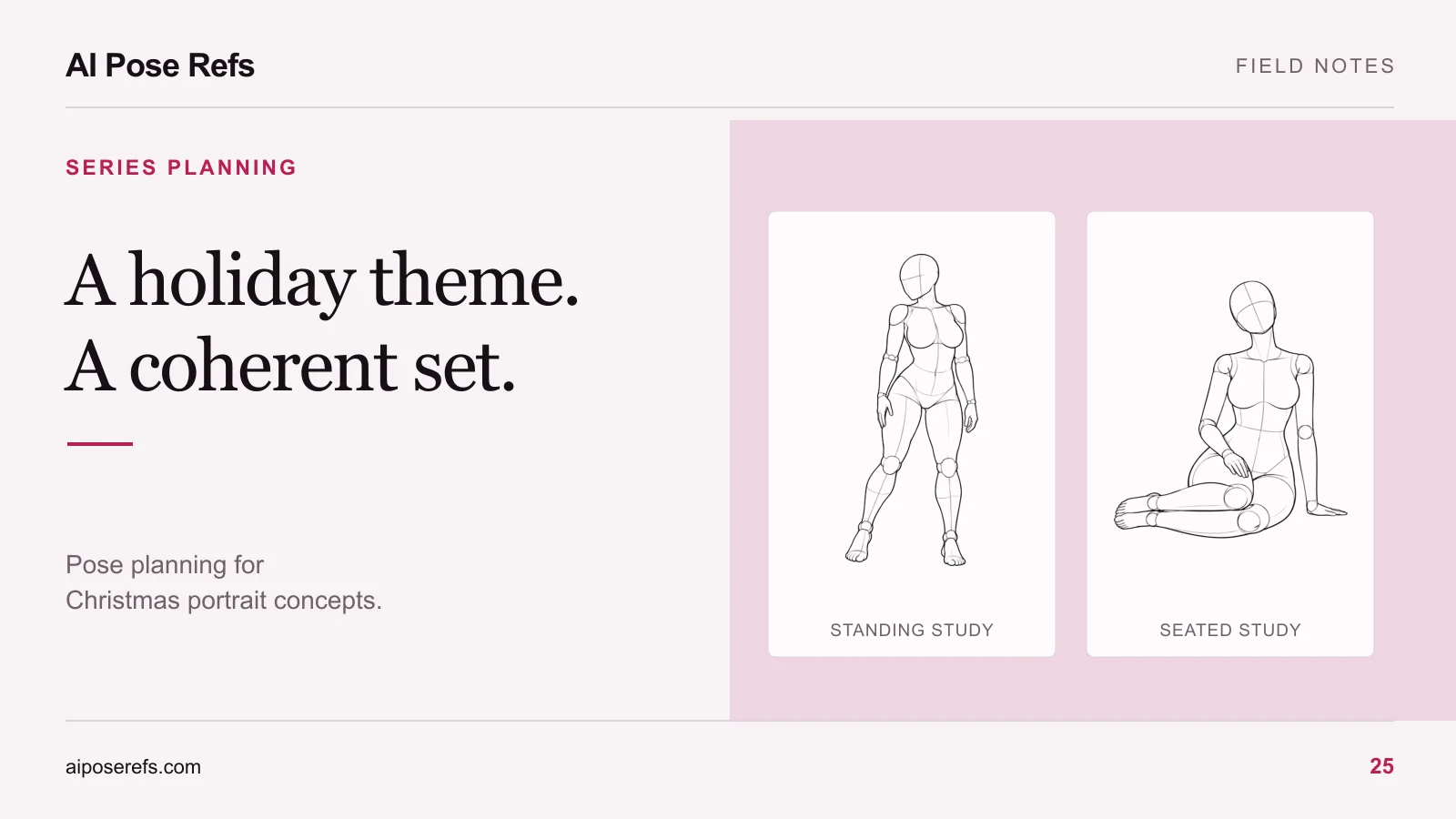
| Month 3 | Can a seasonal setting remain visually restrained? | One Christmas portrait palette and a few props | Themed set with a contact sheet |
Do not choose a new question just because another month has arrived. If the earlier set is almost finished, the next block of work may be editing and presentation. A publishing rhythm should accommodate completion.
You can replace a seasonal row with an outdoor concept. The beach portrait plan introduces horizon placement and sand contact as different composition problems to study.
Track repetition at the level of the image
Keep a simple log beside the calendar. For each selected result, note the pose family, camera view, crop, hand placement, light direction, and setting. These observations reveal repetition that broad theme names hide.
For example, a beach set and a studio set may both rely on front-view standing images with a hand on the hip. The backgrounds differ, but the compositions may still feel similar. The next project could explore seated poses or closer framing before you search for another location.
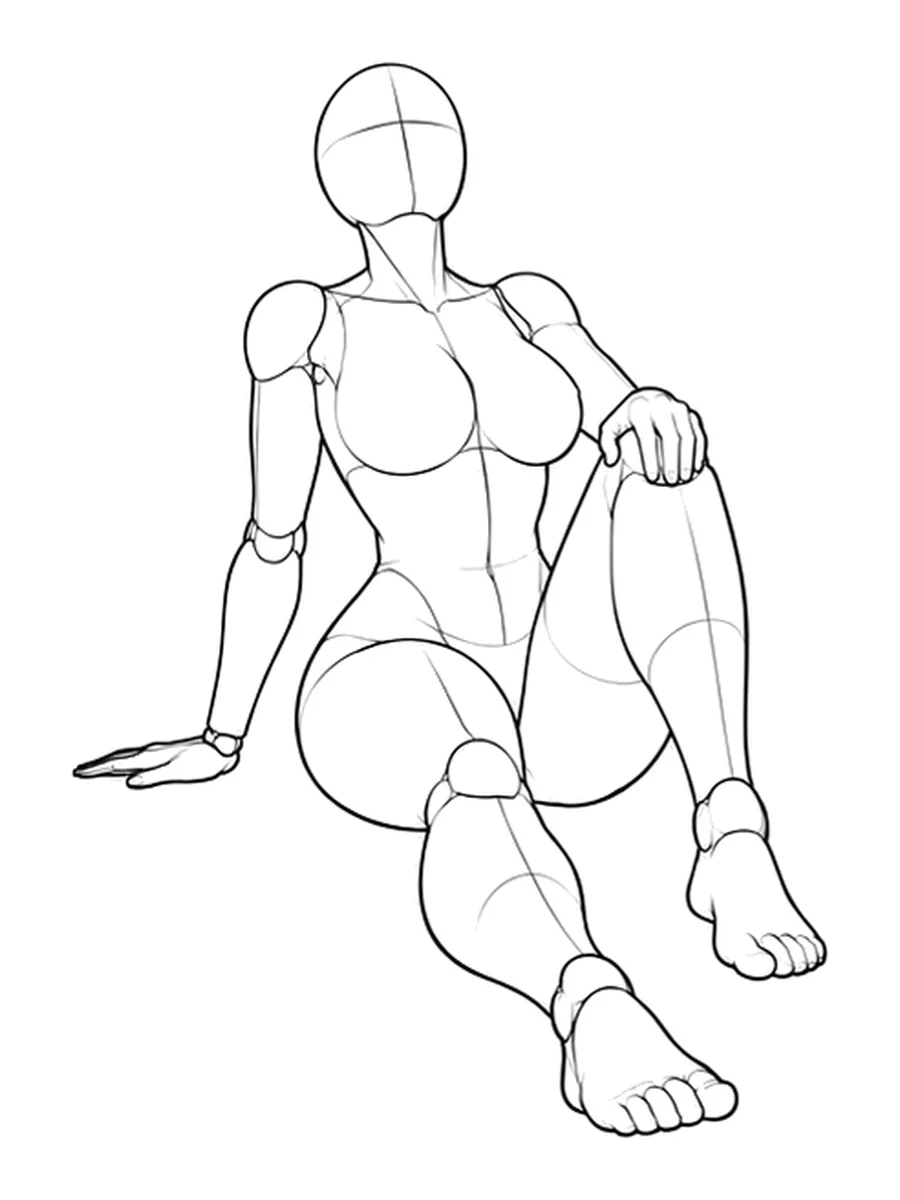
Open the seated reference and its available views to compare its silhouette with the poses you used last time. You are looking for a meaningful change in the composition, not a new file name. The pose-ideas guide can help you shortlist alternatives without collecting an unmanageable number.
Reserve time for review and finishing
Divide the available work sessions by task. One possible schedule is a session for the brief and reference selection, a session for representative attempts, a session for the remaining shots, and a final session for review and presentation. Adjust the number and length of sessions to your own pace.
Protect the final session. It is where you compare the whole set, correct obvious inconsistencies, choose the final images, and write captions. Using all the available time to generate more candidates leaves you with a folder rather than a finished series.
Set a decision point after the first representative attempts. If the chosen pose is repeatedly misread, simplify it or pick another reference before preparing every prompt. If the character changes too much between images, work through the consistency checks before increasing the shot count.
Reuse the parts that worked
At the end of a project, save the complete prompts, reference links, actual tool and model details, and selected results together. Separate a shared character brief from the pose instructions in your notes, while keeping each final prompt complete enough to use independently.
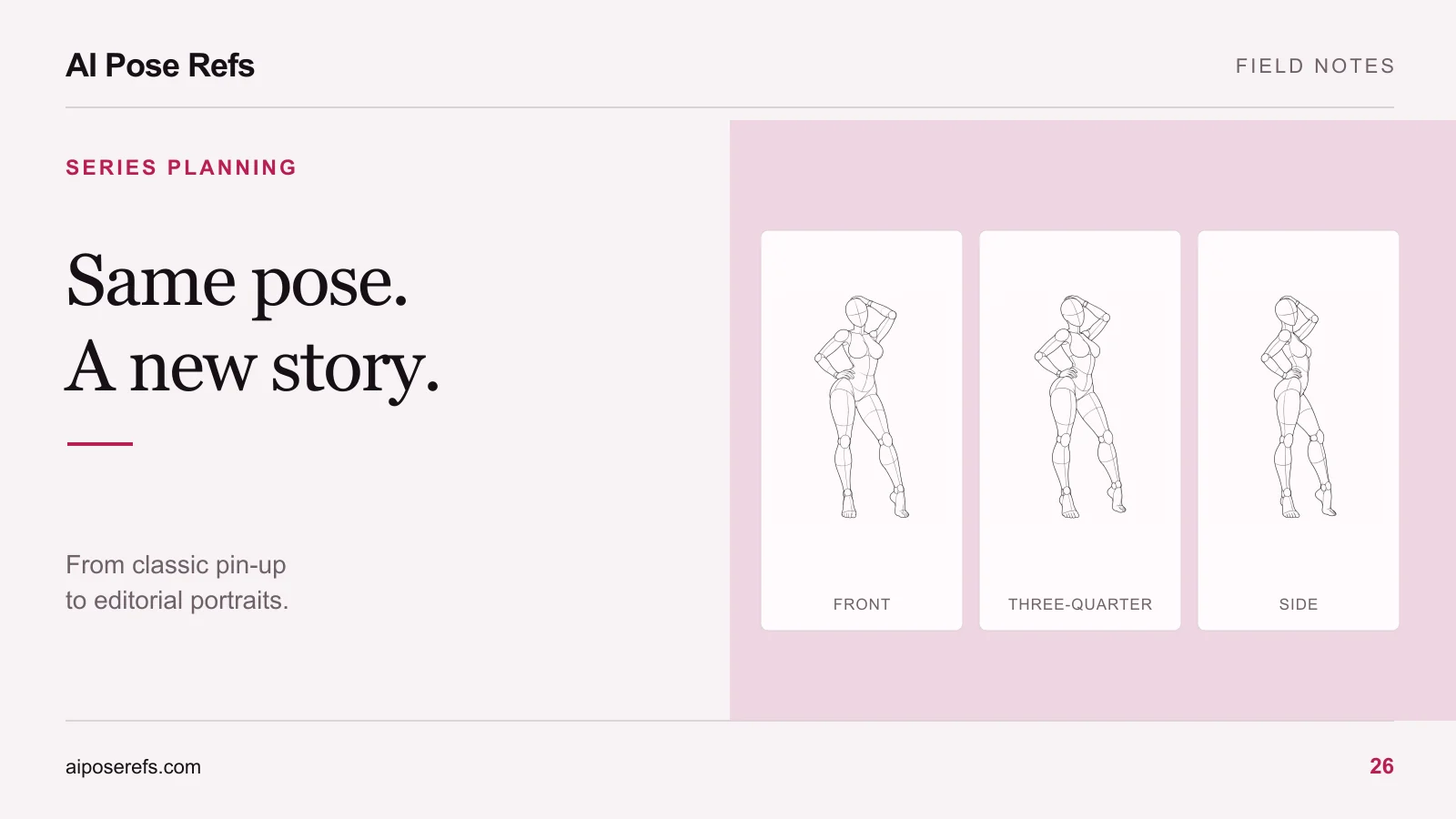
Write a short handoff to your future self: what worked, what remained difficult, and what you would try next. “Side view lost the far hand; use the three-quarter reference next time” is more useful than a vague reminder to improve anatomy. The unfinished-project guide gives a more detailed structure for restarting later.
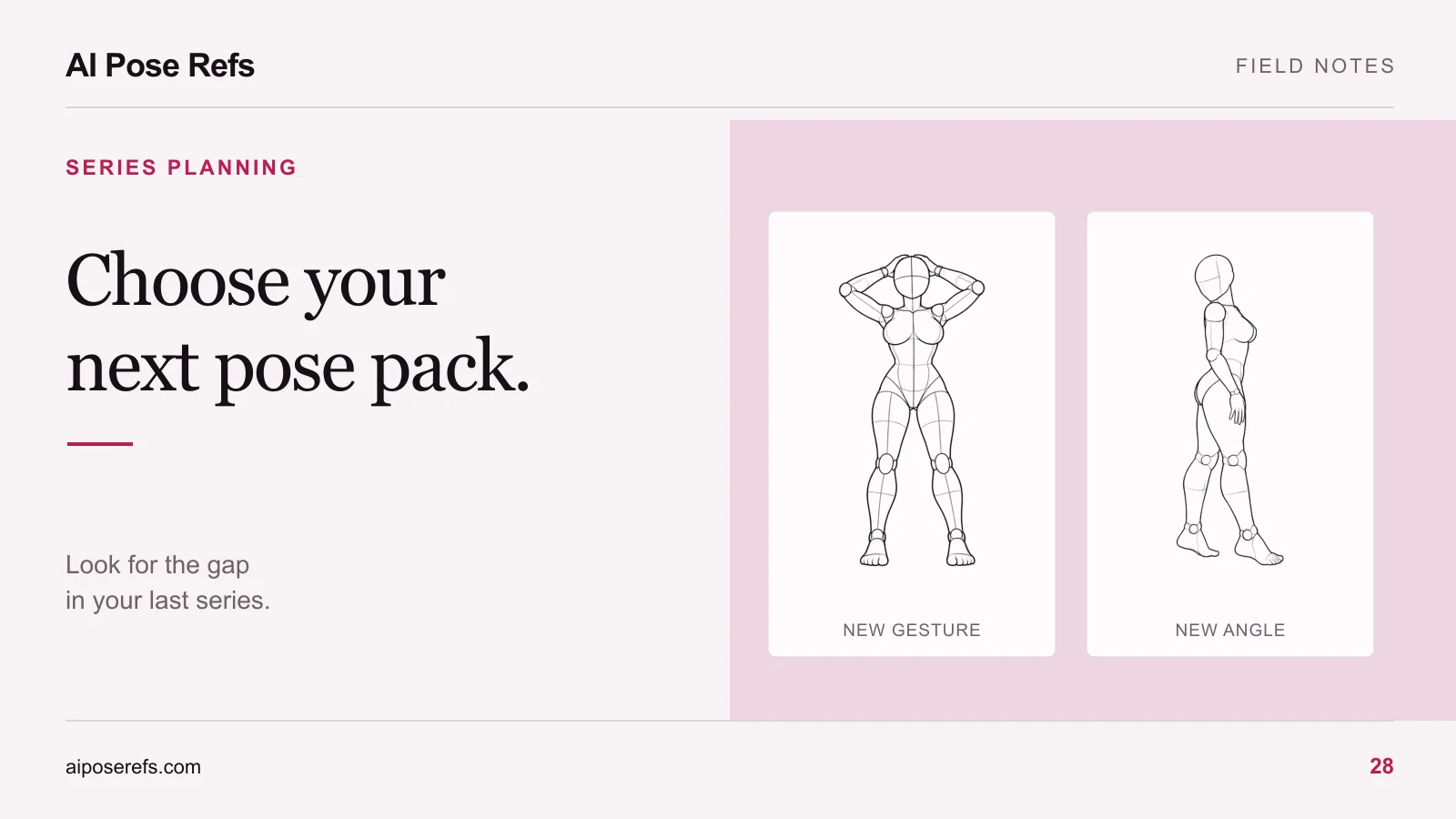
Review those notes before buying more resources. A missing pose family may justify a new pack; unclear prompts or an unfinished review process may not. Use the next-pack checklist to distinguish those cases.
For the next month, choose a visual question and open the gallery with that question in mind. Save a small shortlist, write the shared brief, and put the finishing session on the calendar before adding another theme.
Related posts
Find pose ideas, plan portrait series, and use references in your own AI image workflow.