How to choose your next pose pack after finishing one series
Audit your completed portrait series, compare new packs with references you already have, and choose the resources that solve a specific creative gap.
Written by
AI Pose Refs Team
Practical guides to choosing pose references, planning portrait series, and using references in your own AI image workflow.
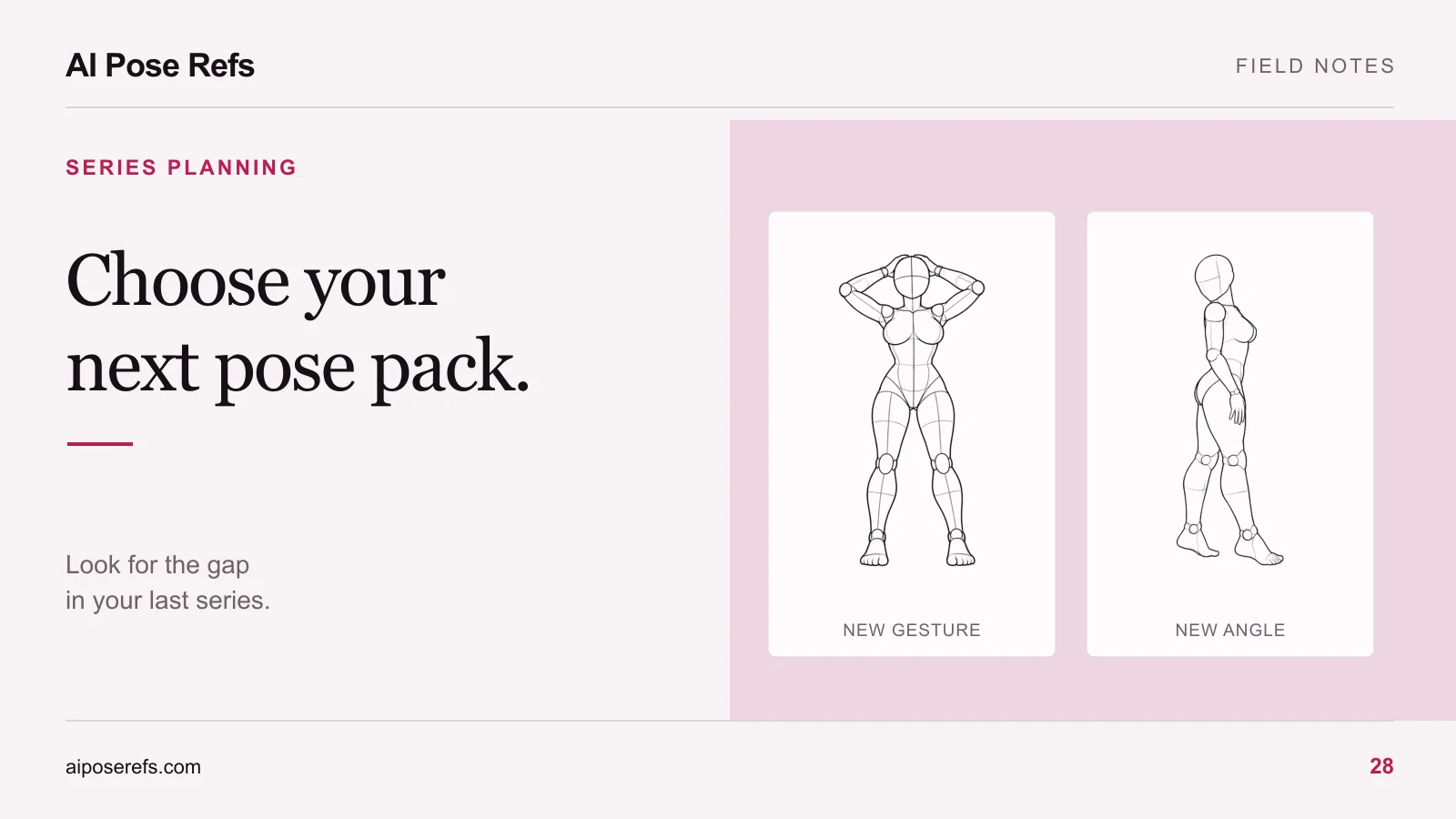
The most useful time to choose another pose pack is after you have reviewed the series you just finished. You can then name what was missing: a side view, more varied seated poses, clearer hand placement, or a set of instructions that would reduce preparation work.
A large collection is not automatically the right next purchase. Compare what a candidate pack adds to the project you actually want to make, including the references you already have. This is a general buying method; it does not describe a current AI Pose Refs store or membership offer.
Audit the finished set before browsing
Place the final images next to one another. Review the compositions before revisiting your rejected attempts. The selected set shows the choices you actually relied on, which may differ from the ambitious shot list you started with.
Write down a few concrete observations:
- Which pose families appear repeatedly?
- Which camera angles are missing?
- Did hands or overlapping limbs restrict your choices?
- Did you finish every planned shot, or replace difficult ones with similar compositions?
- Which preparation task took more effort than you wanted to repeat?
Separate visual gaps from workflow gaps. “The set lacks a profile image” may call for another view. “I kept losing the complete prompt” calls for better project notes. More source images will not necessarily solve the second problem.
If the project remains unfinished, use the restart checklist first. Shopping while the problem is still vague makes it easy to buy around the difficulty instead of identifying it.
Check the references you already have
Reopen the source pages for poses used in the finished set. A different available angle may answer the next brief without requiring another collection. Also inspect saved or downloaded references that never reached the final shot list.
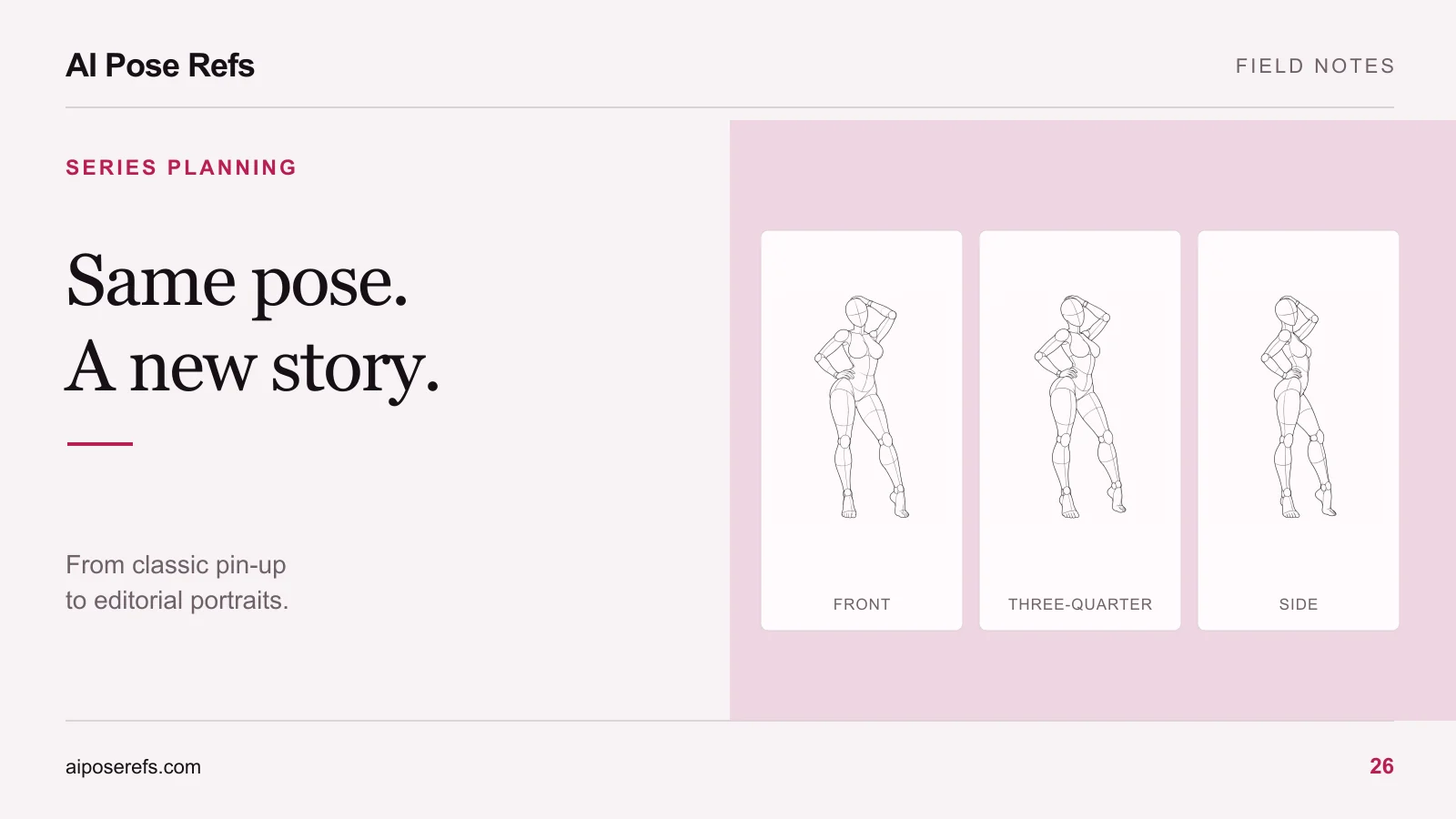
The front and side views of this standing pose offer different information about the same body position. A new project that needs a profile silhouette may benefit from reviewing the side view before looking for a new pose.
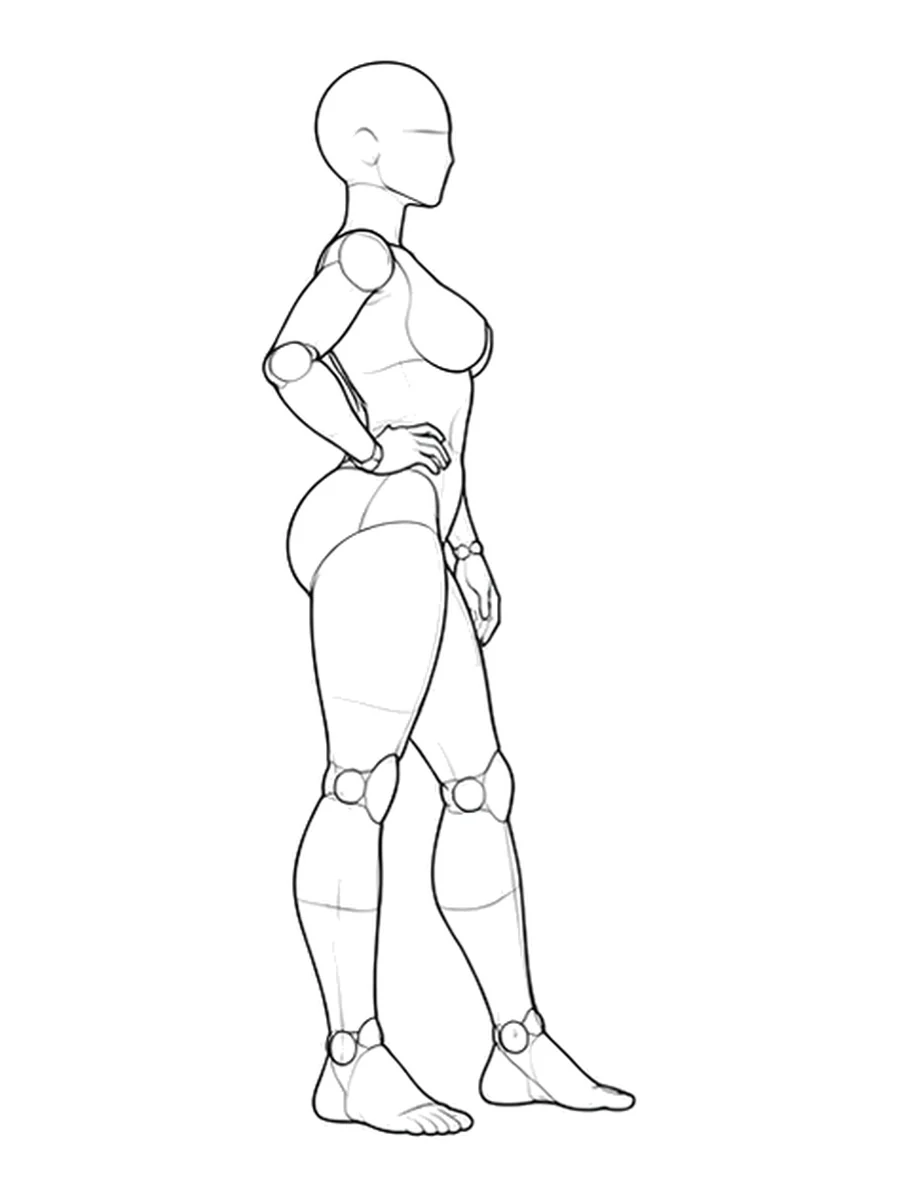
Keep the distinction between pose variety and angle variety visible in your notes. Ten images of one pose from different views can serve a different purpose from ten unrelated front-view poses. The angle-selection guide helps you decide which kind of variety your next shot needs.
Write the next shot list in plain language
Describe what you want before opening product pages. For example: “One standing profile, two supported seated compositions, and a close portrait with a clear hand near the face.” This gives you a compact comparison against a pack's preview.
Record which items are already covered. A simple table is enough:
| Planned need | Existing resource | What a new resource must add |
|---|---|---|
| Standing profile | Side view of a saved pose | Nothing unless the silhouette is unsuitable |
| Supported seated image | Floor-seated study | A reference matching the intended chair support |
| Hand near the face | Unclear small preview | Visible finger placement and a useful camera angle |
| Faster project setup | Scattered notes | Clear image-and-prompt pairing with usable instructions |
These are example needs, not claims about a particular pack. Replace them with your own. A resource that adds nothing in the final column can wait, even when its preview looks attractive.
Compare samples, not just the total image count
For each candidate, look for a preview broad enough to show the actual pose range. Check whether the seller counts alternate views, crops, or repeated images separately. The answer does not make a product good or bad; it tells you what the headline number represents.
Inspect a sample at its supplied size when one is available. Can you see the hand or support point that matters to your shot? Do the instructions explain how an image and its prompt belong together? Is a styled result labeled with the tool used to create it?
The sample and preview checklist covers this evidence in more detail. If a pack depends on a particular workflow, also check tool compatibility before treating its example output as relevant to your setup.
Choose the purchase format from the next few projects
A single pack may fit a specific next series. Broader access may be useful when several planned projects need different collections and you expect to use them while access is active. Base the comparison on your written project list, not a hypothetical future in which you use everything.
Read the published terms for downloads, access after expiry, updates, and permitted use. “Permanent access,” “future updates,” and “commercial use” describe different things, and none should be inferred from the others. Keep the seller's actual terms with your purchase records.
Include separate image-generation expenses in your comparison. A resource pack may help prepare inputs without including the cost of producing images. The packs-versus-subscriptions guide explains how to compare these options without assuming that a subscription is always cheaper.
You can also decide to buy nothing yet. Start the next series with the usable views you already have, identify the first specific missing reference, and then return to the comparison. Browse the pose gallery with that missing shot in mind so your next resource has a clear job.
Related posts
Find pose ideas, plan portrait series, and use references in your own AI image workflow.