How to build a six-shot AI series from one portrait concept
Turn one portrait concept into a six-shot AI series with a shared character brief, distinct pose references, complete prompts, and a practical review process.
Written by
AI Pose Refs Team
Practical guides to choosing pose references, planning portrait series, and using references in your own AI image workflow.
One image can suggest a whole photoshoot, but making five more similar pictures is not the same as making a series. A useful series keeps its character and visual direction while giving each image a different purpose.
Start with one accepted portrait concept. Record what belongs to the whole set, then choose six compositions that develop it. The workflow below uses an original adult character in a linen suit and a simple studio setting. The prompts are planning examples, not a claim that a particular model will reproduce the same person automatically.
Extract the shared brief from the first image
Write down the decisions you want to retain before looking for another pose. “Same mood” is too vague to check. “Warm gray background, soft light from camera left, cream linen suit, relaxed expression” gives you something concrete.
Record the character's appearance, clothing, setting, light direction, color treatment, and intended aspect ratio. Keep the tool and model version with this brief, along with any reference inputs and settings that produced the accepted starting image.
Separate these shared details from the first shot's pose. A hand on the hip belongs to that shot. The suit and character description belong to the whole set. This separation makes it easier to change the gesture without accidentally replacing the outfit or lighting.
If the first picture is only a visual inspiration rather than your own accepted result, label it accordingly. A concept image is not evidence that your chosen tool can reproduce its appearance.
Give all six shots a reason to exist
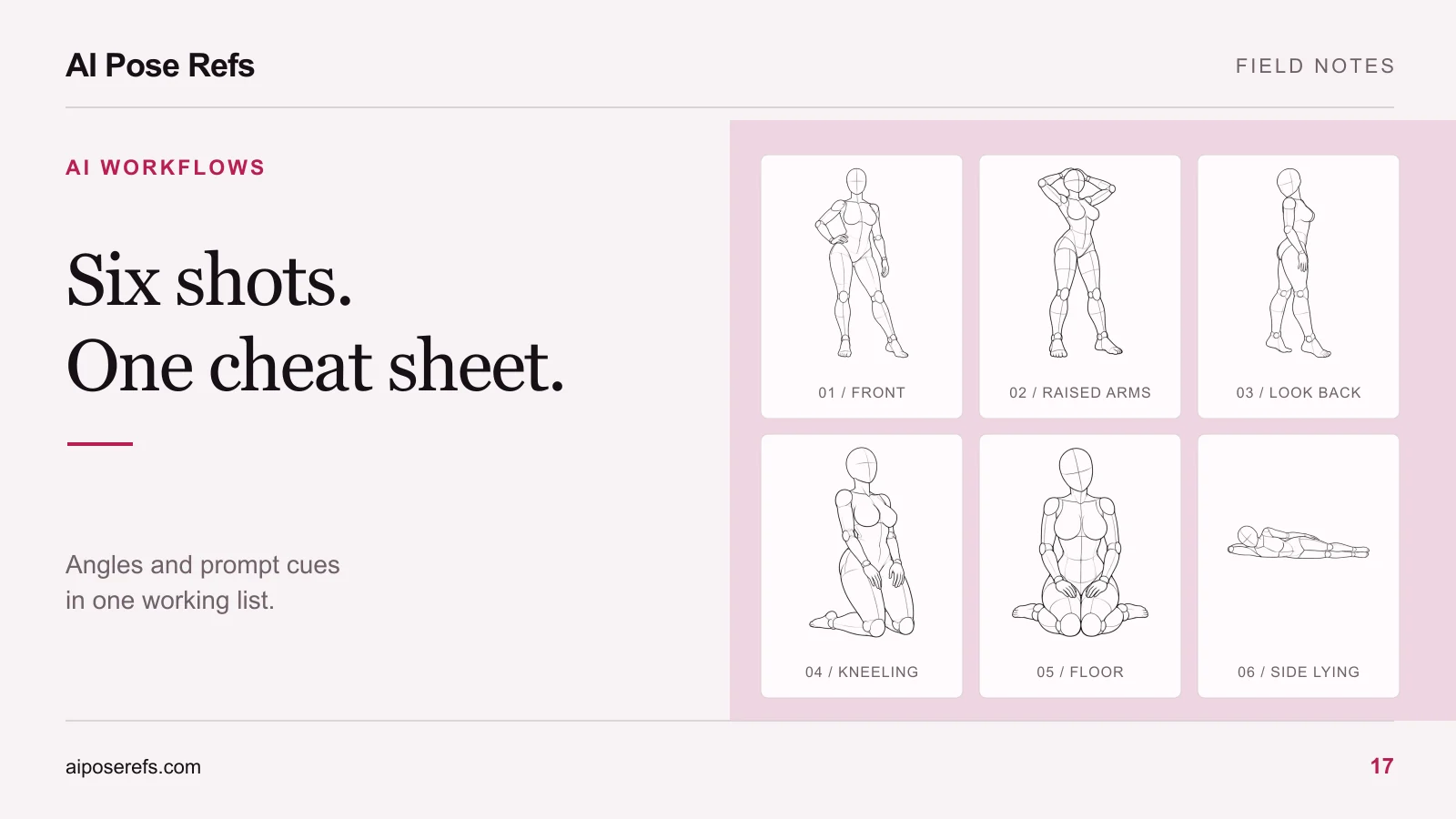
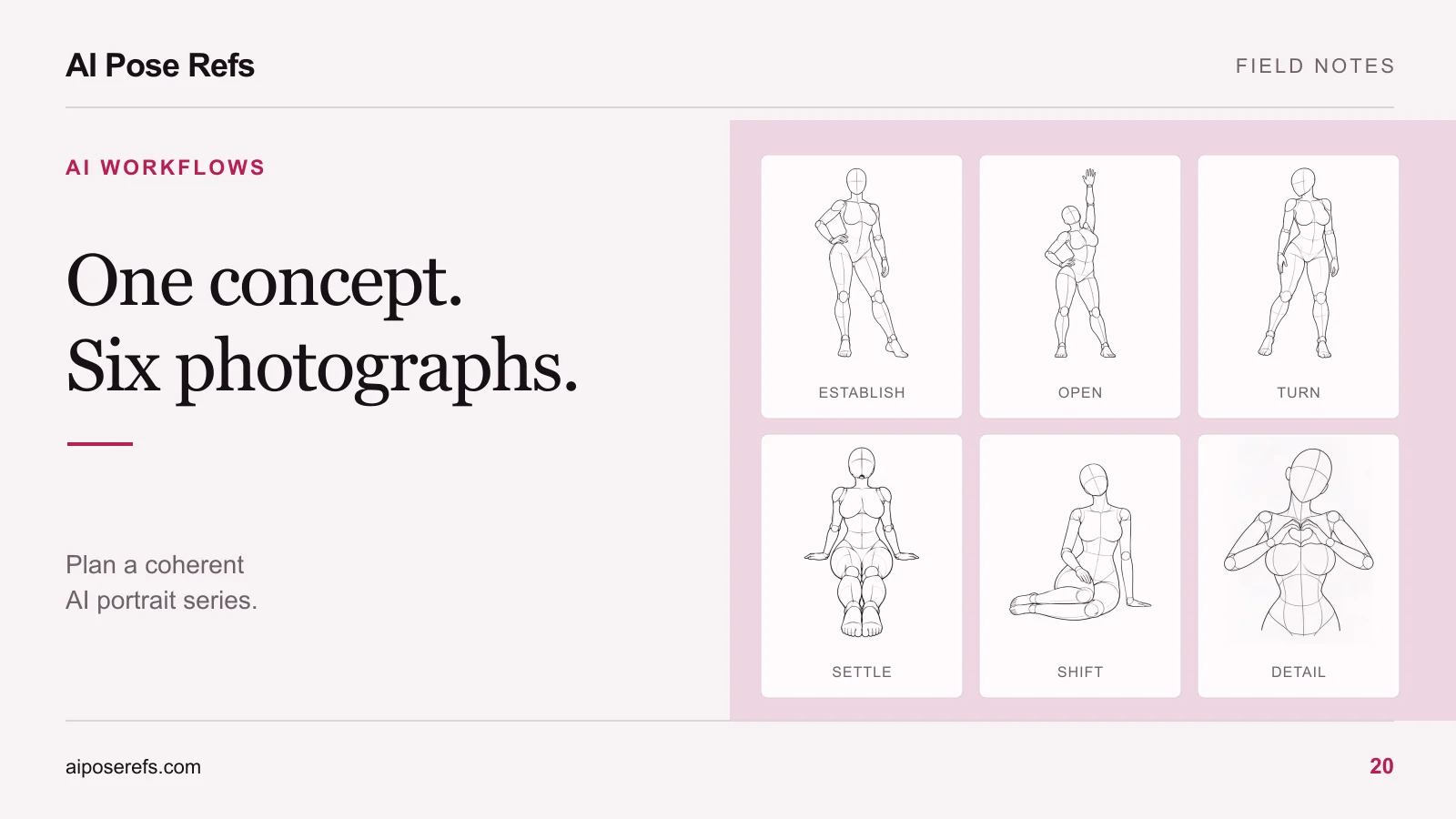
Use a small sequence with different framing and body language. The following is an example of editorial planning, not a required formula:
| Shot | Purpose | Starting reference | Composition decision |
|---|---|---|---|
| 01 | Introduce the character and outfit | Hand on hip | Full body, front view |
| 02 | Change the line of the body | Looking over the shoulder | Three-quarter view |
| 03 | Bring attention to face and arms | Both hands in hair | Waist-up crop |
| 04 | Lower the energy | Seated with hands behind | Seated full body |
| 05 | Add an asymmetrical composition | Side sitting | Wider space beside the figure |
| 06 | Close with a quieter frame | Chin in hand | Closer seated portrait |
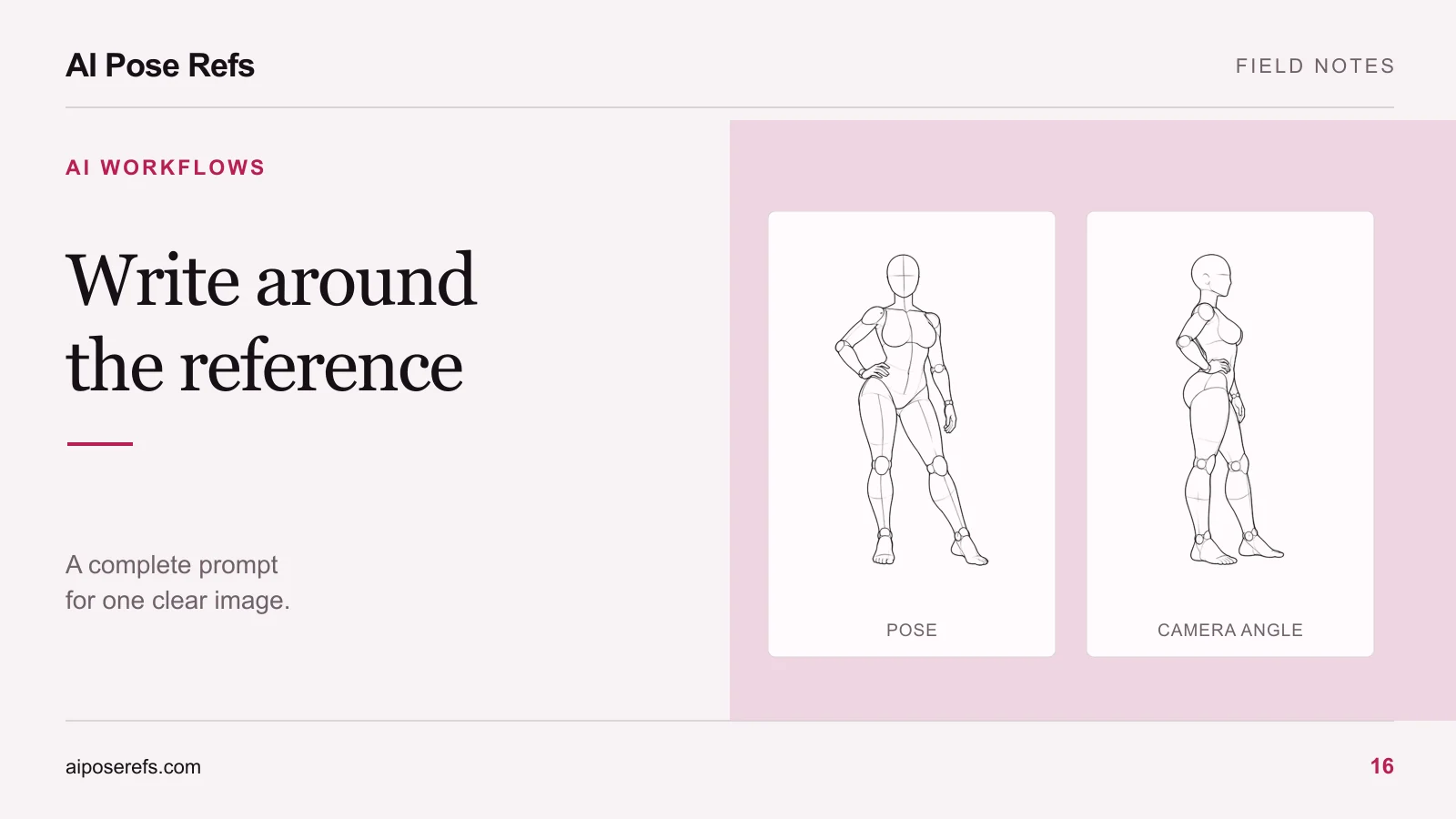
Review the actual views before adopting a crop. A gesture that works at full length may lose its meaning if the supporting hand or bent knee falls outside the frame. The reference angle guide helps make that choice.
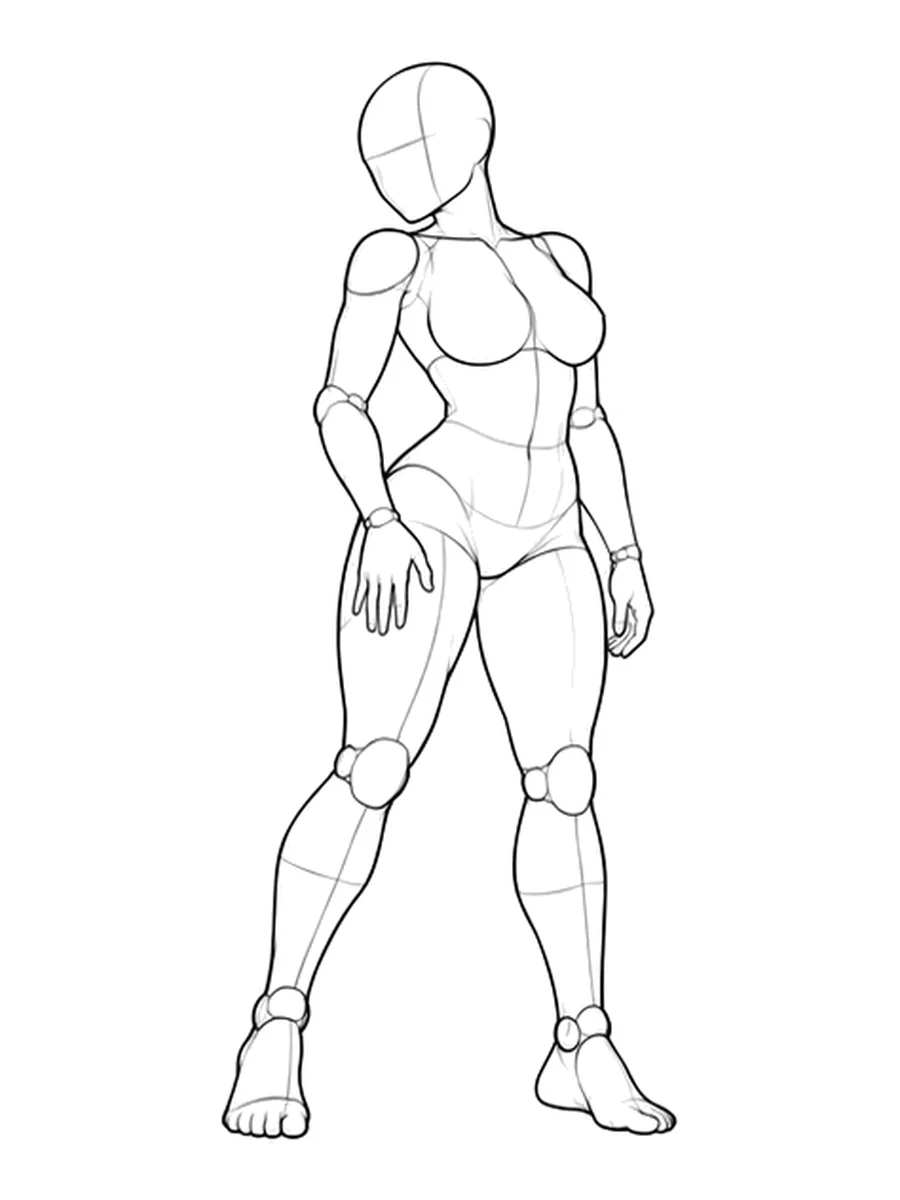
Prepare a complete prompt for each shot
Keep a shared brief in your project notes, but give your image tool a complete prompt each time. A note that says “same as before, now sitting” can become ambiguous when it is reused in another session or copied without the earlier context.
A simple working document can contain a repeated shared block followed by the shot-specific details:
Adult fictional character with short wavy brown hair, an oval face, and a cream linen trouser suit. Warm gray studio backdrop, soft light from camera left, restrained natural colors. Seated with both hands supporting the body from behind, legs comfortably arranged as in the selected reference. Full-body portrait with visible contact points and space around the feet.
For the next shot, keep the character and styling language and replace the pose, crop, and angle. Attach the corresponding reference file. Confirm that an old image is not still assigned to the input.
The reference-based prompt guide explains how to turn these blocks into readable prompts without piling up contradictory instructions.
Finish one shot before multiplying attempts
Work through the set in order, keeping the accepted first image visible during review. Generate a small number of attempts for the current shot, choose the one closest to its brief, and write down the remaining problem.
That problem should be specific: “outfit changed to a jacket with different lapels” or “supporting palm is not touching the floor.” Do not rewrite the whole visual brief to repair a single hand. Use the hand and limb correction workflow when the fault is local.
Keep rejected attempts only when they teach you something useful. A comparison showing the effect of one changed instruction is worth retaining. A folder of unlabeled variations is difficult to learn from later.
Review the contact sheet as a series
Arrange your six chosen results at the same display size. Check whether they appear to depict the same character, whether the outfit and light remain coherent, and whether two shots repeat the same composition.
Then look at each image at a larger size. A good contact sheet can hide a malformed hand or a floating foot. Conversely, six individually attractive pictures may still need one replacement because the overall sequence feels repetitive.
Record which differences are intentional. The change from full body to waist-up is a composition choice. A different hair length is usually an identity problem. For that review, use the same-character checklist.
Save the final prompts, reference links, and accepted images together. The set is ready when each picture fulfills its own brief and belongs with the others. Browse the gallery for the next missing gesture rather than adding images simply to increase the count.
Related posts
Find pose ideas, plan portrait series, and use references in your own AI image workflow.