Restart an unfinished AI photoshoot without rebuilding your setup
Save reference files, complete prompts, tool details, and shot status in a simple project folder so you can resume an unfinished AI photoshoot with context.
Written by
AI Pose Refs Team
Practical guides to choosing pose references, planning portrait series, and using references in your own AI image workflow.
The hardest part of restarting an unfinished AI photoshoot is often remembering what you already decided. Which portrait was accepted? Which angle did you upload? Was the fourth image unfinished because of its hand, or because the outfit had changed?
A small project folder with complete prompts and a specific next action can preserve that context. You can create it on your own computer or in storage you control. It does not depend on AI Pose Refs providing an account-based project workspace; saved poses on the site currently stay in the browser where you saved them.
Save the inputs, not only the pictures
Keep the accepted outputs, but also retain the materials needed to understand how you made them. That means reference source links, permitted local reference files, complete prompts, tool and model details, and the configuration you intentionally used.
Record source information even when you download a reference. A filename can tell you which image you used, but a source link helps you return to its other angles and usage information.
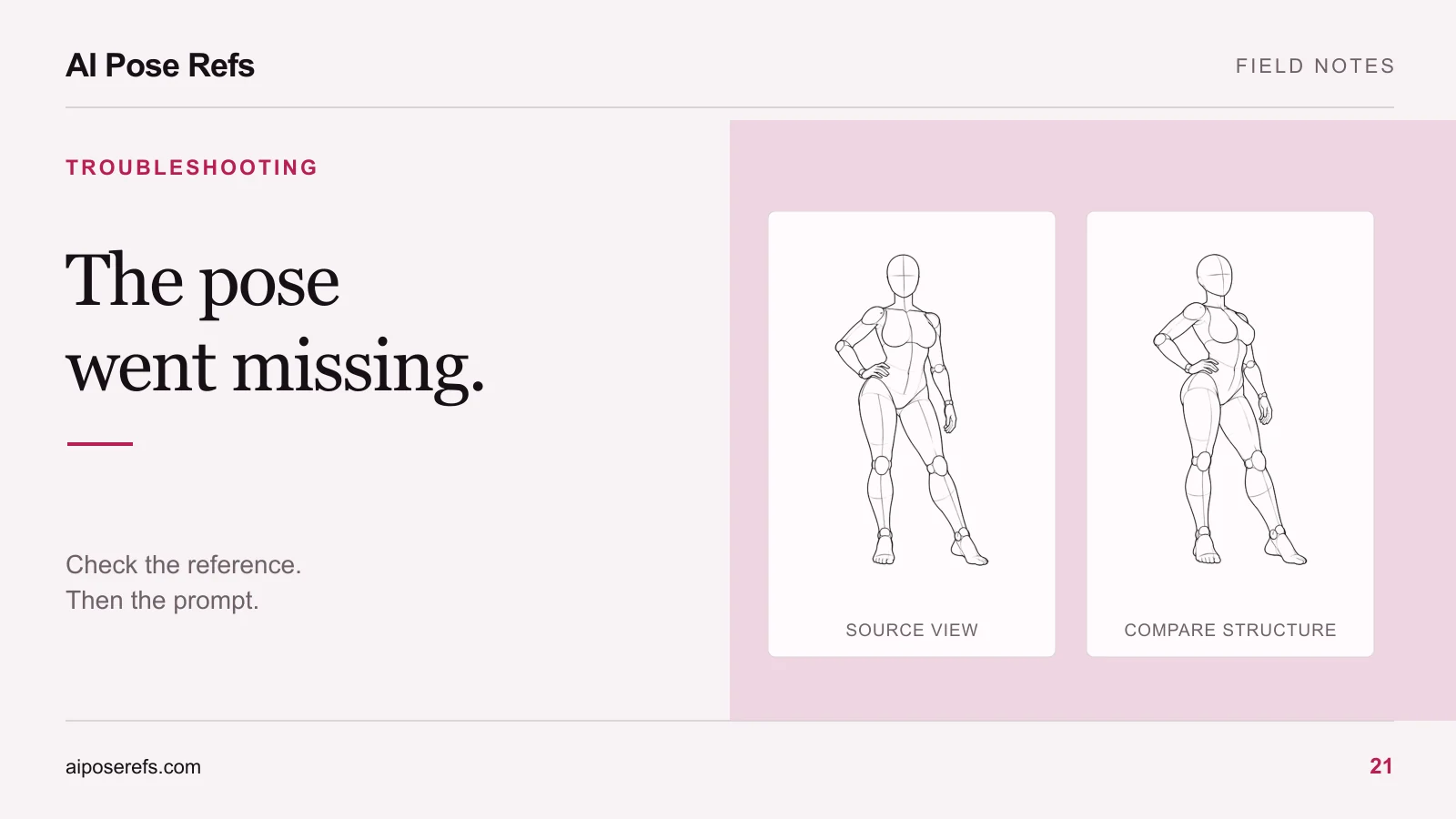
For example, if you used the hand-on-hip standing pose, save both its detail-page link and the chosen angle. “Standing reference” is too vague when you return to a folder containing several standing figures.
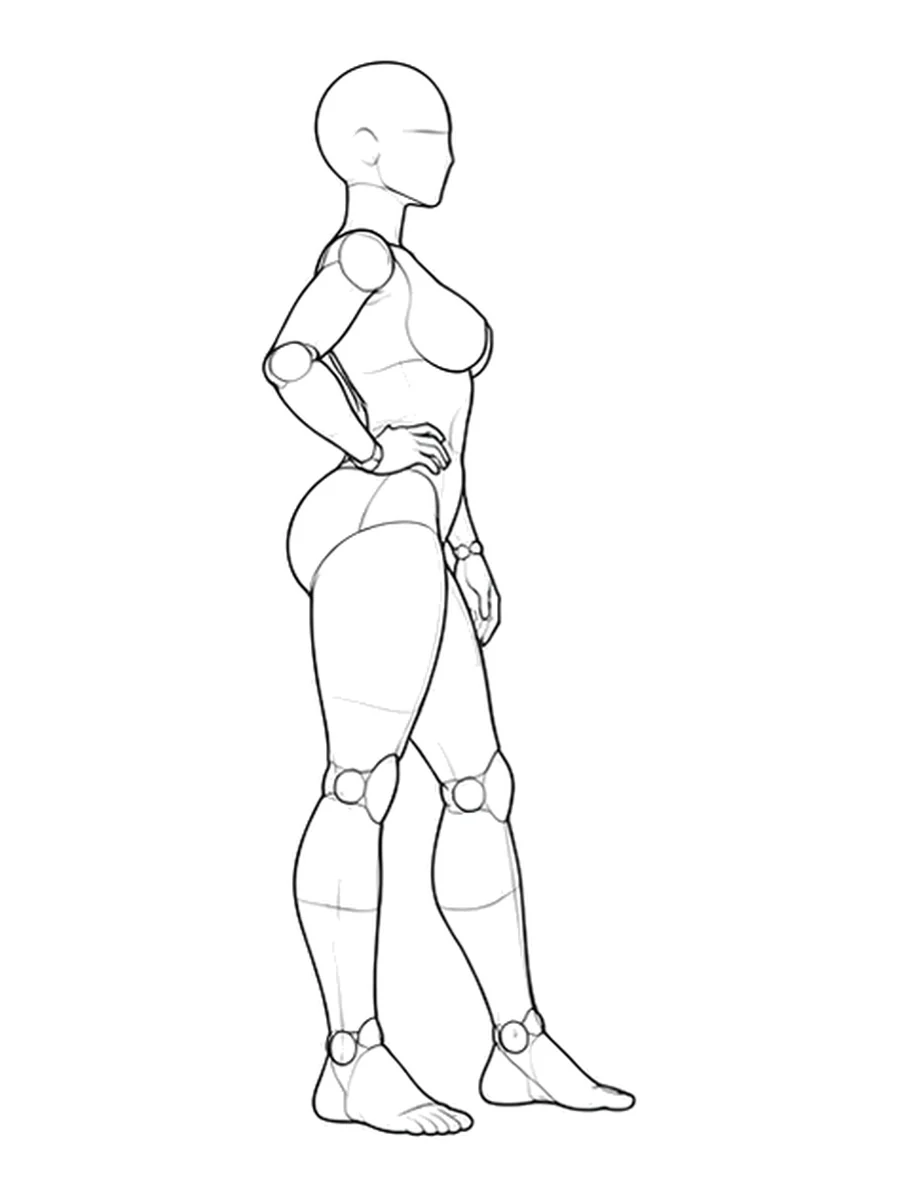
Use a folder structure you can read without an app
A modest project can work with a few folders and one notes file. Number the shots consistently so that prompt, reference, and result can be matched without opening every file.
linen-studio-series/
  brief.md
  shot-status.csv
  references/
    sources.md
    01-standing-side.webp
  prompts/
    01-standing.txt
    02-seated.txt
  results/
    01-standing-selected.webp
    02-seated-revise.webp
  comparisons/
    02-hand-review.webp
These are suggested local project files, not a package that the website automatically exports. Store reference images only where their usage terms allow, and keep the original filenames or source IDs in sources.md when you rename your working copies.
The shared brief should describe the character, wardrobe, setting, lighting, and intended sequence. If you need help separating shared decisions from per-shot changes, follow the six-shot series workflow.
Record the setup in plain language
You do not need a complicated database to capture one useful setup. A short record beside each selected result is enough, provided it is complete and unambiguous.
Shot: 01
Purpose: introduce character and outfit
Pose source: /poses/full-single-p015?angle=Side
Reference file: references/01-standing-side.webp
Prompt file: prompts/01-standing.txt
Tool and model: record the actual product and displayed version
Input roles: record how each reference was assigned
Aspect ratio: record the selected ratio
Settings: record the controls you deliberately changed
Selected output: results/01-standing-selected.webp
Next action: none, keep as the series comparison image
Replace those descriptive placeholders with your actual setup. A record containing “default settings” is useful only if you also know which model and version those defaults belonged to.
Store the full prompt for each shot, even if most of its wording repeats. A file saying “same person and light as shot one” forces you to reconstruct context before using it. The complete prompt guide explains how to produce prompts that remain understandable on their own.
Leave a specific next action
Before ending a session, give every planned shot a status and a reason. “Needs work” does not tell your future self where to begin.
| Shot | Status | What remains | Next action |
|---|---|---|---|
| 01 | Selected | Nothing | Use as comparison image |
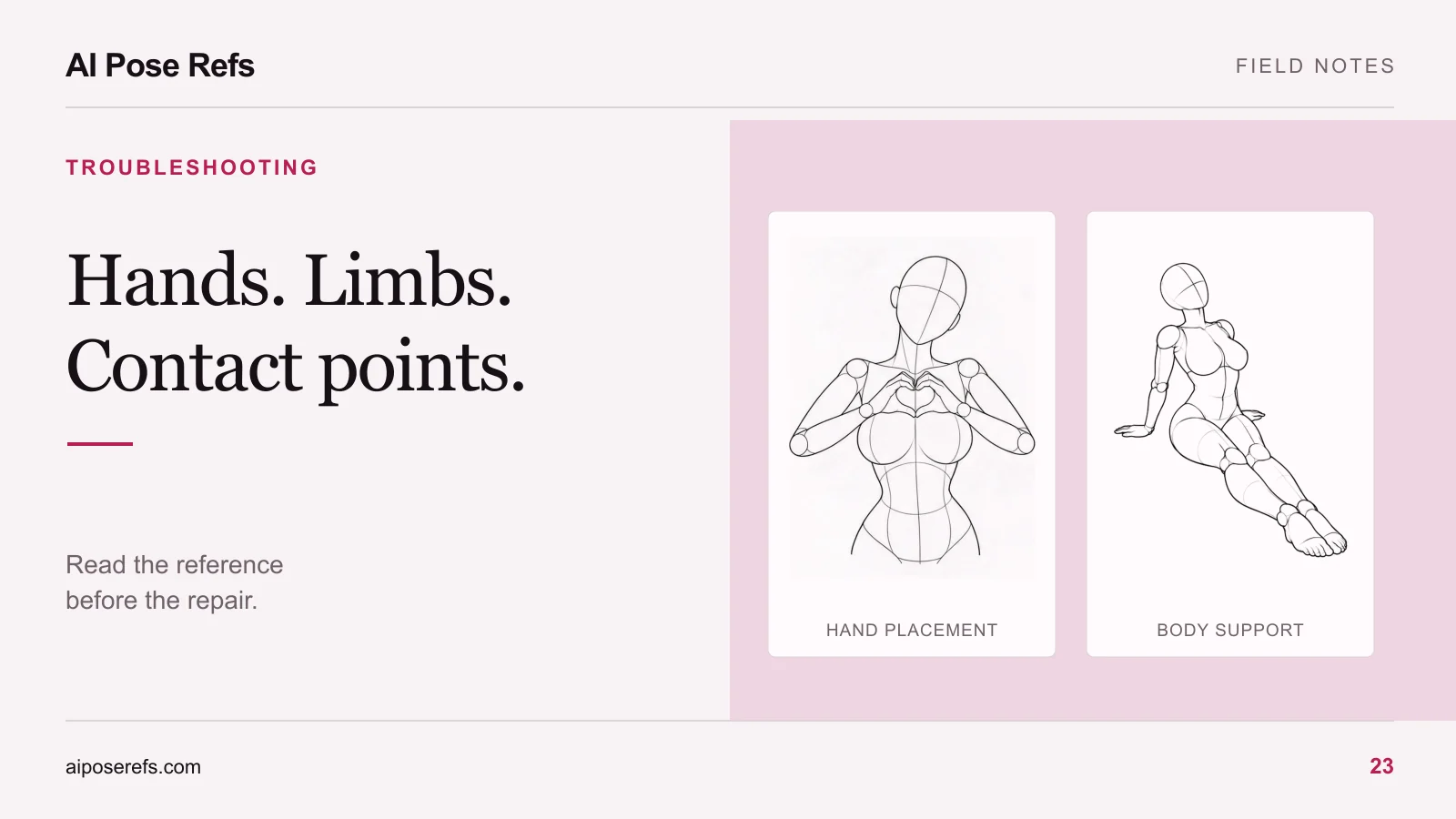
| 02 | Revise | Supporting hand appears detached | Compare wrist and forearm with reference |
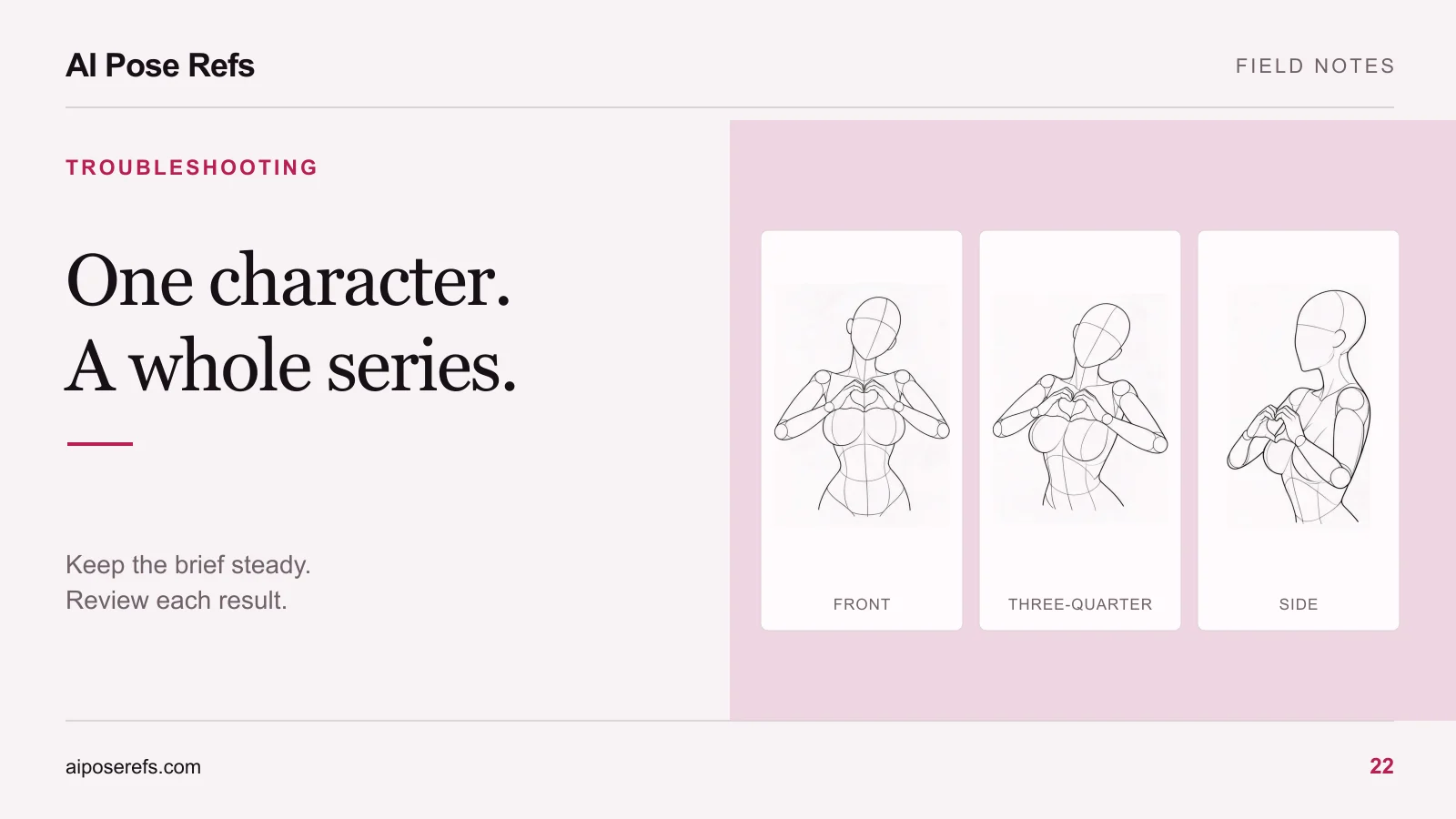
| 03 | Ready | Not attempted | Upload selected three-quarter view |
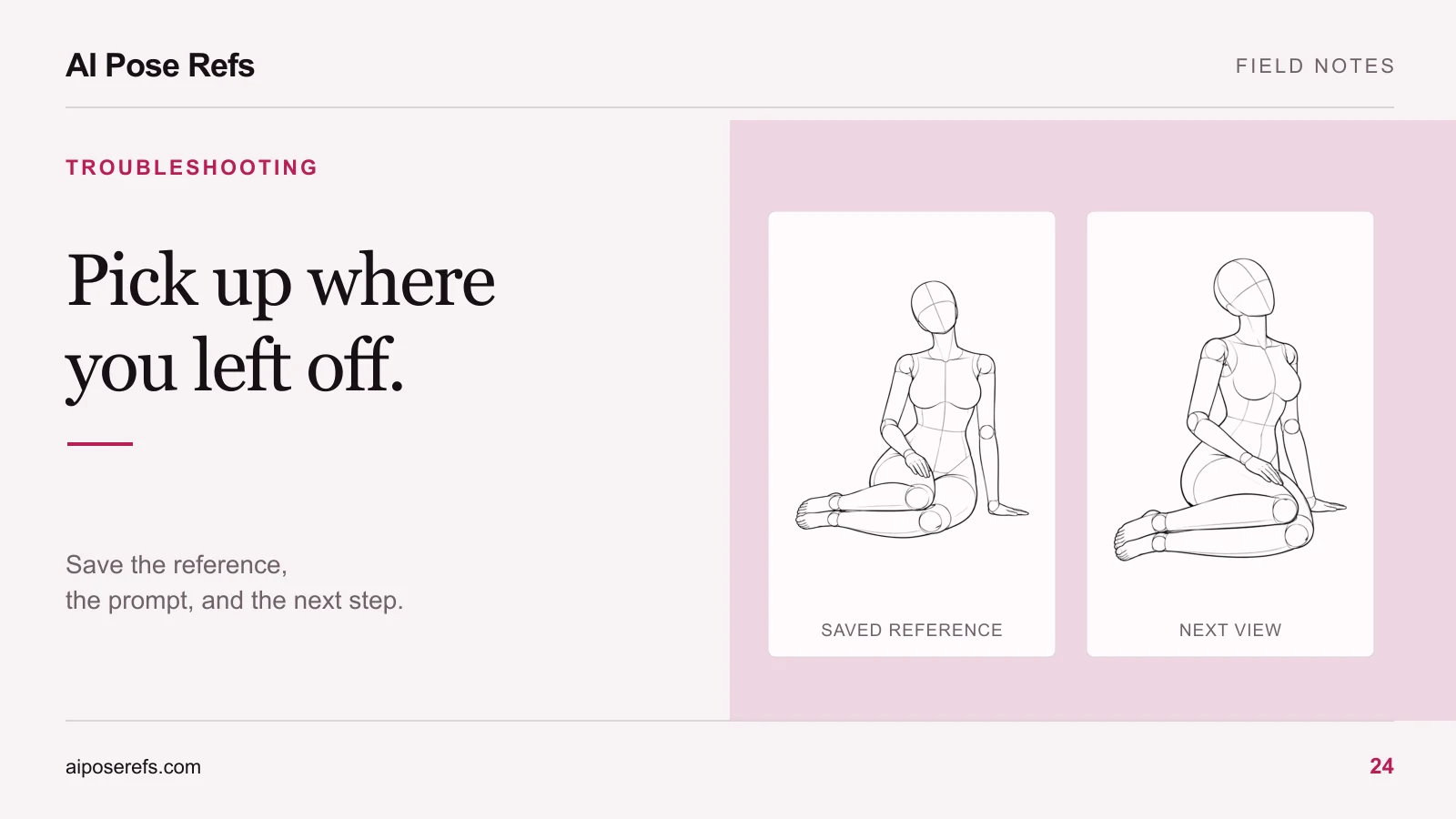
| 04 | Reconsider | Composition repeats shot 01 | Choose a seated reference |
These are example entries. Keep your actual notes equally concrete. If a shot has several problems, identify the first one you plan to address rather than writing a long list of unranked complaints.
For a hand issue, link the note to the relevant limb correction checklist. For a pose mismatch, record exactly which relationship failed so you can resume a controlled comparison.
Test one saved setup when you return
Open the brief and accepted comparison image before generating anything. Check whether the tool still offers the same model and whether its reference inputs or settings have changed. Keep the previous setup in your notes instead of silently replacing it with the new one.
Run one representative saved setup if you need to establish how the current environment behaves. Compare the output with the accepted series for pose, identity, clothing, and light. A difference does not tell you which factor changed, so revise one variable at a time where possible.
Do not use a saved seed or prompt as proof that a later session will behave identically. The record lets you investigate differences; it is not a guarantee of reproducibility.
Once the first comparison is satisfactory, resume the shot with the clearest next action. If character drift is the issue, consult the identity review guide before revising every remaining image. If you need a different gesture, use your saved source links or return to the gallery.
End the resumed session by updating the same record. A project becomes easier to continue when its accepted decisions, unresolved problems, and next step remain in one place.
Related posts
Find pose ideas, plan portrait series, and use references in your own AI image workflow.