Boudoir pose ideas for AI photoshoots: plan a balanced set
Choose standing, seated, and reclining pose references, then give each image a clear role in a cohesive AI portrait set.
Written by
AI Pose Refs Team
Practical guides to choosing pose references, planning portrait series, and using references in your own AI image workflow.
Good boudoir pose ideas give you different ways to express the same character. A set becomes repetitive when every image uses the same hip shift, raised arm, and camera distance, even if the room changes. Start by choosing a few contrasting silhouettes, then decide what each photograph should contribute.
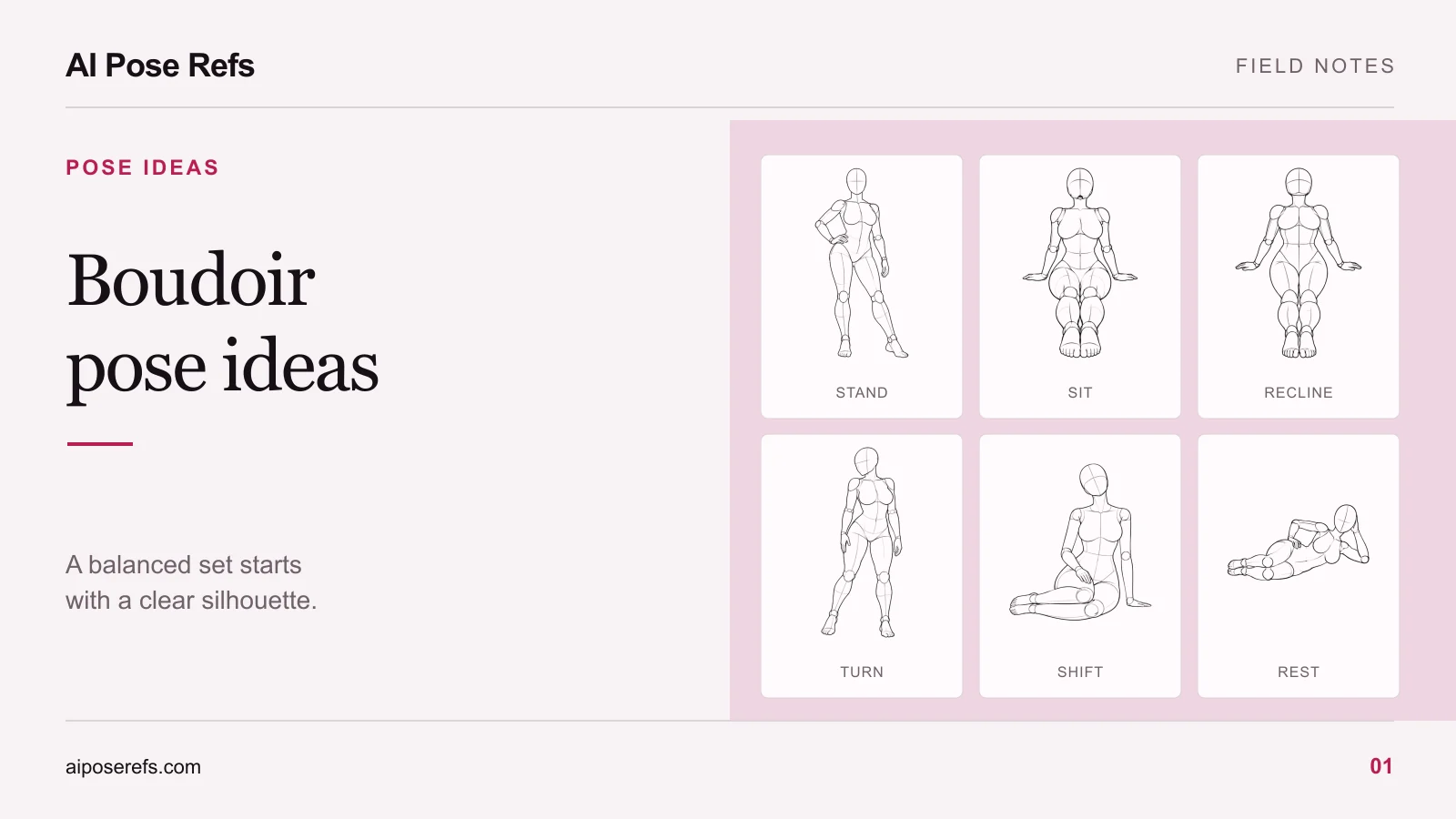
For an AI photoshoot, a useful starting point is one fictional adult character, one wardrobe direction, and three pose families: standing, seated, and reclining. You can build a varied set from those choices without asking the image tool to reinvent the whole scene each time.
Choose a silhouette before choosing a mood word
Words such as confident, relaxed, or reflective can guide a concept, but they do not specify where the body goes. Translate the mood into visible decisions. A standing figure with a stable supporting leg and an open shoulder line might suit a composed opening image. A seated figure with one hand supporting the body can introduce a quieter moment. A side-lying pose makes a long horizontal shape that changes the rhythm of the set.
Look first at the outside contour. Can you distinguish both arms? Does a bent knee merge with the torso? Is the supporting hand visible? A readable reference is easier to discuss and compare with a result than a pose whose main action is hidden behind the body.
Also check whether the reference helps you describe the character you intend to create. The plus-size pose-reference guide explains how to separate the mannequin's gesture from its proportions, then review whether the result keeps your character brief.
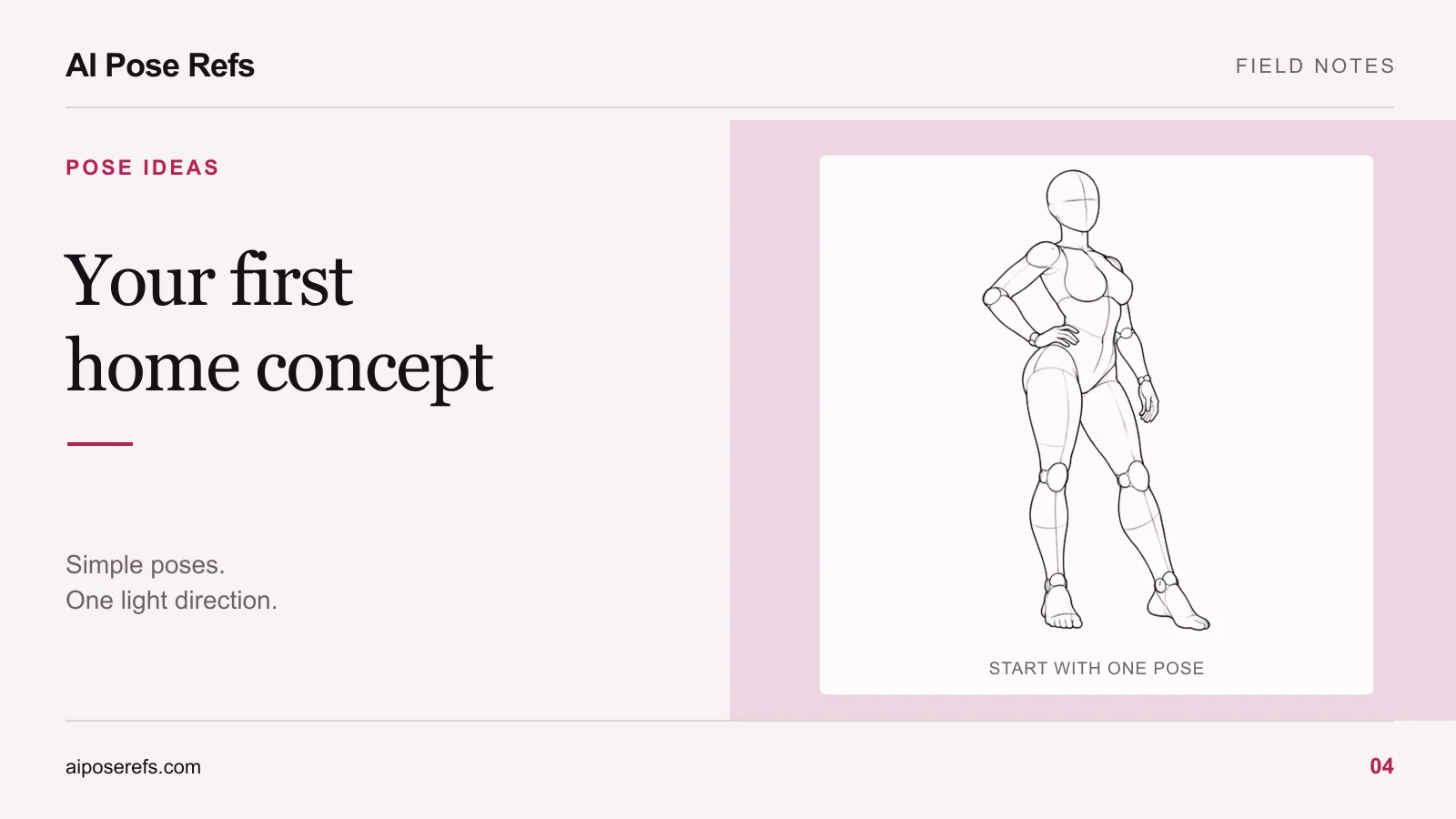
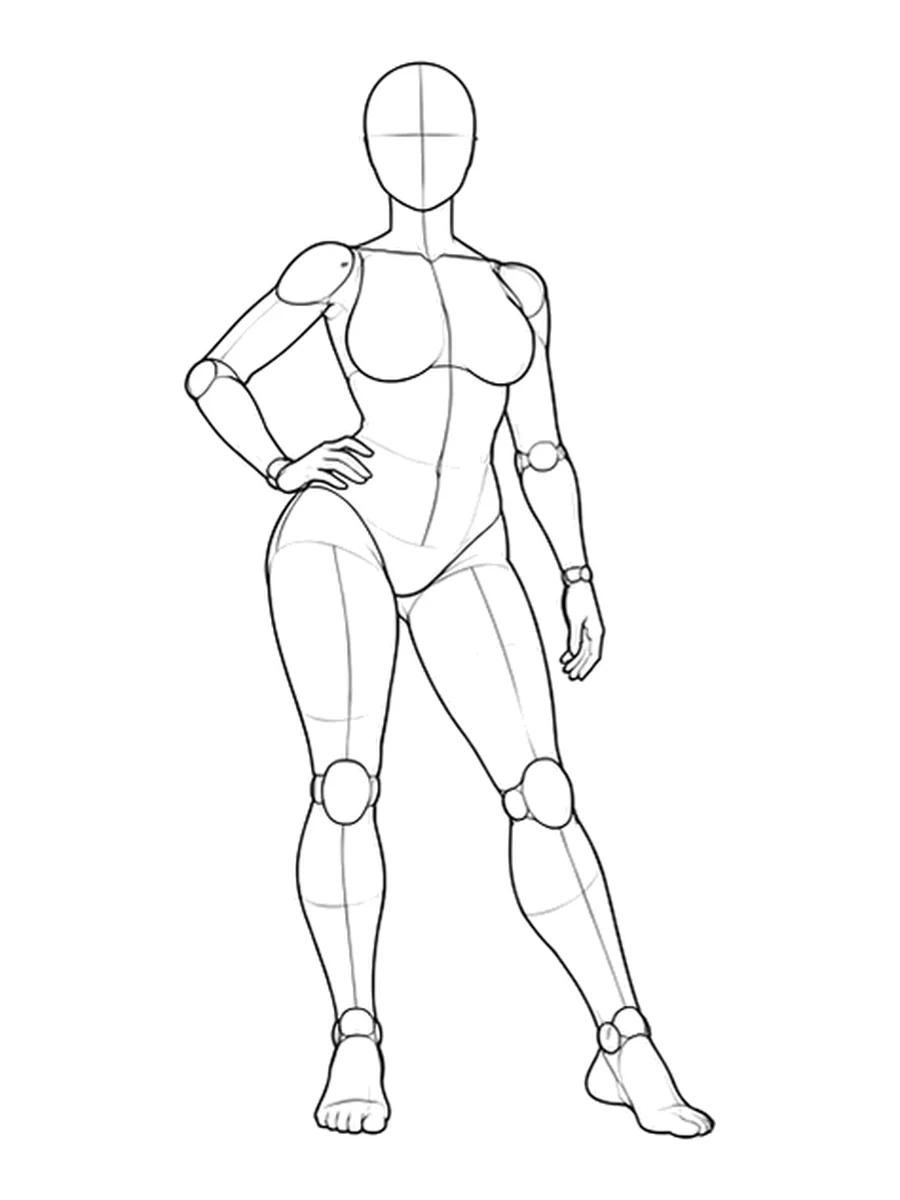
The contrapposto reference with a hand on the hip is a practical standing study. Notice the difference between the two legs and the space formed by the bent arm. Those are concrete details you can keep when changing the character or clothing.
Give standing, seated, and reclining poses different jobs
Choose positions because they solve a composition problem. A standing full-body frame introduces clothing and body language. A seated frame can bring the face and hands closer together. A reclining frame changes the direction of the body within the image.
| Pose family | A useful visual purpose | What to inspect in the reference |
|---|---|---|
| Standing | Establish the character and overall silhouette | Supporting leg, shoulder tilt, hand separation |
| Floor seated | Introduce a quieter composition | Pelvis contact, bent knees, supporting hand |
| Reclining | Add a horizontal shape to the sequence | Elbow or shoulder support, leg overlap, head position |
| Closer portrait | Bring attention to expression and gesture | Visible hands, head turn, crop boundaries |
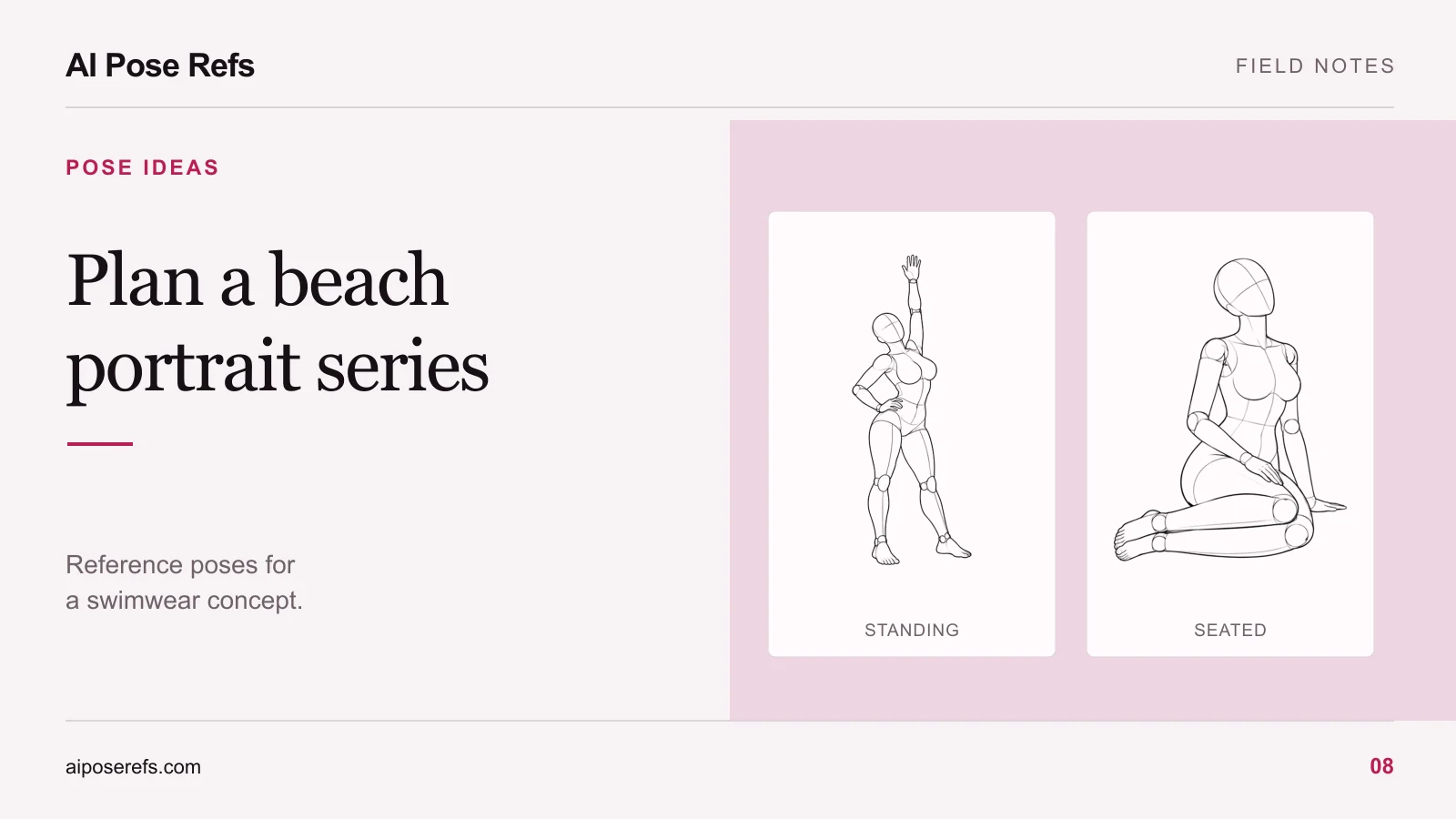
For a floor-seated option, inspect one knee raised with a supporting hand. For a reclining option, compare side lying with the head supported. Neither reference determines the final room, wardrobe, or lighting. Those belong in your visual brief.
You also do not need to use every pose family. If a reclining image feels unrelated to the concept, leave it out. Variety is useful when it gives the viewer another piece of the same story.
Pair the pose with the intended camera view
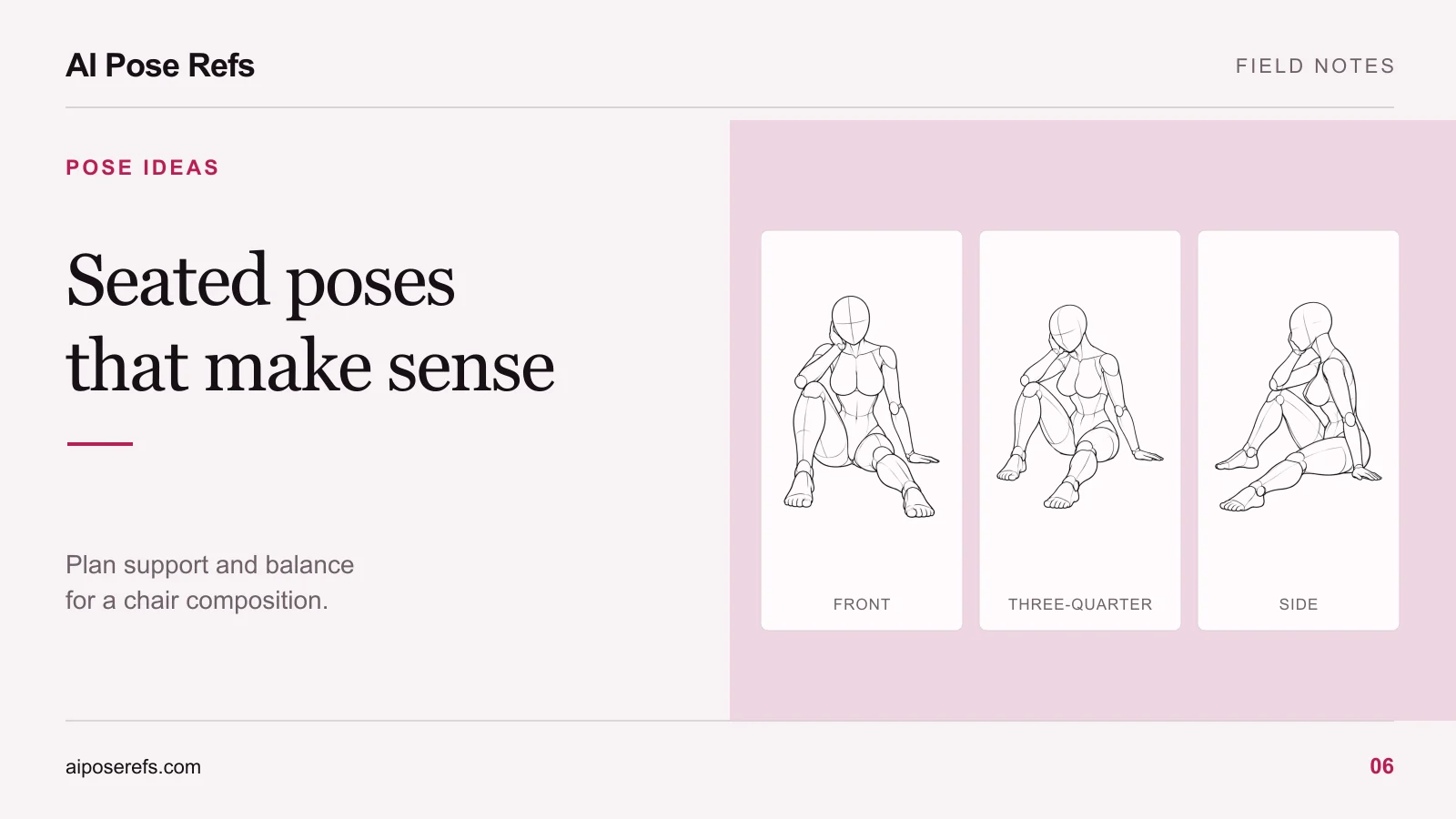
A reference can be suitable in one view and difficult in another. The front view may clearly separate the knees, while a side view places them on top of each other. A three-quarter view can show both the front of the torso and the depth of an arm gesture.
Choose the view while making the shortlist. Writing “side view” in a prompt while uploading a frontal reference introduces an avoidable disagreement. Our guide to reference angles explains how to compare these views before generation.
Then decide the crop. Use a full-body frame when the placement of the feet matters. Move closer when the expressive detail is the hand near the face. Avoid cropping exactly through a wrist or knee simply because the original image is portrait shaped. The reference and final photograph can serve different framing purposes, but the important body landmarks should remain understandable.
Build a shortlist with a reason for every image
Here is an example planning sequence for an adult character in a simple satin lounge outfit, a neutral room, and soft side light. It is a creative brief, not a tested tool recipe.
| Planned image | Pose or framing choice | Why it belongs |
|---|---|---|
| Opening | Full-body standing, hand on hip | Introduces the outfit and stance |
| Variation | The standing idea from a three-quarter view | Adds depth without changing the theme |
| Quiet moment | Floor seated with one knee raised | Changes the height and body shape |
| Detail | A closer crop of the seated gesture | Gives the hands and face more attention |
| Horizontal frame | Side lying with the head supported | Breaks the sequence of upright images |
| Closing | A simple portrait with a turned head | Ends with character rather than another full-body pose |
Save the reference link, selected angle, crop, and purpose beside each entry. The posing cheat sheet gives you a more compact format for working beside your image tool.
Keep the first round small
Try one standing and one seated image before preparing every prompt. You are checking whether the character, wardrobe, and lighting work together, and whether the chosen tool makes useful use of the reference. A promising pose plan can still need changes after you see a result.
Once those decisions feel coherent, use the six-shot series workflow to carry the shared brief across the remaining images. Keep the character details stable and change the pose instructions deliberately.
Start in the pose gallery with a specific missing shape in mind. If the shortlist already has three similar standing figures, look for a seated composition or a closer gesture. The next reference should earn its place in the set.
Related posts
Find pose ideas, plan portrait series, and use references in your own AI image workflow.