Christmas boudoir photoshoot ideas for a cohesive AI series
Plan an adult holiday portrait series with a restrained palette, clear pose references, consistent wardrobe, and seasonal props that support the composition.
Written by
AI Pose Refs Team
Practical guides to choosing pose references, planning portrait series, and using references in your own AI image workflow.
A Christmas portrait series feels connected when the same visual decisions carry through every frame. Choose a palette, wardrobe, and light direction before adding festive details. A different ornament in every image will not make unrelated poses look like one photoshoot.
The concepts below are planning exercises for adult fashion and boudoir-inspired portraits. They use pose references to establish body position; the holiday setting and finished images are work you develop in your own image tool.
Choose a holiday idea that can survive several shots
Start with a short sentence describing the atmosphere. “A quiet evening beside a window, with wine-red satin and warm white lights” gives you decisions to repeat. “Christmas, glamorous, cozy, dramatic, vintage, luxury” leaves several conflicting directions unresolved.
These three briefs offer different starting points:
| Concept | Wardrobe and color | Setting | Pose direction |
|---|---|---|---|
| Quiet winter evening | Opaque satin slip dress with a cardigan, wine red and cream | Plain room, curtain, small string of lights | Relaxed standing and supported seated poses |
| Vintage holiday portrait | Fitted blouse and high-waisted skirt, deep green and warm white | Simple studio backdrop, one wrapped box | Clear waist and shoulder angles |
| Modern festive editorial | Long-sleeve knit dress, ivory and muted gold | Minimal wall, a branch or small wreath | Deliberate standing silhouettes and closer crops |
Pick one brief for the first set. Save the others for later. The mood-board-to-shot-list process helps turn a visual direction into instructions you can actually use.
Treat a prop as part of the composition. A wrapped box can anchor an empty corner. A wreath behind the subject can frame the head, but it can also look like an accidental halo. Decide its location before writing the prompt instead of asking the tool to distribute decorations everywhere.
Select poses with room for the scene
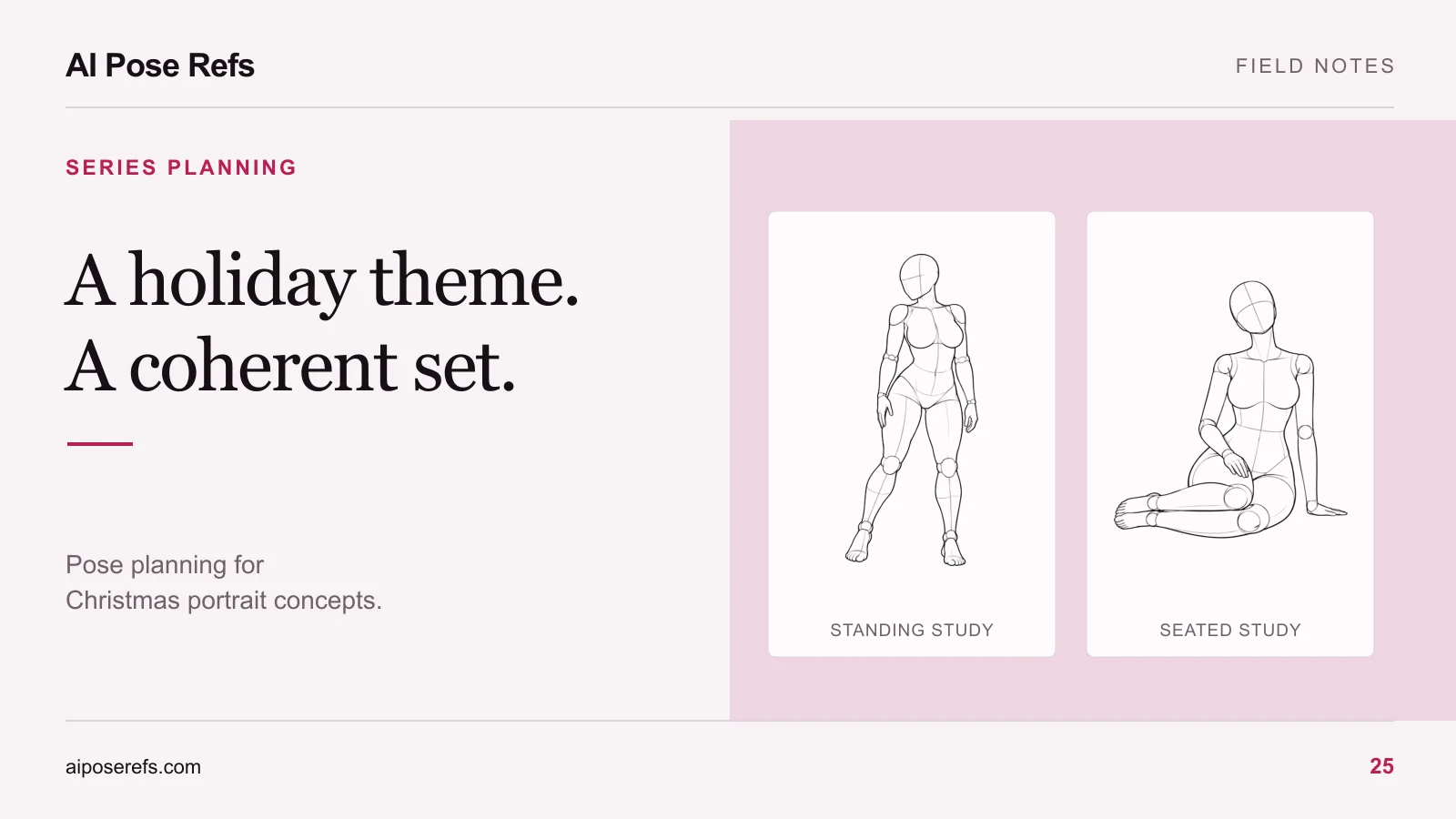
A readable standing reference gives you somewhere to begin. In this hand-on-hip reference, one arm forms a clear angle away from the waist, while the other rests near the body. You can study that silhouette without assuming the reference already contains the wardrobe or holiday atmosphere.
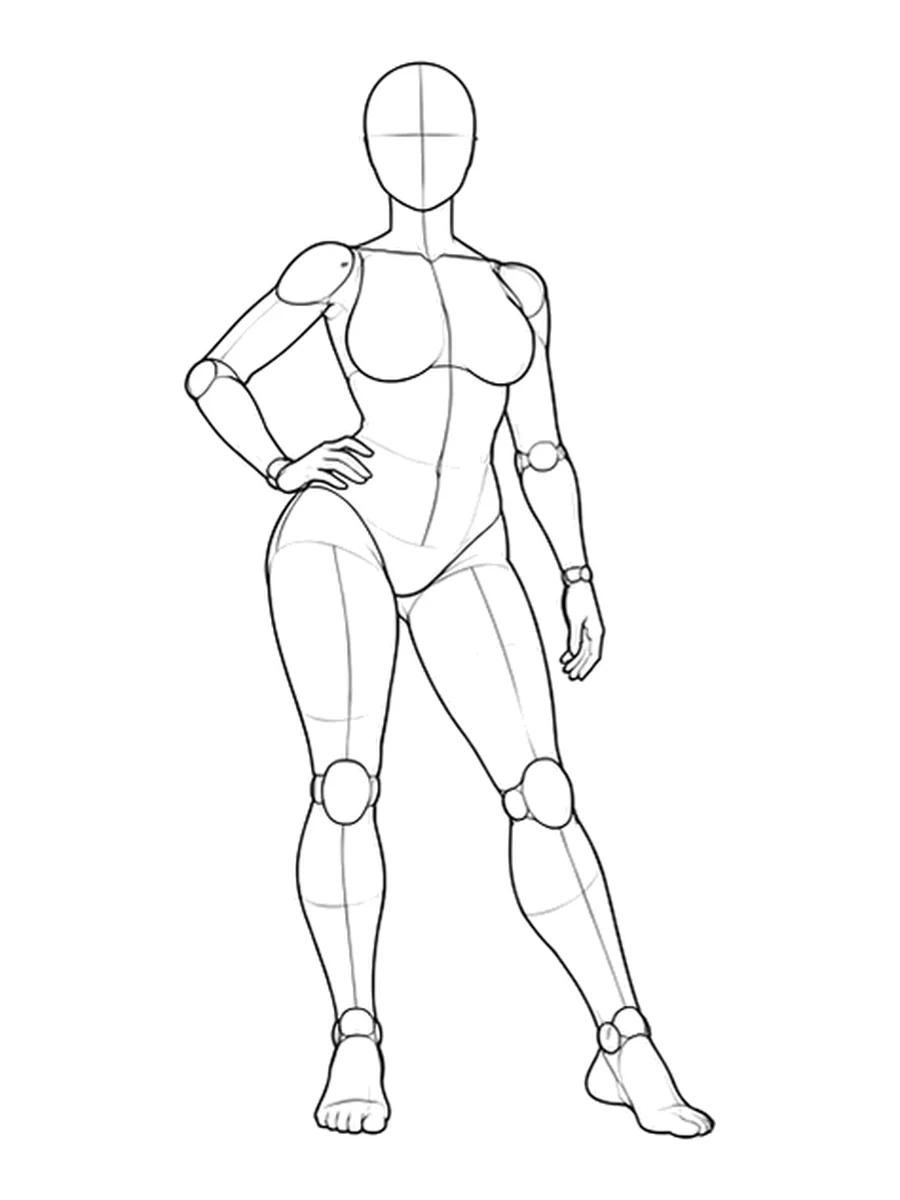
Keep small props away from difficult hand contacts in your first version. A ribbon on a nearby box asks less of the pose than a ribbon threaded through several fingers. If the idea requires holding something, choose a reference whose hand position can plausibly accommodate it and review the contact carefully afterward.
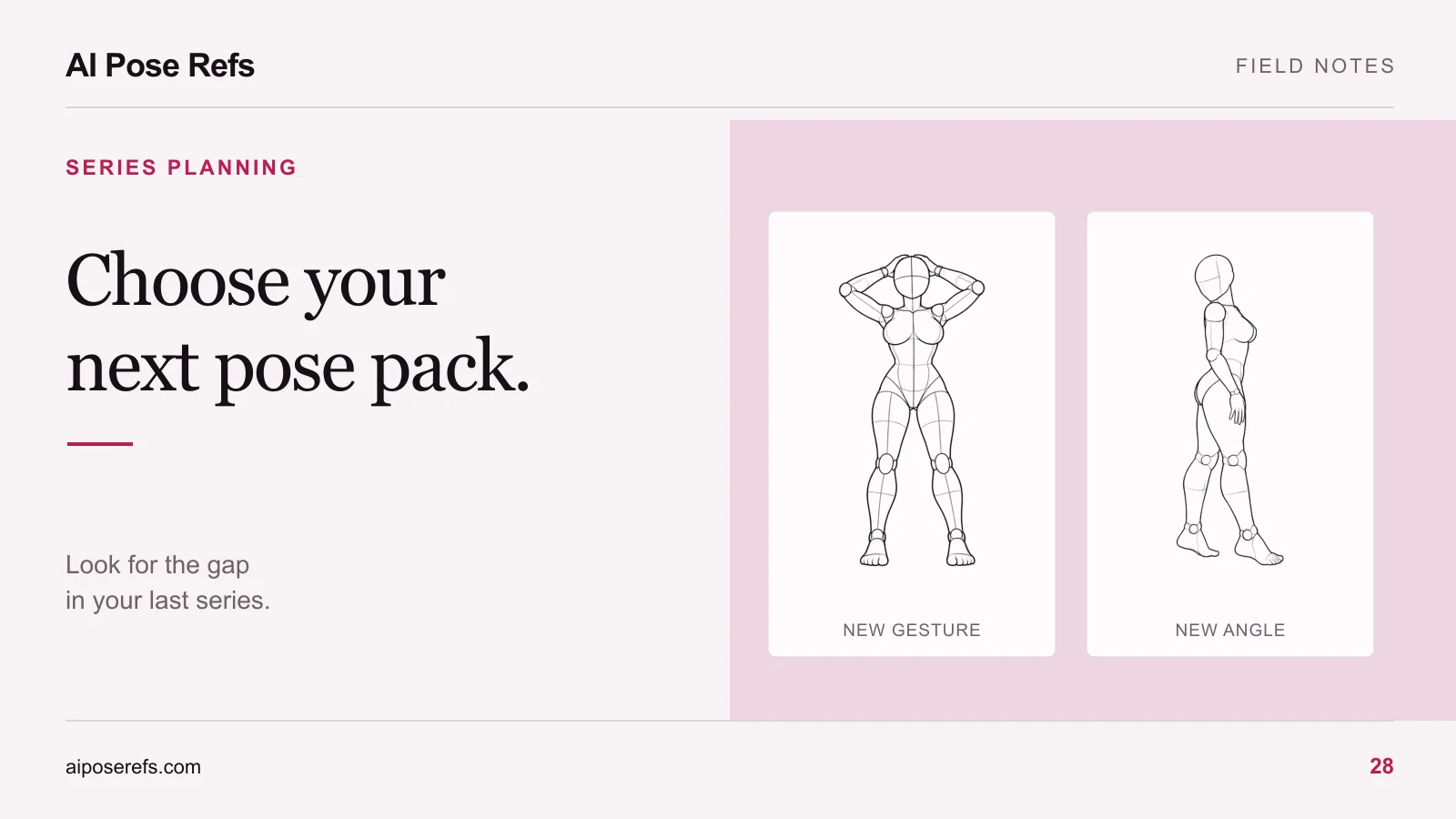
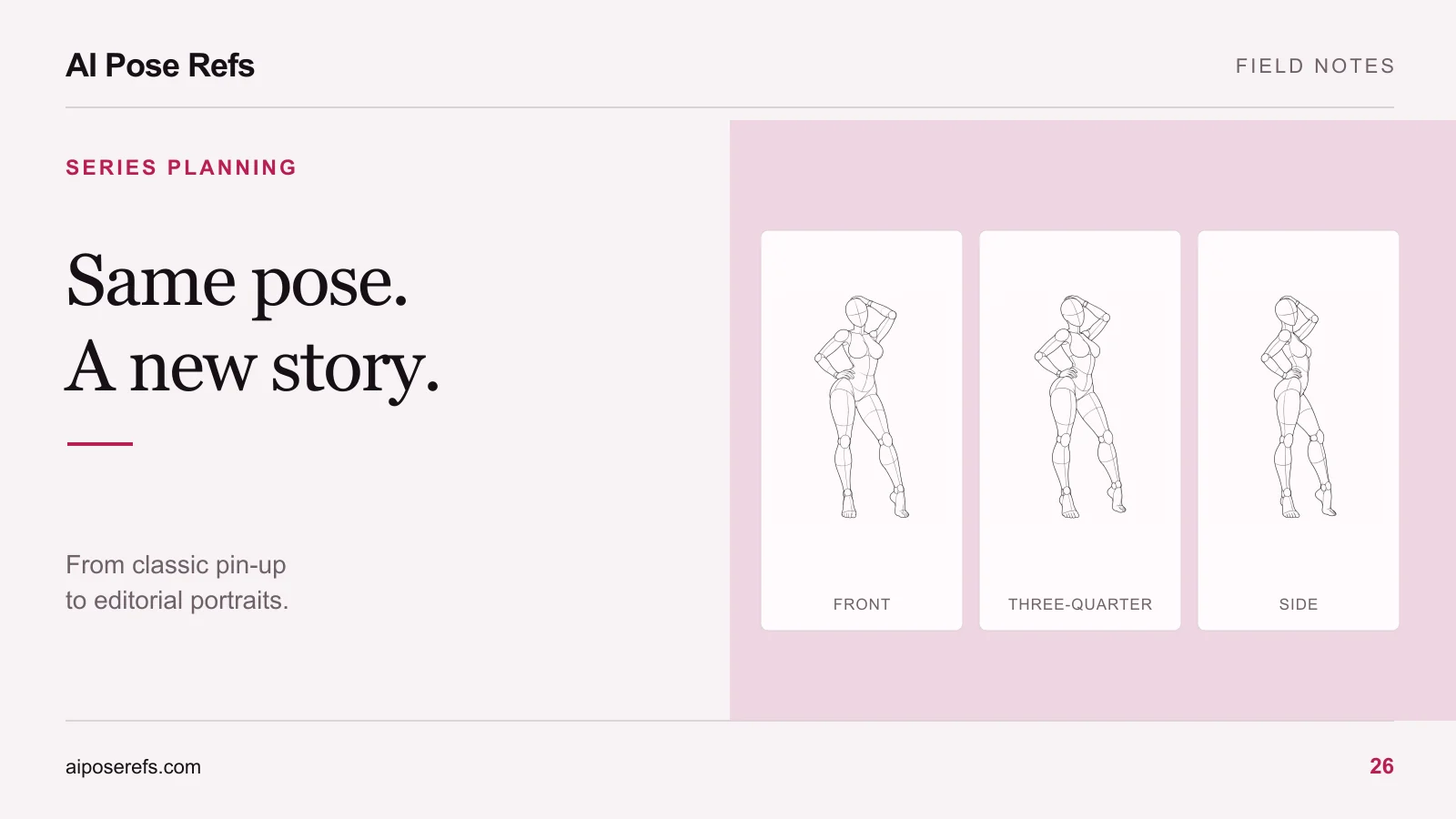
Camera angle also affects the available space. A front view may leave room beside the torso; a side view may merge an arm into the body. Compare views before committing. The reference-angle guide explains how to make the image input agree with your intended camera position.
Write a shot list with a job for every frame
Use the following as a proposed sequence, then replace the entries with references you have inspected:
| Shot | Purpose | Framing | Seasonal detail |
|---|---|---|---|
| 01 | Establish the room and outfit | Full body | Small lights in the background |
| 02 | Show the standing silhouette | Three-quarter length | Wrapped box beside the subject |
| 03 | Change the energy | Supported seated composition | Same lights and palette |
| 04 | Bring attention to the face | Head and shoulders | A soft background glow |
| 05 | Show wardrobe texture | Waist-up | Cardigan or satin detail |
| 06 | Close the set quietly | A second seated angle | One repeated prop |
The table does not require six unrelated poses. One useful reference may support two compositions, provided the crop changes the visual purpose. Keep a separate complete prompt for each shot so you do not lose a necessary detail when copying between attempts. For a more detailed sequence, use the six-shot portrait workflow.
Keep the shared brief stable
Write the character, clothing, room, and light once in your planning document. Copy that text into every shot prompt before adding the individual pose and framing instructions.
Here is an illustrative starting brief, not a tested recipe:
Editorial portrait of an original adult woman with a short dark bob, wearing an opaque wine-red satin midi dress and a cream cardigan. A quiet cream-colored room with a sheer curtain and a small strand of warm white lights in the background. Soft window light from camera left. Natural fabric texture and a restrained holiday atmosphere. Use the supplied pose reference to guide the body position. Keep the face, clothing, and room consistent with the project brief.
Add the selected view and crop for the individual shot. If the image tool has separate reference roles, follow its instructions for those inputs. A pose image alone does not establish character identity, and repeating text does not guarantee the same person in every result.
Test early enough to revise the idea
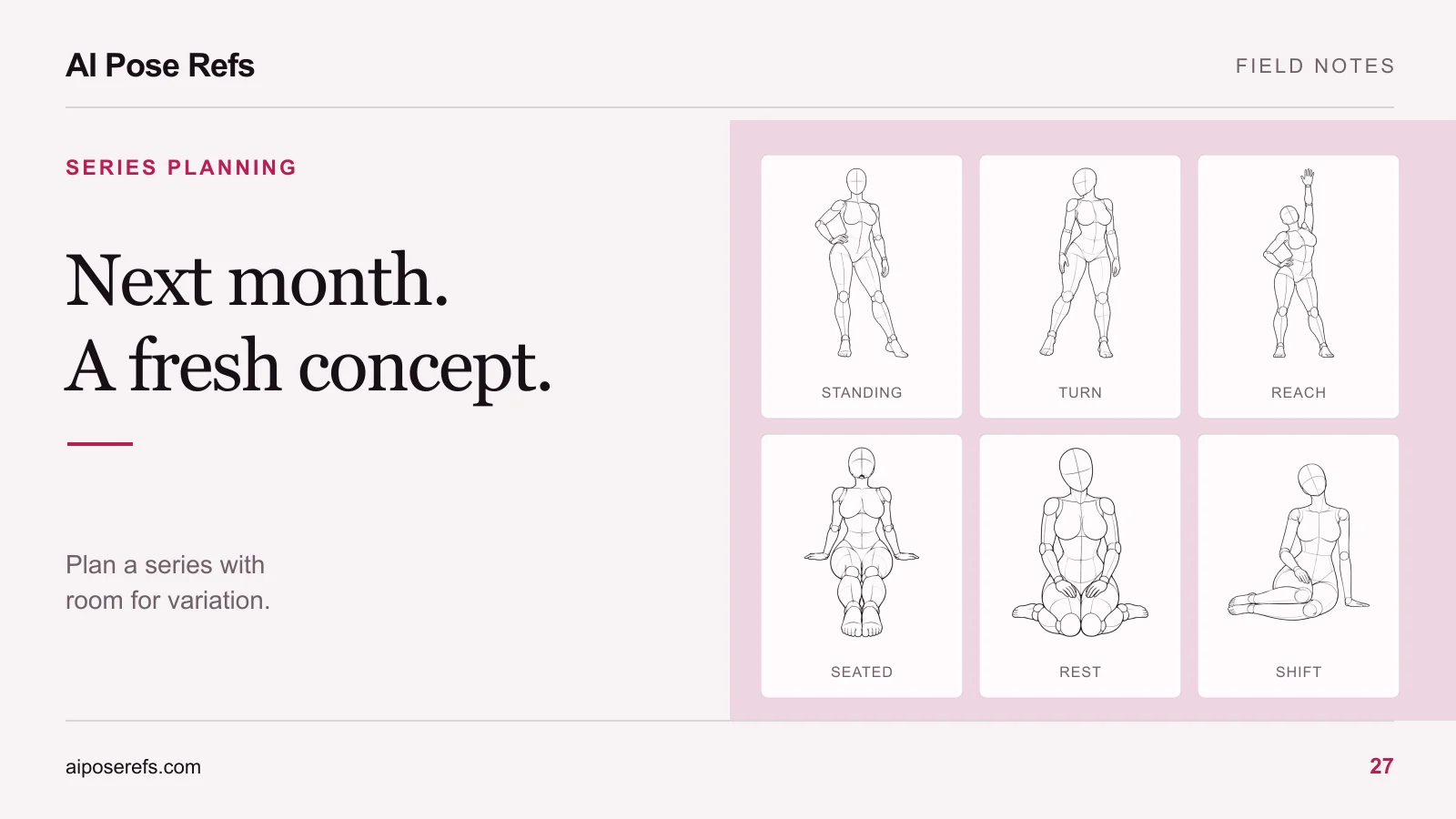
Make one representative standing image and one seated image before preparing the whole set. Review body support, garment continuity, face, and light direction. A concept that only works in one crop needs revision before it becomes a series.
Leave time for that review before your intended holiday publication date. Use the final date to work backward through selecting references, making sample images, revising prompts, and preparing the presentation. Avoid scheduling every step for the last session.
Finally, compare the proposed set with your previous work. If every frame repeats the same camera distance and silhouette, change a meaningful element rather than adding more decorations. The monthly series planner gives you a way to record that comparison. Start by choosing the first two references in the pose gallery, then write the shared holiday brief beside them.
Related posts
Find pose ideas, plan portrait series, and use references in your own AI image workflow.