From classic pin-up to editorial portraits: reuse a pose, change the story
Use one pose reference for two portrait briefs. Change wardrobe, setting, light, and framing while keeping the body position clear enough to compare.
Written by
AI Pose Refs Team
Practical guides to choosing pose references, planning portrait series, and using references in your own AI image workflow.
One pose can support several visual ideas. A hand on the hip can become part of a playful retro portrait or a restrained fashion editorial. The difference comes from the decisions around the body: clothing, expression, setting, camera distance, and light.
Reusing a reference is useful when you want to explore those decisions without searching for a new pose at every step. Keep the input angle stable, write two complete briefs, and compare the results you actually obtain. The examples here are proposed briefs, not a demonstration of tested outputs.
Begin with a pose you can describe plainly
Choose a reference with a visible support leg, readable arm placement, and a silhouette that survives your intended crop. Avoid starting with a heavily foreshortened pose if your main experiment is about styling.
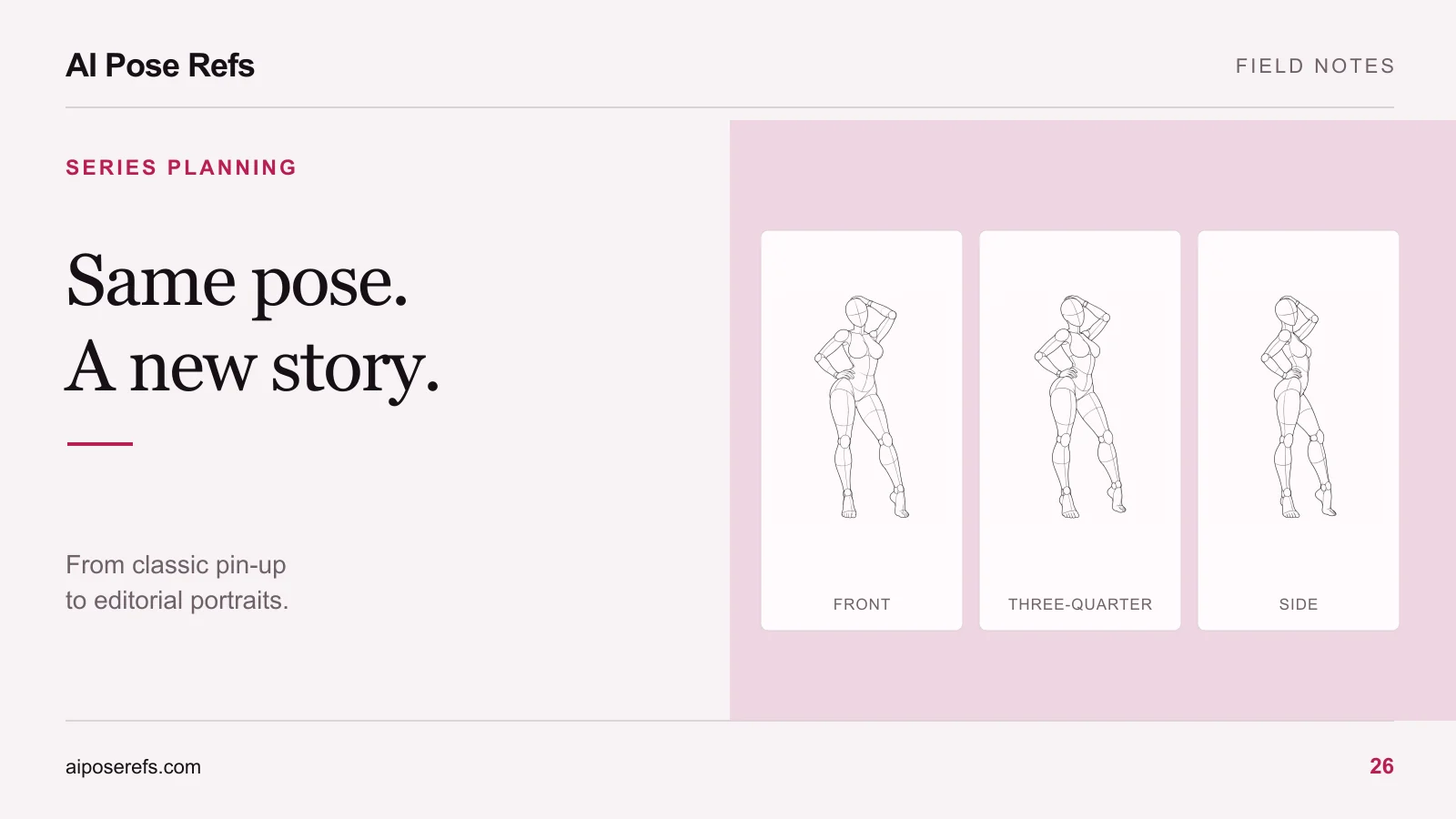
The standing hand-on-hip reference is a useful study. In the front view, one arm creates space beside the waist and the other hangs closer to the body. The weight shift gives the stance an asymmetry that both briefs can retain.
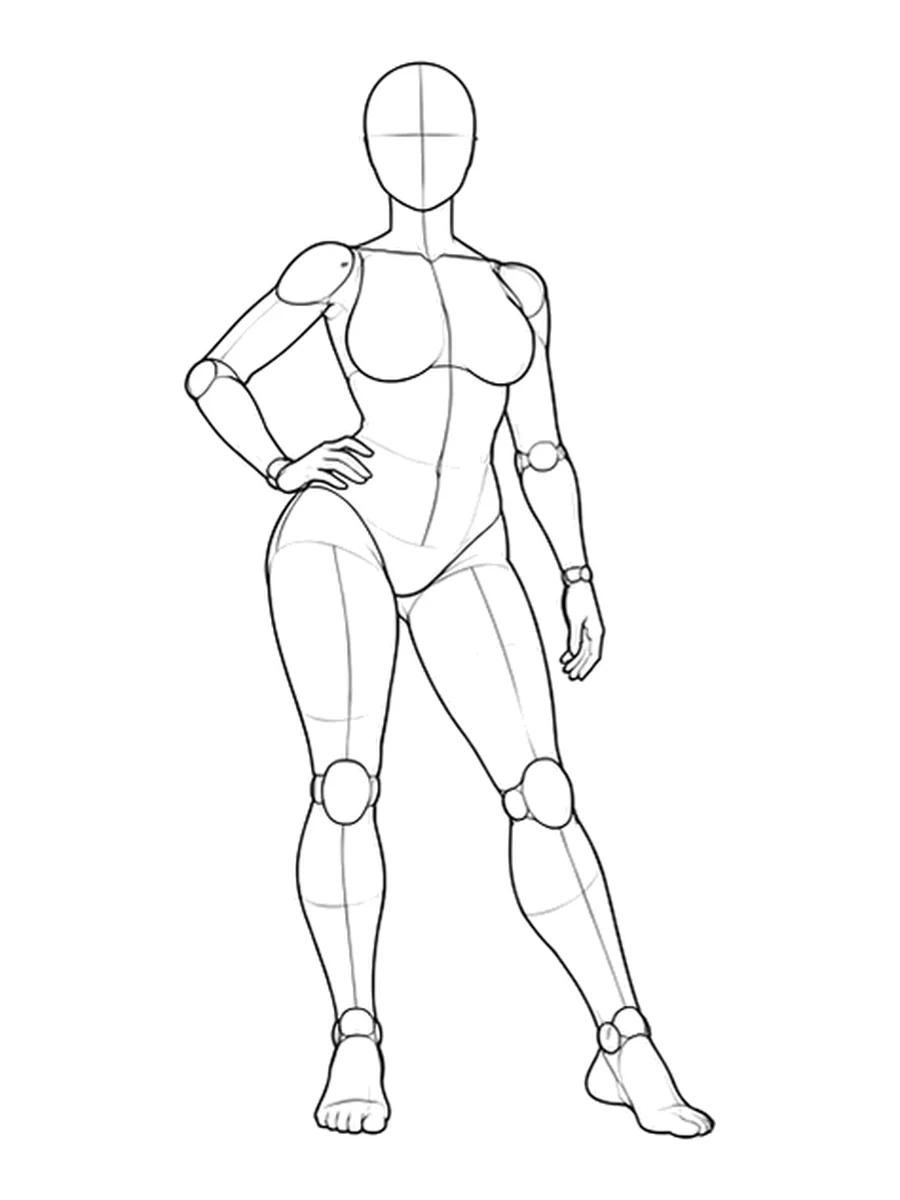
Write a literal pose note before adding style: “Standing, weight shifted to one leg, one hand on the hip, opposite arm lowered, front camera view.” This note gives you a concrete way to judge pose adherence later. “Confident” may describe a mood, but it does not tell you where the hands should be.
If you need a broader starting vocabulary, the classic pin-up reference guide explains how to choose a small group of related gestures.
Separate the shared geometry from the two briefs
Put the repeated decisions in one column and the changing decisions beside them. You are planning a comparison, not trying to change everything at once.
| Decision | Shared starting point | Retro concept | Modern editorial concept |
|---|---|---|---|
| Pose | Same front reference | Hand-on-hip stance | Hand-on-hip stance |
| Character | Same original adult character brief | Same identity | Same identity |
| Clothing | Clearly described silhouette | Buttoned blouse and high-waisted skirt | Tailored trouser suit |
| Background | Uncluttered enough to read the body | Warm cream studio backdrop | Cool gray architectural wall |
| Light | Direction stated explicitly | Soft broad light from camera left | More directional light from camera left |
| Expression | Written for each concept | Light, relaxed expression | Quiet, attentive expression |
Begin with the same crop in both versions. Once you understand the stylistic difference, try a closer crop or a different camera angle as a second experiment. Otherwise, you may prefer one image simply because the face is larger, without learning anything useful about the styling.
Give each concept a complete prompt
These examples show the structure of a brief. Adapt them to the inputs your image tool supports and the content it permits.
Retro portrait concept:
Studio fashion portrait of an original adult woman with a dark shoulder-length bob, wearing a neatly buttoned ivory blouse and a high-waisted navy skirt. Warm cream seamless background, soft light from camera left, relaxed expression, full-body front composition with both feet visible. Use the attached reference for the standing weight shift, hand on hip, and lowered opposite arm. Keep the outfit opaque and the fabric texture visible. A restrained mid-century-inspired portrait with no text or logos.
Modern editorial concept:
Studio fashion portrait of the same original adult character described for this project, with a dark shoulder-length bob, wearing a charcoal tailored trouser suit and a white crew-neck top. Cool gray architectural wall, directional light from camera left, quiet attentive expression, full-body front composition with both feet visible. Use the attached reference for the standing weight shift, hand on hip, and lowered opposite arm. Clean contemporary styling, visible tailoring, no text or logos.
The phrase “same character” only expresses your intention. If your tool supports a dedicated character reference, use it according to that tool's documentation. Otherwise, inspect identity changes rather than assuming that a repeated description fixes them. The character-consistency guide offers a separate review process for that problem.
Save each full prompt with its selected reference image. A file containing only “change the outfit to a suit” loses context when you return later. The reference-based prompt guide shows how to keep an individual shot usable on its own.
Compare the outputs on separate questions
After making images in your chosen tool, review pose and visual direction independently. An attractive outfit does not excuse a missing hand, and a close pose match may still miss the intended mood.
Check the following in the actual results:
- Does the weight remain on the intended leg, with plausible foot contact?
- Is the hand on the hip visible, and does the arm leave the intended space?
- Can you recognize the same character, or did the styling change the face?
- Do the background and lighting support the chosen brief?
- Is the wardrobe consistent with the written description?
Record a short observation for each image. “Arm placement matches, but the jacket obscures the waist” is useful. “Needs improvement” does not identify your next edit.
Build the stronger direction into its own series
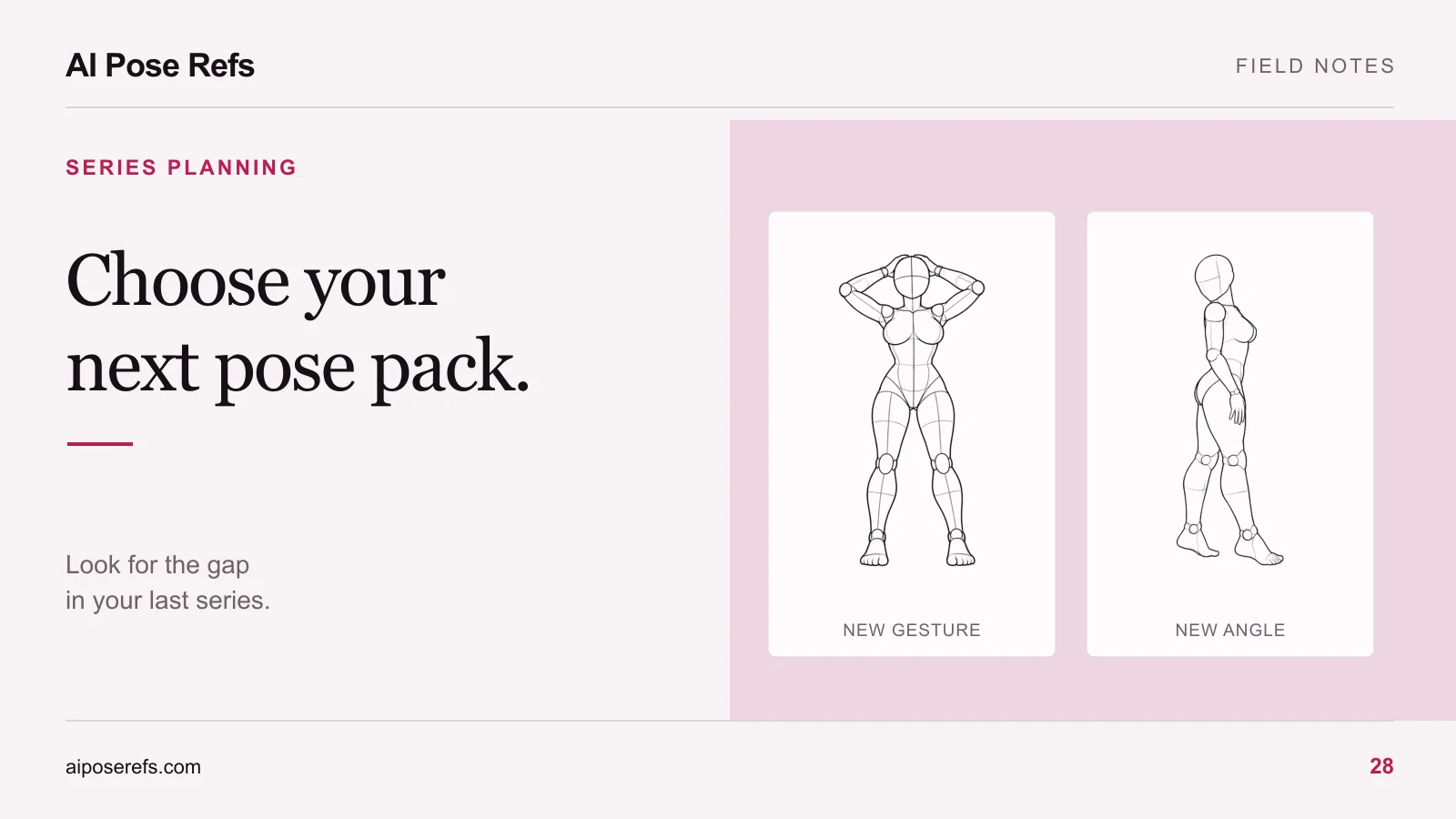
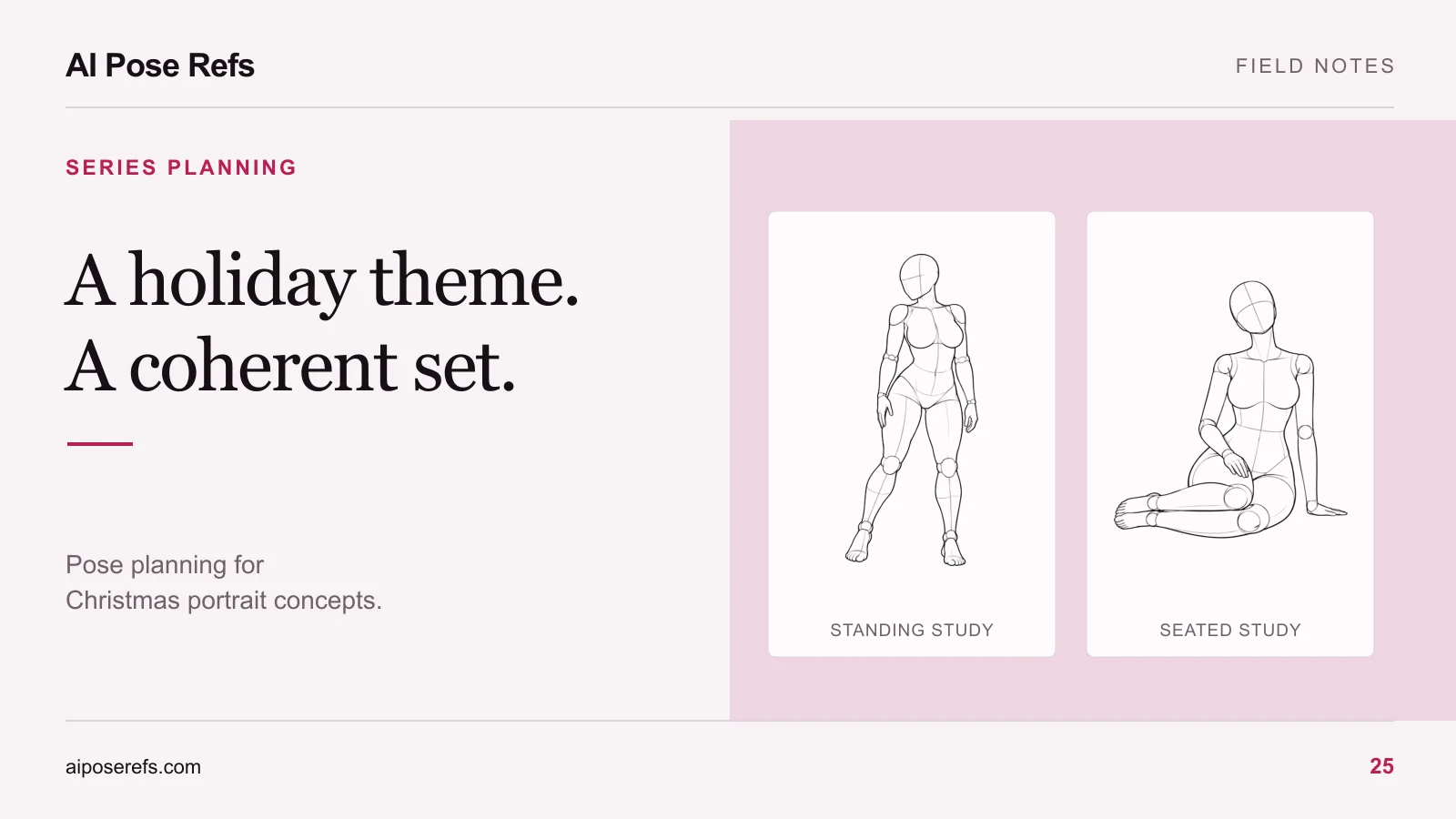
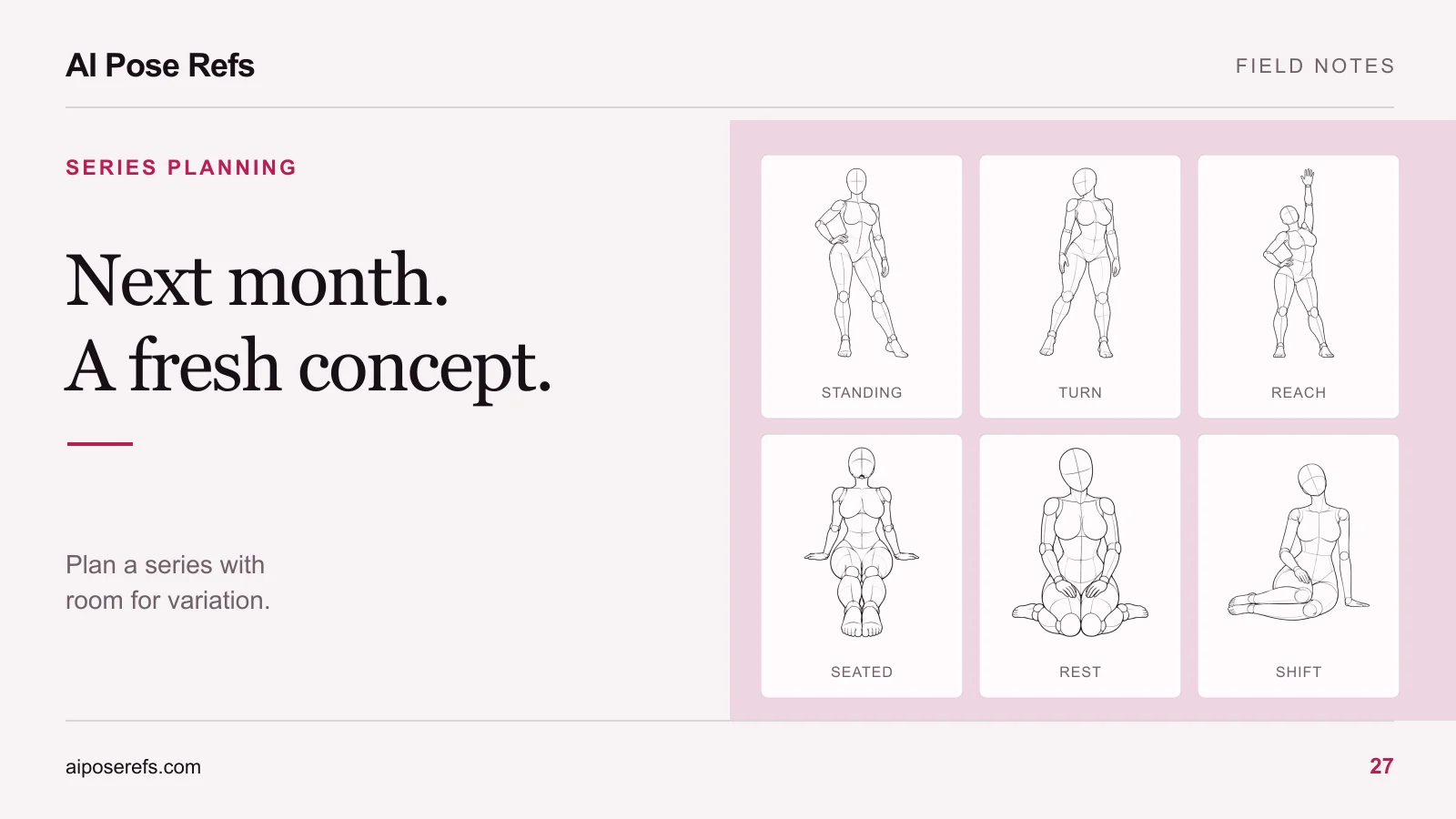
Once you choose a direction, look for the compositions it still needs. The retro set might benefit from a seated image and a closer portrait. The editorial set might need a side view that reveals the suit's silhouette. Reuse the existing pose only where it has a clear role.
Add new references from the gallery to a small shot list, then use the six-shot series workflow to keep the shared brief consistent. Keep the alternative concept in your notes with its actual results. It may become a later project, but it does not need to expand into another series before this one is finished.
Related posts
Find pose ideas, plan portrait series, and use references in your own AI image workflow.