One-time pose packs vs subscriptions: which suits your projects?
Compare pose packs and subscriptions by project frequency, total cost, updates, and access terms before choosing resources for your AI photoshoots.
Written by
AI Pose Refs Team
Practical guides to choosing pose references, planning portrait series, and using references in your own AI image workflow.
Choose a one-time pose pack when you have a defined project and can identify the references you need. Consider a subscription when you regularly finish different series and can name the work that broader access would support. The useful comparison is the cost of completing those projects, including your image tool, rather than the number of files advertised.
This is a guide to evaluating offers from resource sellers. It does not describe a currently available AI Pose Refs paid plan. You can begin with the free reference gallery while you work out which preparation tasks you would want a paid resource to handle.
Start with the next project you will finish
Write down the subject, style, and expected set of images. “A vintage portrait series with six different compositions” gives you something to evaluate. “More poses for later” does not tell you whether a particular purchase will help.
Now separate the resources you already have from the preparation still required. You might already have a suitable standing reference, but need seated variations, a coherent wardrobe brief, and complete prompts. A larger image archive only addresses part of that list. A smaller series package could be more relevant if its contents cover those gaps.
For example, the contrapposto reference already lets you compare a familiar standing gesture from several views. Ask what you need beyond that before paying for another collection of standing images.
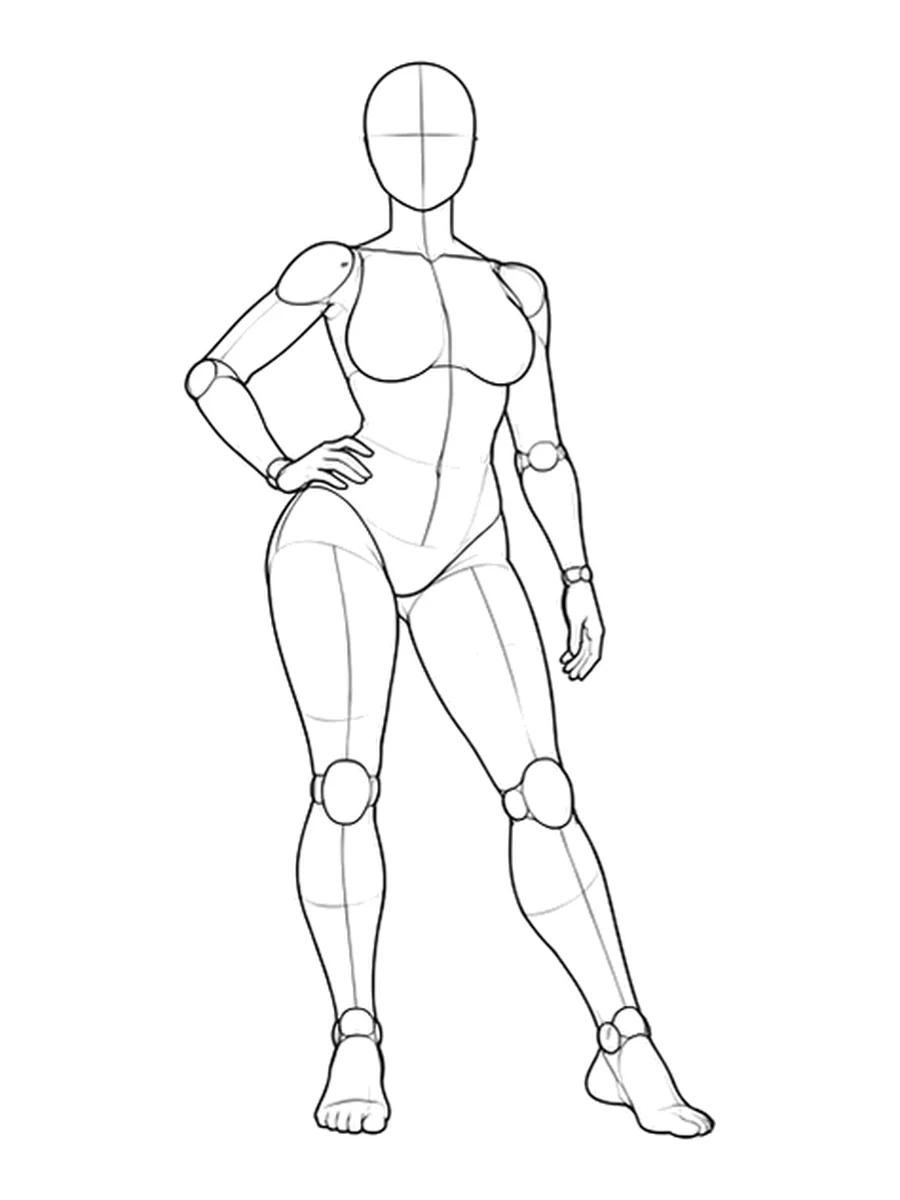
The free references versus paid packs comparison helps distinguish useful preparation from simply receiving more files.
Match the purchase to your working pattern
| Your likely use | Option to investigate | Evidence to look for |
|---|---|---|
| One defined theme, then a break | A single series pack | The sample matches the planned shots |
| Several unrelated projects this month | A monthly library subscription | The needed series are available now |
| Regular production throughout the year | Monthly and annual access | Completed past projects support the expected frequency |
| A project you revisit occasionally | A pack with suitable access terms | Download, re-download, and update rules are clear |
| Exploration without a firm brief | Free references first | You can turn a shortlist into a usable shot list |
These are starting points, not rules. A subscription can make sense for one busy month. A one-time purchase can also be useful to someone who works every week, especially when the package fills a specific gap.
Avoid treating a planned release calendar as an available library. Compare the materials you can use today. Future additions may be welcome, but they cannot complete a shot that you need this week.
Compare the full cost over the same period
Use the seller's published prices and choose a comparison period, such as the duration of your next project. List the individual packs you would actually buy, rather than every pack you might browse.
For a simple comparison:
Pack route = selected pack prices + required tool costs
Subscription route = billed subscription periods + required tool costs
Check whether taxes, currency conversion, or a separate workflow component affect either total. Image-generation credits are a separate expense unless the offer expressly includes them. Access to reference files does not by itself pay for rendering images in another service.
Here is a hypothetical example, using invented prices only to demonstrate the arithmetic. Two packs at $12 each cost $24. One month of library access at $18 costs less initially. But if you keep the subscription for a second month to finish the same work, the subscription total becomes $36. Neither calculation proves that one option is better: the included materials and access terms still need to fit the job.
For an annual plan, compare its actual upfront charge with the number of months you realistically expect to work. A monthly equivalent shown on a price card is not necessarily the amount charged today. Use your recent project history when estimating usage. The monthly photoshoot planning guide can help turn an intention to create regularly into a concrete schedule.
Read access, updates, and file-use terms separately
Three different questions often get compressed into “Do I keep it?”
First, what may you do with files you downloaded? Read the stated usage terms for source images, prompts, and any workflow components. A purchase does not automatically give permission to redistribute the source pack.
Second, can you return to the account and download the files again? A subscription may stop online access at expiry. A one-time offer may promise continuing access, but its specific terms still matter. Keep a copy of the purchased offer description and your receipt.
Third, which updates are included? An update to an existing series is different from a newly released series. Look for that distinction in writing instead of assuming that “lifetime” or “all access” answers it.
Also check what happens when an account contains both a single purchase and a subscription. The product page should make their scopes understandable without requiring you to infer how they interact.
Buy against a sample, then review actual use
Before paying, use the photoshoot pack buying checklist to examine a representative sample. A low price does not resolve missing instructions or a workflow that does not fit your tool.
After finishing a series, record which resources you used and what you still had to prepare yourself. That small review is more useful for the next decision than the size of your downloads folder. Use it to choose your next pose pack, or keep working with the references you already have.
Related posts
Find pose ideas, plan portrait series, and use references in your own AI image workflow.