Plus size boudoir poses: choose references for your character
Choose readable pose references for plus-size adult characters, preserve intended proportions, and review AI portraits for unwanted body changes.
Written by
AI Pose Refs Team
Practical guides to choosing pose references, planning portrait series, and using references in your own AI image workflow.
Choosing plus size boudoir poses starts with the character you want to represent. The aim is not to make every body resemble the same mannequin. Use a pose reference to understand the gesture and support, then keep the character's intended proportions visible in the brief and in your review of the result.
An AI workflow can change body shape while appearing to follow the pose. That makes reference selection and comparison especially useful. Choose an original adult character, describe them consistently, and inspect the whole figure when moving between views.
Separate the pose from the character's proportions
A mannequin reference is a diagram of a body arrangement. It can show a bent elbow, a shifted supporting leg, or the relationship between the shoulders and hips. Its proportions do not have to become your character's proportions.
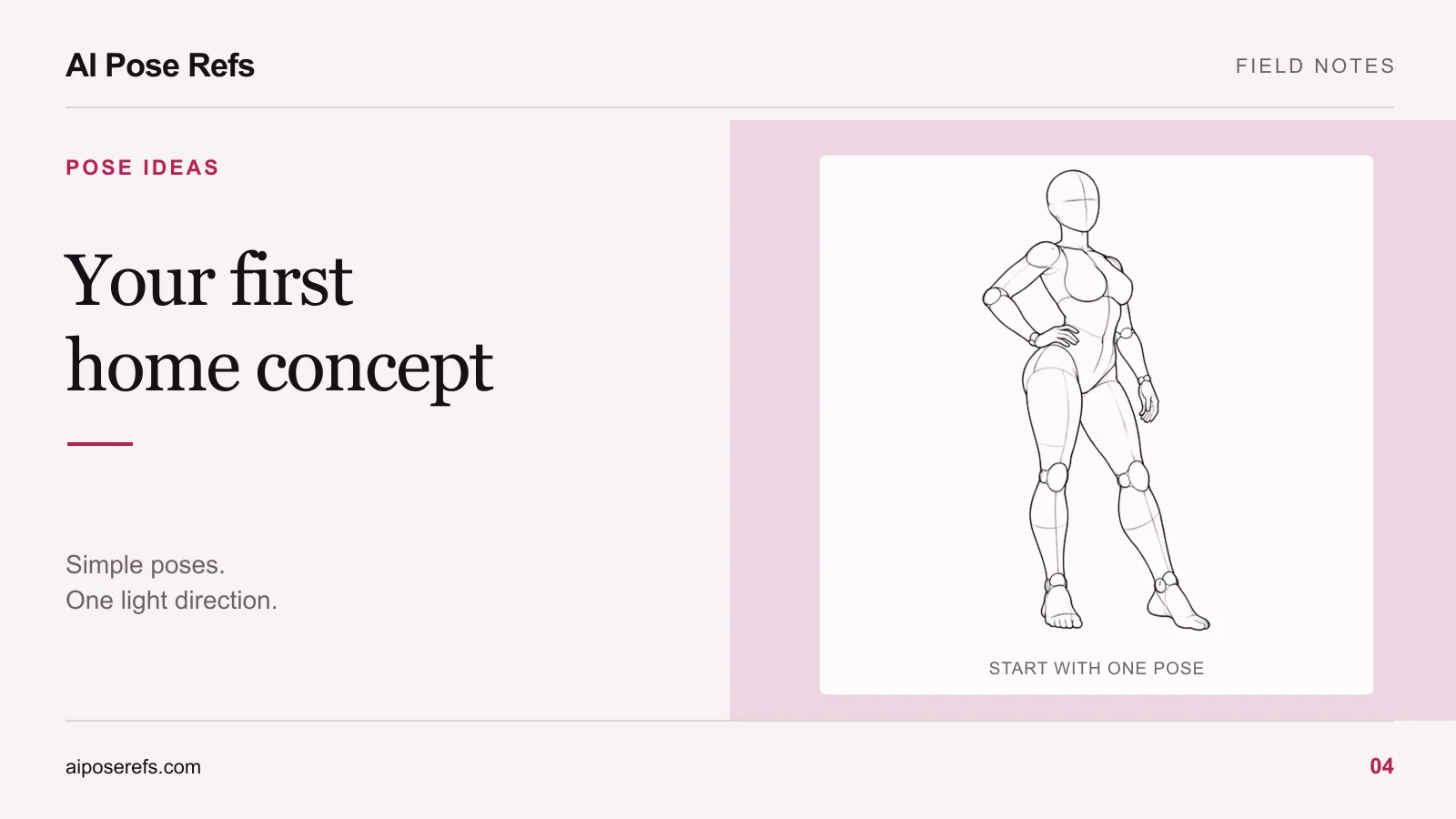
The reference below is useful for reading the hand-on-hip gesture and standing support. It is not a photograph of a plus-size model or a promise that an image tool will adapt that body arrangement faithfully to every physique.
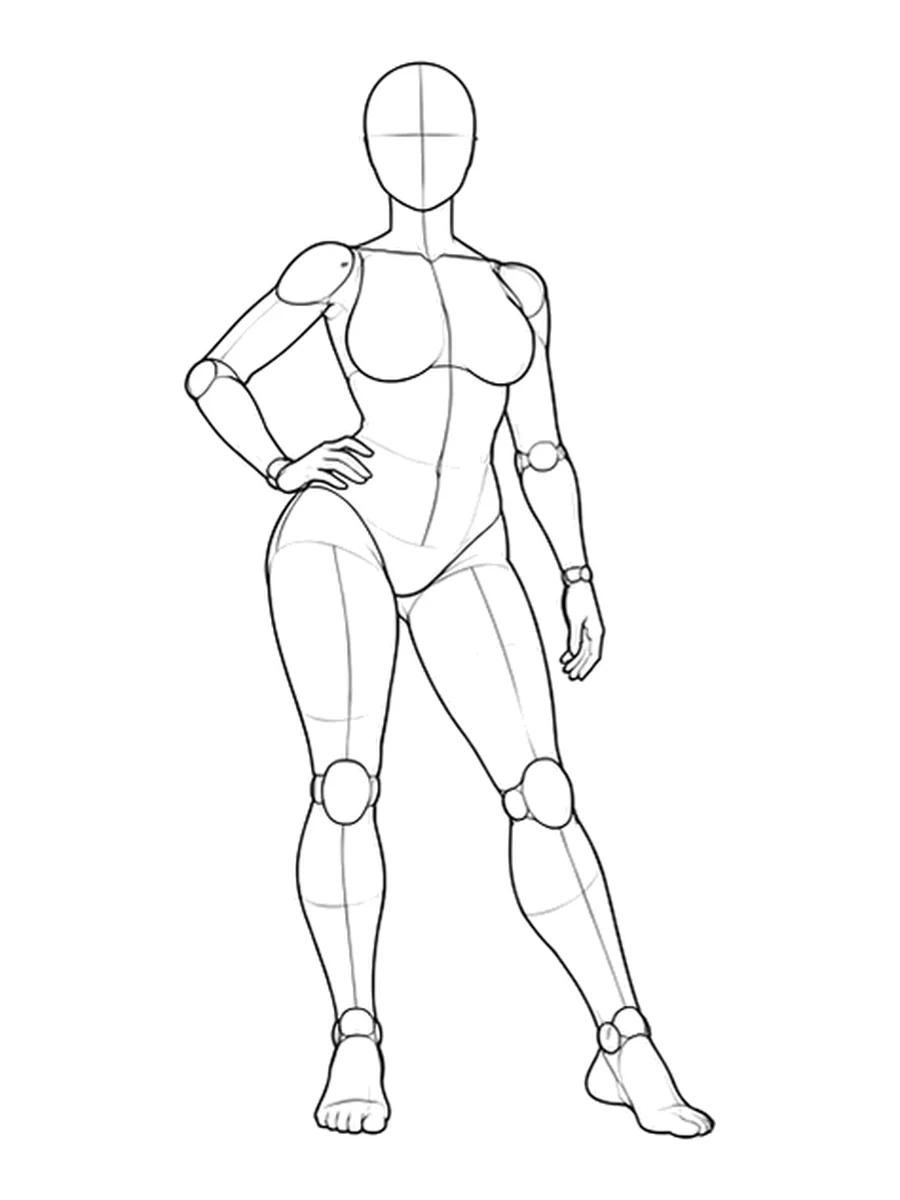
Open the full reference and its available views to compare how the gesture reads. If your image tool supports a separate character reference, use that input according to its documentation. Our pose reference versus character reference guide explains the distinction without assuming that every tool supports the same controls.
Choose clear support and a readable outline
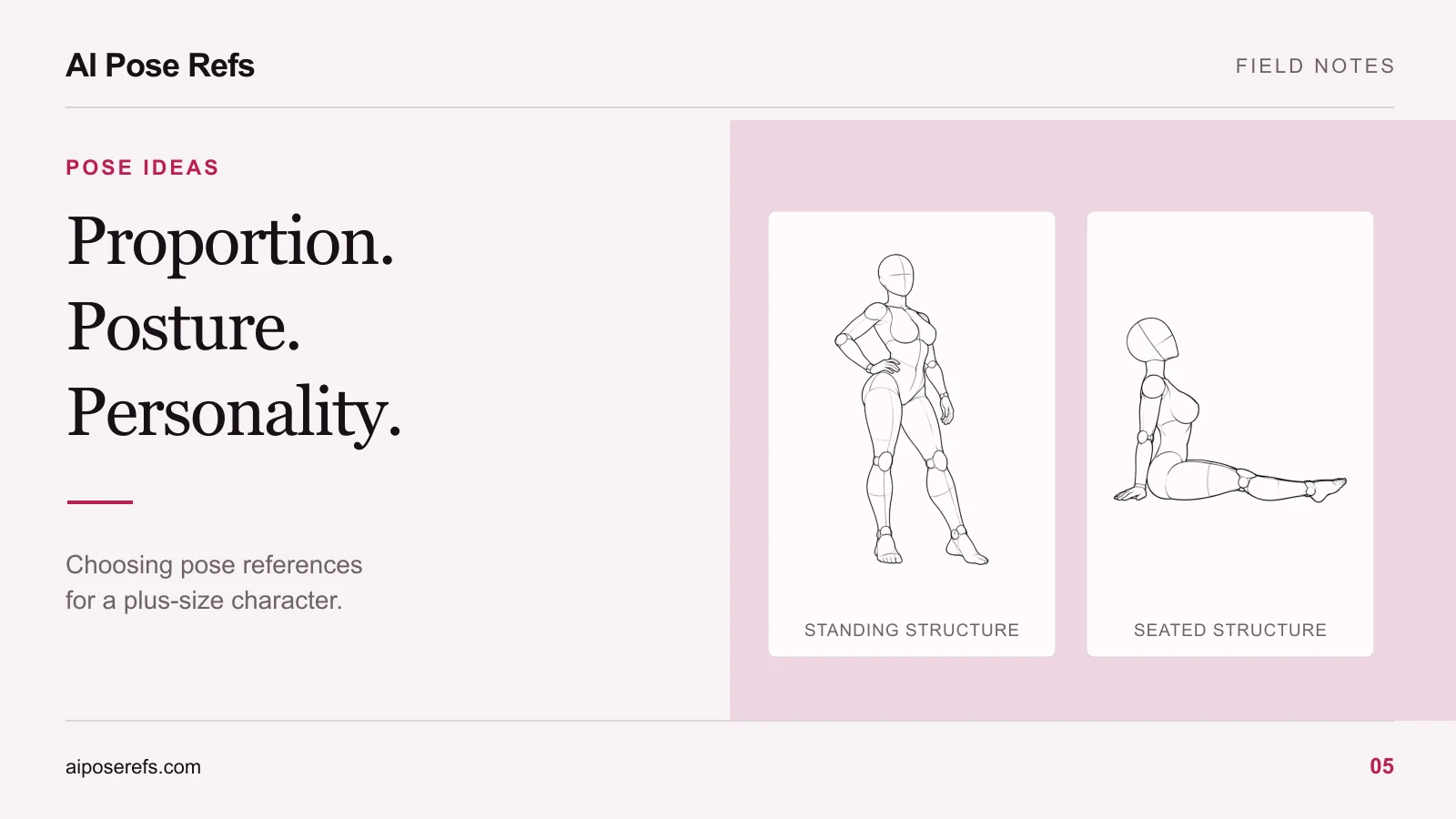
Start with poses where you can identify what supports the body. For standing images, locate the feet and the leg carrying the stance. For seated images, identify the pelvis contact and any supporting hand. For reclining images, check the shoulder, elbow, or side of the torso against the supporting surface.
Then look at the silhouette. A hand partly hidden behind a waist or thigh may be difficult to interpret, regardless of body size. You can choose a clearer angle or a different hand position without treating the body itself as a problem to fix.
Try these questions when shortlisting:
- Does the reference show enough of the supporting surface to explain the pose?
- Can the arm and torso be distinguished at the intended camera angle?
- Will the chosen clothing preserve the gesture you want to show?
- Is the crop leaving enough room to understand the body rather than hiding an unresolved limb?
The standing-pose guide offers more detail on weight shifts and arm separation. Those checks are useful across body types.
Use camera and clothing choices deliberately
There is no single camera position that is correct for every plus-size portrait. A front view, three-quarter view, and side view describe different relationships between the limbs and torso. Choose the view for the picture you want, then compare the result with that intention.
Camera height also changes what you see. A higher view may show more of the top surfaces and less of the legs. A lower view may give the legs more presence. If your goal is a straightforward full-body portrait, begin with a moderate camera height and leave the whole figure visible before exploring stronger perspective.
Garments can help explain the pose. A loose sleeve may conceal an elbow. A robe edge can overlap the supporting hand. An opaque fitted garment makes a different silhouette from a loose lounge set. Pick the clothing because it belongs to the concept, then check how its folds and edges interact with the body.
For seated work, read the chair-pose support checks. The relationship between the seat, pelvis, and feet should remain plausible when the character's proportions change.
Describe the person you intend to make
Write a stable character description before the first generation. Use specific, respectful details that you can recognize in the results. Hair, face, clothing, and body proportions all help define the intended person; avoid adding contradictory adjectives in successive prompts.
An illustrative brief could be:
Fashion portrait of a fictional plus-size adult woman with shoulder-length dark curls, full upper arms, a softly rounded abdomen, and broad hips. She wears an opaque plum lounge set. Use the uploaded reference for the hand-on-hip arrangement and standing weight shift while retaining the described proportions. Full-body framing, quiet studio backdrop, soft light from camera left, relaxed expression.
This wording is a starting point to adapt, not a guarantee of shape control. If your tool gives a reference too much influence over body proportions, investigate its documented input roles or try a reference closer to the intended figure. Repeating the same adjective many times is not a substitute for evaluating the result.
Compare the body across the whole set
Check the first full-body result against your character brief before proceeding to several poses. Record the details you want to retain. When you generate a seated or side-view image, compare it with that accepted direction rather than with an abstract idea of a “flattering” pose.
Look for unexplained changes in the waist, upper arms, hips, or leg proportions. Distinguish a plausible change caused by perspective, clothing, or sitting from a different body design. If a result changes the character, revise or replace it instead of accepting it merely because the lighting looks good.
Keep the camera view and reference image with each saved prompt. The character-consistency workflow helps organize that comparison across a series.
Browse the pose gallery for gestures with clear support and enough separation to read. Select the pose for its body language, and keep the intended character at the center of the final review.
Related posts
Find pose ideas, plan portrait series, and use references in your own AI image workflow.