Standing boudoir poses: use weight shifts and clear silhouettes
Plan standing boudoir references for adult AI portraits with readable weight shifts, deliberate hand placement, useful camera angles, and a silhouette review.
Written by
AI Pose Refs Team
Practical guides to choosing pose references, planning portrait series, and using references in your own AI image workflow.
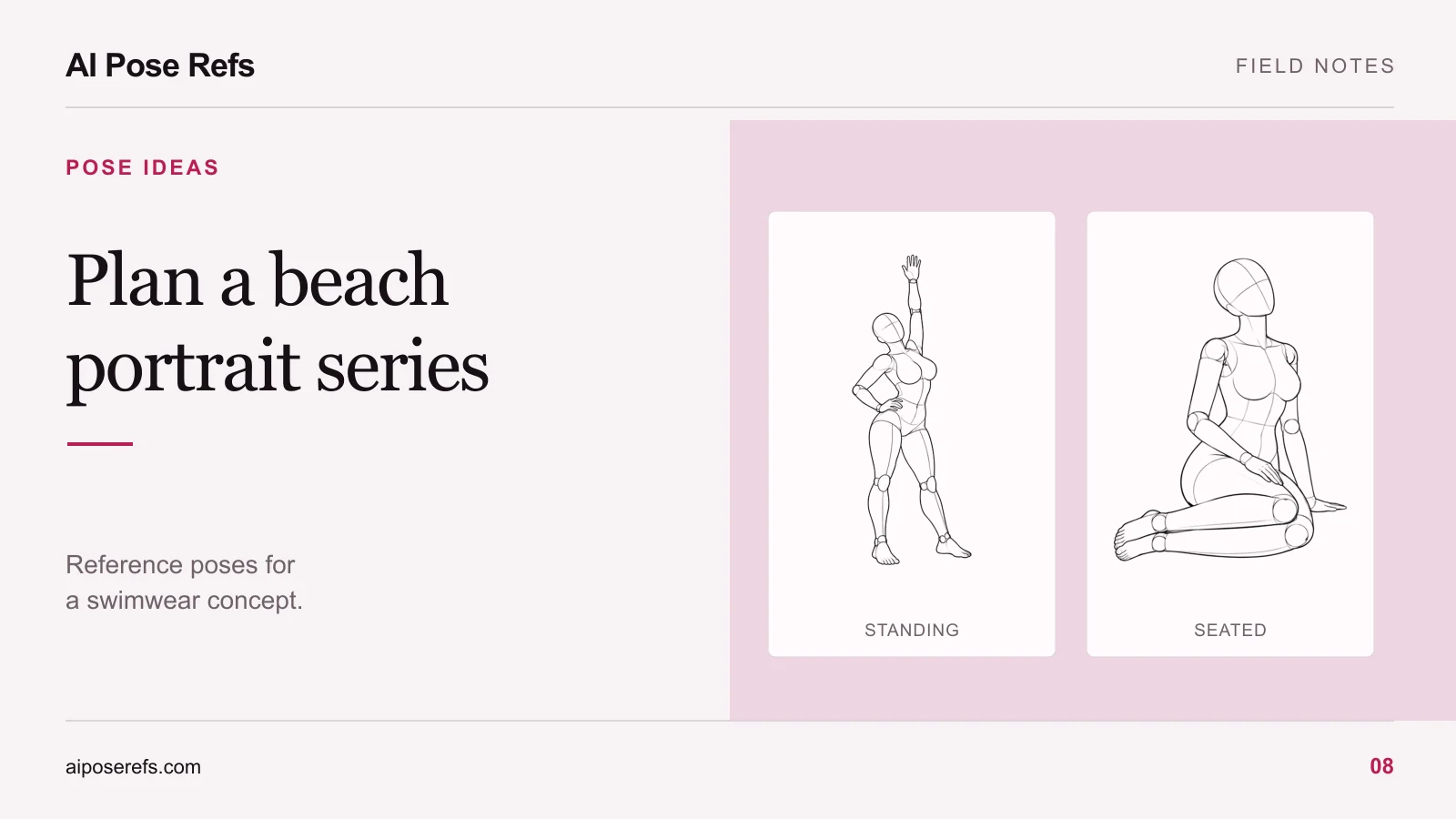
A standing pose works when you can tell where the weight rests, what the hands are doing, and which direction the torso faces. Start with those decisions before adding clothing, lighting, or a room. They give an adult fashion portrait a readable gesture, even when the final image is small.
For an AI photoshoot, choose a reference whose silhouette already fits the composition. A long prompt cannot reliably rescue a source image that hides the arm you need or shows the opposite camera angle.
Start with the supporting leg
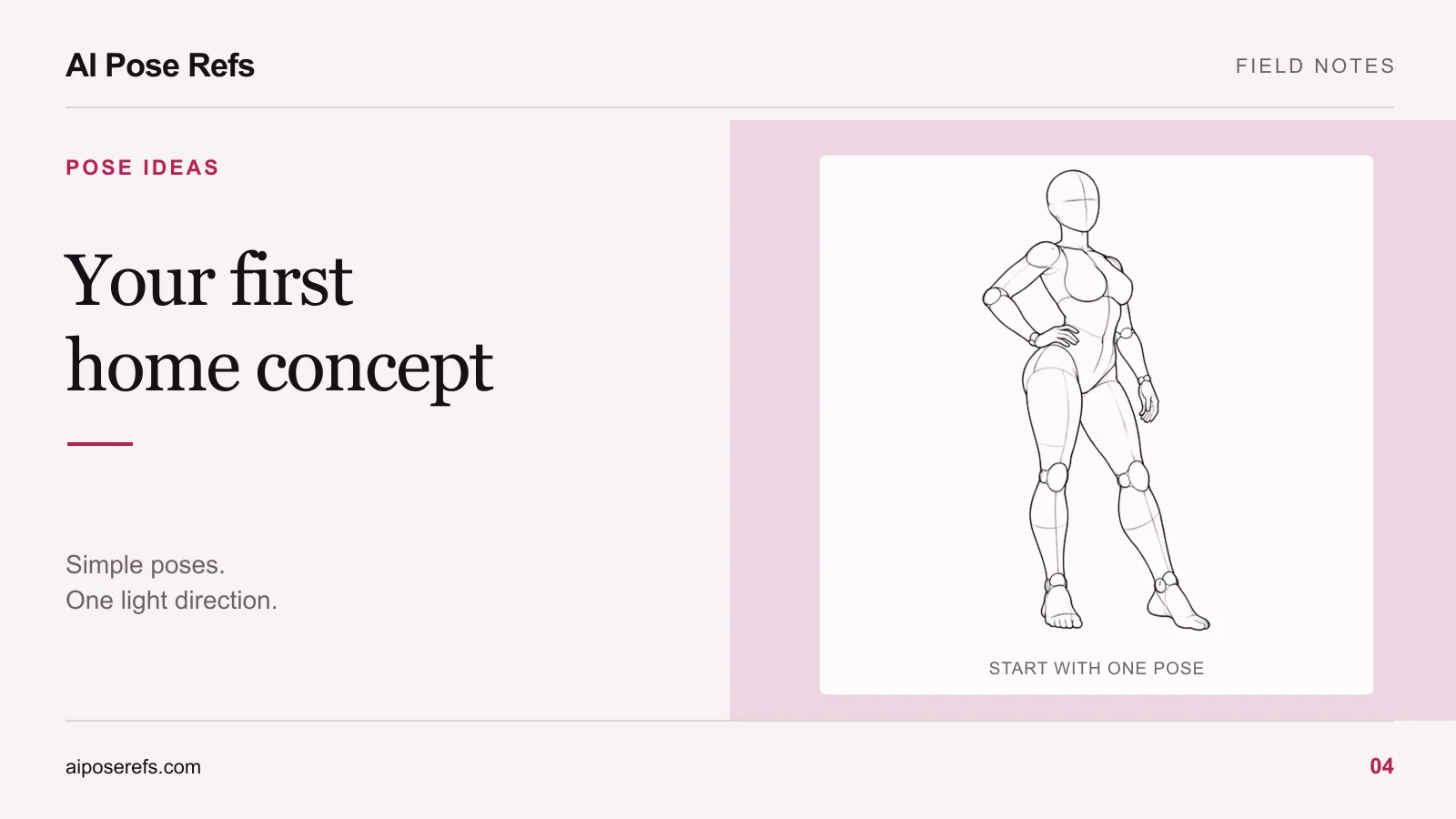
Look at the feet first. In a centered stance, both legs contribute to a relatively balanced shape. In a shifted stance, one side carries the visual weight while the other leg bends or extends. That difference changes the pelvis angle and the line through the torso.
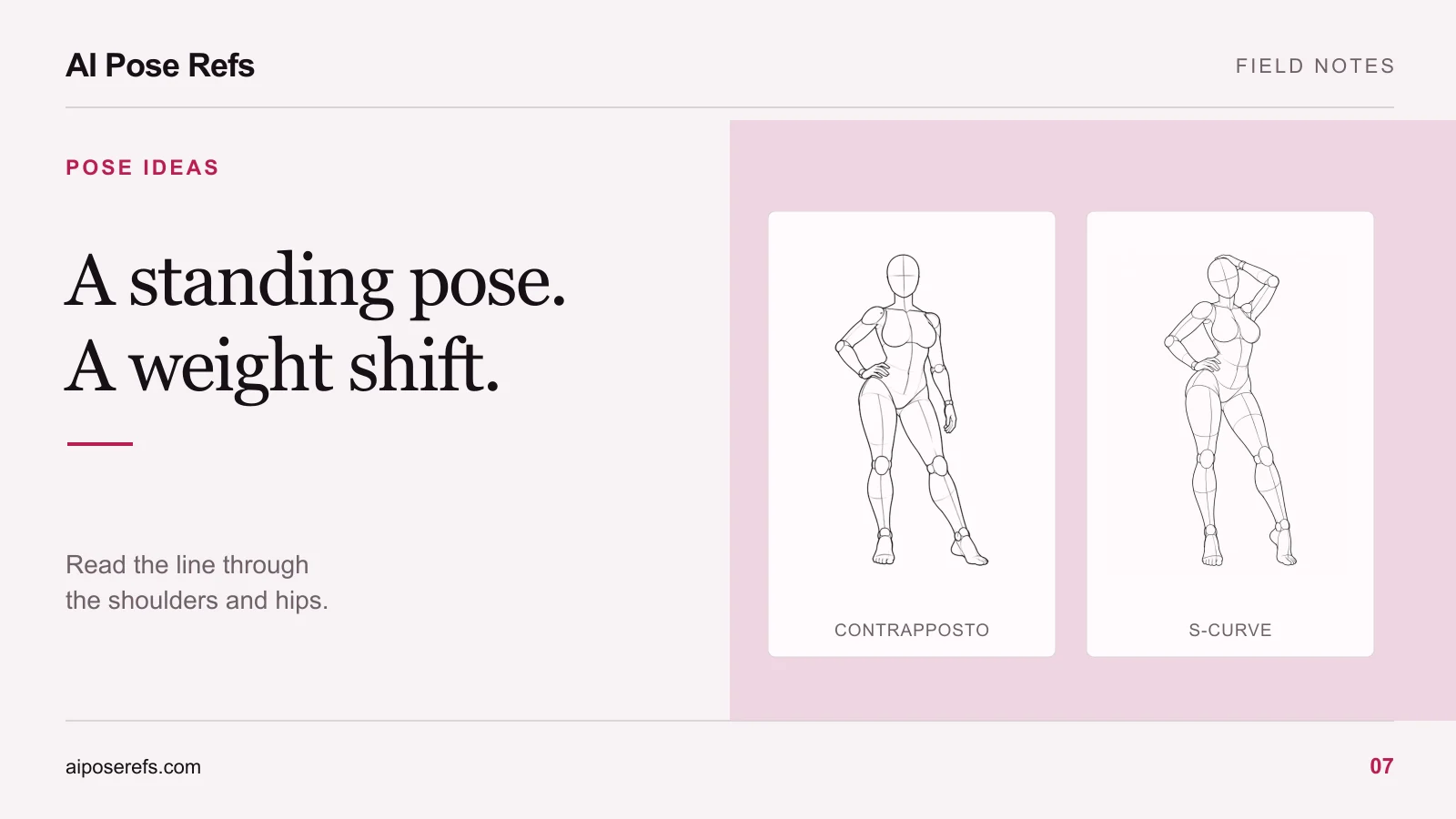
The contrapposto reference with one hand on the hip is a useful starting point. Compare the shoulder line with the hip line, then follow the leg beneath the raised hip. You are looking for a connected arrangement, not an isolated curve at the waist.
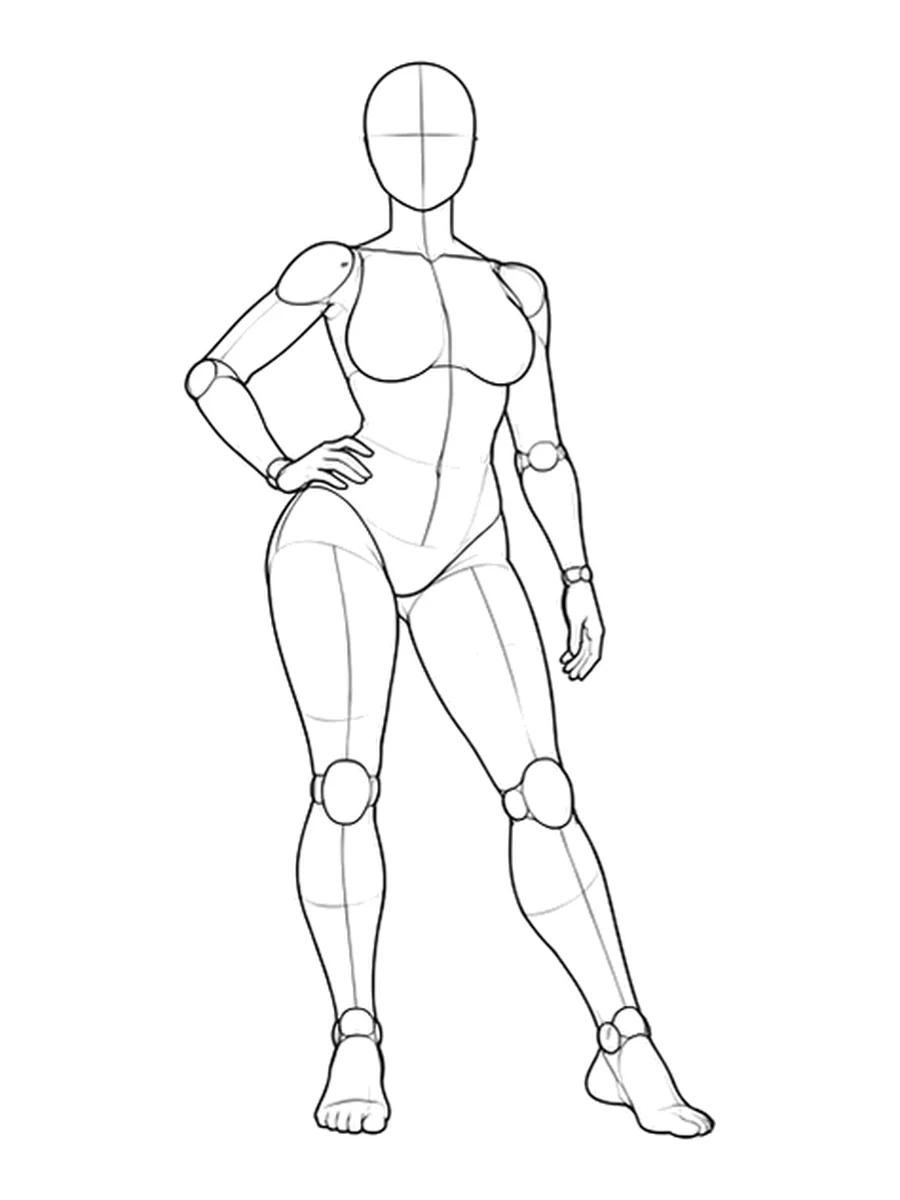
An S-curve is a way to describe the flow through the figure. It is not a requirement to exaggerate every bend. If your intended image feels quiet, use a small weight shift and a relaxed arm. If the concept calls for a more graphic fashion pose, choose a reference with a clearer offset between shoulders and hips.
Keep the support visible in the first test image. Cropping the feet too early makes it harder to judge whether the stance makes sense. You can create a closer crop after the full-body arrangement works.
Give the hands a specific job
Hands are easier to describe when they touch a clear landmark. A hand on the hip, near the neck, or resting against the thigh communicates a different gesture from an unexplained hand hovering beside the torso.
Use the planned crop to choose between them. A hand near the face can matter in a waist-up portrait. A hand low on the thigh may disappear from that same frame, leaving a bent arm with no visible purpose.
| Hand position | What to inspect in the reference | Useful framing |
|---|---|---|
| One hand on the hip | The space between elbow and waist | Three-quarter or full body |
| Both hands near the hair | Separation between forearms and head | Waist-up with room above the head |
| One hand near the neck | Wrist direction and shoulder overlap | Upper-body portrait |
| Arms relaxed | Whether the hands merge with the clothing outline | Full body or a deliberate mid-thigh crop |
The standing reference with both hands in the hair gives you a different arm shape from the hip-hand pose. Check both before deciding that changing only facial expression will make two shots feel distinct.
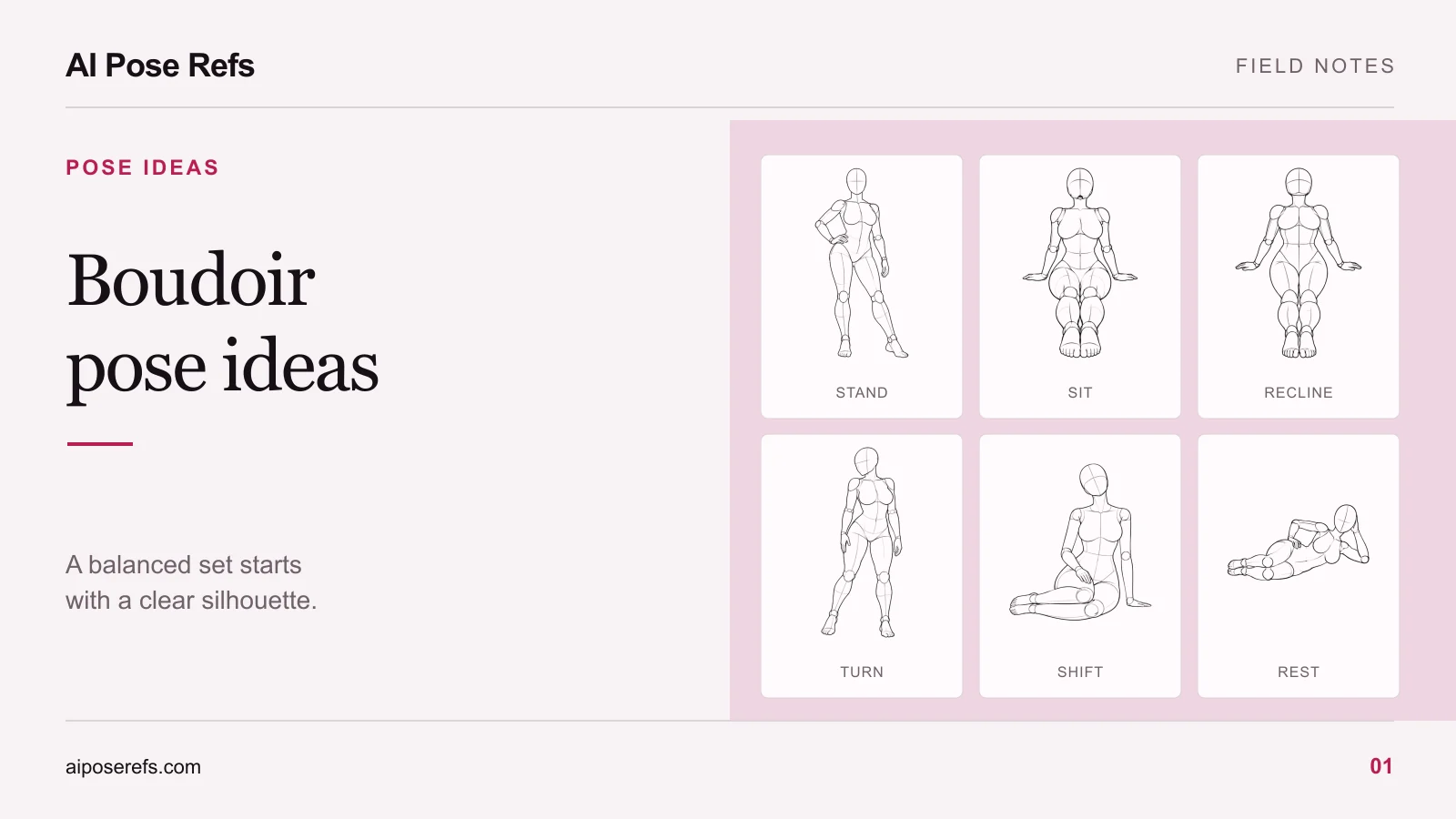
For a whole set, the broader boudoir pose ideas guide helps you mix standing poses with seated compositions rather than repeating the same silhouette.
Match the camera to the pose
A front view can make the relationship between shoulders and hips easy to read. A three-quarter view adds overlap and depth. A side view may clarify the torso angle while hiding the far arm.
Choose the view for the information it reveals. If the hand on the far hip disappears behind the torso, do not expect a generic image-reference input to reconstruct its exact placement. Select a clearer view, or accept that the hand will be less important in the final composition.
Our guide to choosing a pose-reference angle compares these decisions in more detail. On AI Pose Refs, changing the selected view changes the image you see. Check the copied text separately and adjust any camera wording in your own tool.
Write a short pose description before the full prompt
Describe the visible arrangement in one sentence. For example: “Standing with weight on one leg, the opposite knee relaxed, one hand on the hip, shoulders slightly turned.” That gives you a pose instruction you can inspect against the image.
Then add the character and visual brief. This is an illustrative starting prompt, not a tested recipe or a promise of an exact match:
Adult fictional fashion model wearing an opaque satin wrap dress, standing with weight on one leg and one hand on the hip. Keep the arm separated from the waist. Use the attached reference for the body arrangement and front camera view. Full-body portrait in a quiet studio, soft side light, neutral backdrop, both feet visible.
Keep the wardrobe and scene consistent with the content your chosen tool supports. If you copy a gallery prompt, replace its mannequin and line-art styling when you want a photographic concept. The reference-based prompt guide explains how to combine those pieces without contradictory instructions.
Compare the silhouette before judging the styling
Put the result beside the source and check the supporting leg, hip direction, elbow gap, and head position. A result can have attractive light while missing the intended gesture.
Change one clear problem at a time. If the elbow merges with the body, choose a less obstructed reference or clarify the arm position. If the camera has moved, correct the viewpoint before adding more clothing details. For persistent anatomy errors, use the hands and limbs review.
Open the pose gallery, pick two standing references with visibly different arm shapes, and write one plain pose sentence for each. That is enough to begin a comparison without building an entire series first.
Related posts
Find pose ideas, plan portrait series, and use references in your own AI image workflow.