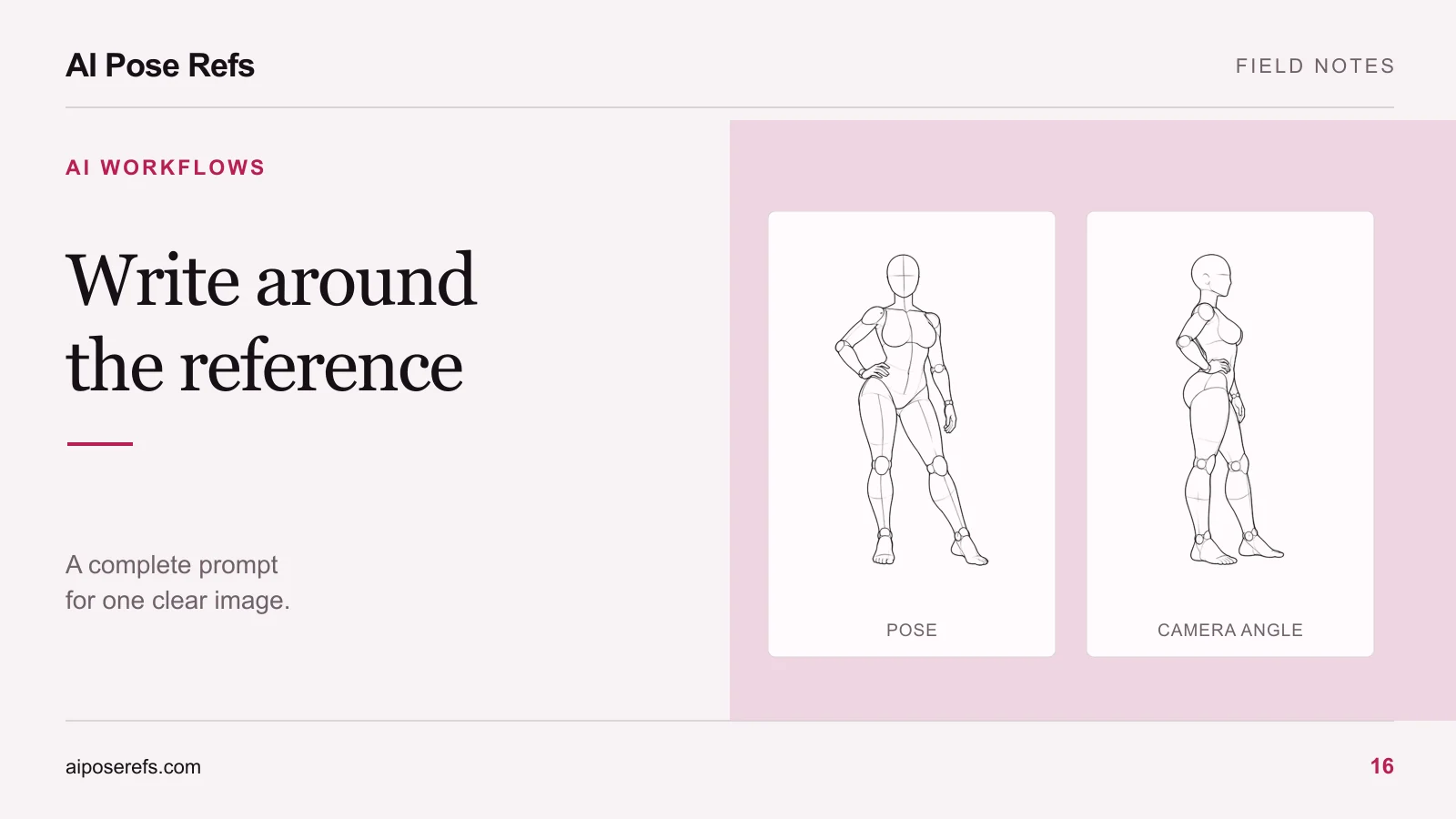
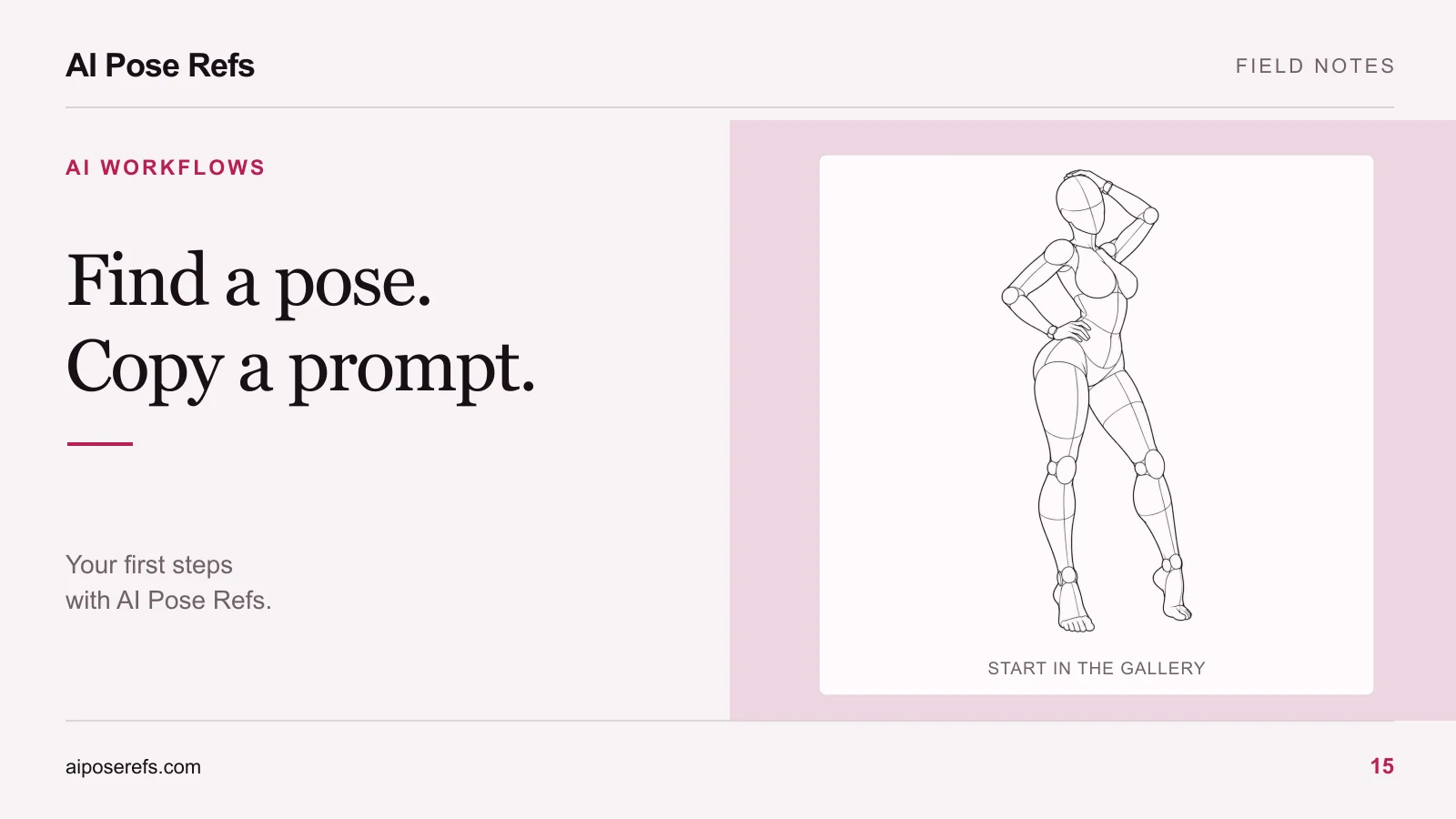
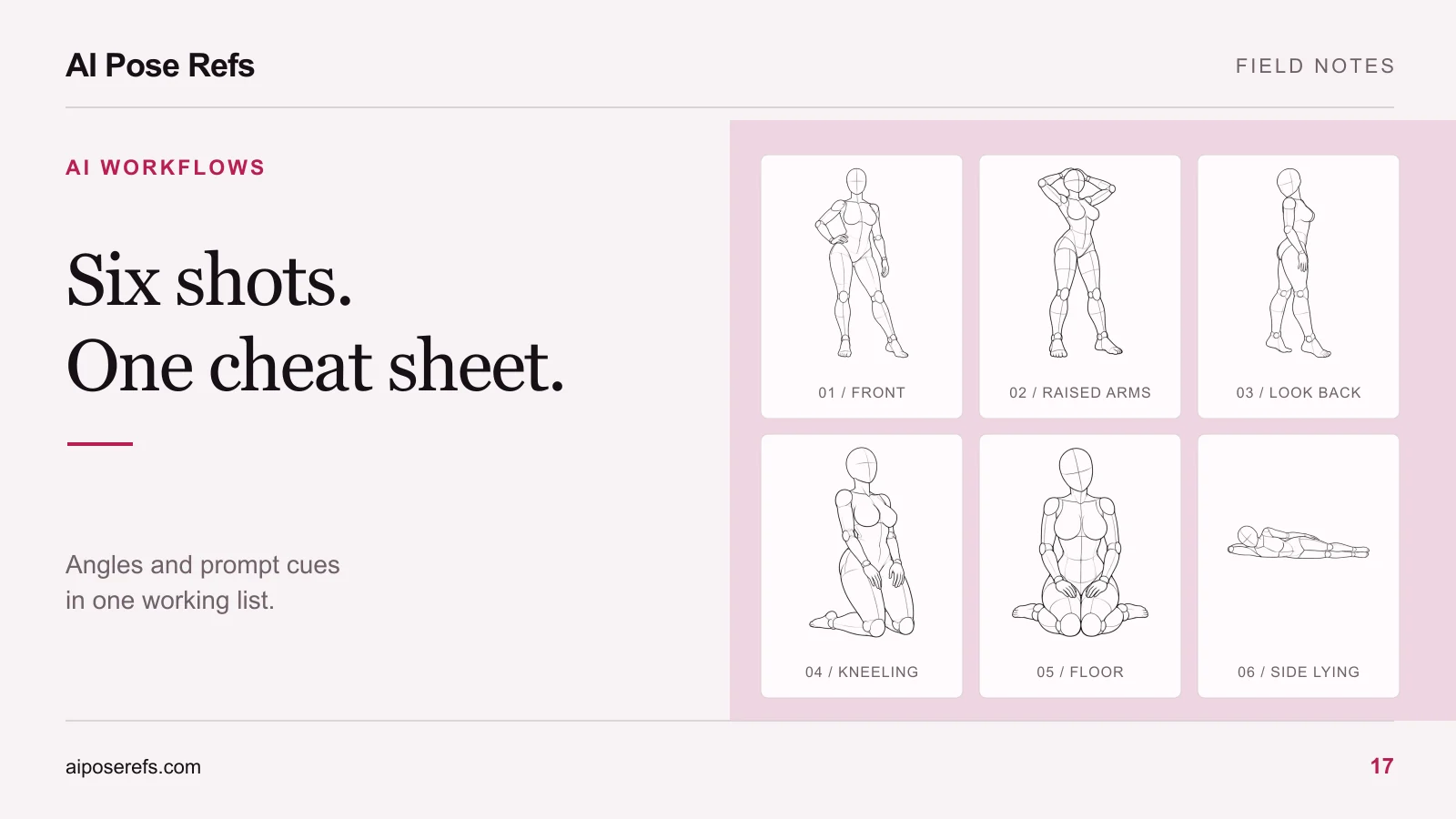
Pose reference vs character reference: what to upload to your AI tool
Learn what pose and character references each control, how to prepare compatible inputs, and how to diagnose identity or pose mismatches in AI portraits.
Written by
AI Pose Refs Team
Practical guides to choosing pose references, planning portrait series, and using references in your own AI image workflow.
A pose reference answers a spatial question: where are the shoulders, hands, hips, and feet? A character reference answers an identity question: who should appear in the picture? Treating these as separate inputs makes it easier to prepare a portrait and understand what went wrong afterward.
The distinction does not mean every image tool offers separate controls for both jobs. Start with the inputs your chosen tool actually supports. Two uploaded images can be combined, interpreted differently, or assigned specific roles depending on the product and model.
Give each image a clear job
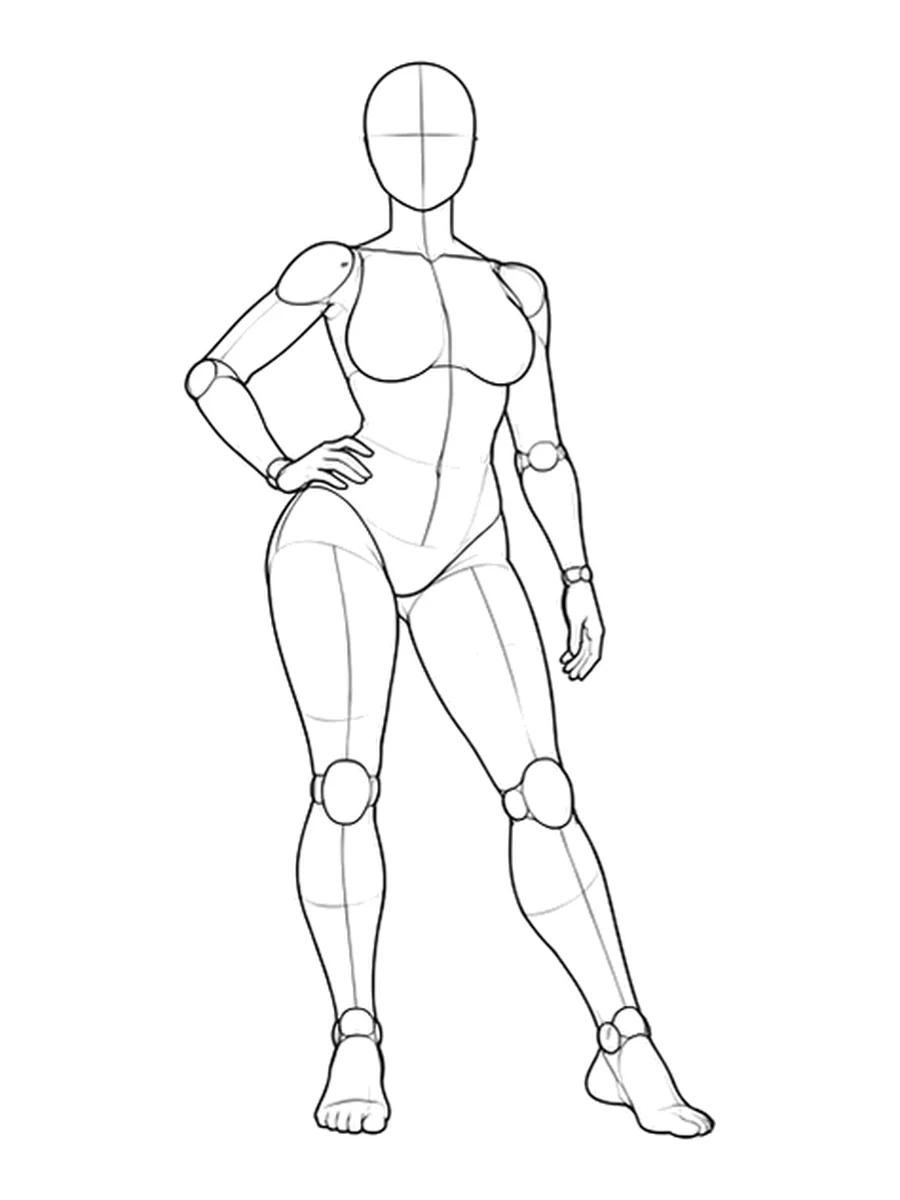
Imagine an original adult character named Mara: short dark hair, a broad face, and a navy trouser suit. You want to place her in a standing pose with one hand on her hip.
Her character reference should make the identity details easy to see. The pose reference should make the intended stance easy to read. A reference that contains both a complicated outfit and a dramatic gesture may be useful, but it also gives the tool more material to interpret.
| Input | What you want it to communicate | What to inspect first |
|---|---|---|
| Pose reference | Limb position, weight shift, body orientation | Visible joints and support points |
| Character reference | Face, hair, proportions, distinctive appearance | Clear identity details and suitable framing |
| Written brief | Clothing, setting, light, crop, intended result | Agreement with the image inputs |
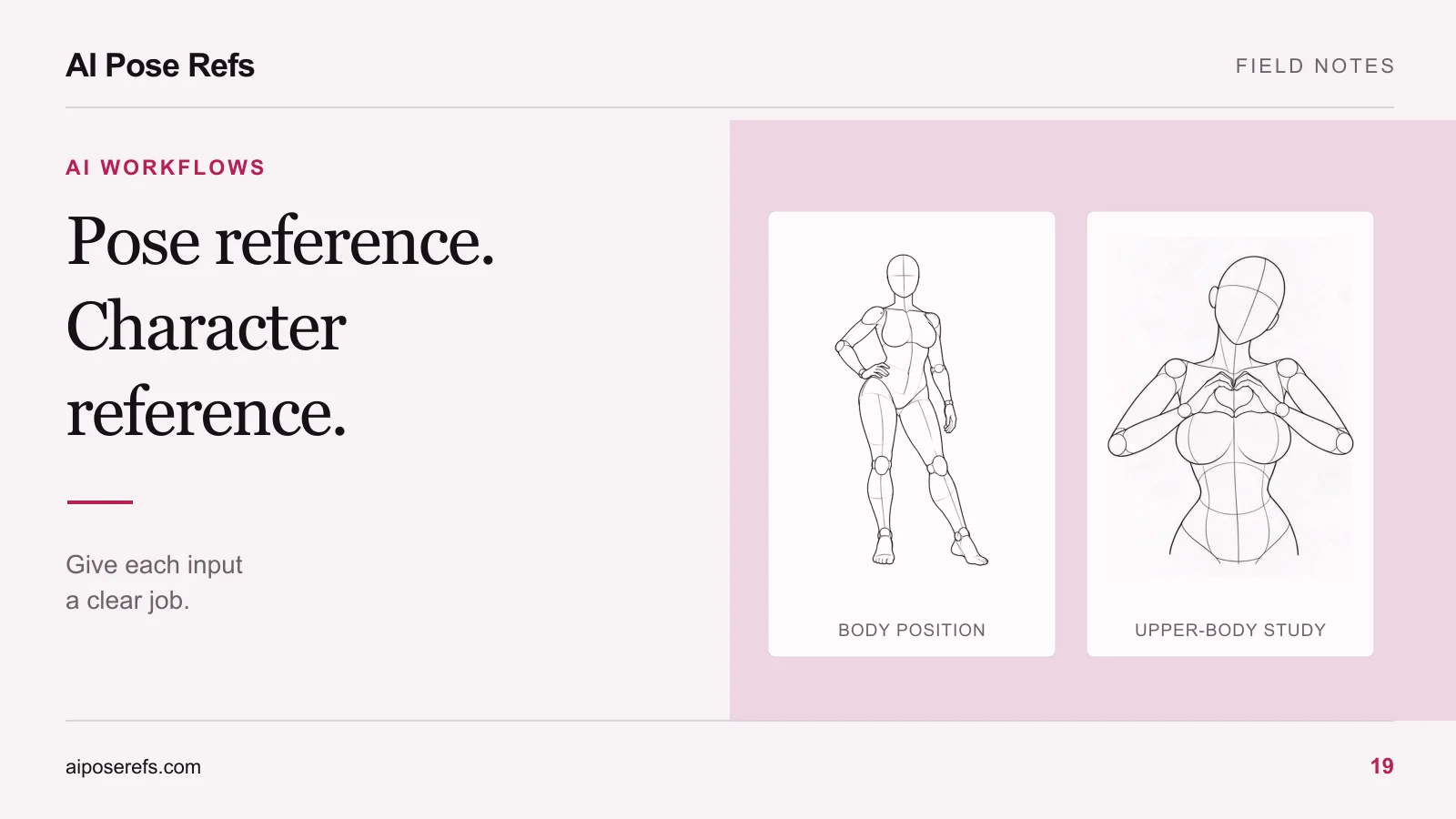
The contrapposto reference below is useful for discussing weight shift and hand position. Its mannequin appearance is part of the source image, not the intended identity of your finished character.
Check the input roles before uploading
Look for the model's current documentation rather than assuming a button called “reference” controls everything. An image might guide composition, visual style, identity, or an edit of the original picture. Those are different tasks.
For example, Adobe describes its composition reference as guiding image structure through outline and depth. That is a composition role. Adobe Firefly composition reference documentation.
Before preparing a whole series, answer three practical questions. Can this tool accept more than one image? Can you assign a different role to each one? Does its documentation describe a way to retain identity while changing composition? If a required role is missing, simplify the experiment before adding more files.
Our pose-pack compatibility guide provides a checklist for making that decision before purchasing resources.
Prepare one understandable test
Use one character, one pose, and a plain setting for the first attempt. A full outfit change, elaborate background, new camera angle, and unusual gesture make it harder to identify the cause of a mismatch.
Where separate inputs are supported, assign the character image to the documented identity role and the mannequin image to the documented pose or composition role. Where images are only blended together, be explicit about the intended roles in the text, while recognizing that text may not enforce that separation.
This is an illustrative brief to adapt to the tool, not a tested recipe:
Adult fictional character Mara, short dark hair and a broad face, wearing a navy trouser suit. Full-body editorial portrait against a pale studio background. Use the standing reference for the body position: weight shifted to one leg, one hand resting on the hip. Preserve Mara's identifying facial and hair features from the character reference. Soft side lighting, both feet visible.
The finished prompt should describe the image you want. If you started by copying an AI Pose Refs prompt, replace conflicting mannequin or line-art instructions in your own tool. The complete prompt guide shows how to keep those substitutions organized.
When the tool accepts only one reference
Choose the input that addresses the hardest part of the picture. If the pose is unusual and the character can be described simply, begin with the pose image and a written character brief. If identity is essential, begin with the character image and a simpler pose description.
You can also look for a supported editing workflow that changes an existing portrait, but check its documented behavior first. Do not assume that uploading a combined contact sheet creates independent controls. A collage can be interpreted as the composition of a single image, including its panels and borders.
Keep a record of what you actually supplied. “Used two references” is less useful than “character portrait in input A, front-view mannequin in input B, complete prompt version 2.”
Review identity and pose separately
Inspect the output in two passes. First compare the character: face shape, hair, proportions, and clothing. Then compare the pose: shoulder direction, hand contact, supporting leg, and camera position. A picture can succeed at one and miss the other.
If identity drifts while the gesture is close, work on the identity input and shared character description. If the character looks right but the stance changes, inspect the pose input and contradictory wording. The pose mismatch guide helps isolate that second problem.
Once one attempt is useful, save its complete inputs before changing the next pose. For a larger set, follow the character consistency review. Start with a clearly readable stance in the pose gallery, and judge the result against the role you assigned to each reference.
Related posts
Find pose ideas, plan portrait series, and use references in your own AI image workflow.