Chair boudoir poses: plan seated AI portraits that feel natural
Plan chair-based AI fashion portraits by checking pelvis support, foot placement, hand position, camera angle, and the geometry of the seat.
Written by
AI Pose Refs Team
Practical guides to choosing pose references, planning portrait series, and using references in your own AI image workflow.
A convincing chair pose begins with the seat. Before choosing a gaze or styling the room, locate the pelvis, the surface carrying its weight, and the feet. Those relationships explain how the person can remain in the position.
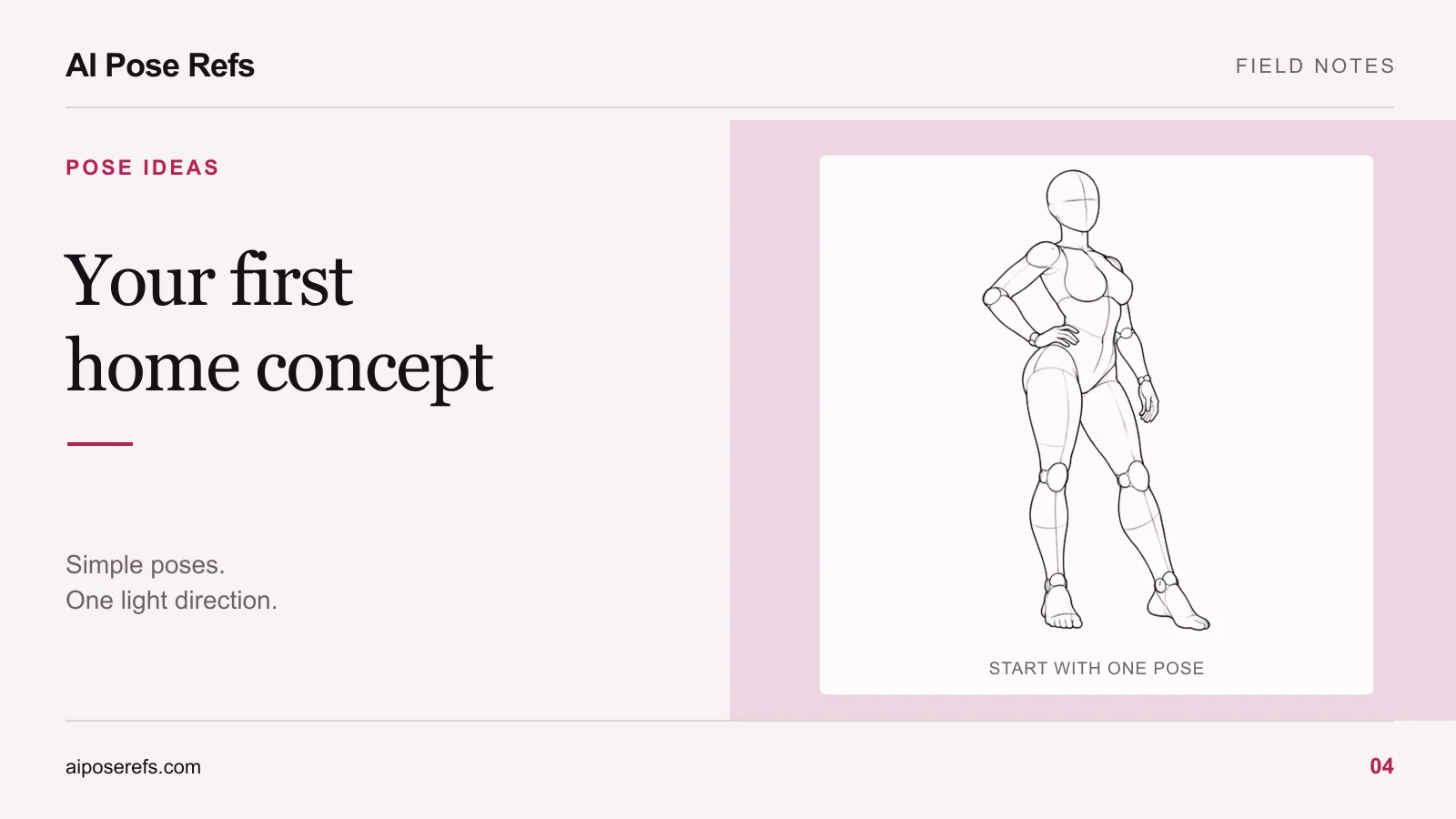
For chair boudoir poses in an AI portrait workflow, keep the first concept simple: one fictional adult character in an opaque lounge outfit, a plain chair, and a camera angle that shows the contact points. More elaborate furniture and folded limbs can wait until the basic arrangement works.
Start with the kind of chair the pose requires
A stool, an upright dining chair, and a deep armchair support different body arrangements. A pose with both elbows resting on armrests needs a chair that actually has armrests. A high stool may require a footrest. A deep lounge chair may place the pelvis lower than the knees.
Choose one seat design and keep it stable while testing the pose. Describe its useful geometry in the prompt: a flat seat, straight back, no arms, or a visible footrest. Decorative details matter less at this stage than whether the furniture can support the intended body position.
Do not ask the image tool to solve several conflicting references. If the pose image shows a floor-seated figure with legs extended forward, adding “upright on a dining chair” changes the support system. Find or create a permitted reference of the actual chair arrangement when close adherence matters.
Learn from a seated study without pretending it is a chair reference
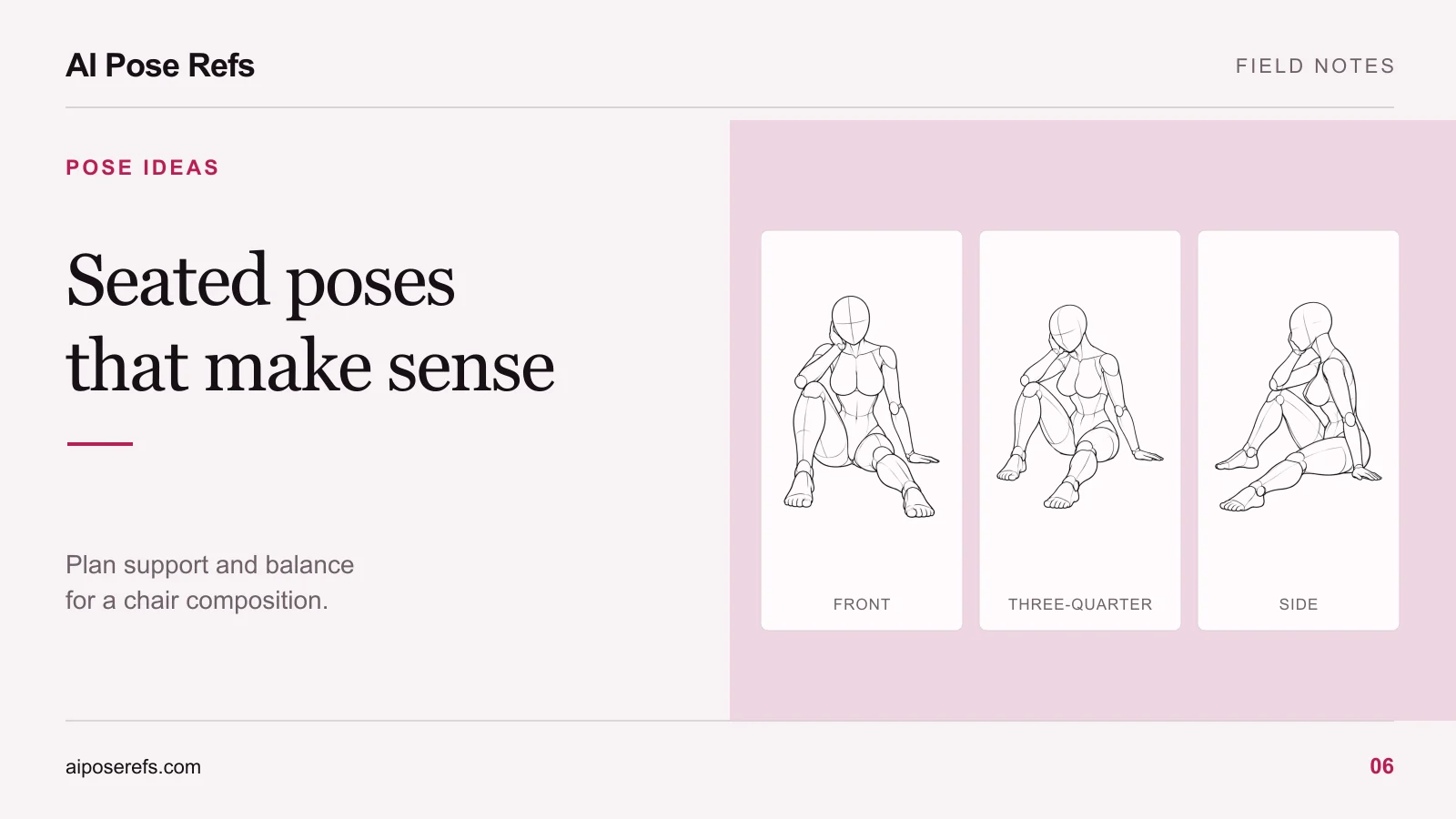
The seated torso reference below shows a bent knee arrangement, one supporting hand, and a hand resting near the legs. It is useful for studying how the torso and limbs remain readable. The image does not show a chair, so it should not be treated as a complete guide to chair height or foot placement.
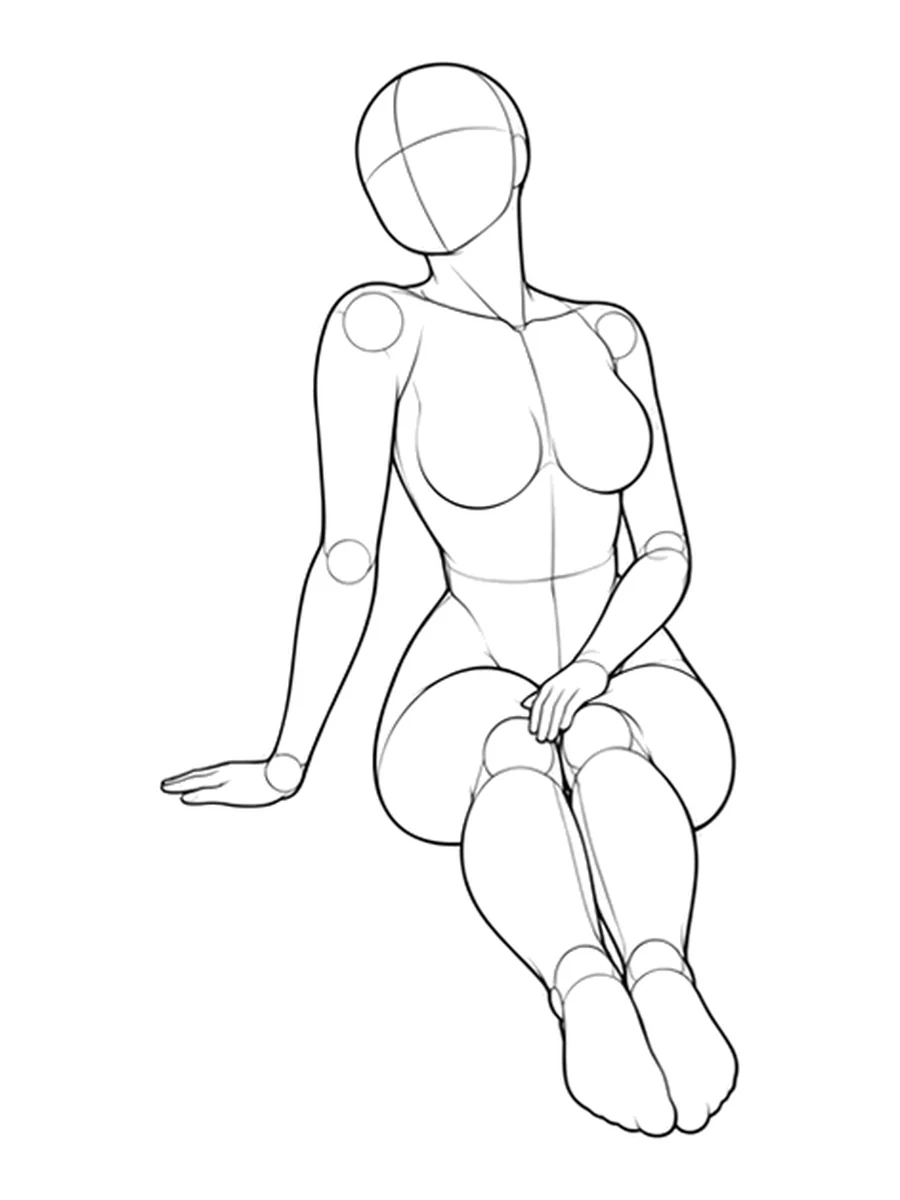
You can borrow the idea of a quiet hand gesture, but a chair-based composition still needs plausible seat contact and leg positions. The home portrait guide uses this distinction when planning a small window-light scene.
Choose a seated arrangement with clear contact points
Start with one of these simple ideas and locate a suitable reference for it:
| Chair arrangement | What makes it readable | What to check in the output |
|---|---|---|
| Upright with both feet down | The seat and floor explain the support | Pelvis meets the seat; feet reach the floor |
| Three-quarter seated with a hand on the thigh | The near and far legs can be separated | Hand rests on the intended leg; limbs do not merge |
| Slight forward lean | Torso direction gives the pose a clear action | Lean comes from the body, without an unexplained floating pelvis |
| Upright with one hand on the chair edge | A visible contact adds context | Fingers meet the edge; the arm reaches naturally |
Use a backrest only when it belongs to the pose. An upright torso can sit away from it, while a relaxed leaning pose may rest against it. If the character's back changes from unsupported to fully reclined across attempts, you are changing the pose rather than refining one detail.
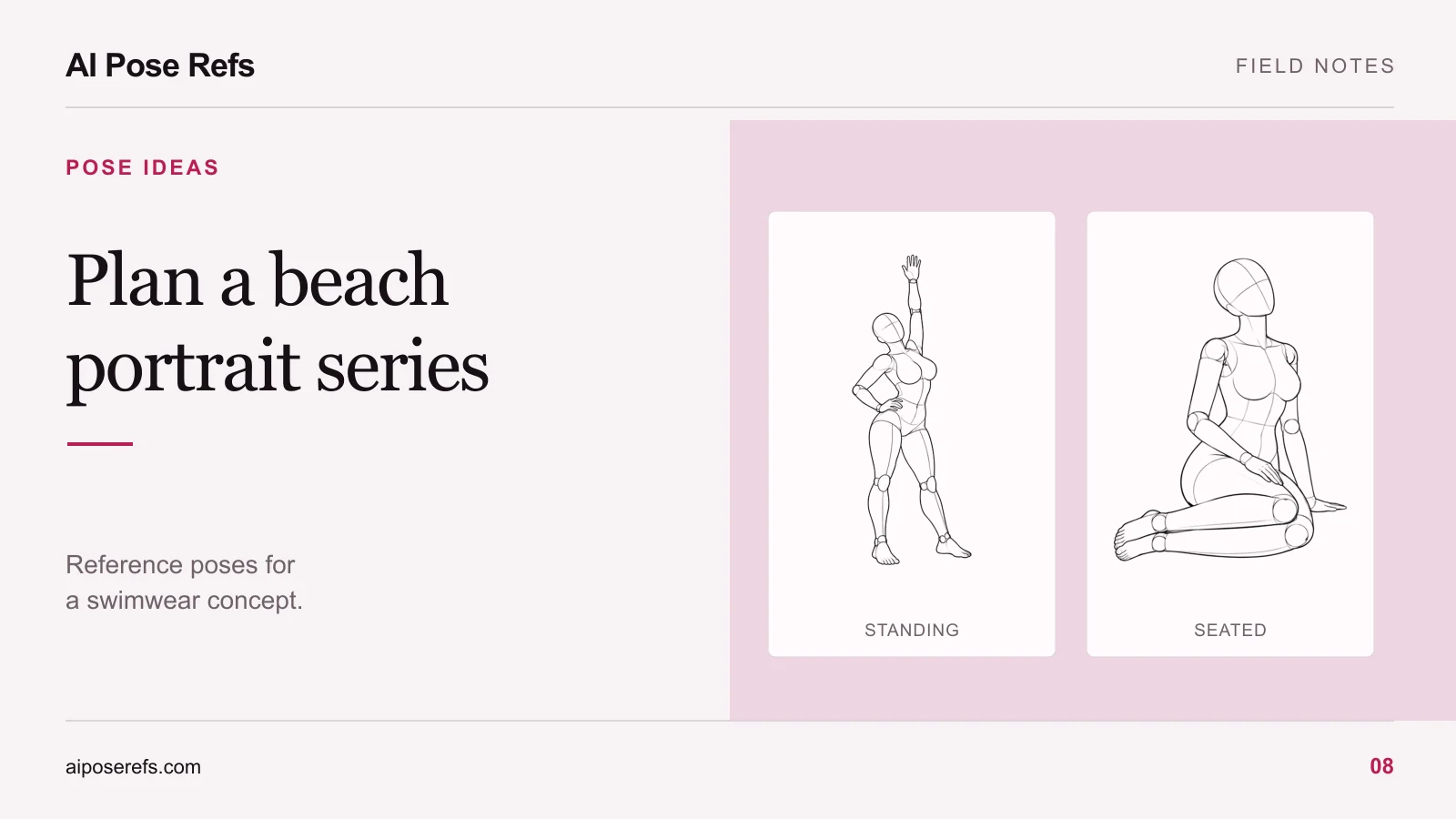
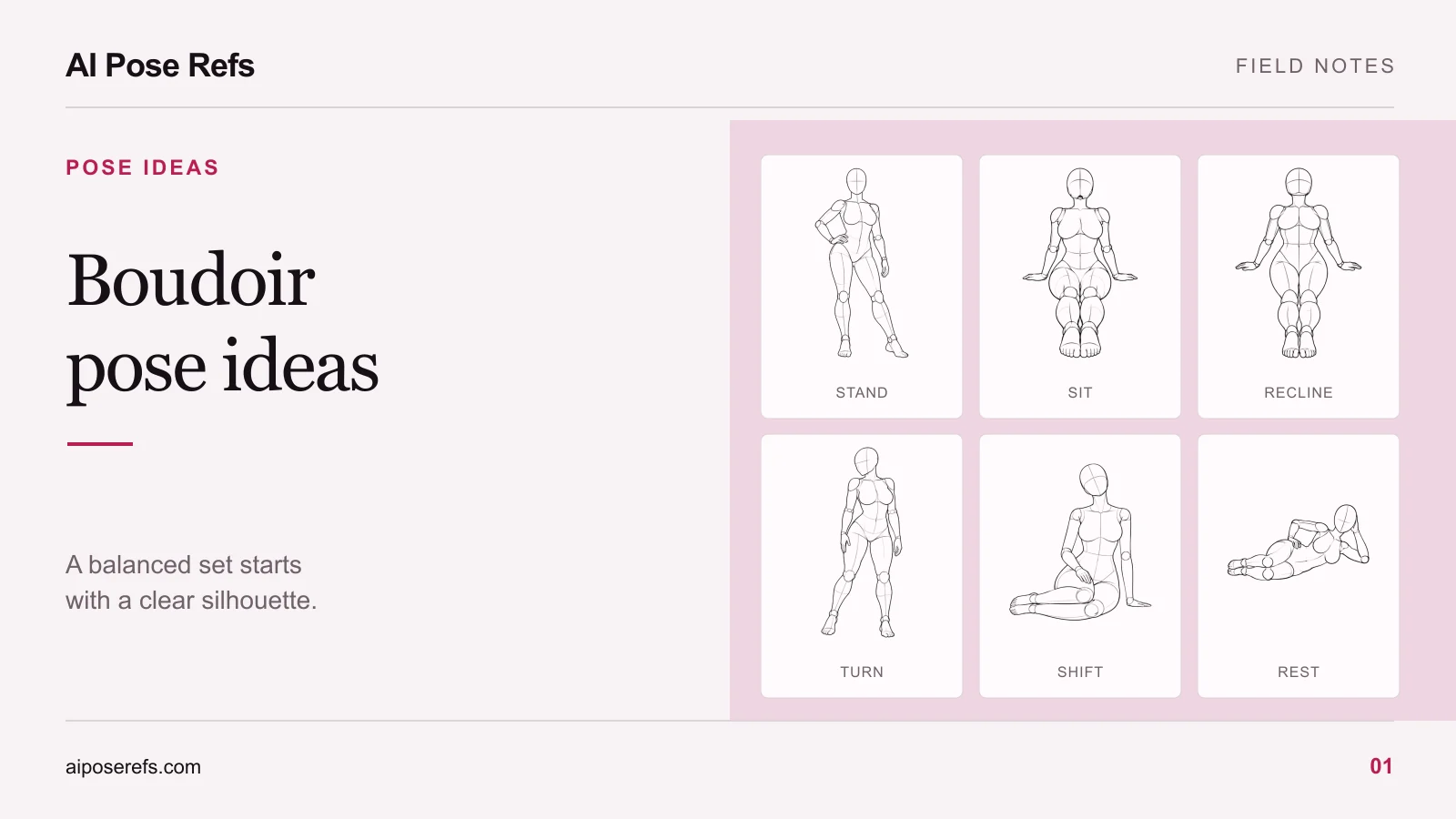
For additional seated and standing contrasts, the pose-ideas guide shows how to give each image a different role within a set.
Compare front and three-quarter views
The front view makes it straightforward to compare shoulders and knees, but it can also place one leg or hand directly over another. A three-quarter view often reveals more of the chair's depth and the separation between near and far limbs.
Check the seat edge in relation to the thighs. Look at where the chair legs meet the floor. Then follow each arm from shoulder to hand. You should be able to explain which surface each hand touches without relying on the caption.
Choose the view that answers the composition's main question. If the image is about a hand resting on a chair edge, that contact should be visible. If it is a closer face-and-shoulders portrait, you may crop the chair, but first establish a plausible full arrangement. The reference-angle guide provides a method for comparing views before you upload one.
Write the furniture and contact points into the prompt
Here is an illustrative prompt for an upright seated concept. Use it with a reference that matches the described arrangement, and adapt it to your tool's supported image inputs:
Fashion portrait of a fictional adult woman in an opaque charcoal lounge set, seated upright on a plain wooden chair with a flat seat and no armrests. Pelvis resting on the seat, both feet on the floor, one hand resting on the near thigh, the other relaxed beside the body. Three-quarter camera view, full chair and feet visible, soft window light, uncluttered pale room.
Keep the pose instructions brief enough to compare with the reference. A long list of incompatible hand and leg actions makes it difficult to tell which instruction the model followed. Preserve the room and clothing description while you work on support.
Review the body and chair together
Inspect the result at full-frame size before zooming into the face. Does the seat continue behind the figure? Are all visible chair legs connected sensibly? Does the hand touch the chair, or merely hover beside it? Are the feet positioned at a plausible distance from the seat?
If the output has a merged hand, identify the exact contact you want to repair. If the chair geometry is wrong, fixing only the fingers may leave the pose unsupported. The hands and limbs troubleshooting guide explains how to inspect a local repair in the context of the whole image.
Use the gallery to study clear seated gestures, then choose a complete chair reference for the final composition. Keep the furniture simple until the body and its support make sense together.
Related posts
Find pose ideas, plan portrait series, and use references in your own AI image workflow.