Boudoir poses for beginners at home: a window-light AI concept
Plan a simple home-style AI portrait set with one window, a chair, clear pose references, and practical checks for light and body support.
Written by
AI Pose Refs Team
Practical guides to choosing pose references, planning portrait series, and using references in your own AI image workflow.
For a first home-style AI portrait set, keep the room small in your imagination: a pale wall, one window, and a simple chair. Choose an original adult character and comfortable opaque lounge clothing. You can explore posture, gesture, and light without inventing an elaborate room for every image.
The challenge with boudoir poses for beginners is usually deciding what to look at. A reference may seem natural at first glance, yet leave you unsure where the weight sits or what supports the torso. Start with poses whose contact points are visible.
Set up the room on paper
Write a short room description before choosing the first pose. For example: a matte cream wall, a window to camera left, a plain wooden chair, and an uncluttered floor. Keep the light direction fixed in your notes.
Place the character where the window makes sense. If the face is meant to turn toward the light, the gaze and shoulder direction should support that choice. If a later image puts the window on the opposite side, decide whether the camera moved around the room or whether the generation simply changed the scene.
You do not need to specify a particular lens or exposure to begin. The useful decisions are visible ones: full body or closer portrait, eye-level or higher camera, broad soft light or a narrower strip. Describe the result you want rather than adding camera terminology you cannot evaluate.
Begin with a standing pose you can read
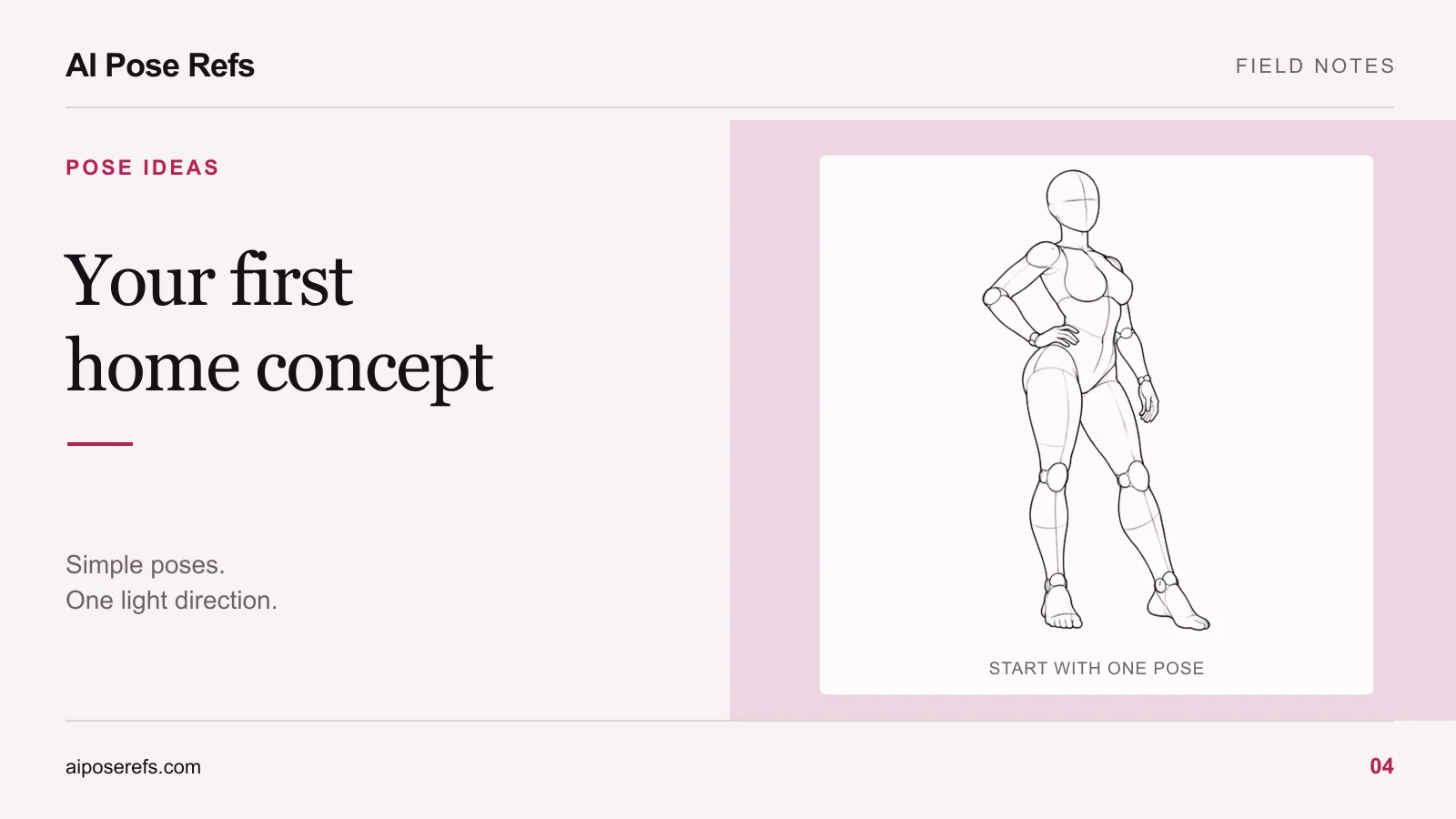
The hand-on-hip standing reference gives you clear landmarks. One arm bends away from the torso. One leg carries more of the stance. The feet remain visible, so you can inspect the relationship between the body and the floor.
For a first image, keep the full body in frame and avoid adding objects behind the hands. After you have a useful result, try a closer crop or a changed gaze. This lets you judge one composition before introducing several new variables.
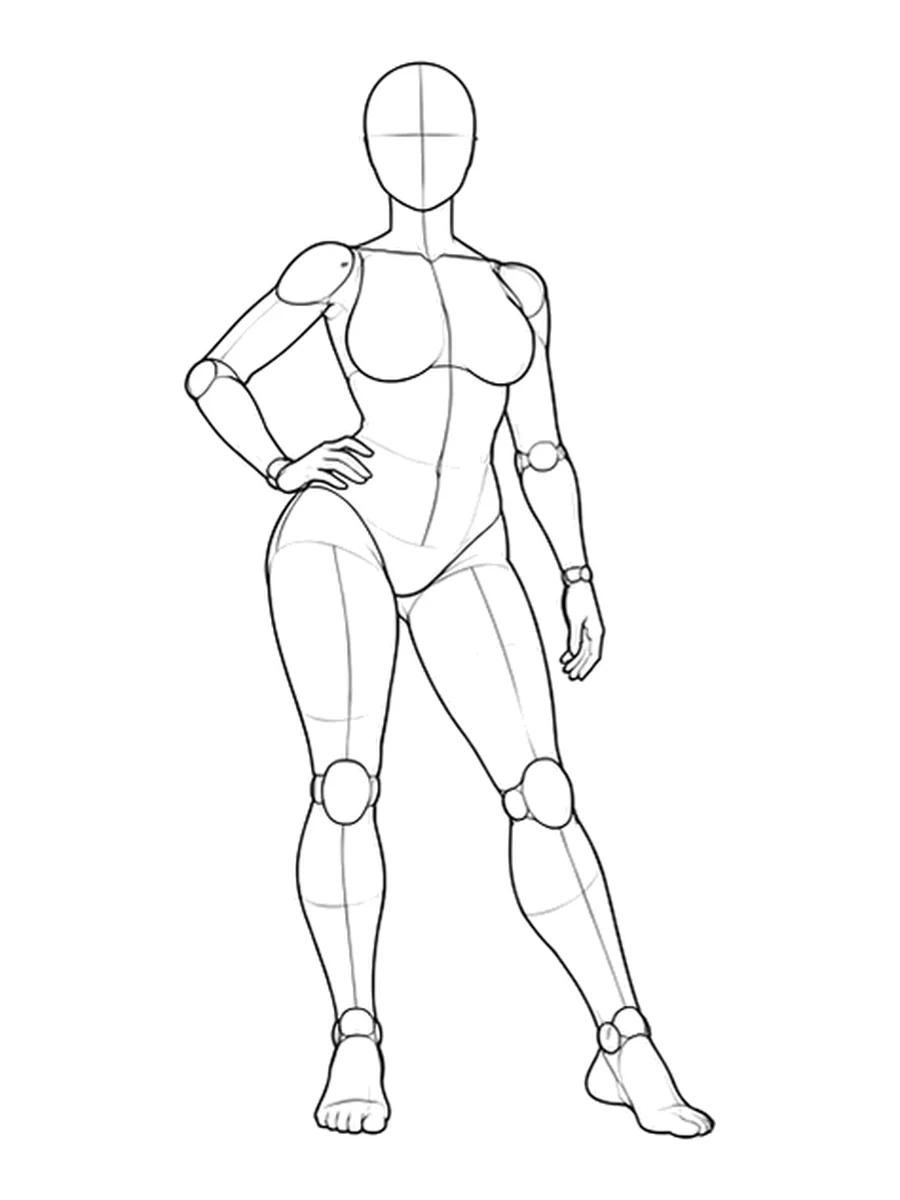
If you are new to the site, the AI Pose Refs beginner guide explains how to find a pose, inspect its views, and copy the starting prompt. Styling changes happen in your own image tool.
Add a chair pose only when the support makes sense
A chair changes the body's support. The pelvis rests on the seat, the feet may touch the floor, and a hand might rest on a thigh or chair edge. Check those relationships before worrying about expression or fabric.
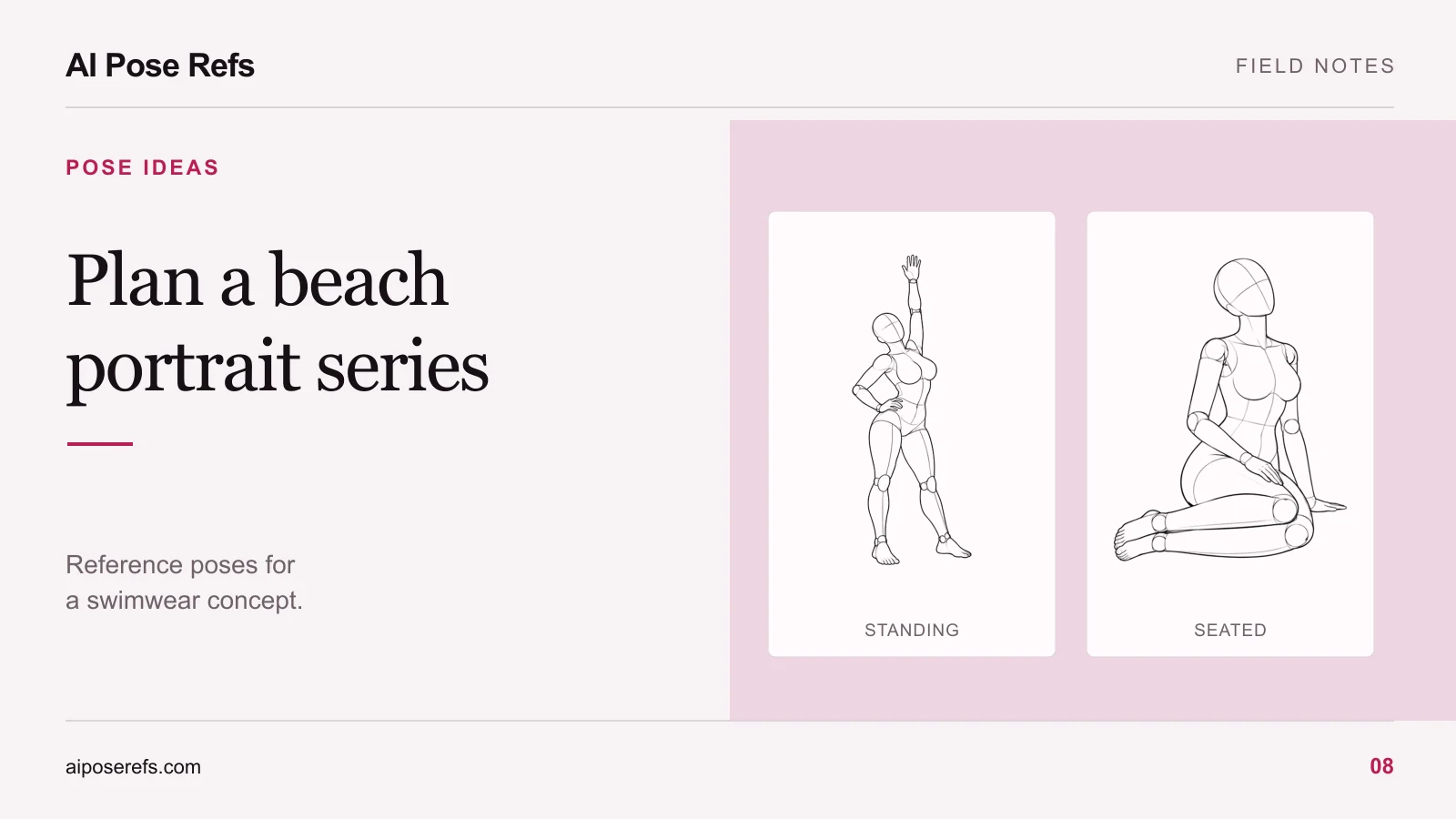
Use a reference that actually shows a suitable chair position when you want close pose guidance. A floor-seated mannequin with extended legs is useful for studying a seated gesture, but it is not a complete reference for sitting upright on a raised chair. Adding “wooden chair” to the text does not resolve that mismatch.
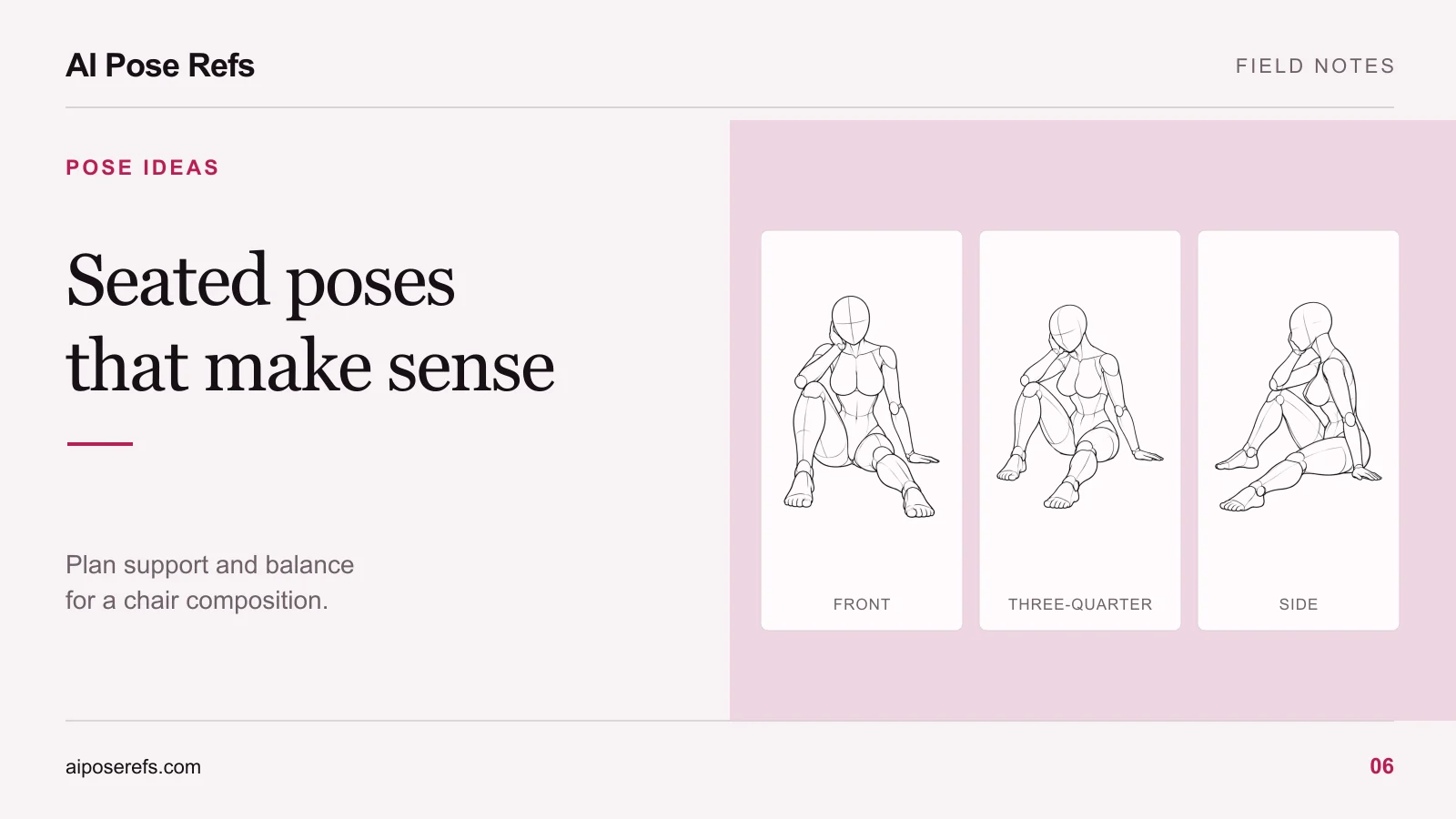
For a simple chair composition, look for an upright torso, both feet in understandable positions, and one hand resting clearly on the lap. A three-quarter camera can make the near and far legs easier to separate. The chair-pose guide explains the support checks in more detail.
Plan a small set around the same window
You can get useful variety from a small number of changes:
| Frame | Pose decision | What to keep visible |
|---|---|---|
| Standing introduction | A gentle weight shift beside the window | Both feet and the outline of the arms |
| Seated variation | Upright on a chair, head turned slightly toward the window | Seat contact and believable foot placement |
| Closer portrait | The seated concept with a tighter crop | Face, shoulders, and any hands that contribute to the gesture |
| Quiet standing frame | Relaxed arms with a different gaze | Enough room around the figure to read the stance |
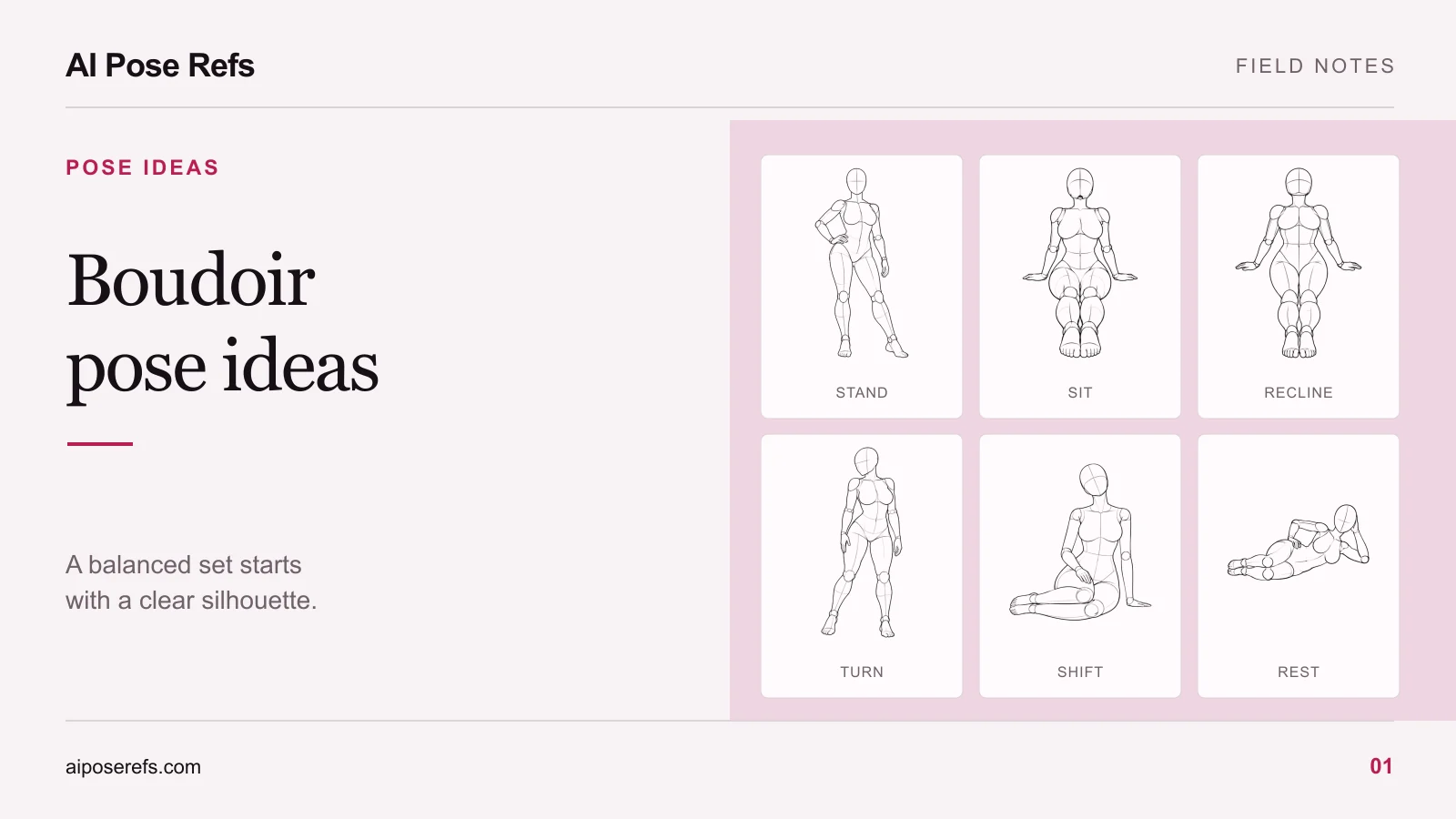
Keep the wardrobe and room description unchanged while testing these compositions. A different crop should not require a new chair design, wall color, or character. If you want more poses after this first set, use the balanced pose-ideas guide to find a shape that adds something new.
Write the room and light into the prompt
Use the selected reference for the body arrangement, then describe the scene in words. This is an illustrative starting prompt for the standing image, not a tested recipe for a particular model:
Home-style fashion portrait of a fictional adult woman wearing an opaque cream lounge set. Matte pale wall, plain wooden chair nearby, diffuse daylight from a window to camera left. Follow the uploaded standing reference for the weight shift and hand-on-hip gesture. Full body visible, relaxed face, natural fabric folds, uncluttered floor.
If the gallery's starting prompt describes an anatomical mannequin or line drawing, replace those style instructions when you want a photographic result. Also check that the prompt's camera direction agrees with the actual uploaded view. The prompt-writing walkthrough covers both adjustments.
Check the result in a useful order
First check body support. Do the feet meet the floor? If the character is seated, does the pelvis meet the chair? Then inspect the hands, joints, and overlapping limbs. Only after those are understandable should you compare light direction, fabric, and background details.
Keep a short note beside each attempt: “hand merged with chair,” “wrong camera view,” or “window moved.” A specific note gives the next attempt a purpose. A vague reaction such as “make it more natural” leaves too many possible changes.
Find one clear standing reference in the gallery and finish that image before expanding the room or adding more poses. Your first successful set can be small and still feel complete.
Related posts
Find pose ideas, plan portrait series, and use references in your own AI image workflow.