How to write an AI photoshoot prompt around a reference image
Build a complete AI photoshoot prompt from a pose reference, with a reusable template, a worked example, and checks for conflicting image instructions.
Written by
AI Pose Refs Team
Practical guides to choosing pose references, planning portrait series, and using references in your own AI image workflow.
A useful AI photoshoot prompt describes the finished picture while agreeing with the reference you upload. Keep the pose and camera direction clear, then add the character, wardrobe, setting, lighting, and crop. Read the whole prompt once before generating: an old instruction about a white drawing mannequin can easily conflict with a new request for a photographic portrait.
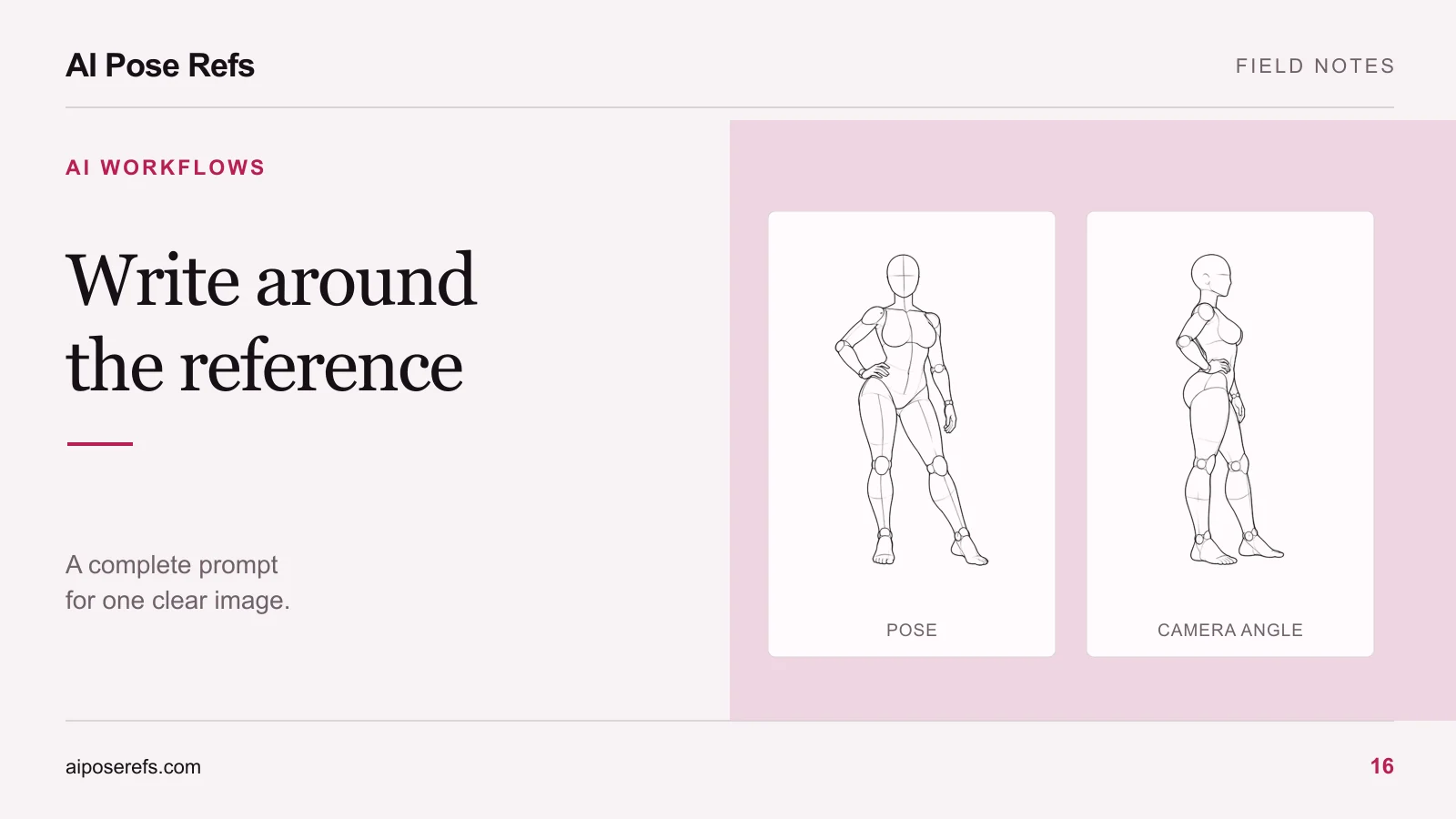
The examples below are writing templates, not tested recipes or promises of a particular output. They use an original adult character in a non-explicit fashion scene. Adapt them to the inputs and content supported by your chosen tool.
Assign a job to the reference and the text
Use the pose reference to communicate body arrangement: where the weight falls, which arm is raised, how the torso turns, and which limbs overlap. Use the text to describe the rest of the intended image and to name the pose features that matter most.
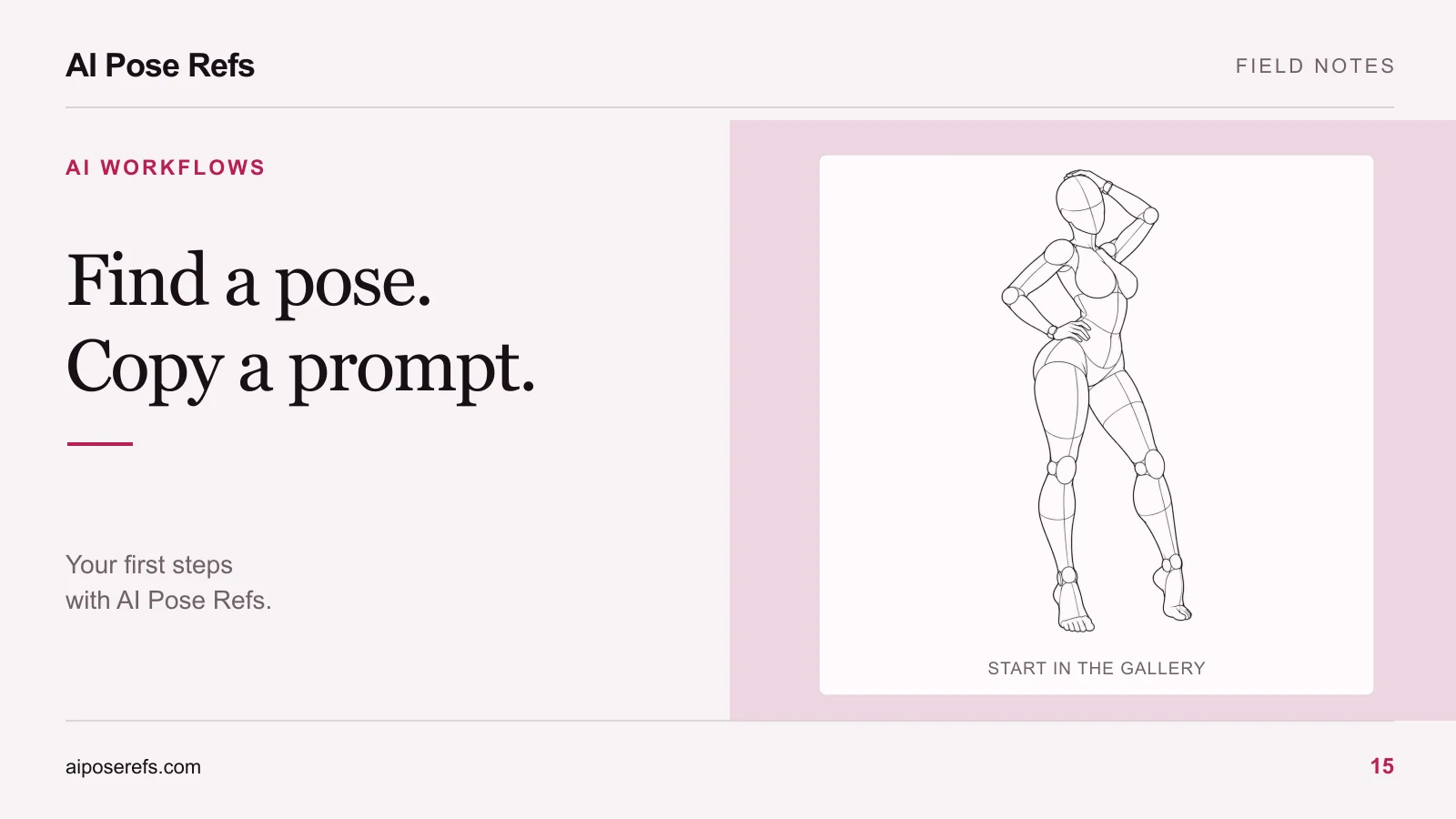
For this example, start with the front view of a hand-on-hip pose. The reference gives you a shifted hip, a bent arm, and a readable standing silhouette. It does not decide your character's face, clothing, or location.
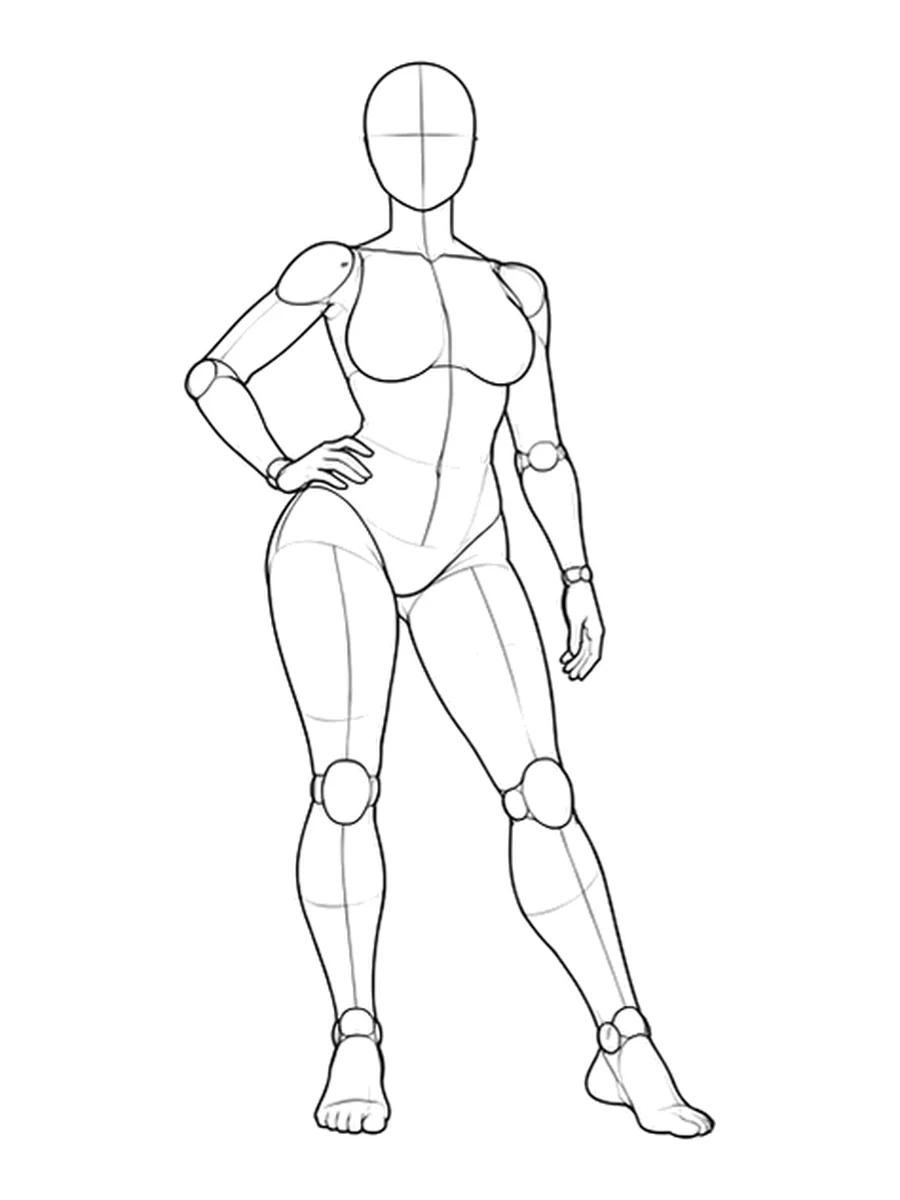
Where your tool supports a separate character input, keep that role distinct. The pose and character reference guide explains how to prepare the two without expecting a generic mannequin to establish identity.
Build the prompt in a readable order
You do not need a paragraph of decorative adjectives. Write the details a person would need to understand the image you want.
| Part | Useful information | Example |
|---|---|---|
| Subject | Original adult character and stable traits | Adult woman with a short dark bob |
| Wardrobe | Garments, material, and color | Burgundy dress with a high neckline |
| Pose | Main gesture and support | Standing with weight on one leg, one hand on hip |
| Camera | View and amount of body shown | Front view, full body, feet in frame |
| Setting | Relevant environment | Plain warm-gray studio backdrop |
| Light | Direction and character | Broad soft light from the left of the frame |
| Finish | Intended medium | Photographic fashion portrait |
The setting only needs details that affect the picture. If you name a chair, the model now has to place it and resolve how the body interacts with it. For a first standing portrait, a plain background keeps that extra problem out of the brief.
A reusable template
Replace each bracketed section, then read the result as a complete description. A parameter or input setting belongs in the tool's documented control, rather than being invented as a phrase in this template.
[Medium] of [original adult character and distinguishing details],
wearing [specific clothing].
[Pose and the important relationship between limbs or support points],
guided by the uploaded pose reference.
[Camera view and framing], with [features that must remain visible].
Set in [background or location], lit by [light direction and quality].
[Only the additional visual details needed for this shot].
Some image tools interpret descriptive prompts differently from editing instructions. Follow the interface you are using. For example, Midjourney explains that image prompts guide new creations rather than reproduce a reference exactly. Its image-prompt documentation describes that behavior.
A filled example for one standing portrait
Here is the template adapted to the reference above:
Photographic fashion portrait of an original adult woman with a short
dark bob, wearing a burgundy long-sleeved dress with a high neckline
and flat black shoes. She stands with her weight on one leg, one hand
resting on her hip and the other arm lowered naturally, following the
body arrangement of the uploaded reference. Front-view full-body
composition with both feet visible and a little space around the hands.
Plain warm-gray studio backdrop. Broad soft light from the left of the
frame, gentle shadow on the opposite side, natural fabric texture.
Notice what is absent: instructions for a mannequin, visible construction joints, line art, or an unrelated camera angle. If you copied the gallery's starting prompt, replace those style details instead of appending the photographic brief after them.
Also check pronouns and directions. “Left” can mean the subject's left or the left side of the picture. When the distinction matters, write it explicitly and compare the visible reference. For a general hand-on-hip portrait, avoiding an unnecessary left/right instruction may be clearer.
Keep the image and camera wording together
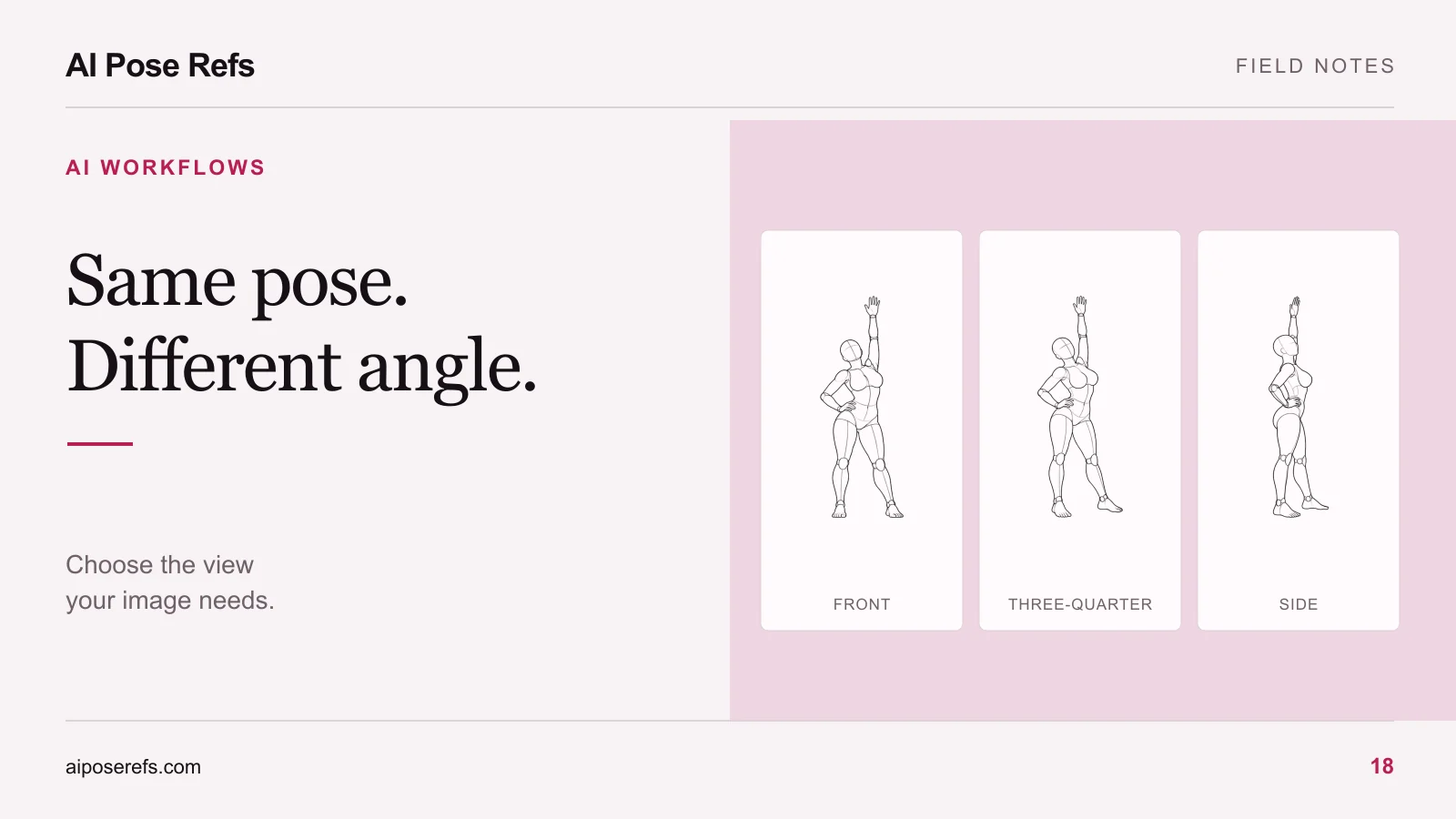
If you change from the front reference to a side view, update the prompt's camera sentence. The gallery's copied starting text remains the same when you change views. The selected image supplies the new visual direction, but contradictory words can still make your intent unclear.
Use the angle-selection guide when the important hand or leg becomes hidden. Changing to a more readable reference may be more useful than describing the obscured anatomy in greater detail.
Before you generate, confirm that the uploaded file is the view you meant to use. File names such as standing-hip-shift-front and standing-hip-shift-side make this easier than several files named reference.
Revise the part that failed
Inspect the first result against the brief. If the pose is reasonable but the clothing changed, revise the garment description. If the tool followed the styling but ignored the body arrangement, check the reference input and remove conflicting pose wording. The pose-mismatch troubleshooting guide provides a more focused sequence for that problem.
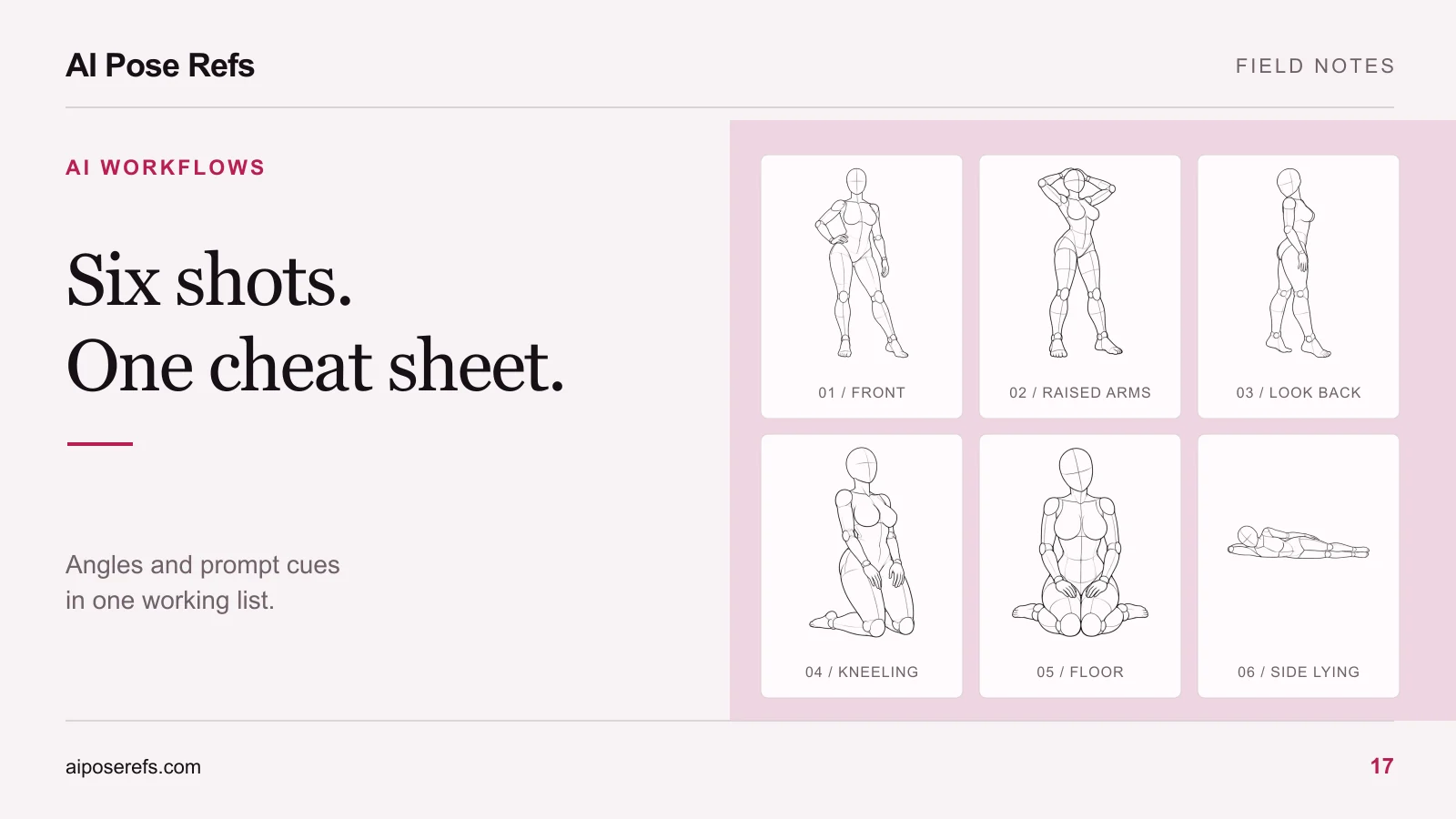
Keep a copy of the previous complete prompt before making a revision. Change one significant instruction at a time so you can compare attempts. When the result fits the concept, save that full text with the reference name and tool details. You can use it as the shared brief for a six-shot portrait series, replacing only the pose and composition details that actually change.
For a fresh subject, return to the gallery and choose the reference before adding more instructions. A readable pose is a useful starting point for a readable prompt.
Related posts
Find pose ideas, plan portrait series, and use references in your own AI image workflow.