Pin up pose reference: build a classic portrait series
Use classic pin-up pose references to plan weight shifts, hand gestures, retro styling, and an ordered AI portrait series.
Written by
AI Pose Refs Team
Practical guides to choosing pose references, planning portrait series, and using references in your own AI image workflow.
A pin-up pose reference gives you a body shape to work with. The retro character comes from the choices around it: a fitted cardigan, a high-waisted outfit, a restrained palette, a studio backdrop, or a deliberately simple prop. You can use the same standing reference for a vintage fashion illustration or a contemporary portrait.
To build a series, start with a fictional adult character and a small visual vocabulary. Keep enough of that vocabulary consistent that the images belong together, then let the poses supply the changes in rhythm.
Read the pose as a set of visible lines
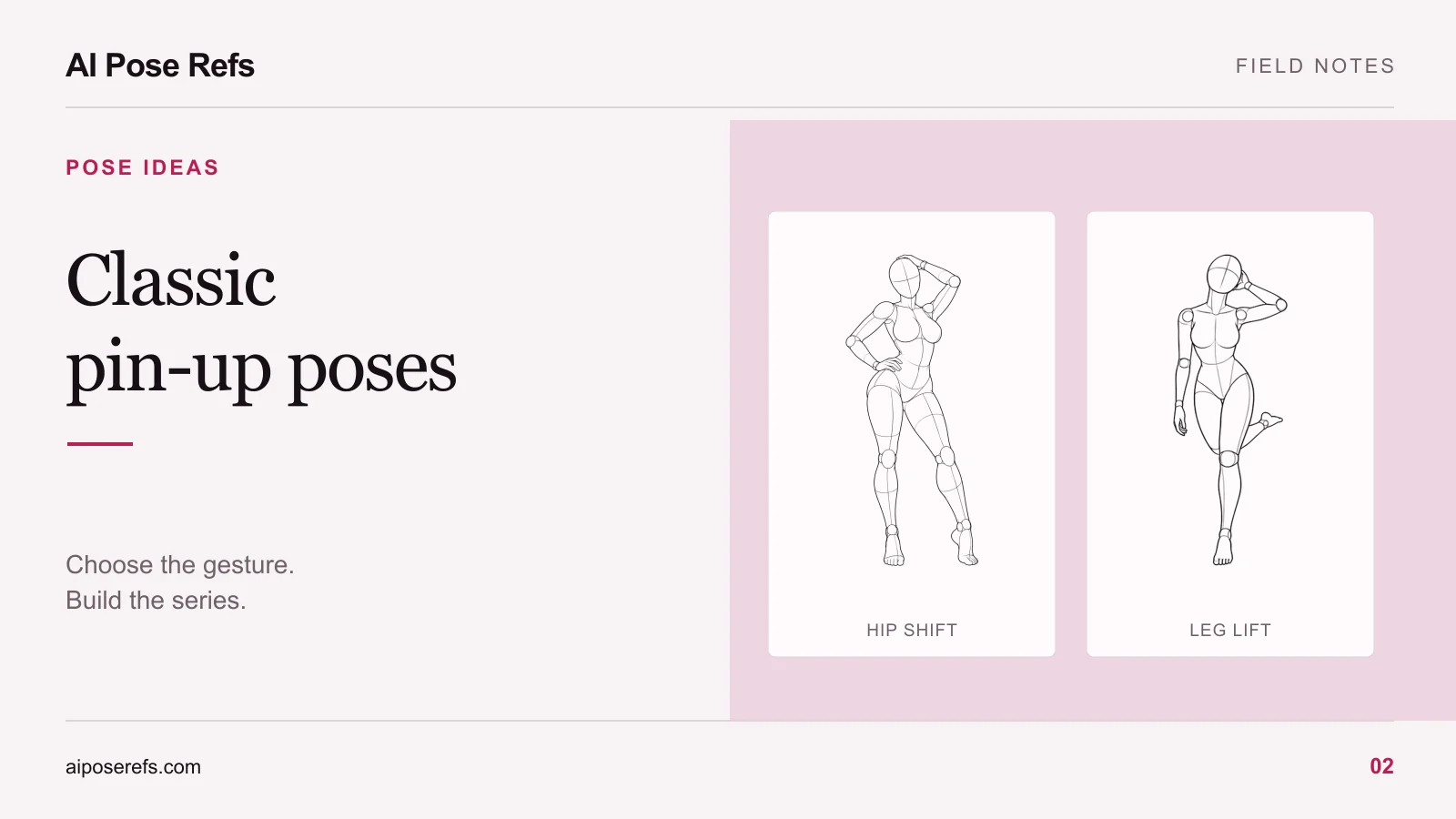
Look at the relationship between shoulders, hips, and the supporting leg. A shifted hip can create an asymmetric outline. A bent arm can create an open shape beside the torso. A turned head can direct attention away from the center of the frame.
These observations are more useful than collecting references that merely look “retro.” They tell you which details must survive when the reference becomes a dressed character. If the defining feature is the triangle between the arm and waist, clothing or framing that closes that gap may change the pose's effect.
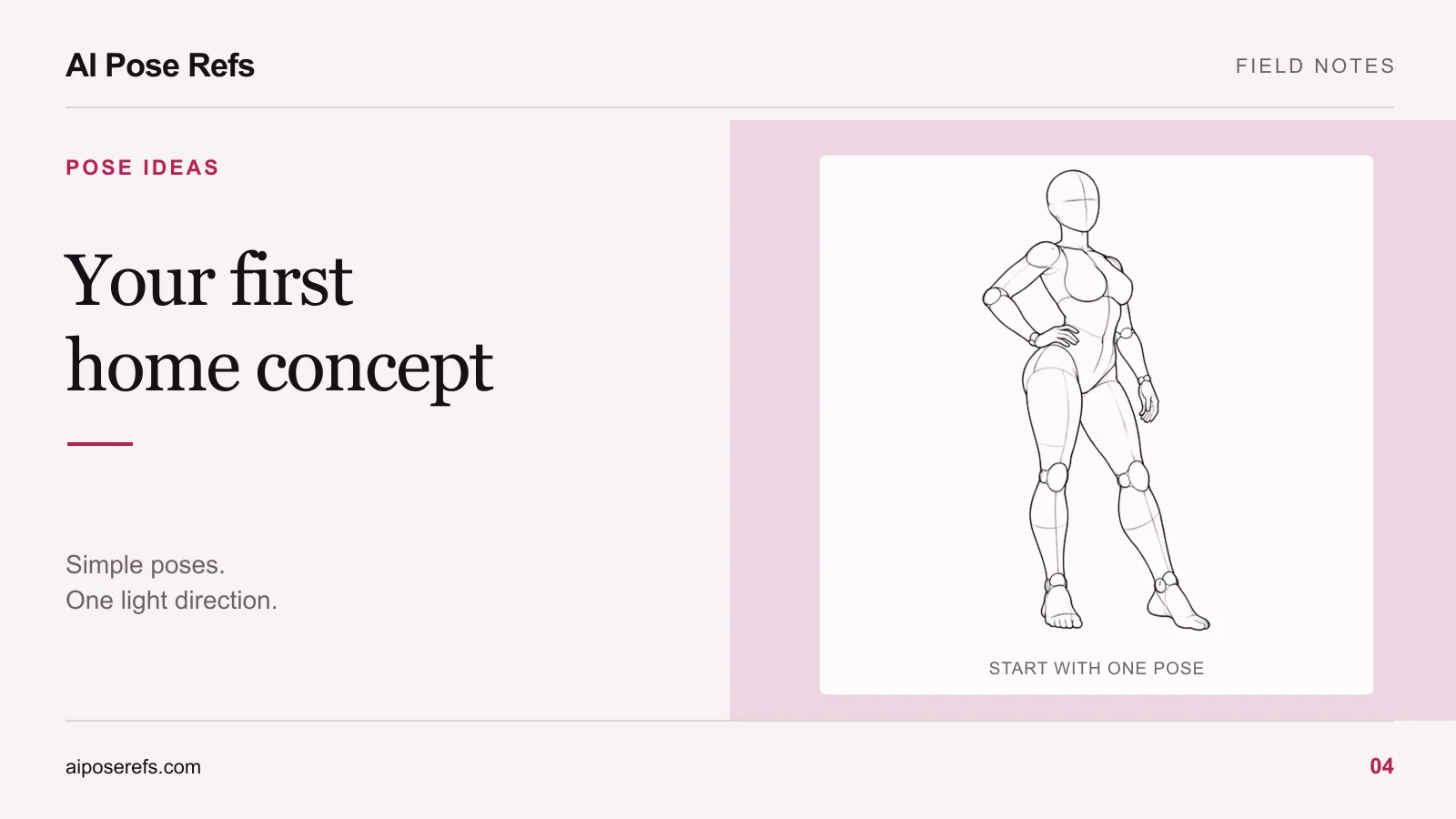
The hand-on-hip contrapposto pose is a clear starting point. Open its front and three-quarter views and compare the visible arm opening. The body has the same basic arrangement, but the silhouette changes with the camera.
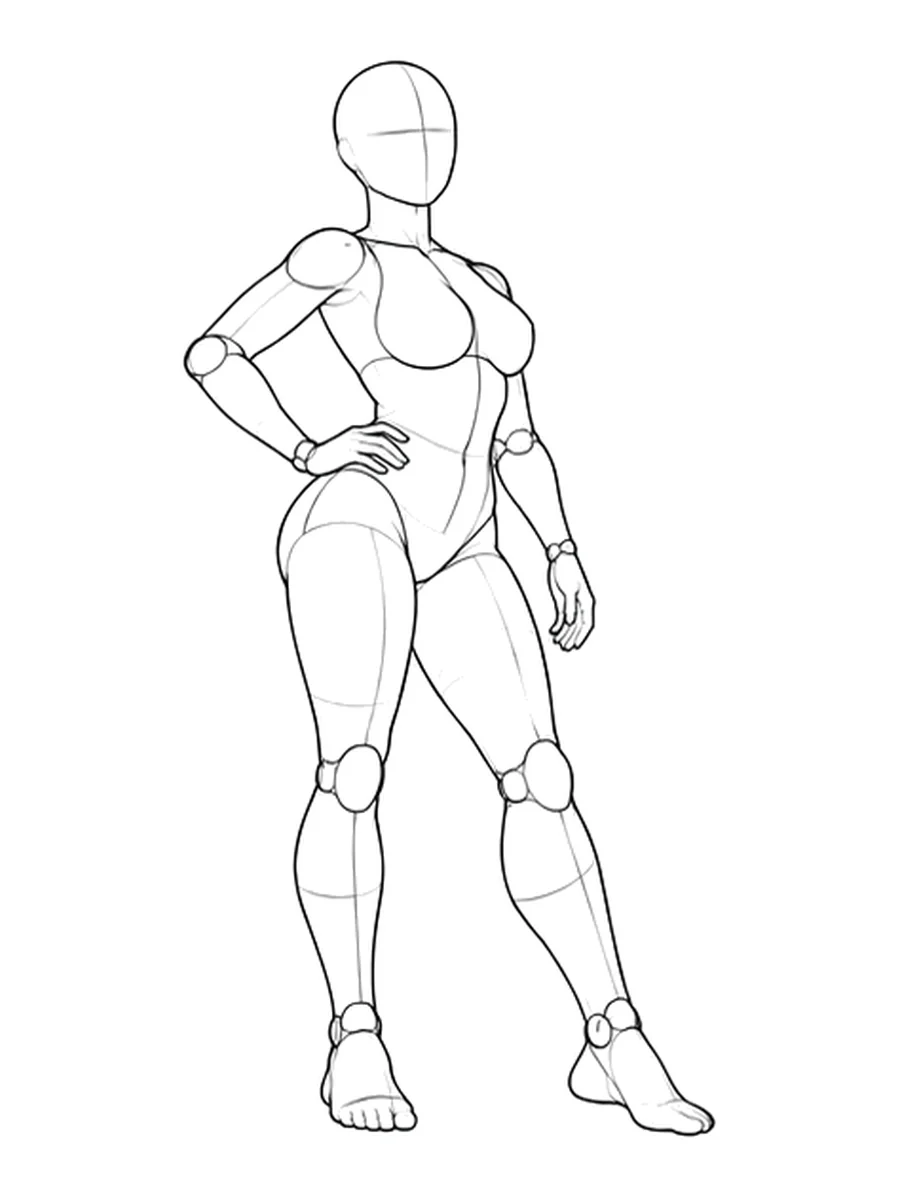
For a less assertive variation, inspect the standing figure with its head turned. The relaxed arms produce a different outline. You can use that contrast without changing the character's wardrobe or the set.
Define a retro brief you can repeat
Choose the recurring details before writing individual prompts. “Vintage” is too broad to tell you whether two images fit the same project. A short brief makes the comparison easier.
For example, you might choose an adult woman with a dark bob, a cream fitted cardigan, navy high-waisted shorts, and flat shoes. The setting could be a warm gray studio with a simple wooden stool. Red would appear only as a small accessory. That is a proposed fashion concept, not a claim that a particular tool will reproduce it exactly.
Write down which details are fixed and which can change:
| Keep across the series | Change between images |
|---|---|
| Character description and hair | Standing, seated, or turned pose |
| Outfit and accessory colors | Hand position |
| Background and lighting direction | Camera distance |
| Overall finish and aspect ratio | Expression and gaze |
If the setting or wardrobe begins to dominate every prompt, simplify it. A busy room, several props, and elaborate clothing make it harder to judge whether the pose itself is doing useful work.
The portrait-series workflow shows how to keep one shared brief while preparing a complete prompt for each image.
Arrange poses as a sequence
Do not treat the first six references you save as the finished sequence. Lay them out together and ask how the viewer moves between them. Several images can be attractive individually and still repeat the same visual information.
Try this order for a compact series:
- Start with a clear standing full-body frame that introduces the outfit.
- Use a three-quarter standing pose to show depth and a different arm shape.
- Move to a seated frame with a simpler gesture.
- Bring the camera closer for a portrait or hand detail.
- Return to a wider composition with a turned head or changed gaze.
- Finish with the image that best expresses the character's attitude.
The order is a working choice, not a rule for pin-up imagery. A series made for a horizontal portfolio banner may need different shapes from a series intended for portrait cards. Our balanced pose-set guide can help identify a missing composition.
If you add a stool or chair, obtain a reference that actually shows a plausible seated position. A floor pose does not become a chair pose simply because the prompt adds furniture.
Turn the reference into a complete prompt
The pose image and text have different jobs. The image supplies a visible arrangement. The text describes the character, styling, setting, and the particular composition you want to explore.
An illustrative prompt for the standing reference could be:
Fashion portrait of a fictional adult woman with a dark bob, wearing a cream cardigan, navy high-waisted shorts, and flat shoes. Use the uploaded reference for the standing weight shift and hand-on-hip gesture. Warm gray studio backdrop, soft light from camera left, full body visible, relaxed expression, restrained vintage color palette.
Adapt that wording to your tool's supported inputs. If you started with a gallery prompt, remove mannequin, white-background, or line-art instructions when those conflict with the intended finish. The reference-image prompting guide explains that translation in more detail.
Review the set for continuity and variety
Check the clothes, hair, and character proportions across the results. Then temporarily ignore those details and look only at the silhouettes. Do the poses still differ? Does each image have a reason to exist?
Keep a note of which reference, angle, and prompt produced each selected result. A stable text description can help organize the work, but it does not guarantee identity consistency. Review mismatches using the same-character checklist before calling the series complete.
When you want a different direction, try reworking a pin-up pose into an editorial portrait. Keeping the reference fixed makes it easier to see what the wardrobe, setting, and framing contribute to the next concept.
Browse the gallery for one standing pose, one seated idea, and one contrasting gesture. Build the first version around those choices before adding more references.
Related posts
Find pose ideas, plan portrait series, and use references in your own AI image workflow.