Boudoir posing cheat sheet: six shots, angles, and prompt cues
Use a six-shot boudoir posing cheat sheet with real reference links, viewing angles, framing notes, hand cues, and a simple review status for each shot.
Written by
AI Pose Refs Team
Practical guides to choosing pose references, planning portrait series, and using references in your own AI image workflow.
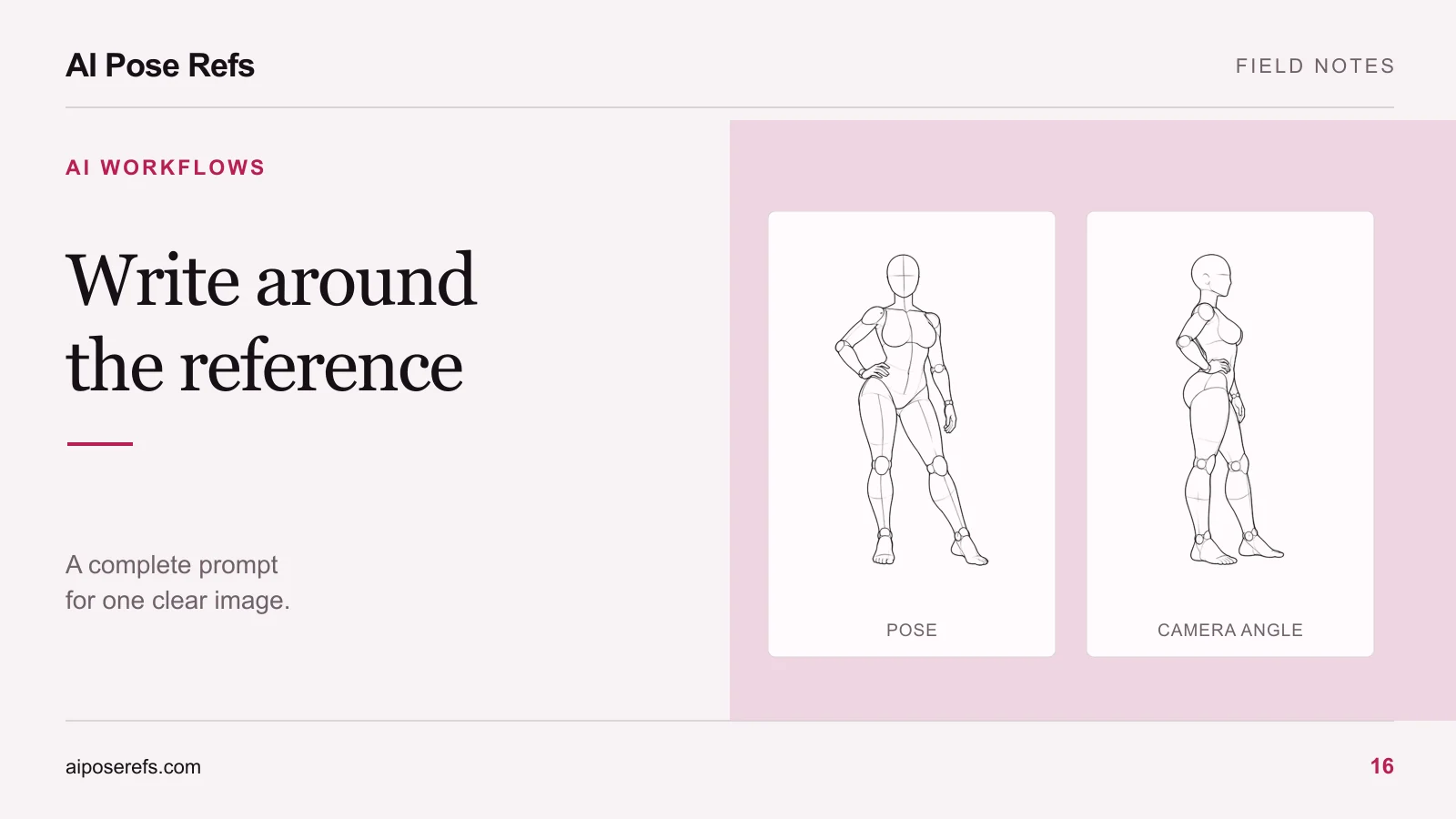
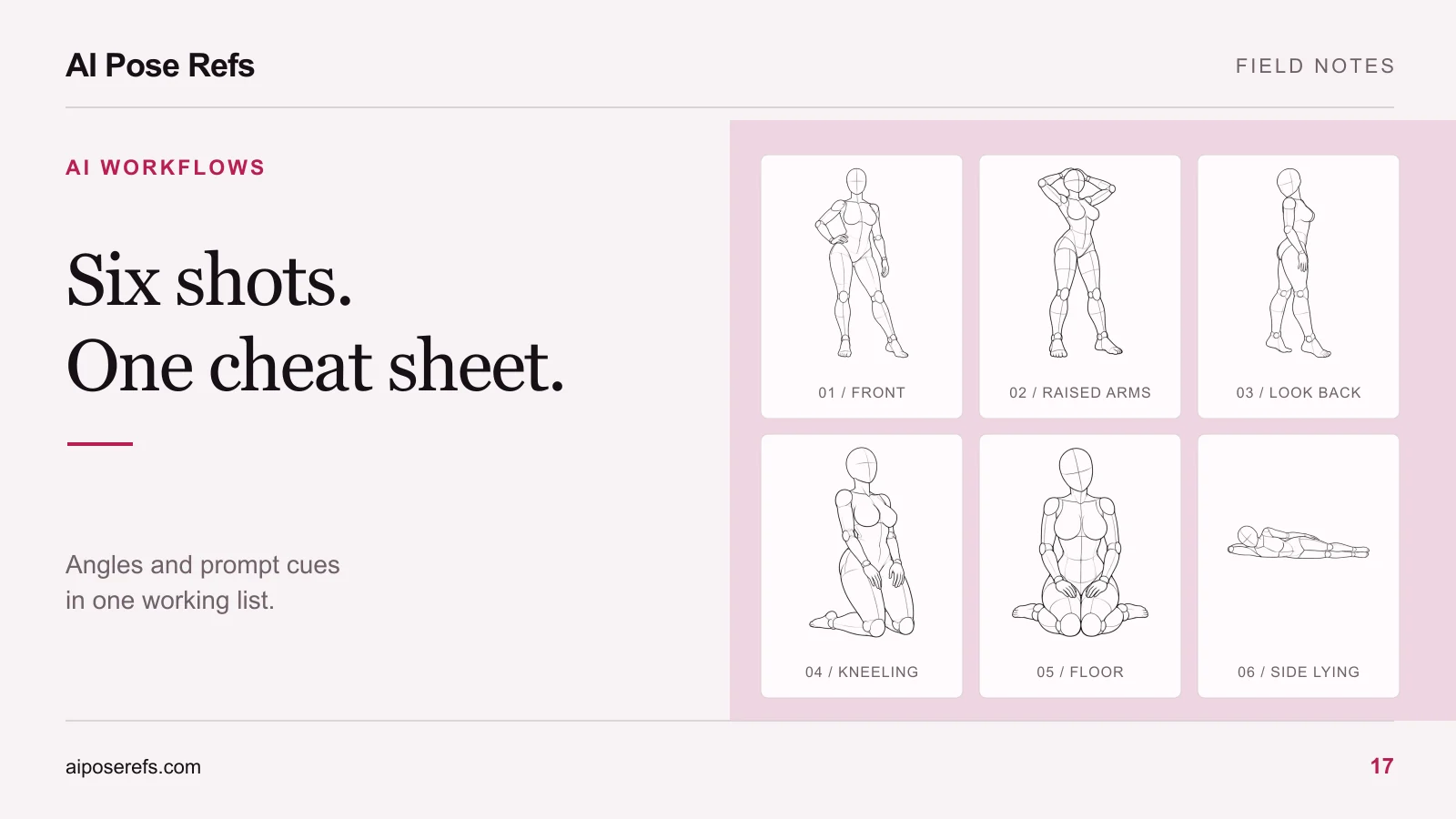
This boudoir posing cheat sheet gives you six starting compositions for an adult portrait series, each connected to a real reference. It includes standing, kneeling, floor-seated, and reclining poses. Keep it beside your image tool so you can choose a view, write the full prompt, and review one shot at a time.
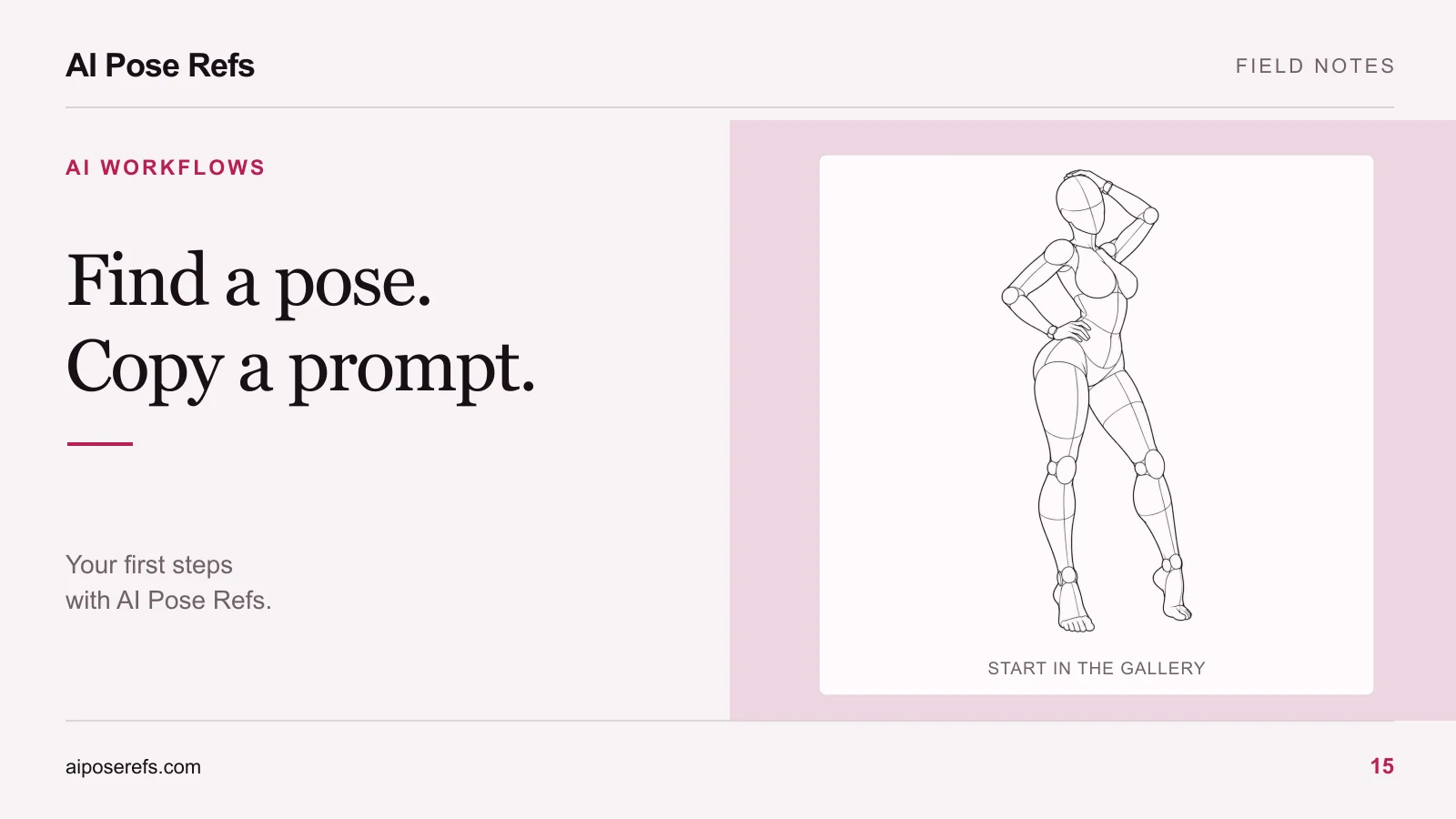
The references are drawing mannequins. They supply pose information, not finished photographs or a tested generation sequence. Choose the adult character, clothing, room, and lighting before using the cues below. A robe, dress, or other wardrobe suited to your project can carry the same gestures without changing the purpose of the sheet.
The six-shot reference sheet
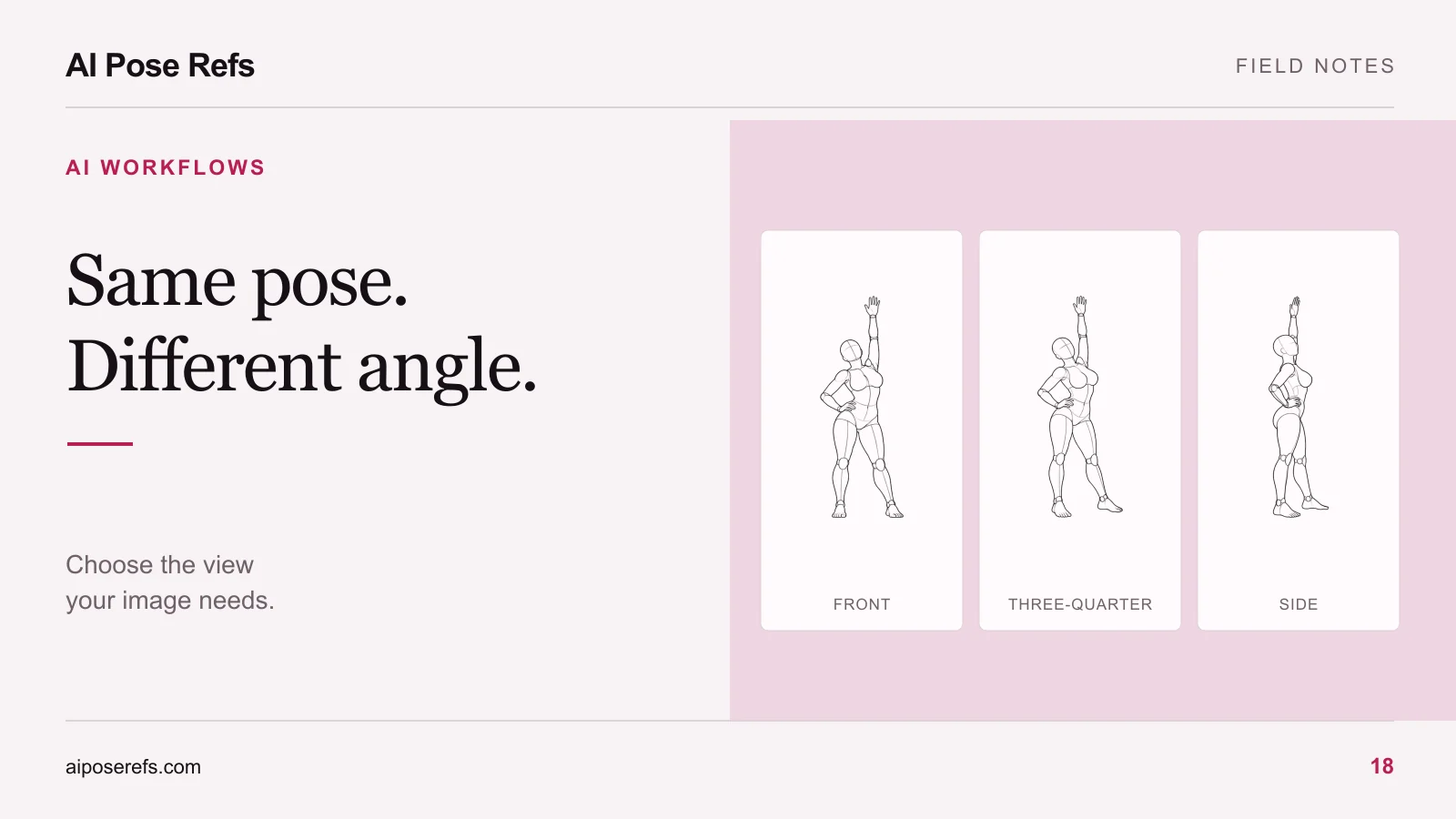
Open each pose link to view the selected angle. The framing and prompt cues are suggested adaptations for your series, so compare them with the image before using them.
| Shot | Reference and view | Framing | Hands and support | Prompt cue | Status |
|---|---|---|---|---|---|
| 01. Front standing | Hand on hip, Front | Full body, both feet visible | One hand on hip, other arm down | Stand with a clear weight shift and a relaxed free arm. | Ready to adapt |
| 02. Raised-arm standing | Hands in hair, Three-quarter | Full body with room above elbows | Hands near the head, elbows separated | Raise both arms toward the hair while keeping the standing silhouette readable. | Ready to adapt |
| 03. Looking back | Over-shoulder turn, Side | Full body or a crop above the knees | Arms lowered, head turned back | Turn the head back over the shoulder while retaining the selected body angle. | Ready to adapt |
| 04. Upright kneeling | Hands on thighs, Three-quarter | Include knees and lower legs | Hands on thighs, knees on the floor | Kneel upright with the torso balanced above the supporting knees. | Ready to adapt |
| 05. Floor seated | Folded legs, Front | Show the folded legs and floor contact | Hands resting on thighs | Sit with legs folded underneath and hands resting lightly on the thighs. | Ready to adapt |
| 06. Side reclining | Side lying, Side | Wider frame with head and feet visible | Lower arm supports the head, upper hand near hip | Lie on one side, supporting the head with the lower arm and keeping the legs readable. | Ready to adapt |
The kneeling shot provides a different height and silhouette without introducing furniture. If your concept requires a chair, choose a reference that actually shows the seat and body support. A floor pose should not be relabeled as a chair pose simply because both involve bent knees. The chair-pose planning guide explains what extra relationships to check.
Give the series one shared brief
Before generating shot 01, write a short common description. Use it in every complete prompt so you are not reinventing the character and setting six times.
For example:
Original adult woman with shoulder-length brown hair, wearing an
opaque ivory robe tied at the waist. Quiet portrait scene in a simple
warm-gray room with soft window light from the left of the image.
Natural fabric folds and a restrained photographic finish.
This is an illustrative writing example. Add the selected shot's pose and framing cue to create a full input for your tool. The brief supplies a common direction; it does not guarantee the same face or garment in every result.
If you need help assembling the text, use the reference-based prompt template. Keep the selected pose image beside the finished prompt and remove any camera or limb instructions that disagree with it.
Read support before adding style
Look at shot 04. The hands rest on the thighs, the knees support the body, and the lower legs remain visible. Those relationships matter more to the pose than the exact room or garment color.
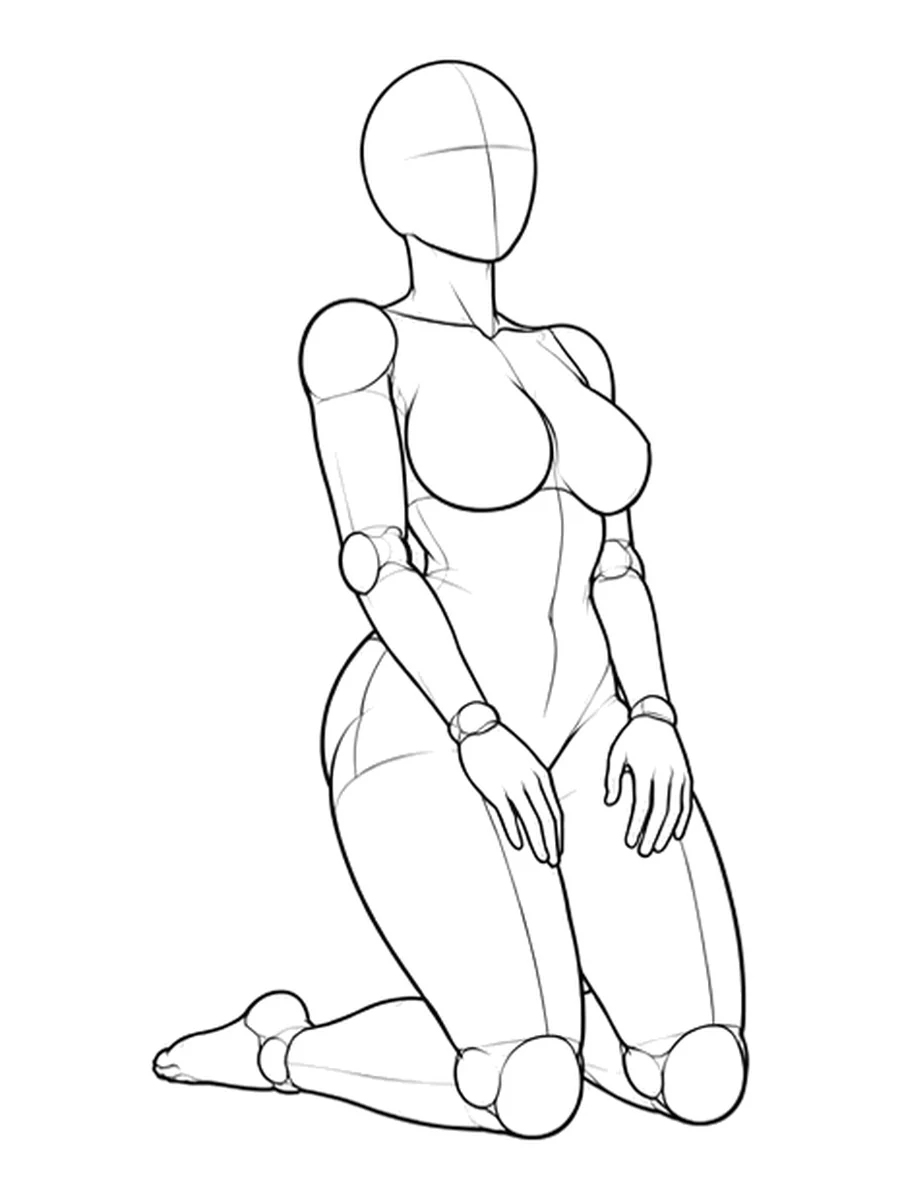
Now compare shot 05. The body sits lower over folded legs. If your result looks like upright kneeling again, it has missed the distinction between these two shots. Change the pose instruction or reference handling before spending time on color corrections.
The reclining reference needs a different framing decision. Leave enough horizontal space to read the full body, even if your final series uses a consistent portrait canvas. If that creates an unsuitable composition, choose a different reclining reference from the gallery rather than forcing the body into a narrow crop.
Replace the status with a specific decision
Copy the table into your project notes and use three working states:
- Ready: the selected reference and complete prompt are prepared.
- Needs revision: a result exists, but you have named an issue to fix.
- Complete: you have reviewed the result and selected the file for the set.
“Needs revision” is more useful with a short reason, such as “hand disappears into robe” or “camera turned to front.” Save that reason next to the shot number. It tells you where to resume and prevents another full round of unfocused generation.
Before marking a shot complete, check the main gesture, support points, hands, framing, and shared styling. Compare the output with its own reference, then compare it with the rest of the series. A successful individual image may still repeat another shot so closely that the set feels redundant.
Use the sheet as a sequence, not a quota
The six positions offer variety, but you can skip a shot that does not serve the concept. You can also replace one while keeping its job in the sequence: another low seated composition might work better than the folded-leg reference for your chosen wardrobe.
For a broader explanation of what should stay shared and what should change, follow the six-shot series workflow. If the angle is the problem, use the reference-view comparison. Finish with a small set whose differences are deliberate, with the reference and final prompt recorded for each chosen image.
Related posts
Find pose ideas, plan portrait series, and use references in your own AI image workflow.