Turn your AI photoshoot workflow into a tutorial others can follow
Document one completed AI portrait with its real inputs, a useful correction, source credits, and version notes so readers can follow the workflow.
Written by
AI Pose Refs Team
Practical guides to choosing pose references, planning portrait series, and using references in your own AI image workflow.
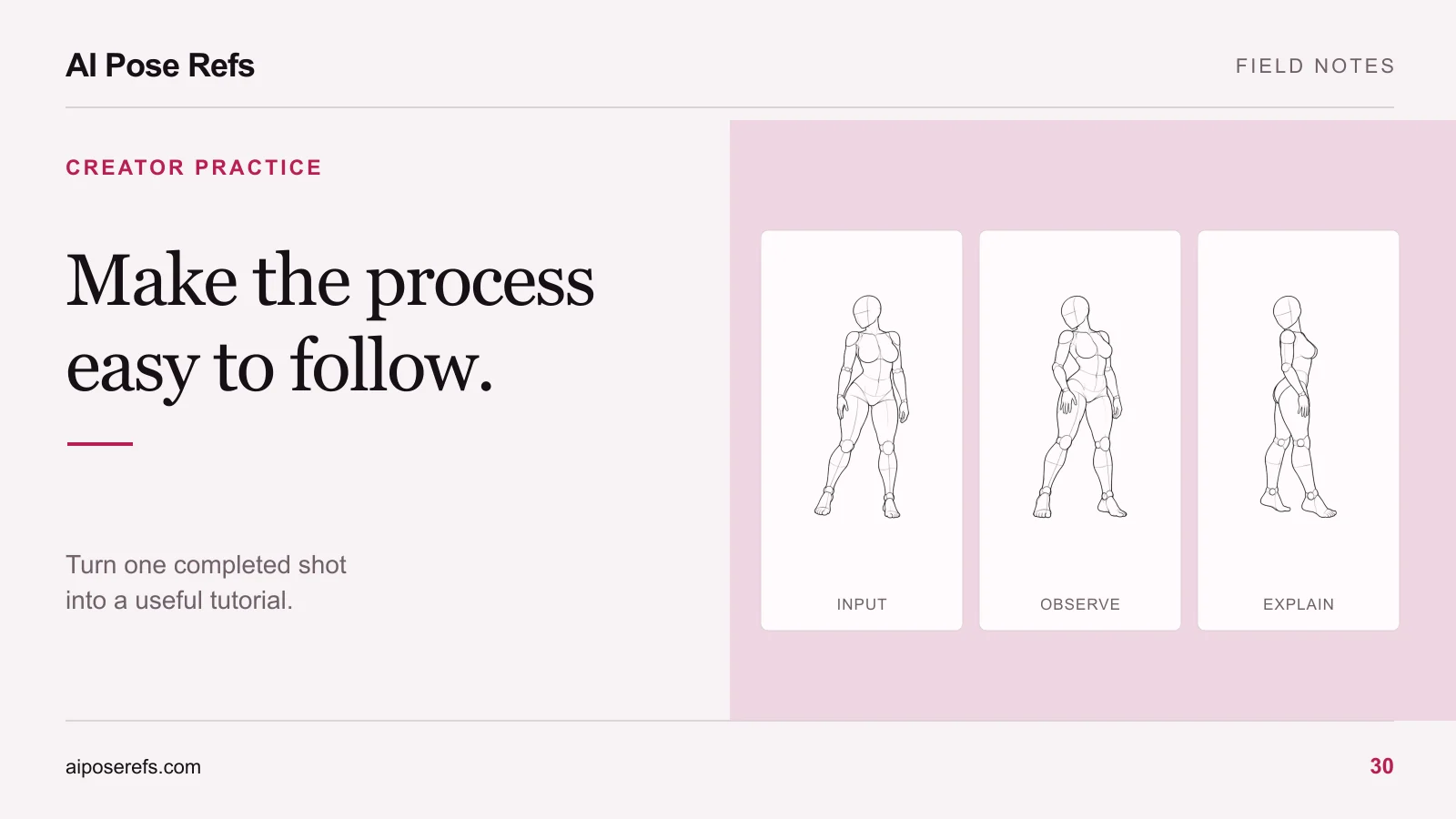
The easiest workflow to teach is one you can reconstruct from a finished image and its saved inputs. Choose a single shot, gather the actual reference and prompt, and explain the decisions that led to the result. Expand to a complete series only after the individual example is clear.
A tutorial should let readers distinguish instructions from observations. “Upload this reference into the documented image input” is an instruction. “The first attempt moved the supporting hand” is an observation that needs a real saved attempt behind it. Do not invent a failure story to make the article more interesting.
Choose a completed shot with a clear lesson
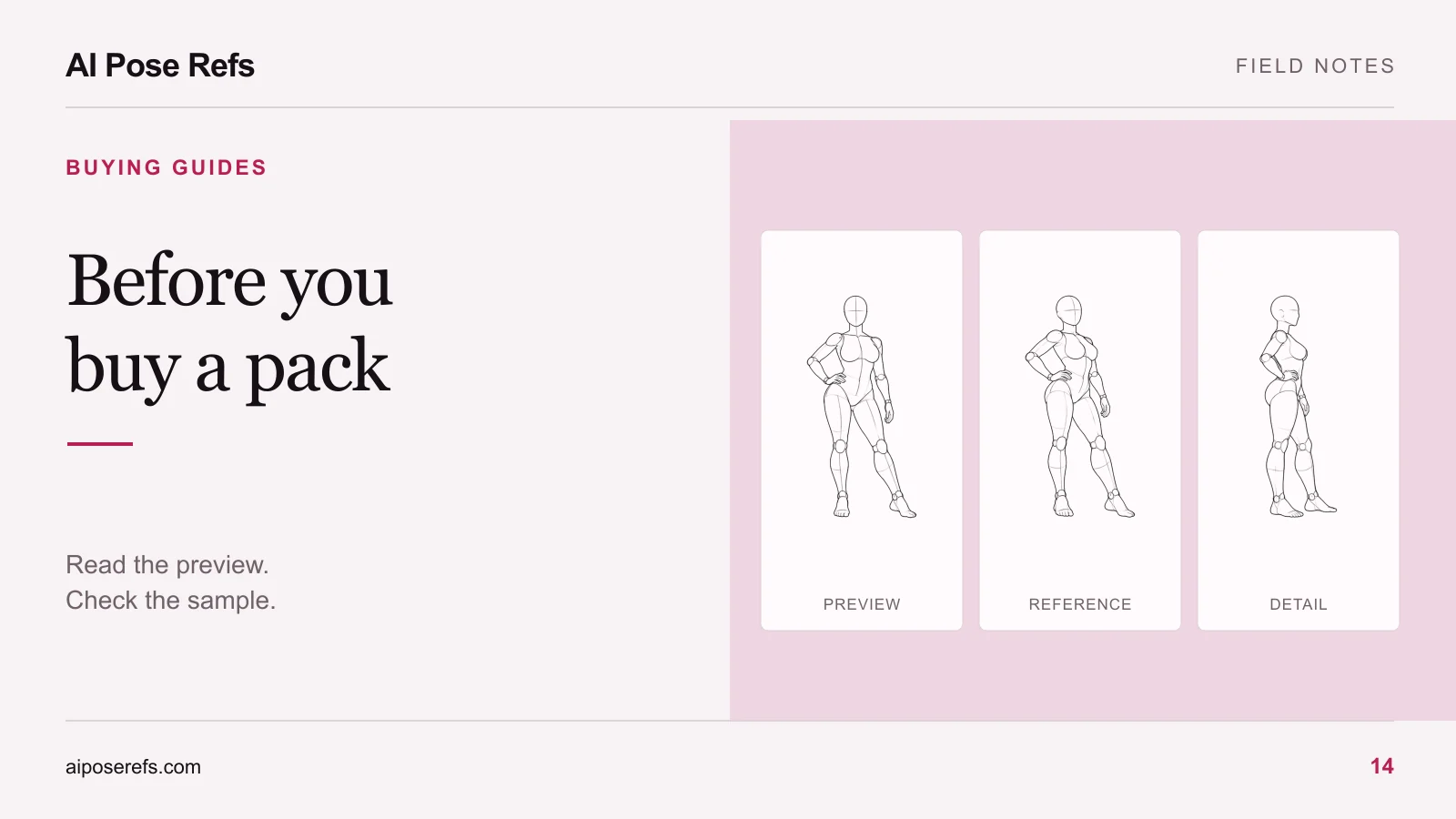
Select an image where the process teaches one specific thing: matching a camera angle, keeping a supporting hand visible, or changing the wardrobe without losing the intended silhouette. A tutorial about every part of image generation is harder to follow than an example with a defined task.
Write the lesson in plain language. “Use a side reference when the final image needs a profile view” is more useful than “Improve your AI photography.” It tells readers whether the tutorial addresses their problem before they start.
The angle-selection guide offers several possible exercises. Use your own completed work to choose one. If you have only a planned concept, present it as an exercise to try rather than a tested walkthrough.
Gather the inputs before writing the steps
Create a small record for the chosen shot. This is a documentation template; fill it with the actual details from your project:
| Field | What to record |
|---|---|
| Goal | The intended pose, framing, and visual direction |
| Reference | Source page, exact view, and the file actually supplied |
| Character input | Whether you used one and how the tool accepted it |
| Prompt | The complete text used for this shot |
| Tool | Tool name and model or version when available |
| Settings | The controls you changed and their recorded values |
| Result | The saved candidate or final image being discussed |
| Later work | Cropping, retouching, or other edits you actually performed |
If you did not record a setting, say it was not recorded. Do not reconstruct a precise value from memory and present it as verified. You can rerun the documented setup to create a new example, but distinguish that run from the original result.
The project-restart guide provides a folder structure that makes these records easier to collect while you work.
Show exactly which reference you mean
Link to the specific pose and name the selected view. A general gallery link is useful for exploration, but it is not enough to reproduce an individual exercise.
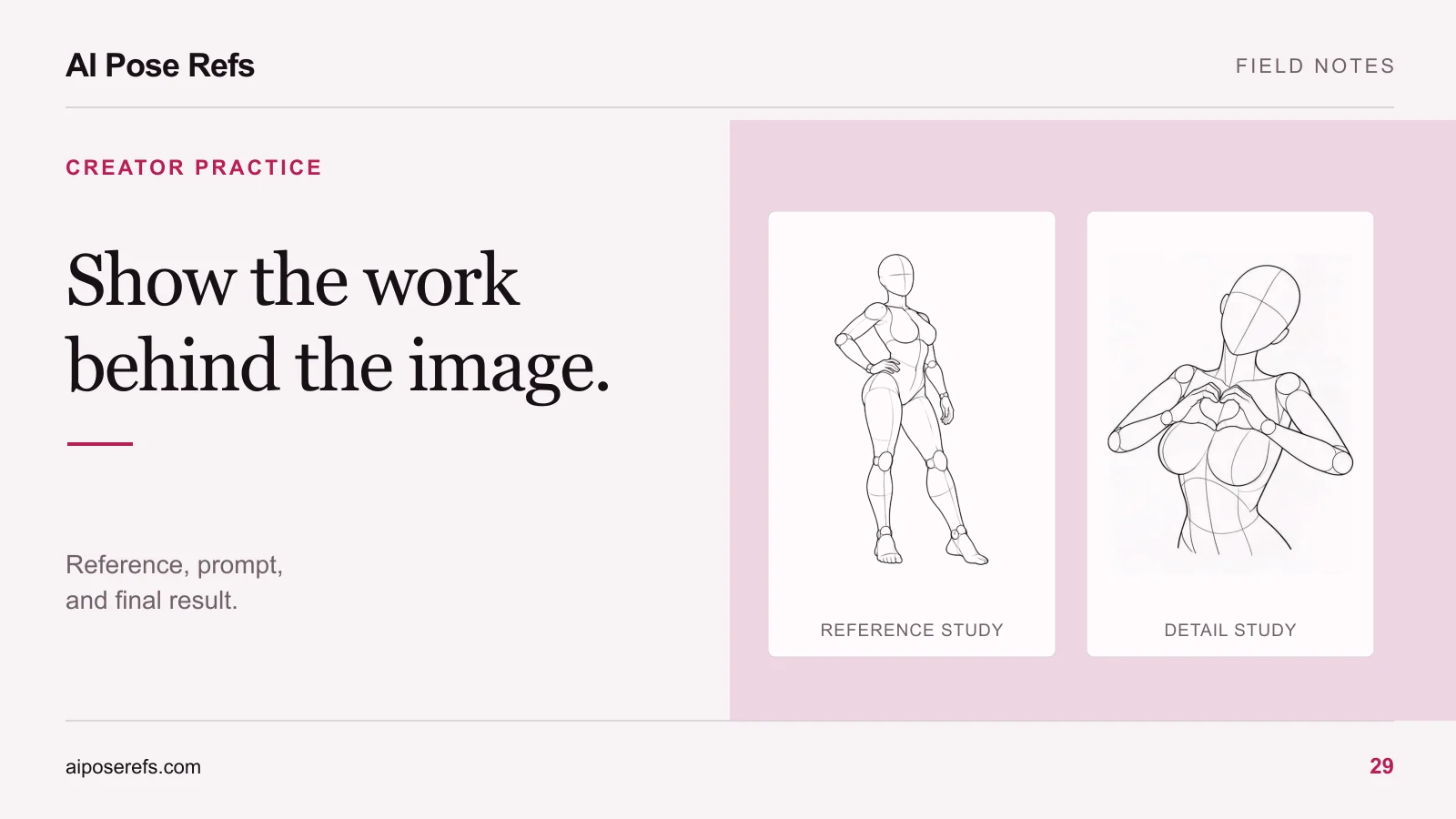
For a profile study, you might choose the side view of the standing hand-on-hip pose. Explain the geometry you want the reader to notice: the side-facing torso, the bent arm, and the foot placement. The reference below illustrates those details; it is not evidence of a generated outcome.
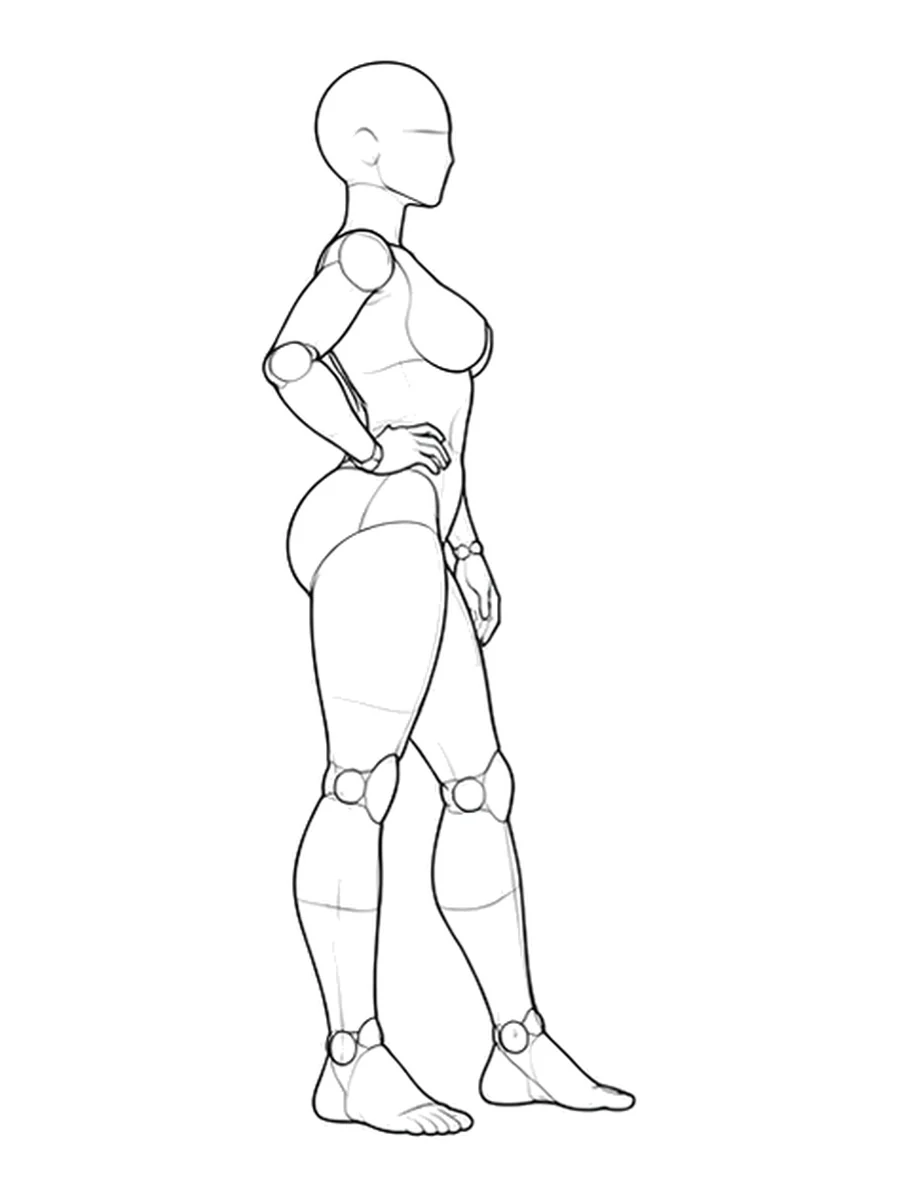
Describe where the input belongs using the documented controls of the tool you actually used. Avoid treating a style input as a pose input or assuming every reader's tool supports multiple references. If your tutorial is generic, state the required capability instead of inventing a universal button sequence.
Write a short sequence with an expected check
Each step should contain an action and a way to inspect whether it worked. For example: open the selected reference, confirm the view, place it in the supported image input, and check its preview before generation.
After the prompt step, explain what the text describes. Separate the character and scene from the pose instruction so readers can change their creative brief without accidentally asking for a conflicting camera angle. Keep the shared example complete; a fragment such as “same as above, but seated” becomes ambiguous when copied elsewhere.
The complete-prompt guide can support that section without requiring you to repeat the whole prompting discussion. Link it where the reader might need the additional explanation.
Use a real correction to teach the difficult part
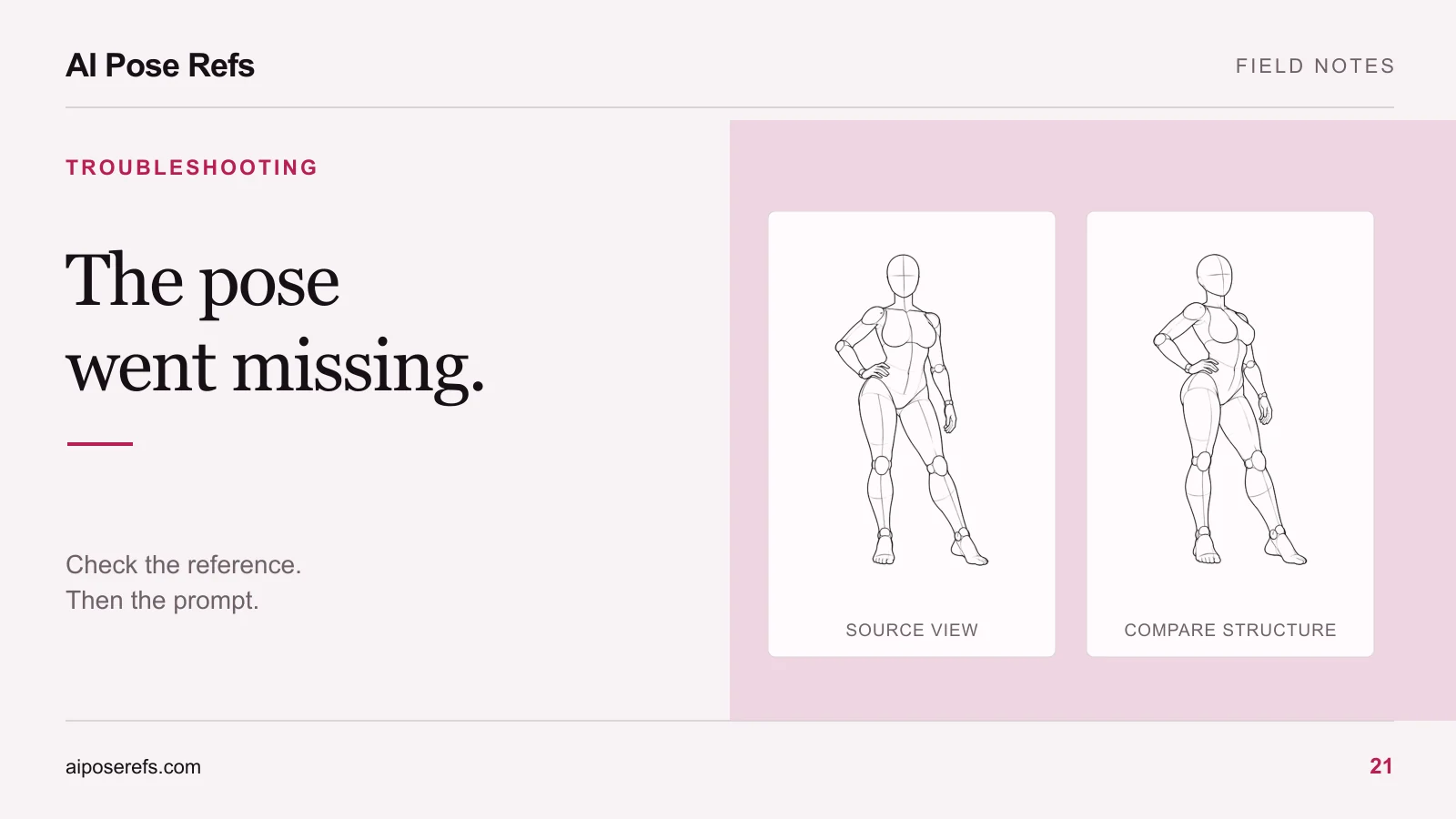
When you have saved failed attempts, select one whose problem is visible at the presentation size. Show the original attempt, identify the mismatch, describe the single change you made, and show the resulting attempt. State what remained imperfect after the correction.
A useful correction record has four entries: observed issue, changed input, result of that change, and remaining limitation. These fields keep the explanation tied to evidence. They also prevent a vague “better prompt” from hiding several simultaneous changes.
If you changed multiple inputs together, say so. You can describe the sequence honestly without claiming to know which change caused the improvement. If there is no saved failure, teach the inspection checklist instead. The pose-mismatch guide gives readers specific things to check.
Let readers adapt the workflow and report differences
End with an exercise that changes one creative choice, such as the outfit or background, while retaining the reference and camera view. Ask readers which tool and model they used and where their result differs. That produces more useful feedback than asking whether the tutorial “worked.”
Keep source links and creator credits beside the relevant inputs. Share reference files only where the applicable terms permit it; a tutorial can point readers to the original page instead. Label your generated results and distinguish them from the reference artwork.
When you revise the tutorial, record the date and the actual change: a different input control, an updated model, or a clearer instruction. Keep earlier examples identifiable if they still illustrate a limitation. Use the presentation guide to arrange the final page, and link the gallery as the place readers can choose their own next reference.
Related posts
Find pose ideas, plan portrait series, and use references in your own AI image workflow.