How to present an AI photoshoot: reference, prompt, and final image
Present a finished AI portrait series with clear reference links, concise process notes, honest image labels, and credits that help viewers understand your work.
Written by
AI Pose Refs Team
Practical guides to choosing pose references, planning portrait series, and using references in your own AI image workflow.
A useful presentation helps a viewer see both the finished image and the decisions behind it. Choose a few strong results, connect them to the references you used, and explain the changes that mattered. You do not need to show every attempt or paste a long prompt beneath every photograph.
Keep the labels precise. A source reference, a planned concept, a generated candidate, and a final edited image are different stages. Naming them makes your process easier to understand and prevents an attractive concept board from being mistaken for a completed photoshoot.
Choose a small set that tells the whole story
Start with the images that best represent the finished series. Look for variety in framing and pose as well as consistent character and visual direction. Several near-identical images may weaken the presentation even if each works on its own.
Give the opening image a clear job: establish the subject and atmosphere. Follow it with an image that changes the composition, then use a closer view or detail where it adds something. The order should help a viewer understand the set without needing your explanation first.
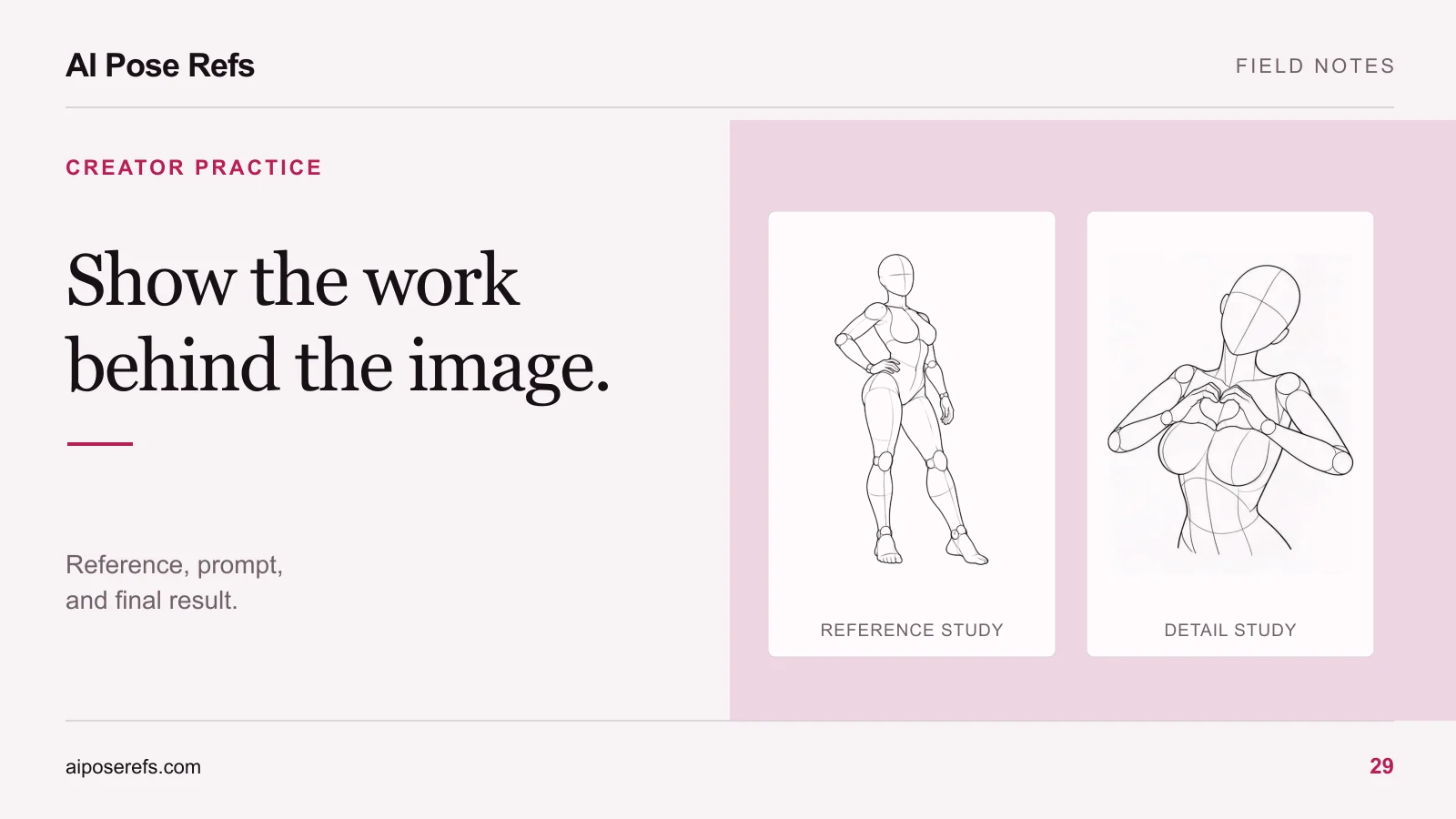
Review the sequence at the size people will actually see. A subtle hand gesture that looks clear on a large monitor may disappear in a small carousel. If the gesture is central to your point, use a crop or a separate detail image and label it accordingly.
The six-shot series workflow helps you create distinct compositions during production. At presentation time, you can select fewer than six. Finishing a shot does not obligate you to include it.
Pair each selected result with the right source
Open the project notes and match the final image to its actual pose reference, angle, and prompt. Do not substitute a cleaner-looking reference after the fact unless you explain that it is only an illustration of the pose family.
For example, if a finished portrait used this seated reference, identify the front view rather than linking only to a broad seated category. A viewer can then see the raised knee, supporting hand, and diagonal lower leg that informed the composition.
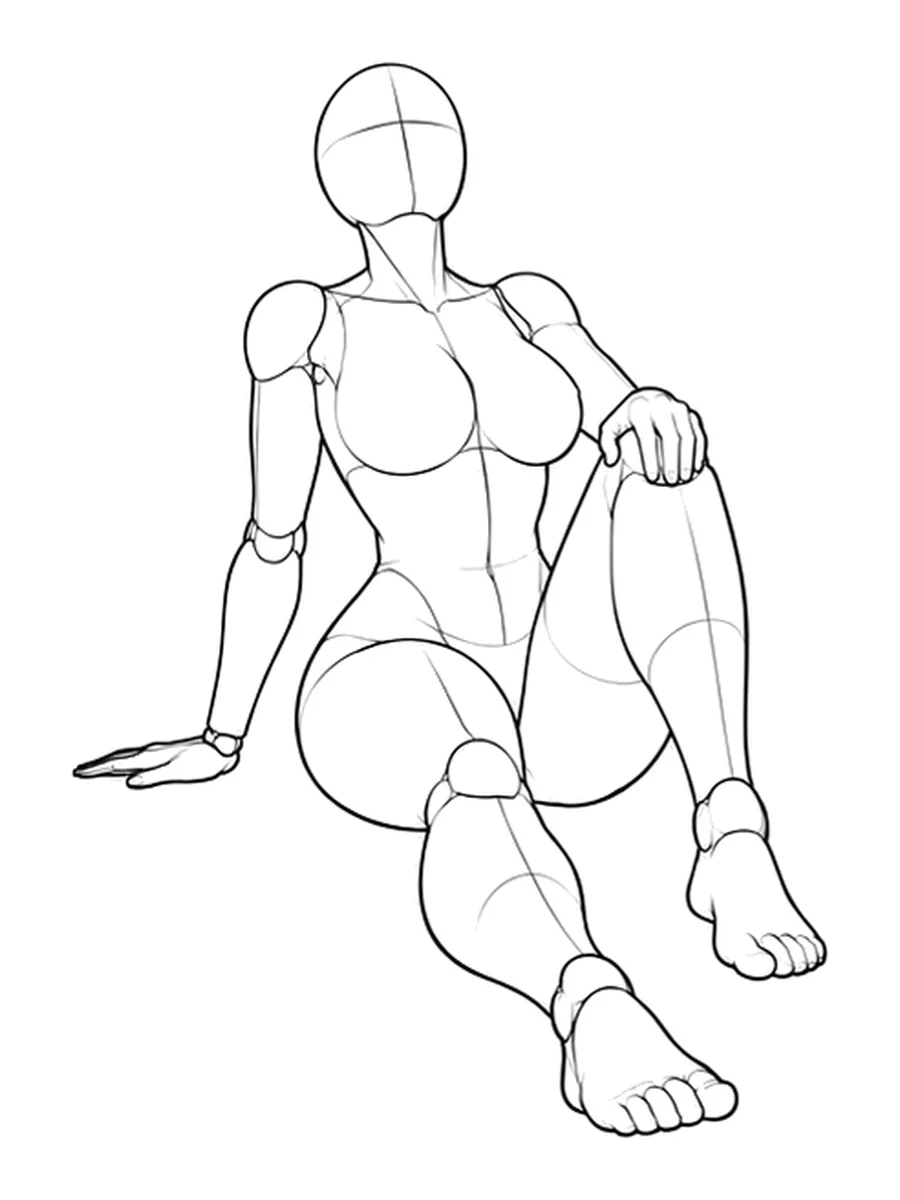
When showing the source image is not appropriate for your use, link to its page and describe the relevant geometry. A source link can explain the process without repackaging someone else's reference files. Keep the original creator's attribution with any permitted reproduction.
Decide how much process the audience needs
A portfolio visitor may want a brief explanation of the creative direction. A reader trying to repeat the workflow needs the complete inputs. Choose the depth for the presentation instead of placing every production detail in the opening caption.
For a portfolio page, a short structure works well:
| Section | What to include |
|---|---|
| Opening | The finished series and a concise description of the concept |
| Selected process example | One actual reference, its corresponding result, and the important change |
| Method note | Image tool and model details you recorded, plus any editing performed |
| Credits | Reference sources and other contributions |
| Further reading | A separate workflow explanation if you have written one |
For a carousel, use one idea per slide. A possible sequence is the finished opening image, another composition, the reference-to-result comparison, and a process note. Treat this as a starting structure; add a slide only when it explains something that the other slides do not.
Write captions that distinguish intention from evidence
A useful caption states what the viewer can see and what you actually did. “I wanted the supporting hand to remain visible, so I chose the front reference” explains a decision. “This prompt always creates perfect anatomy” makes a claim the example cannot establish.
Use a caption pattern such as:
AI-generated portrait from an original character brief. Pose guided by the linked reference, using its front view. Generated with the tool and model recorded below, then cropped and edited as described in the process notes.
Replace the general phrases with your actual details before publishing. Do not claim cropping, editing, or a particular tool unless it occurred. If the image is still a proposed concept, label it as a concept instead of a completed result.
If character consistency was difficult, describe the selection or revisions honestly. A final set demonstrates the images you chose; it does not show how many attempts were needed unless you provide that record. The character-consistency guide can help you name the issues accurately.
Keep prompts readable and useful
You can summarize the shared brief on the presentation page and place the complete prompt in a separate process section. Identify which shot the prompt belongs to. A single “series prompt” may omit the pose and camera instructions that made an individual image work.
If you share a shortened prompt, label it as an excerpt. If you share the complete version, include the required reference input and any recorded settings separately so readers understand what text alone cannot reproduce. The reference-based prompt guide explains that relationship.
Credit the work and leave a useful next step
Name the reference creator, link to the original or authorized source page, and follow the applicable terms for displaying images. Do not include a paid pack's files in your public download simply because you used them during production. A credit acknowledges the source; it does not replace the source's usage terms.
End with a next step suited to the presentation. Invite viewers to read the process notes, compare a reference angle, or try a documented exercise. If you want to teach the whole workflow, use the tutorial-writing guide. If the next project is still in planning, browse the pose gallery and keep the new references separate from the finished case study.
Related posts
Find pose ideas, plan portrait series, and use references in your own AI image workflow.