Free pose references vs paid pose packs: what is worth paying for?
Compare free pose references with paid packs by the preparation they remove, the files they include, and whether a sample helps you finish your project.
Written by
AI Pose Refs Team
Practical guides to choosing pose references, planning portrait series, and using references in your own AI image workflow.
Pay for a pose pack when its selection and instructions remove work you would otherwise have to do for a real project. A large image count is less useful than a smaller set containing the views, file organization, and supporting material you need.
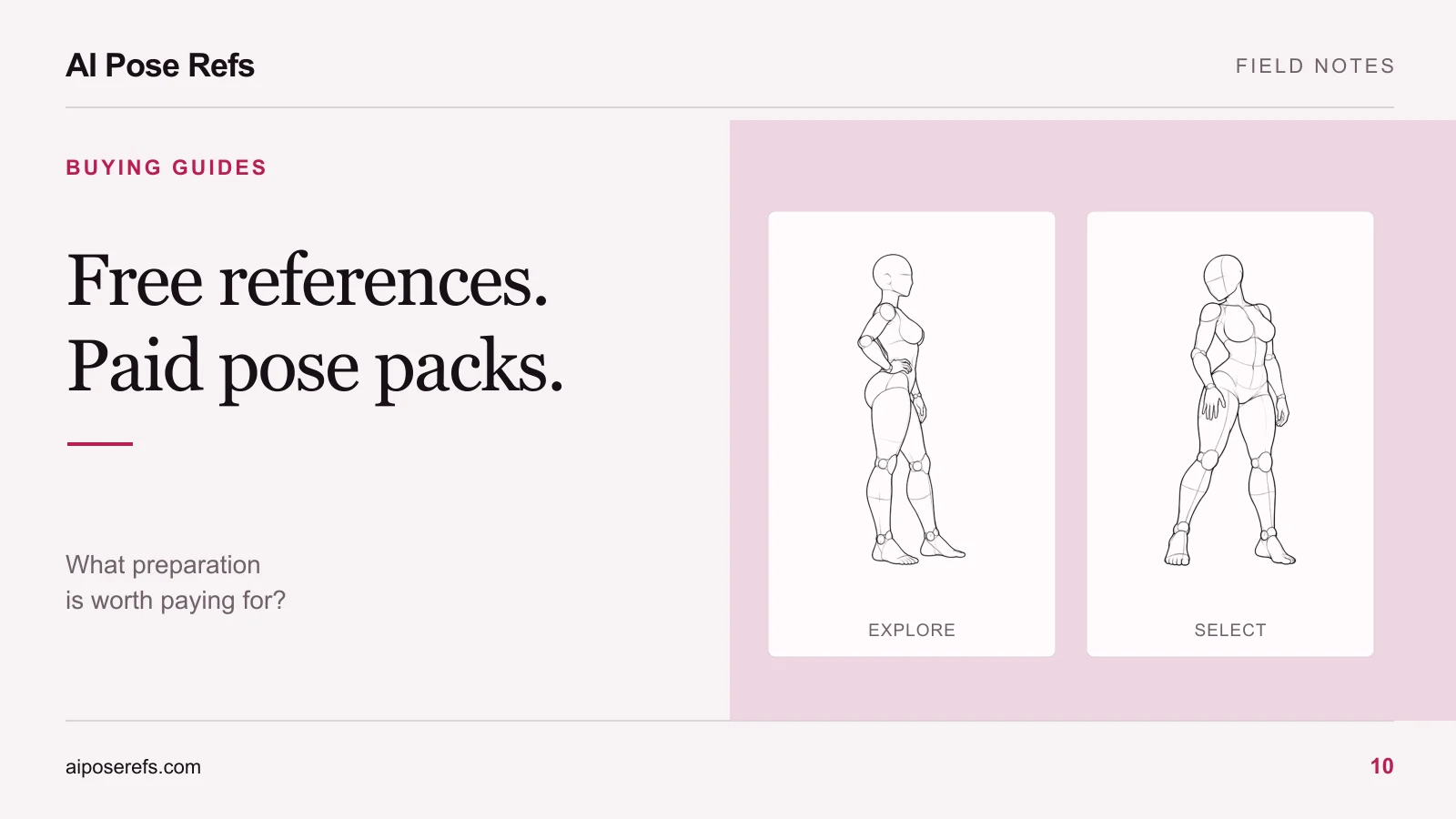
Free references are often the right place to begin. They let you explore gestures and discover what your project is missing before you buy anything. The useful comparison is between two complete workflows: collecting and organizing your own inputs, or using a prepared package.
Separate access to images from preparation work
Finding an image is only one part of building a series. You may also need to choose an angle, remove near-duplicates from your shortlist, write prompts, name files, and keep track of sources.
If you enjoy that process or only need one pose, a free gallery may be sufficient. If you have a defined project and keep repeating the same setup work, a well-organized pack could be useful. Its value depends on the tasks it actually handles.
| Task | Individual references | Prepared pack to look for |
|---|---|---|
| Explore different gestures | Browse and compare freely | A clear preview of the selection |
| Find a matching angle | Inspect the available views yourself | An index showing included views |
| Build a coherent series | Select and order the shots | A sequence with a reason for each shot |
| Prepare generation inputs | Write and pair your own prompts | Complete image-and-prompt pairs |
| Resume the project later | Maintain your own naming and notes | Stable IDs and readable documentation |
Do not assume every paid product supplies the right-hand column. Some sell images alone. That can still be useful, but assess the product you will receive rather than the work you hope it includes.
Try the free workflow on a small project
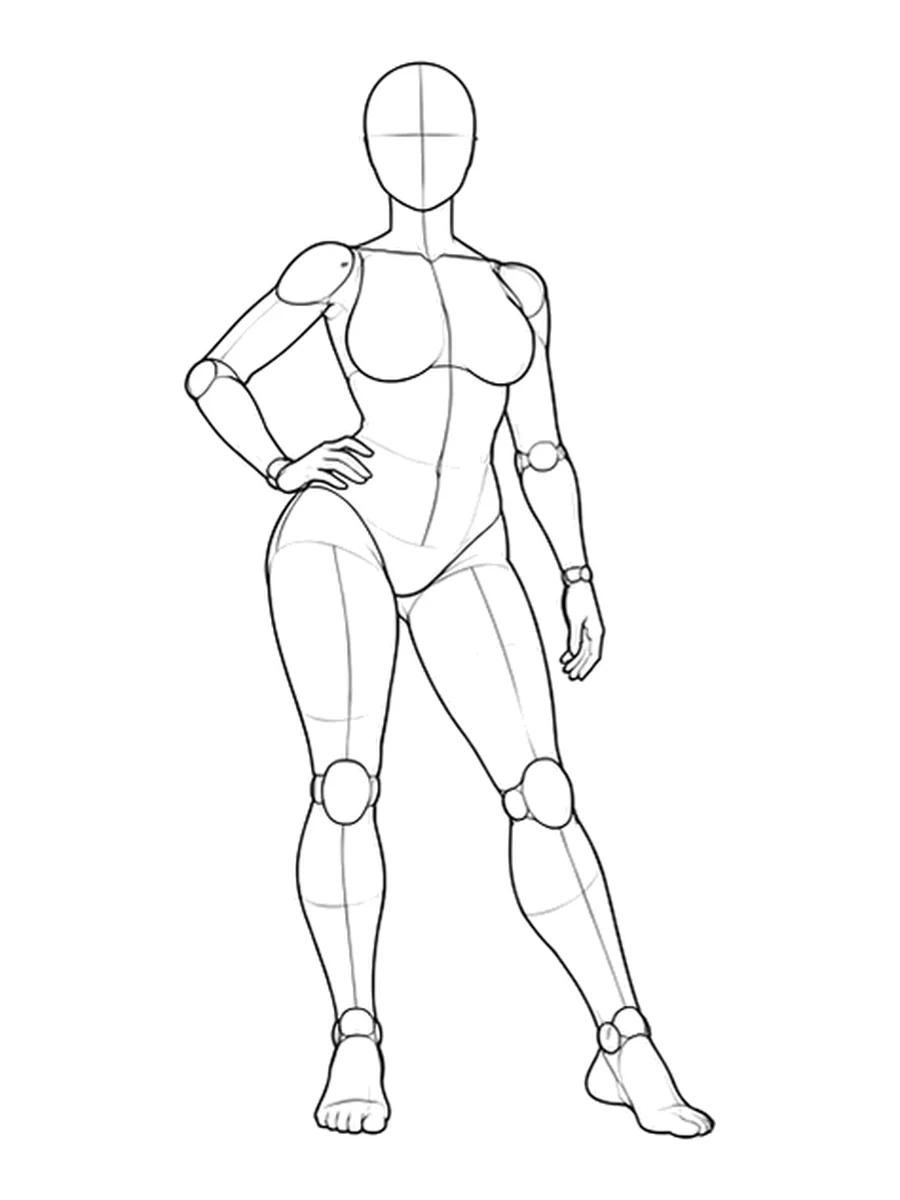
Choose one composition and work through it from reference selection to a reviewed result. The contrapposto pose page, for example, gives you a body arrangement you can compare across views.
Write down the parts that slowed you down. Perhaps selecting the pose was easy, but pairing the correct view with the prompt was tedious. Perhaps you already had useful text, but every reference hid the hand position you needed.
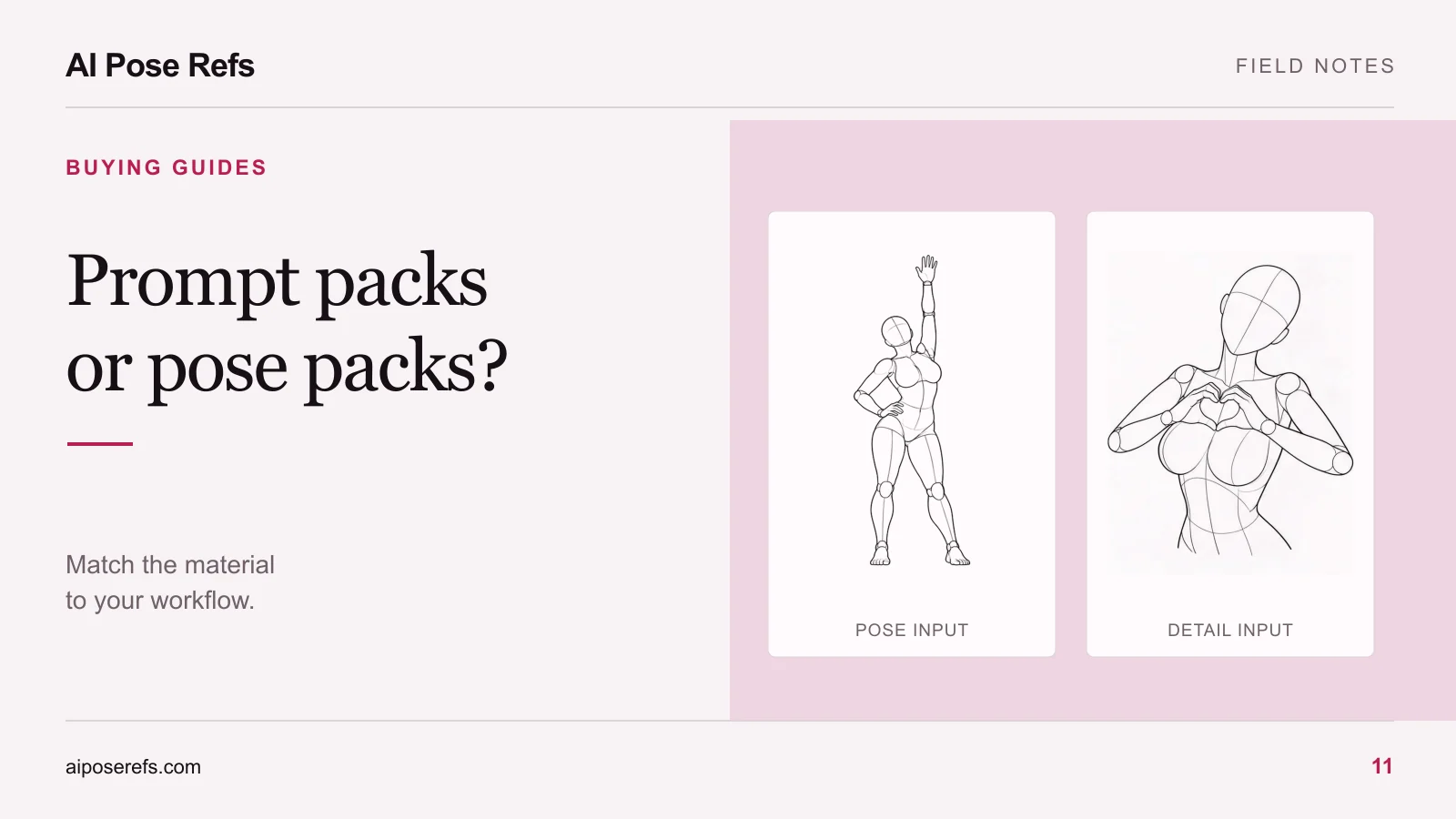
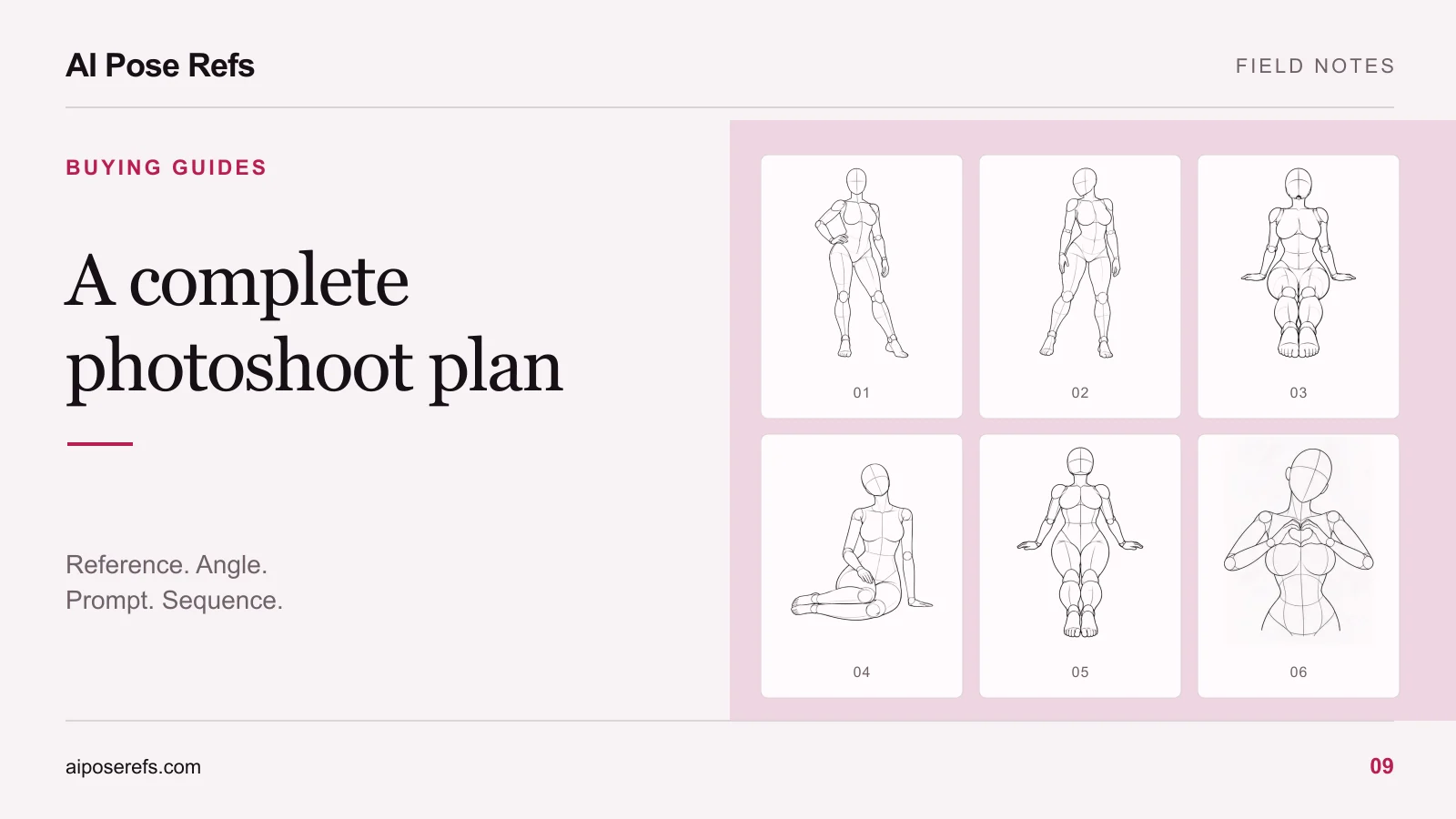
That note becomes your buying requirement. “I need a numbered sequence with matching prompts” is much more specific than “I need more poses.” The complete photoshoot-plan checklist can help identify which pieces are missing.
At present, AI Pose Refs supports browsing, filtering, comparing available views, opening reference images, and copying a starting pose prompt. Saved poses stay in the current browser. Use those capabilities to test your process; this comparison does not imply a paid pack or subscription is available on the site.
Inspect one sample before judging the full collection
Look for a sample that resembles the work you intend to make. A pack of dramatic action references may be excellent while offering little help for quiet seated portraits.
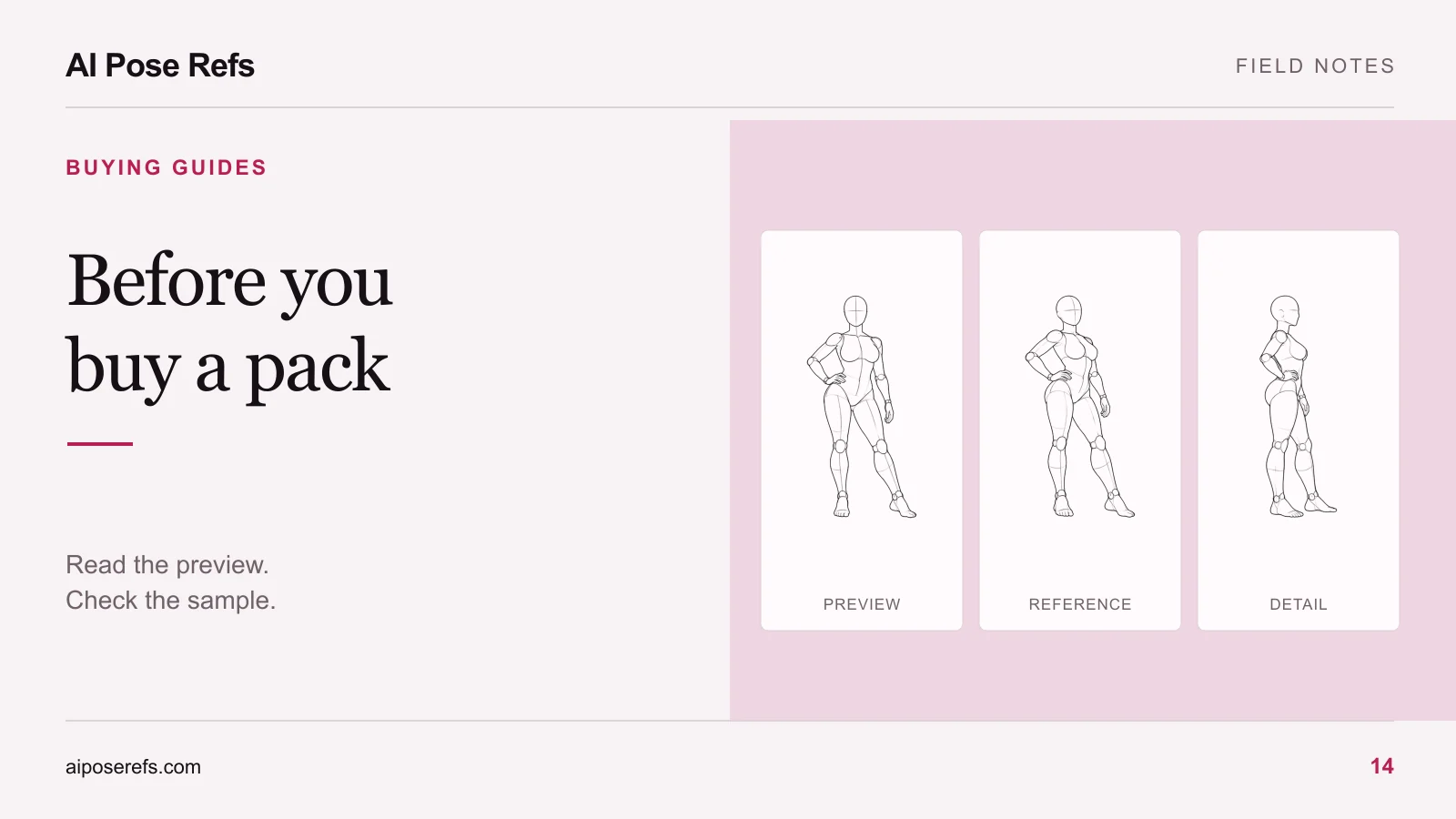
Open the sample files and check whether their names, contents, and instructions agree. If an index calls a file “03-side,” you should be able to identify that image without guessing. If a preview promises complete prompts, the sample should show what “complete” means.
Assess the actual image too. Is the relevant hand visible? Does the crop include the feet? Is the angle close to your intended camera view? Extra resolution cannot restore body information that the composition omits.
For a structured review of example results and deliverables, use the AI photoshoot pack buying checklist. Compatibility with your image tool is a separate question from whether the artwork looks appealing.
Compare the cost of the next project
Make the comparison concrete without pretending you know future usage. List the pack price, any separate image-generation charges, and the preparation tasks you expect to do either way. Use the seller's published terms for the purchase you are considering.
Then ask which part of your next project the pack improves. If you still need to select every shot, rewrite all prompts, and reorganize the files, the package may provide less convenience than expected. If its sample drops neatly into your existing process, that is useful evidence.
Avoid calculating savings from an advertised hourly value or an assumed number of future projects. You can record your own preparation time on the small test, then make a modest estimate for the work you actually plan to repeat.
If the choice includes recurring access, compare single packs and subscriptions against your creation frequency. A recurring payment needs recurring usefulness; a one-off project may only need one suitable package.
Keep source and usage information attached
Free access and paid access describe how you obtain files. They do not, by themselves, explain every permitted use. Read the source's usage information for the material and the project you have in mind. Keep that information alongside your saved references.
For artwork on this site, start with credits and usage. When evaluating another product, look for its own terms rather than carrying assumptions from one library to another.
The decision can be simple: use free references while exploring, buy a prepared pack when its sample solves an identified problem, and keep your own process when the package adds more sorting than it removes. Start with one pose in the gallery and let that small project reveal what you need next.
Related posts
Find pose ideas, plan portrait series, and use references in your own AI image workflow.