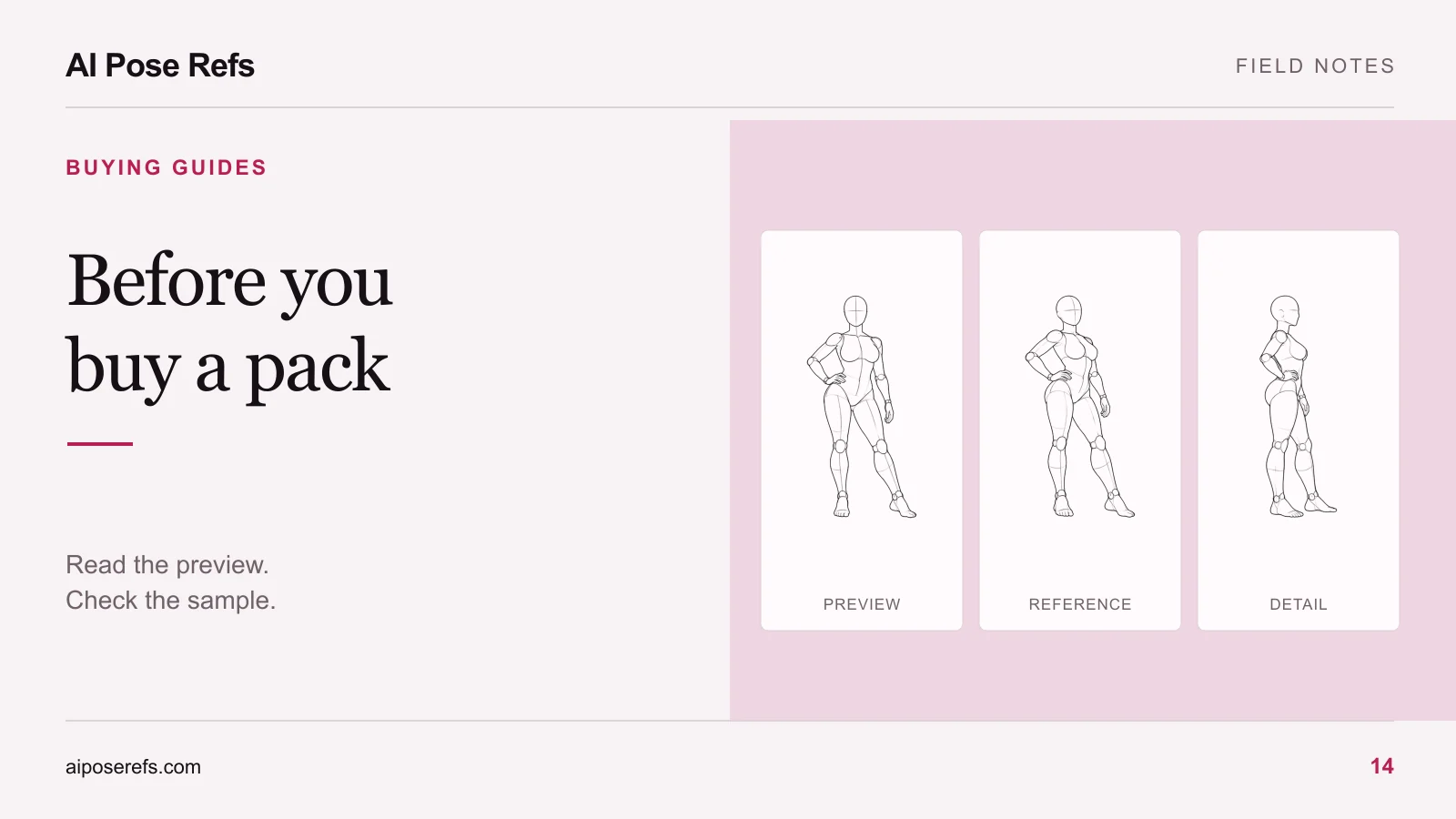
Boudoir posing guide: what a complete AI photoshoot plan needs
Check whether an AI photoshoot plan includes a shared brief, matched pose references, camera angles, complete prompts, shot order, and usable instructions.
Written by
AI Pose Refs Team
Practical guides to choosing pose references, planning portrait series, and using references in your own AI image workflow.
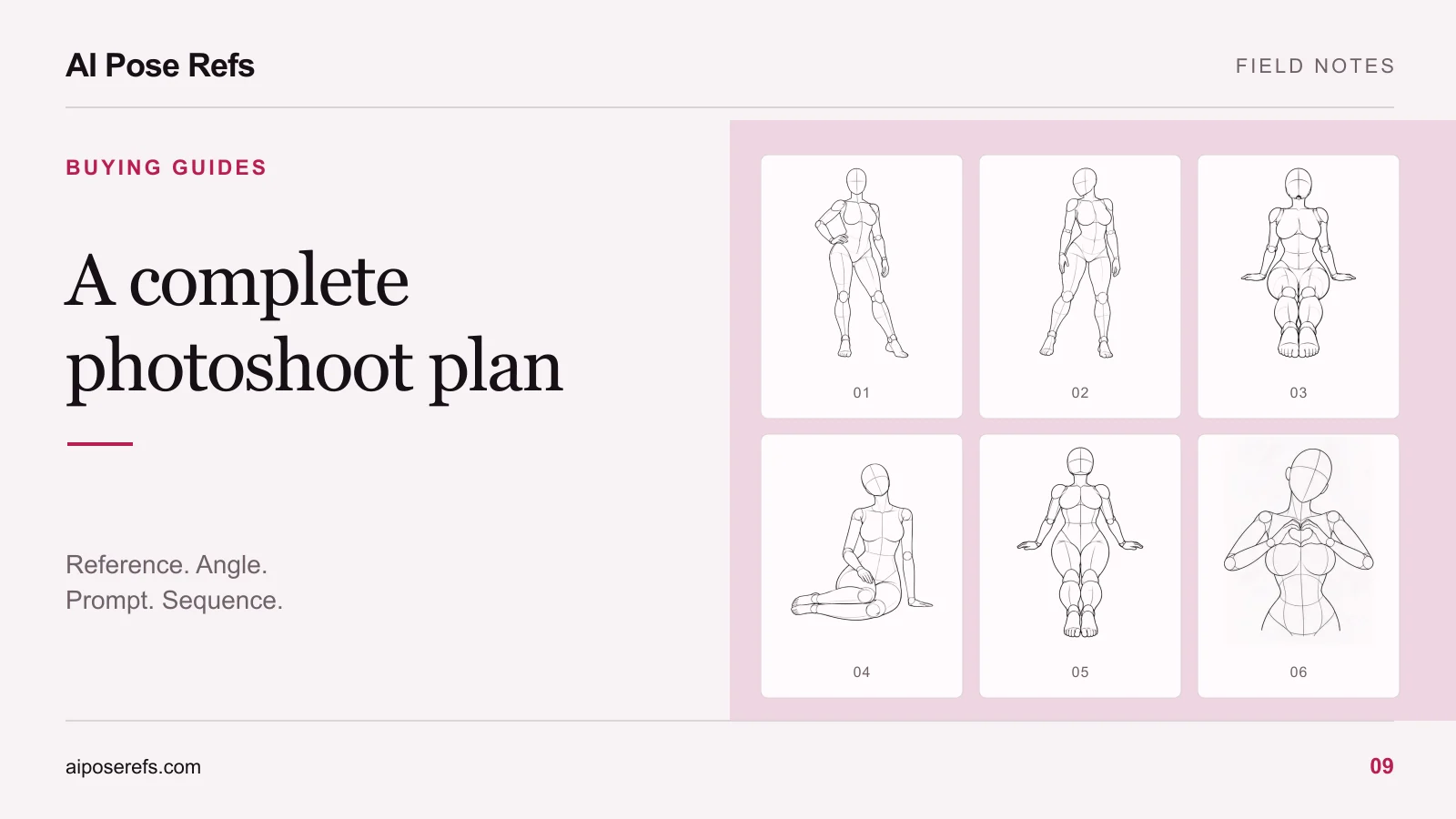
A complete AI photoshoot plan tells you what to make, which reference to use for each image, and what to enter into your tool. You should be able to open one shot and understand its inputs without reconstructing the rest of the project from scattered notes.
A folder of attractive poses can be a good source library. To turn it into an adult portrait series, you still need a shared visual brief, a shot order, camera choices, and complete prompts. This guide is a checklist for preparing those materials yourself or evaluating what a resource pack includes.
Define the result before selecting the poses
Write a short brief that someone else could understand. Name the intended adult character, wardrobe, setting, lighting, and image shape. Include the use of the finished set, because a portrait carousel and a wide website banner need different framing.
For example, you might plan a quiet indoor fashion series featuring an original adult character in an opaque satin dress, with soft window light and a plain room. That brief provides a reason to choose restrained standing and seated gestures. It also gives you a way to reject an unrelated dramatic action pose.
If you are still choosing the visual direction, use the boudoir pose ideas article as an inspiration menu. Return to this checklist once you can describe a single concept clearly.
Give every shot a complete record
Each planned image needs more than a reference thumbnail. Record the selected view, intended crop, and what makes the shot different from its neighbors.
| Field | Example entry | Why it matters |
|---|---|---|
| Shot ID | 03 | Keeps files, prompts, and results paired |
| Visual purpose | A quieter turned portrait | Explains why the shot belongs in the set |
| Pose source | A saved pose-page link | Lets you find the source again |
| Selected angle | Three-quarter | Identifies the image to upload |
| Framing | Full body with space above the head | Makes the expected crop clear |
| Complete prompt | Shared brief plus this shot's instructions | Removes manual assembly during use |
| Review note | Check shoulder turn and visible hands | Defines what to inspect first |
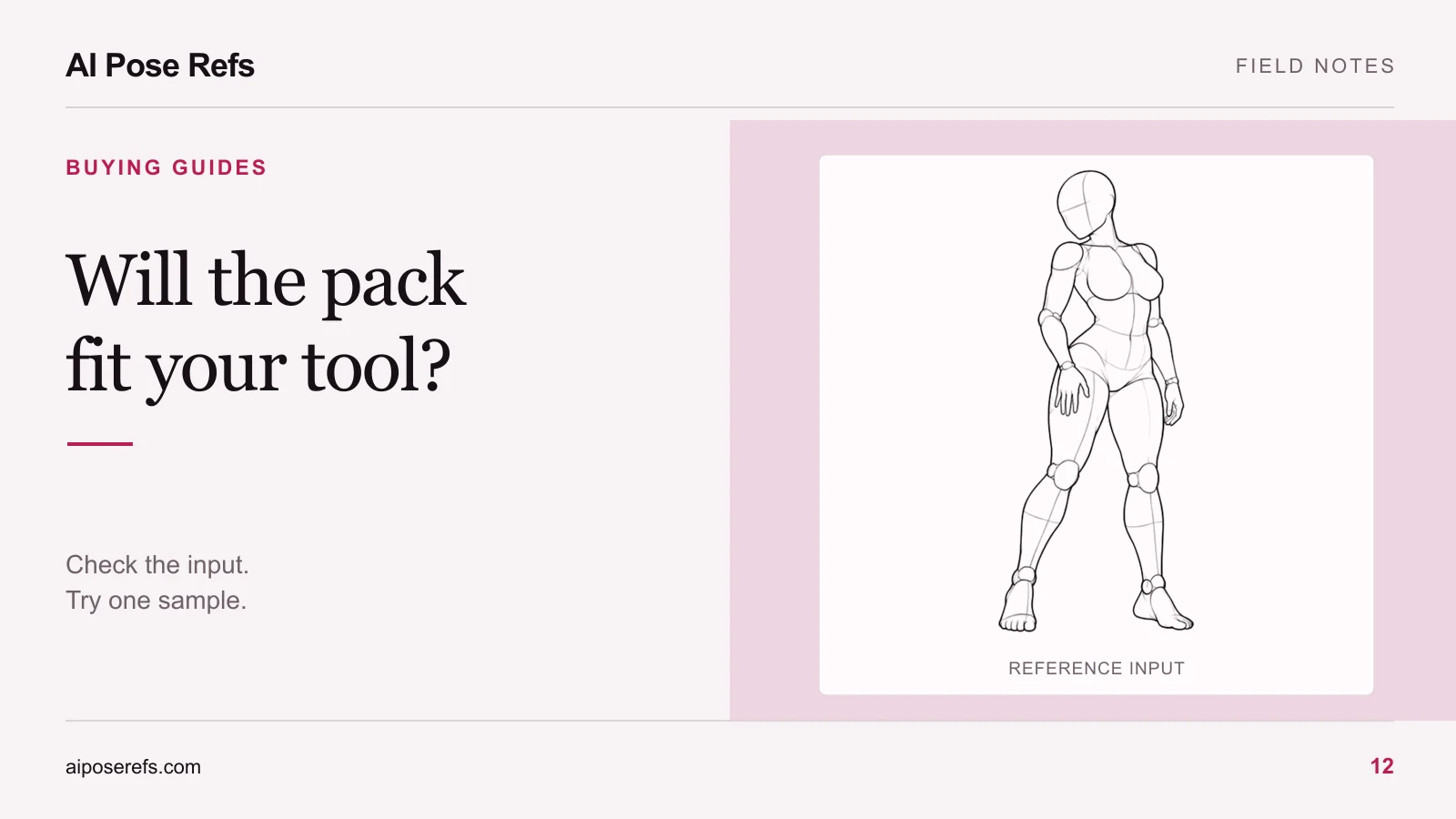
The looking-back-over-the-shoulder reference shows why angle selection belongs in the record. The same body arrangement reads differently from the front, side, and three-quarter views.
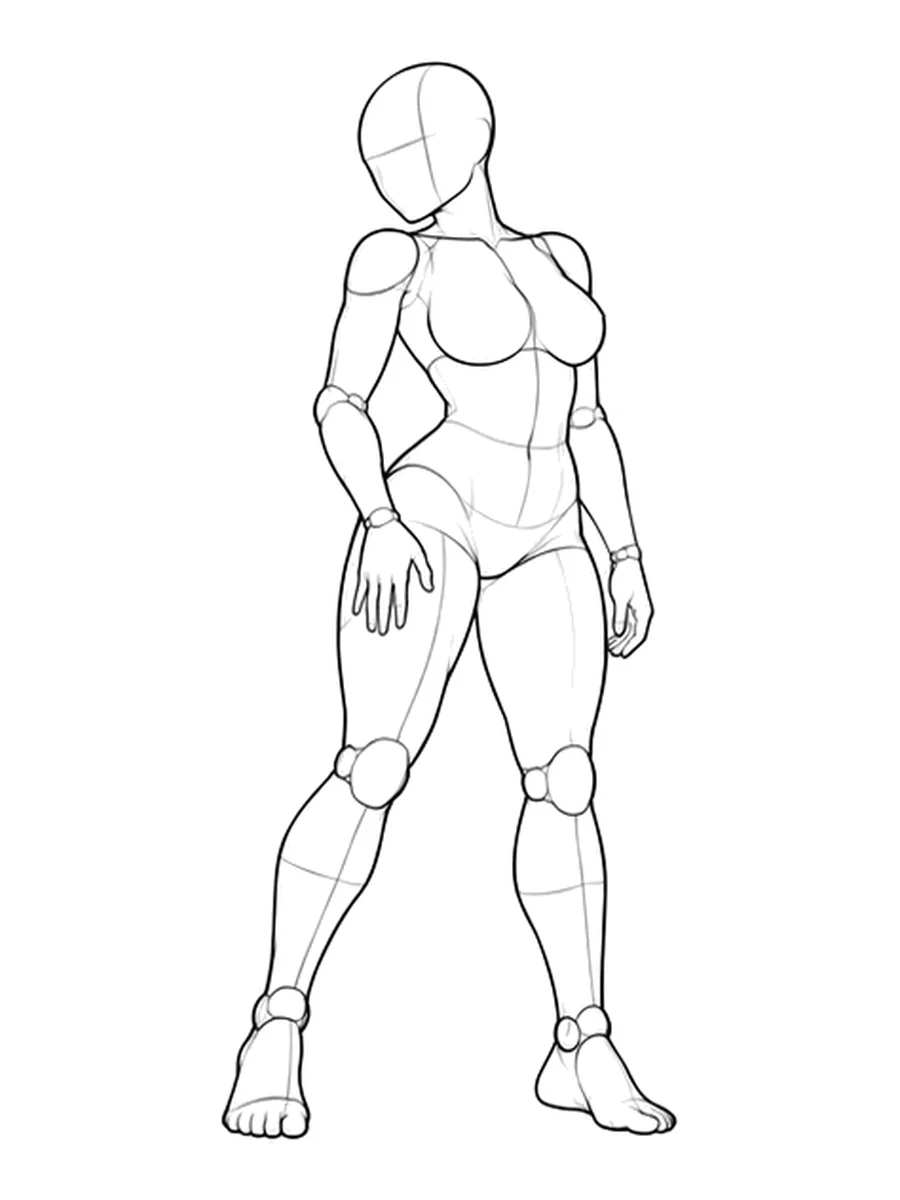
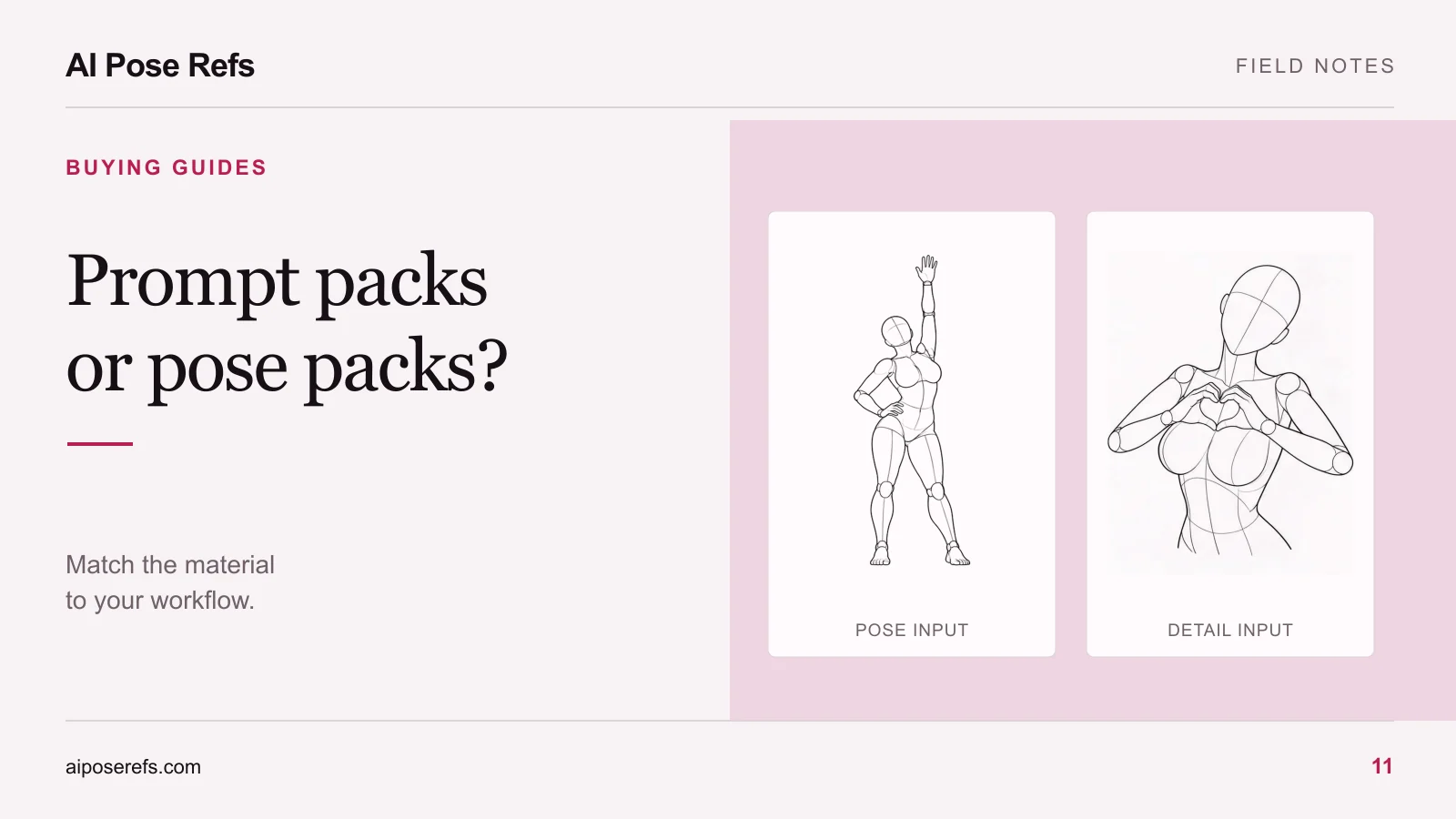
Keep the reference image and intended result separate in the record. A mannequin drawing supplies body information. Clothing, scenery, and finished lighting still belong in your own visual brief unless the resource explicitly provides them.
Make each prompt usable on its own
A shared prompt is convenient while you are planning. During generation, a complete prompt for each shot reduces the chance of omitting the character or leaving in an instruction from the previous frame.
Build the prompt in a clear order: subject and wardrobe, body arrangement, camera and framing, then environment and light. Read it beside the selected reference. If the text says front view while the image shows a profile, resolve the conflict before testing.
Keep a short variable list for details you expect to change. Character description, garment, and background may be editable choices. The pose and view should remain tied to the individual shot until you deliberately replace them.
The reference-image prompt guide covers this assembly process. Its examples are starting points to adapt, not evidence that every tool will follow the same inputs in the same way.
Check the instructions as carefully as the pictures
A useful plan says where the image goes and where the text goes. It should distinguish a general upload-and-prompt process from a workflow that needs a particular model or additional components.
For a general plan, the instructions might be: open the selected reference, save the permitted file, add it to a supported image input, paste the complete prompt, and inspect the first result. The exact upload control and any guidance settings depend on the chosen tool.
For a tool-specific package, ask for the version, required inputs, settings, and any dependencies. Use the compatibility checklist before assuming a workflow file will open in your setup.
Result previews should explain their role too. A mood image communicates a direction. An example produced with documented inputs provides different evidence. Neither automatically establishes what you will obtain with another model or configuration.
Use a completeness check before committing to the set
Open one shot as if you had never seen the project. Can you locate the correct image, read one complete prompt, and tell what a successful composition should look like? If you must search through a conversation or guess which angle was intended, the plan still needs work.
Check the full set next:
- Every planned image has a unique ID and a clear visual purpose.
- Each reference file matches its shot and selected angle.
- Every prompt includes the shared character and styling brief.
- Instructions identify the inputs and any tool-specific requirements.
- Source links and usage information remain attached to the materials.
- The shot order provides useful variation in silhouette or framing.
You can prepare all of this from individual references. A paid pack is worth considering when it delivers the missing preparation in a form you can actually use. The free-versus-paid comparison helps you assess that tradeoff without relying on image counts.
Choose a reference from the gallery, create one complete shot record, and use it as the template for the rest of your series. A plan becomes useful when the next action is obvious from the record itself.
Related posts
Find pose ideas, plan portrait series, and use references in your own AI image workflow.