AI prompt packs vs pose reference packs: which fits your workflow?
Decide whether you need written prompts, pose images, or paired inputs by checking what your AI tool accepts and what your current portrait workflow lacks.
Written by
AI Pose Refs Team
Practical guides to choosing pose references, planning portrait series, and using references in your own AI image workflow.
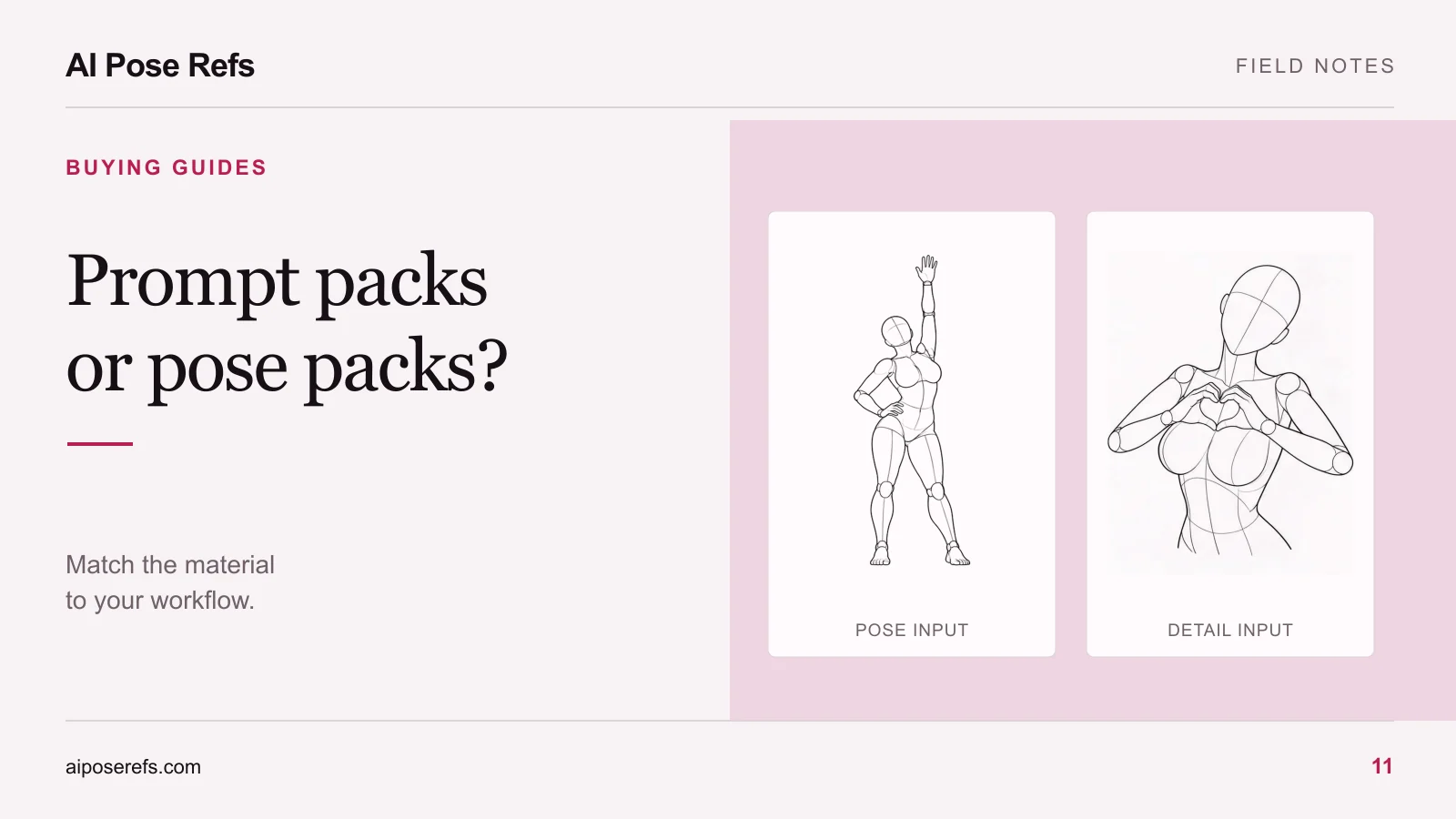
A prompt pack gives you language to describe an image. A pose reference pack gives you visual information about the body arrangement and camera view. A combined pack is useful when it pairs those inputs clearly and your image tool can use them.
Choose based on the problem in front of you. If you know the pose but struggle to describe a consistent scene, text may help. If the written description leaves the arms, legs, or viewpoint ambiguous, a suitable reference image may be the more useful input.
What a written prompt can specify
Text is useful for details that are absent from a neutral pose drawing: the adult character, clothing, location, lighting, and intended visual treatment. It can also state what matters about the pose, such as a hand resting on the hip or both feet remaining in frame.
A good prompt is readable enough to edit. You should be able to change a garment or setting without searching through a long string of unrelated style terms. If a template uses variables, it should explain what each variable controls and show a complete filled example.
Text becomes less precise when several body arrangements fit the same description. “Looking over one shoulder” can leave open the torso rotation, hand placement, camera position, and direction of the legs. More adjectives do not necessarily resolve those spatial choices.
The AI photoshoot prompt guide explains how to turn a shared character brief and a pose note into one complete prompt. Use that structure to judge whether a purchased template is clearer than what you can already write.
What a pose image adds
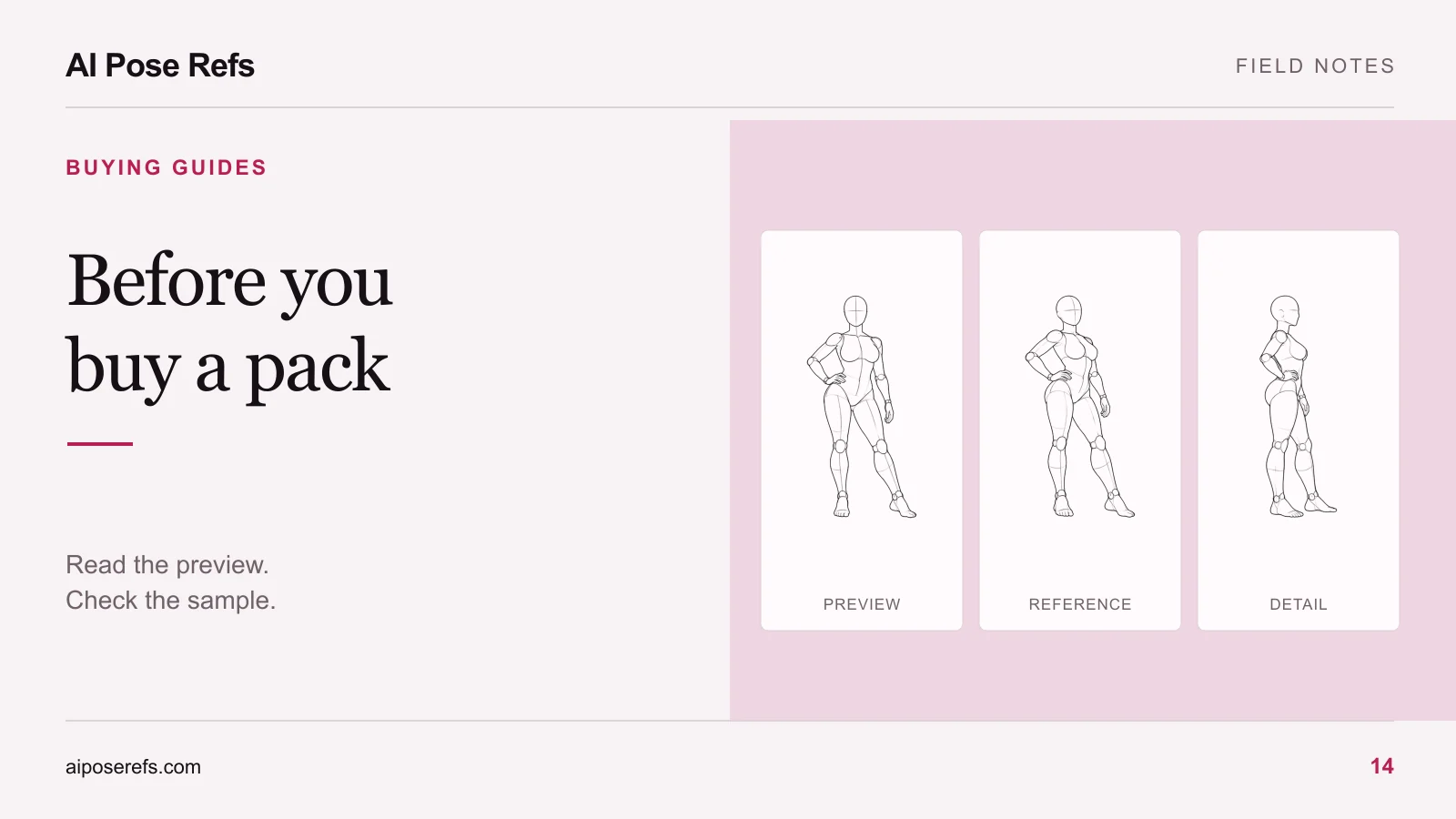
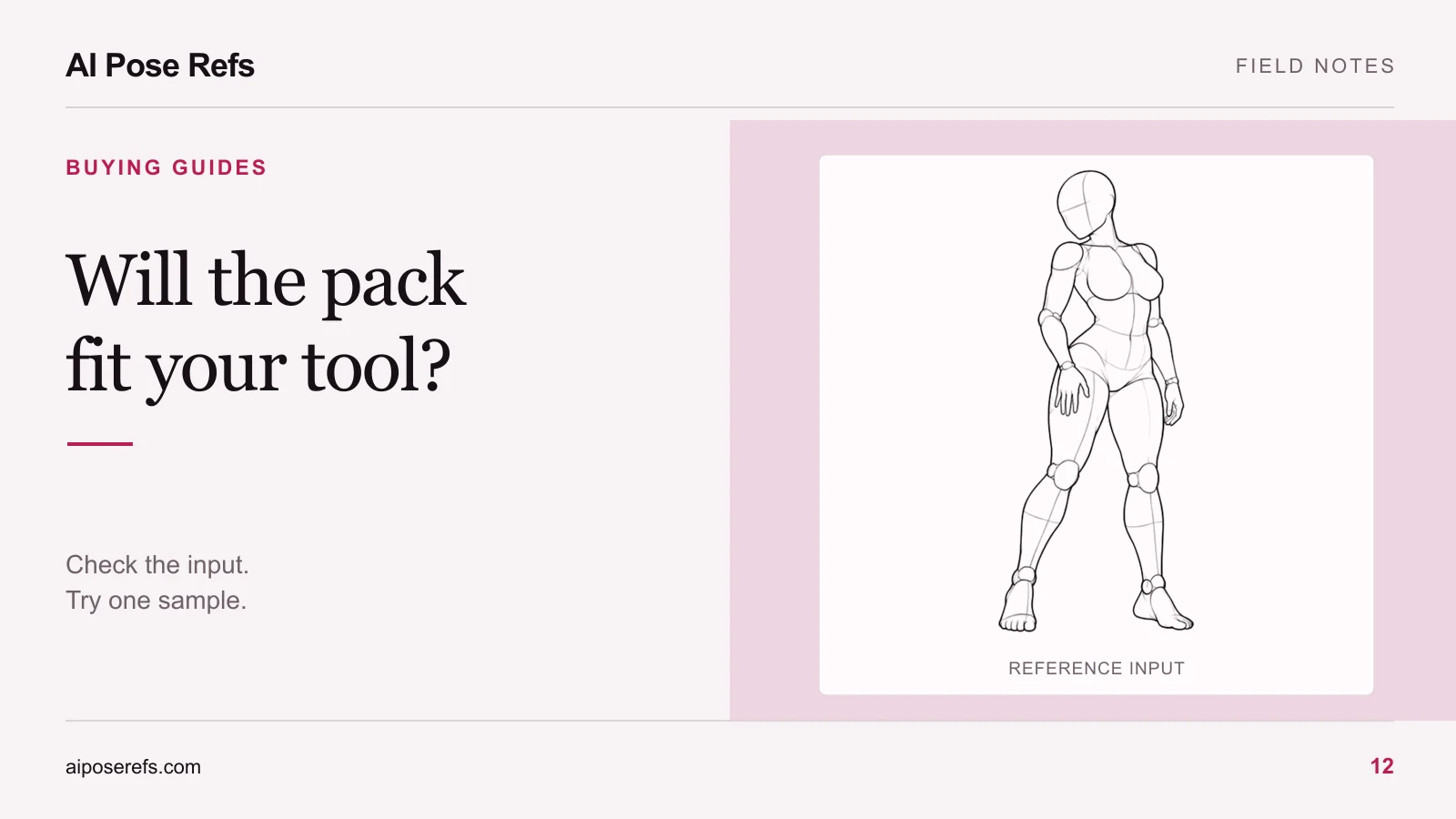
A reference lets you inspect relationships directly. You can see which arm overlaps the torso, how the pelvis turns, and where the supporting leg sits beneath the body. The selected view matters as much as the pose name.
Compare the text “looking back over the shoulder” with this three-quarter reference:
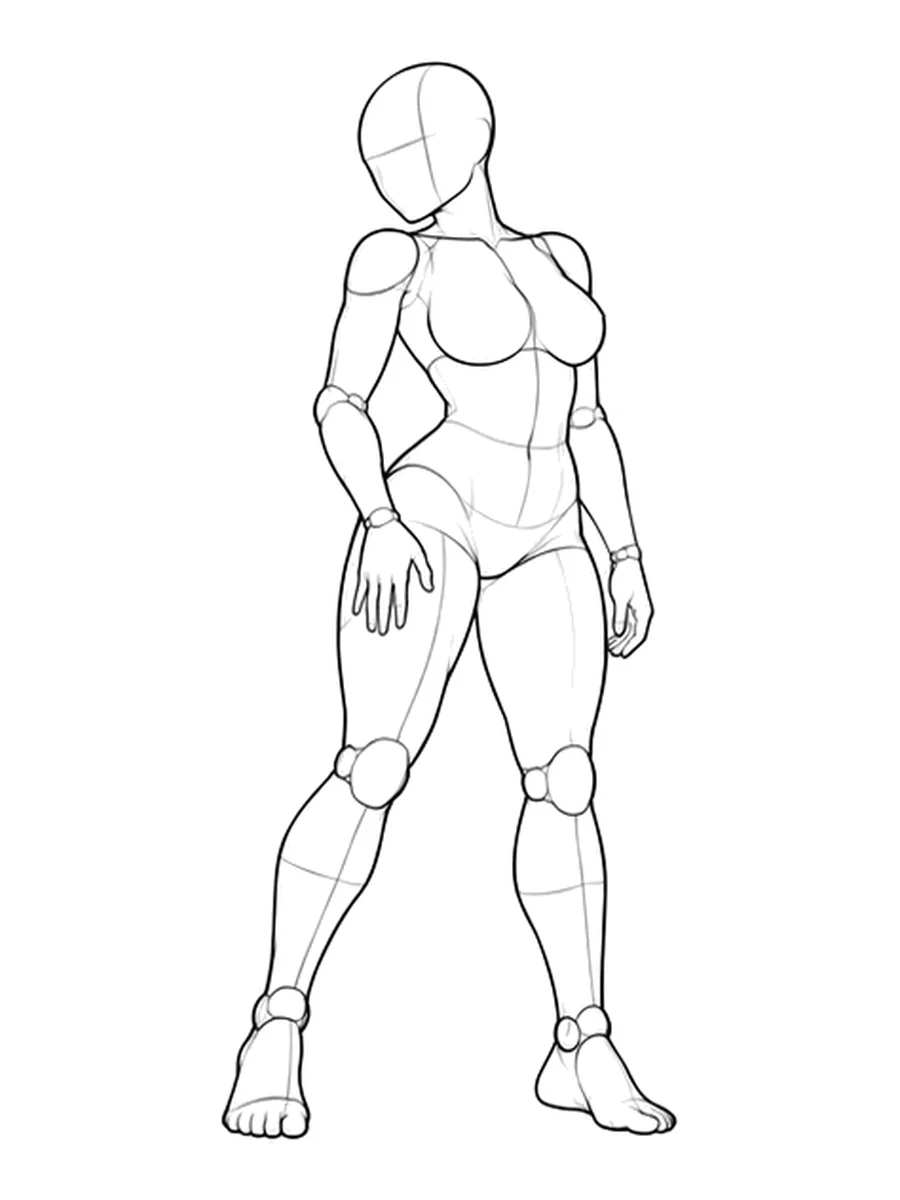
The image is still an input, not a guarantee that a tool will reproduce every detail. Some systems use references as broad visual guidance. Others provide more specific composition or pose controls. Read the documentation for the input you plan to use.
A mannequin reference also leaves important creative decisions to you. It does not define a face, fabric, environment, or finished lighting setup. If you want an identifiable original character, review the difference between pose and character references before buying a collection for the wrong purpose.
Read the file list before the product name
“AI pack” can describe several different deliverables. Look at what is actually included.
| Deliverable | What you receive | What you still need to prepare |
|---|---|---|
| Text-only prompts | Descriptions or templates | Compatible tool, image references if needed, and result review |
| Pose images | Visual body and camera references | Character brief, styling, prompts, and shot order |
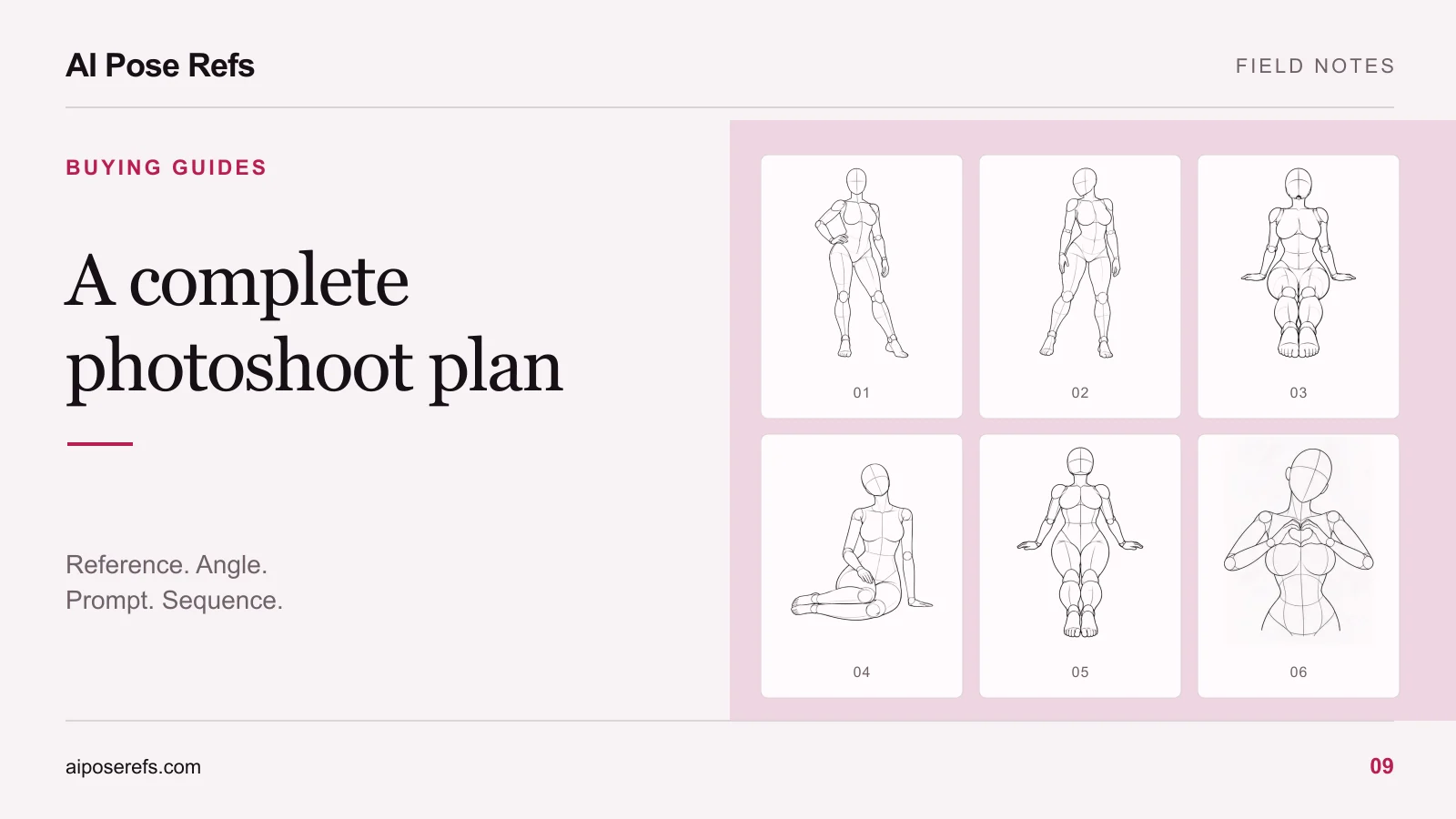
| Paired shot inputs | Matched image and complete text for each shot | Personal adjustments and a supported generation workflow |
| Tool-specific workflow | Files intended for a named setup | Required software, versions, models, and dependencies |
An example result is not the same thing as the reference used to create it. A preview may show a finished fashion image while the download contains only a text prompt. That distinction is not necessarily a defect, but you should know it before purchasing.
Likewise, a structured file or a folder of images does not make a workflow automatic. Ask whether the product includes a sequence you follow manually or an actual import file for a named tool.
Test the smallest useful combination
Start with one uncomplicated adult portrait concept. Choose a reference with visible hands and clear support, then write a short complete prompt. Keep the model and basic settings the same while comparing inputs where your tool supports that comparison.
You might compare text alone with text plus the reference. Look for changes in the supporting leg, elbow position, and camera view. Do not judge the test only by which result has the most attractive face or dramatic lighting.
If the pose remains unclear, decide whether the source image is ambiguous or the tool's input does not offer the control you need. If the pose is acceptable but the scene changes between shots, improve the shared visual brief. Those are different problems, and they point toward different purchases.
The pack compatibility guide helps you check the input path before spending time on a larger comparison. You do not need to buy a complete collection to discover that your current tool only accepts text.
Choose the material that fills the gap
Choose a prompt pack when its examples make the written brief clearer and easier to reuse. Choose pose references when they provide body arrangements or views you cannot communicate well enough with text. Choose paired inputs when matching and preparing those pieces is the work you want to reduce.
For a multi-image project, use the complete series plan checklist to check whether either option includes ordering, file names, and review notes. A pack can have excellent individual assets and still require substantial preparation before it becomes a series.
Browse the gallery and choose one reference you can describe in a sentence. Try that image and description in your supported workflow, then buy only the kind of material the test shows you are missing.
Related posts
Find pose ideas, plan portrait series, and use references in your own AI image workflow.