Lingerie photoshoot ideas: turn a mood board into an AI shot list
Develop lingerie fashion portrait concepts through lighting, wardrobe, and setting, then translate your mood board into a usable AI shot list.
Written by
AI Pose Refs Team
Practical guides to choosing pose references, planning portrait series, and using references in your own AI image workflow.
A mood board can tell you that you like warm light, muted fabrics, and quiet rooms. It often cannot tell you which picture to make first. Turning lingerie photoshoot ideas into a shot list means separating the shared visual direction from the pose and framing of each image.
This guide uses adult fashion portrait concepts with opaque garments and non-explicit compositions. The task is to build a coherent set: decide what the character wears, where the light comes from, and what each pose adds.
Choose one setting with a clear lighting idea
Compare concepts through specific choices rather than collecting more mood images. Window light, a plain studio, and a vintage room can all work, but they ask different things of the composition.
| Concept | Wardrobe direction | Setting and light | Useful first pose |
|---|---|---|---|
| Quiet morning | Opaque camisole and lounge shorts | Pale wall, one window, soft side light | Simple standing or upright seated pose |
| Studio fashion | Opaque bodysuit with a robe or jacket | Plain backdrop, deliberate light direction | Full-body stance with visible arm separation |
| Vintage interior | Satin lounge set and a small accessory | Restrained furnishings, warm palette | Seated or turned pose that leaves room for context |
These are starting briefs, not prepared collections of finished images. Choose the one you can explain in a sentence. If the board contains daylight, colored studio light, dark wood, and bright white furniture, decide which idea leads the first series and save the others for later.
For the simplest option, the window-light beginner guide walks through a compact room concept.
Describe what each shot should communicate
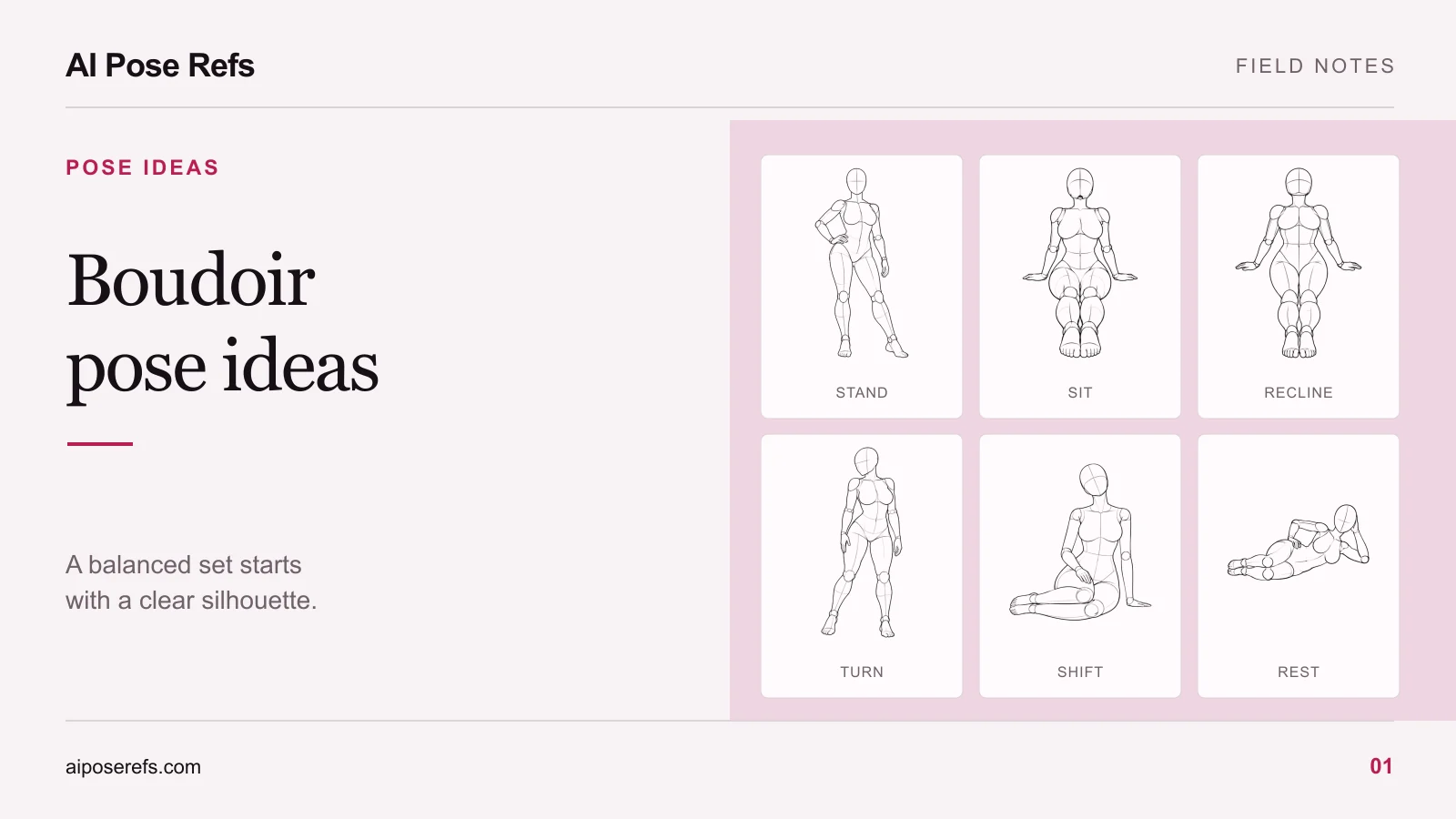
Before looking for poses, assign jobs to the images. An opening photograph might establish the room and outfit. A closer image might show the neckline of a robe, a hand gesture, or the character's expression. A final wide frame could offer a quieter variation on the first scene.
This keeps the board from turning into a folder of nearly identical pictures. If two planned shots have the same crop, gaze, and arm position, decide whether both are needed.
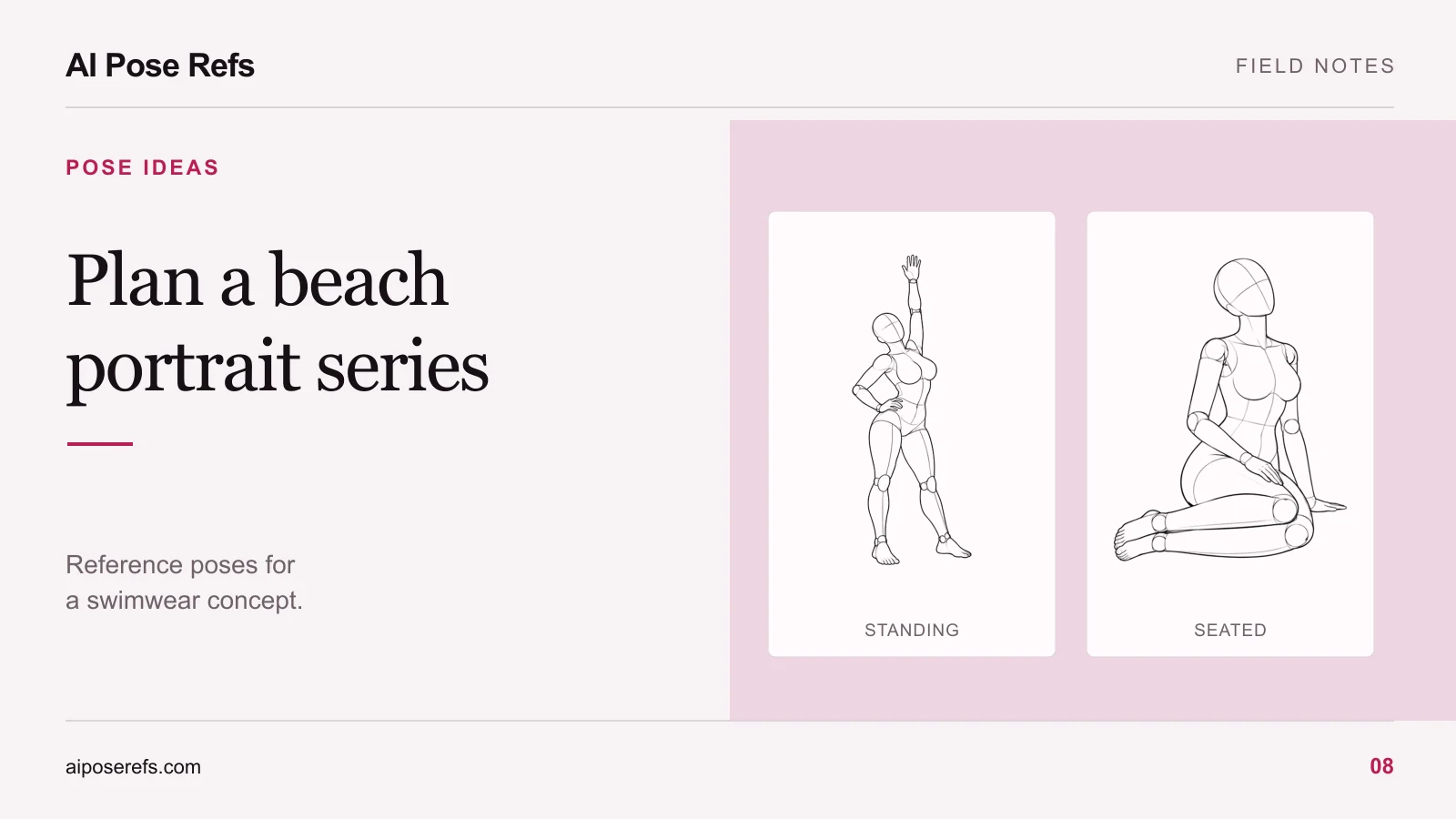
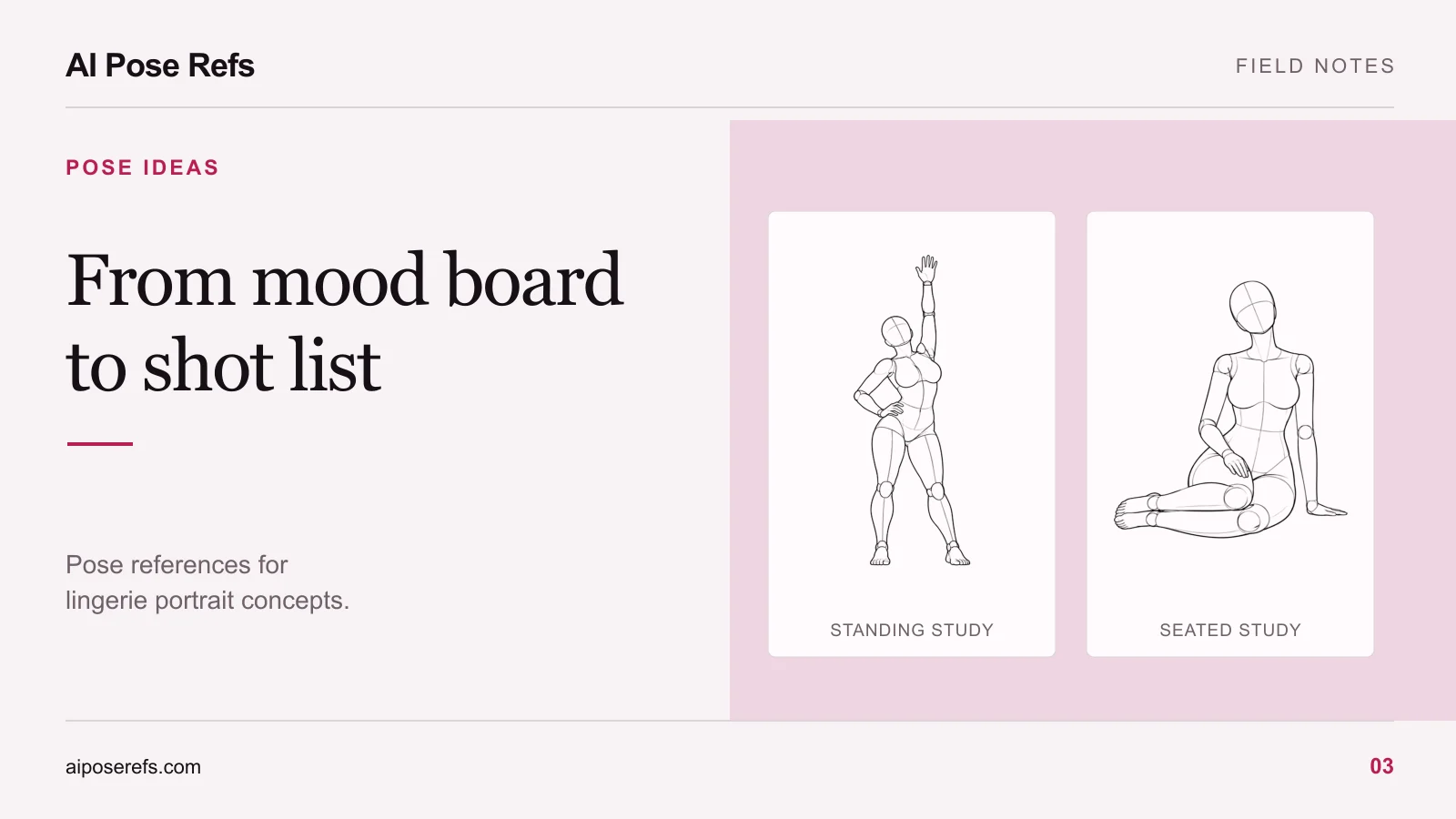
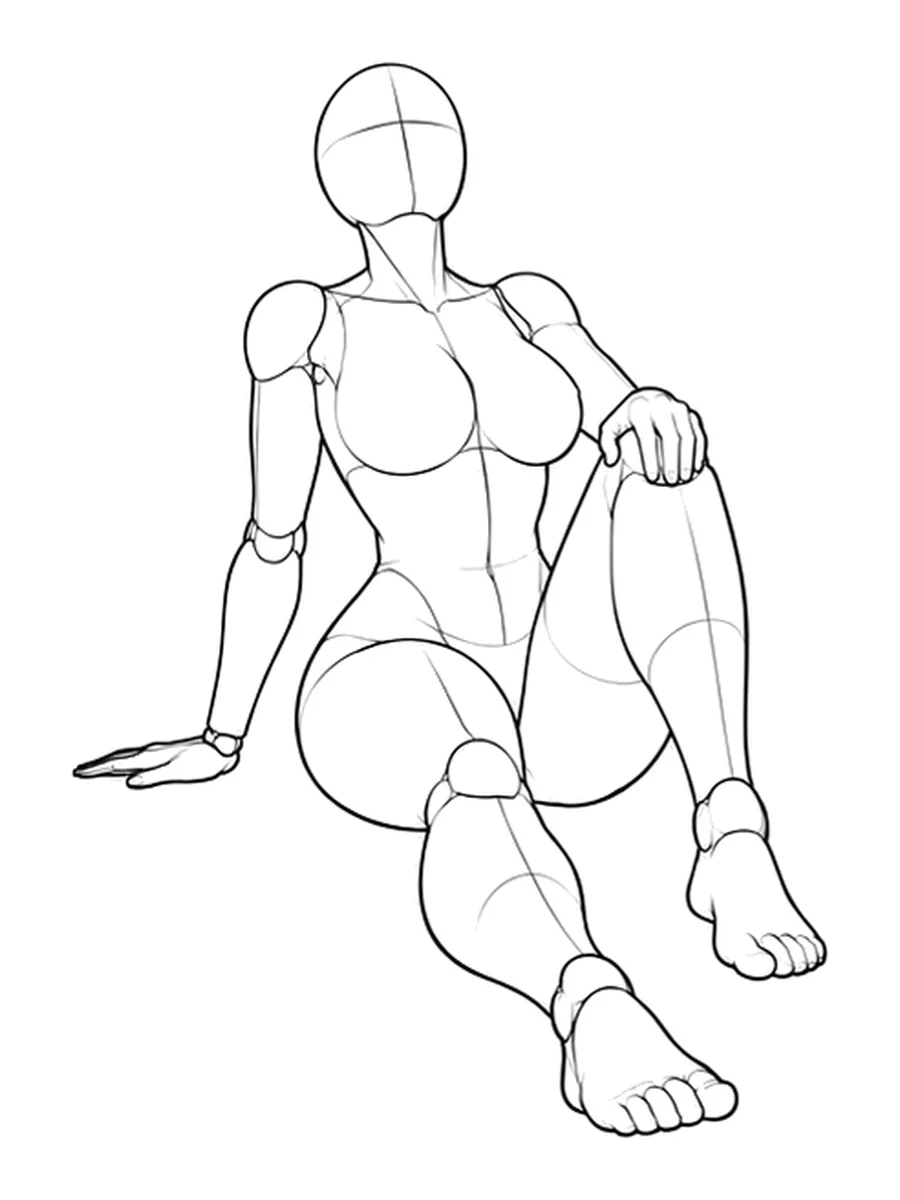
A floor-seated reference such as one knee raised with a supporting hand can introduce a different body shape. The raised knee creates a strong bend, while the supporting hand explains how the torso stays upright. Use it when that arrangement serves the composition, rather than because the pose happens to be available.
Convert the board into an actual shot list
Each row needs a reference, an angle, and a crop. “Beautiful seated image” is an intention, not a usable instruction. “Floor seated, front view, one knee raised, full supporting hand visible” gives you something to check.
Here is a proposed list for the quiet-morning concept:
| Shot | Visual purpose | Pose and camera decision |
|---|---|---|
| Room introduction | Establish the outfit and setting | Standing full body, window visible beside the subject |
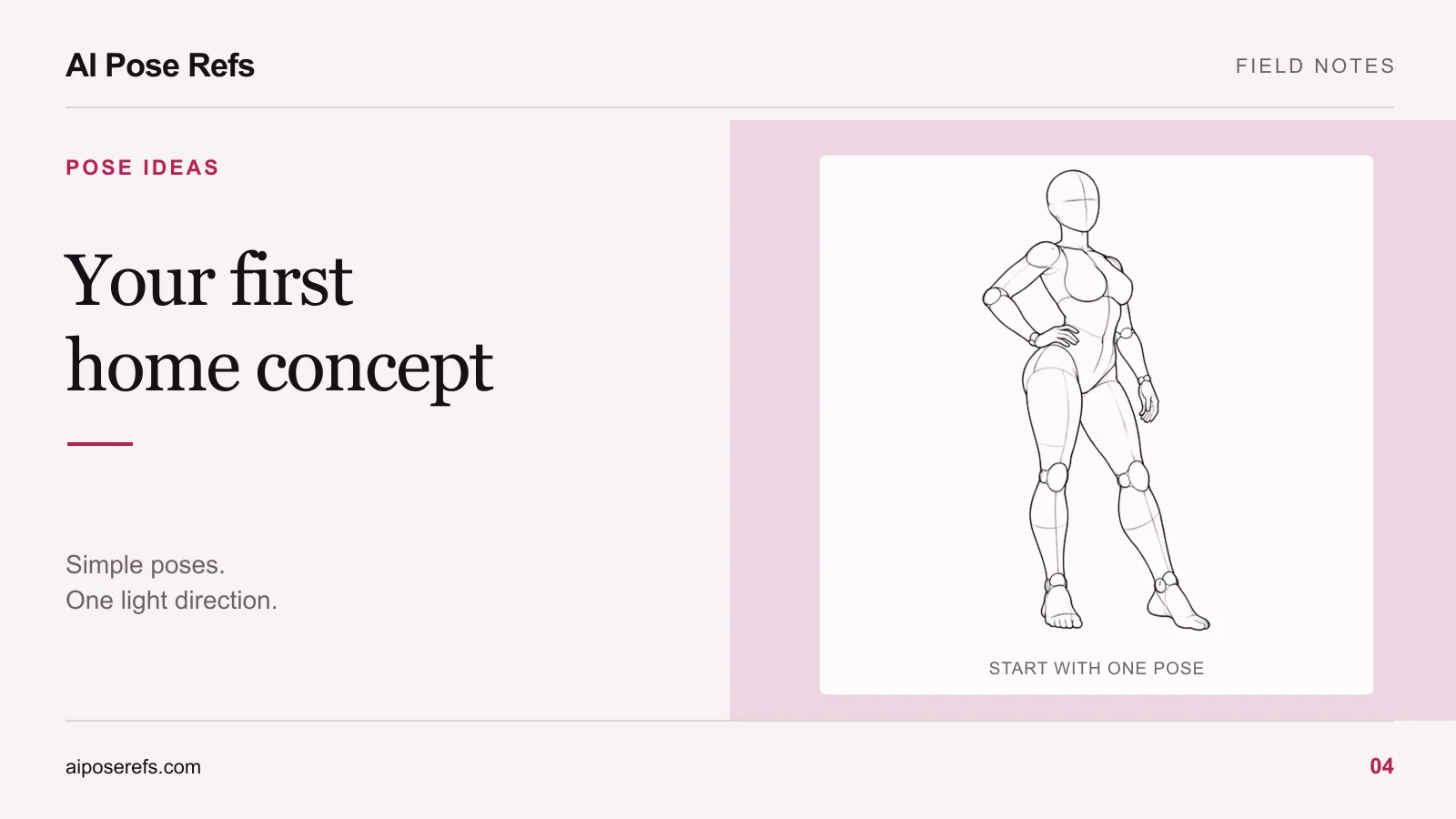
| Body-language variation | Add an asymmetric silhouette | Hand on hip, three-quarter view |
| Seated pause | Lower the subject within the frame | Floor seated, one knee raised, camera near seated shoulder height |
| Closer portrait | Emphasize expression and fabric | Upright torso, hands positioned clearly within the crop |
| Closing frame | Leave a quieter final impression | Simple standing pose with the head turned toward the light |
The hand-on-hip reference is useful for the second row. Compare its views before saving the chosen image. Our angle-selection guide explains why changing the viewpoint can alter the silhouette even when the pose stays the same.
Separate the shared brief from the pose note
Keep a short shared brief in your project notes. It might describe a fictional adult character with shoulder-length dark hair, an ivory opaque camisole, loose satin shorts, a pale wall, and diffuse window light. Include the intended aspect ratio and overall photographic finish.
Then give each shot a separate note. The second image might say “full body, weight shifted, one hand on hip, three-quarter camera.” The seated image needs different instructions about the knees, supporting hand, and camera height.
Combine both parts into a complete prompt before pasting it into your image tool. Do not assume that an earlier generation remembers the shared brief. An illustrative combined prompt might read:
Editorial fashion portrait of a fictional adult woman with shoulder-length dark hair, wearing an opaque ivory camisole and loose satin shorts. Pale room with diffuse daylight from a window to camera left. Follow the uploaded reference for the standing weight shift and hand-on-hip arrangement. Three-quarter view, full body within the frame, quiet expression, natural fabric folds.
The complete-prompt guide provides a reusable structure. Adapt the input method to your chosen tool and treat the first output as something to inspect, not proof that every shot will match.
Keep wardrobe and body geometry consistent
Review the outfit after every pose change. A sleeve, strap, or jacket edge may shift in a plausible way when an arm moves, but a garment should not silently become a different design. Check the character's proportions too, especially when changing between standing and seated positions.
Inspect the supporting hand and floor contact in seated images. If the body floats or the wrist points in an impossible direction, correct that before polishing the background. The hands and limbs guide offers a focused review process.
Choose the first reference in the gallery, write its purpose beside the link, and prepare just one complete shot. Once the wardrobe, light, and character direction work together, the remaining rows become much easier to judge.
Related posts
Find pose ideas, plan portrait series, and use references in your own AI image workflow.